Most chatbot tools promise “AI-powered conversations” but fall apart when you actually try to build something useful. You either need developers, expensive WhatsApp plans, or end up with robotic flows that don’t convert.
Landbot takes a different approach. It focuses on visual, no-code conversation design that marketing, sales, and support teams can actually ship without engineering help.
Short answer: Yes, Landbot is worth using if you’re a small to mid-sized business that wants conversion-focused chatbots for websites or WhatsApp without coding. No, it’s not ideal if you’re running large enterprise-scale support operations or want cheap WhatsApp automation.
Verdict Summary
Best for
Marketing teams focused on lead generation
SaaS and service businesses using website chatbots
WhatsApp-based sales and support flows
Teams without developers
Not for
Enterprises with complex support routing needs
Businesses looking for low-cost WhatsApp automation
Heavy Facebook Messenger marketing use cases
Overall Rating: ⭐⭐⭐⭐☆ (4.0 / 5)
What Is Landbot AI?
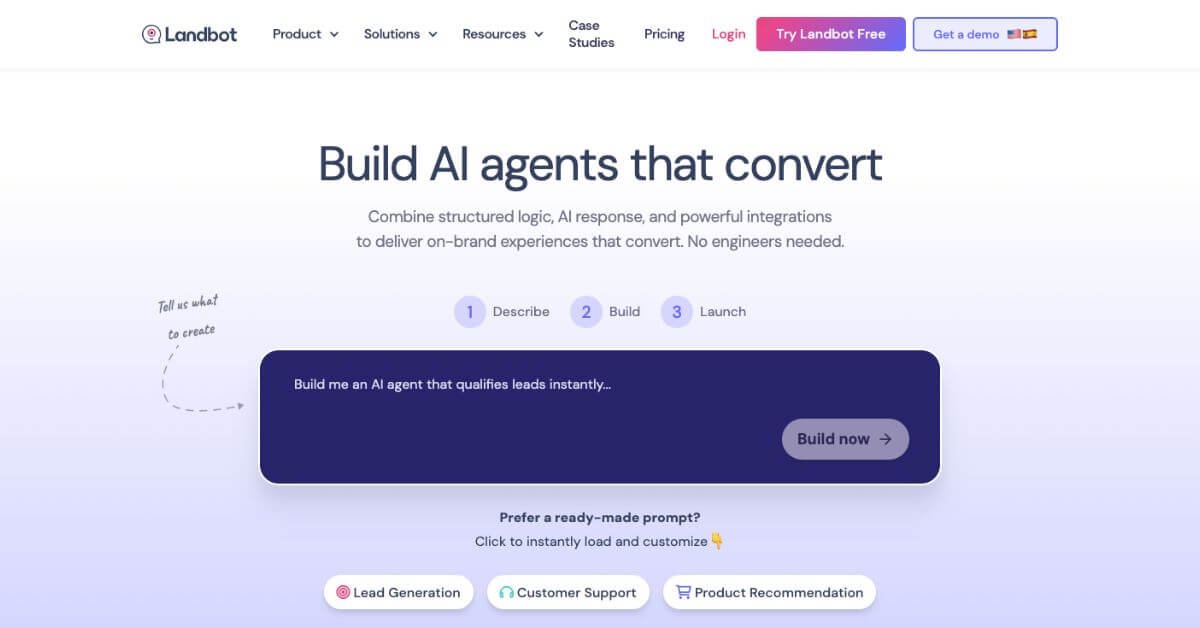
Landbot AI is a no-code conversational experience platform that lets you build chatbots using a visual drag-and-drop interface.
You can deploy bots on:
Websites
WhatsApp
Facebook Messenger
Custom channels via API
Instead of scripting logic or training models, you design conversations like flowcharts. This makes it especially popular with marketers and growth teams.
How Landbot Works
Landbot works on a block-based conversation system.
Choose a template (lead gen, FAQ, booking, survey)
Drag blocks to design the conversation
Add logic, conditions, and data capture
Connect it to WhatsApp or your website
Track results and optimize flows
No code is required for 90% of use cases. For advanced needs, JavaScript and APIs are available.
Decision tip: Choose Landbot if conversion and UX matter more than raw automation volume.
Frequently Asked Questions (FAQ)
Is Landbot free?
Yes. There’s a free plan with 100 chats per month.
Does Landbot require coding?
No. Most bots can be built visually without code.
Is Landbot good for WhatsApp bots?
Yes, but it’s expensive compared to alternatives.
Are old AI Assistants supported?
No. Landbot now uses AI Agents only.
Who should avoid Landbot?
Large enterprises and budget-sensitive WhatsApp users.
Final Recommendation
Landbot shines where many chatbot tools fail: building conversations that feel natural and convert.
If you’re running a website, SaaS product, or service business and want chatbots that actually guide users instead of annoying them, Landbot is a strong choice.
Before committing:
Test the free plan
Compare WhatsApp costs carefully
Benchmark against alternatives
Next steps
Visit the official Landbot website
Compare chatbot alternatives on Itirupati
List your AI tool on Itirupati to reach early adopters
Smart chatbots aren’t about AI hype. They’re about better conversations. Landbot mostly gets that right.