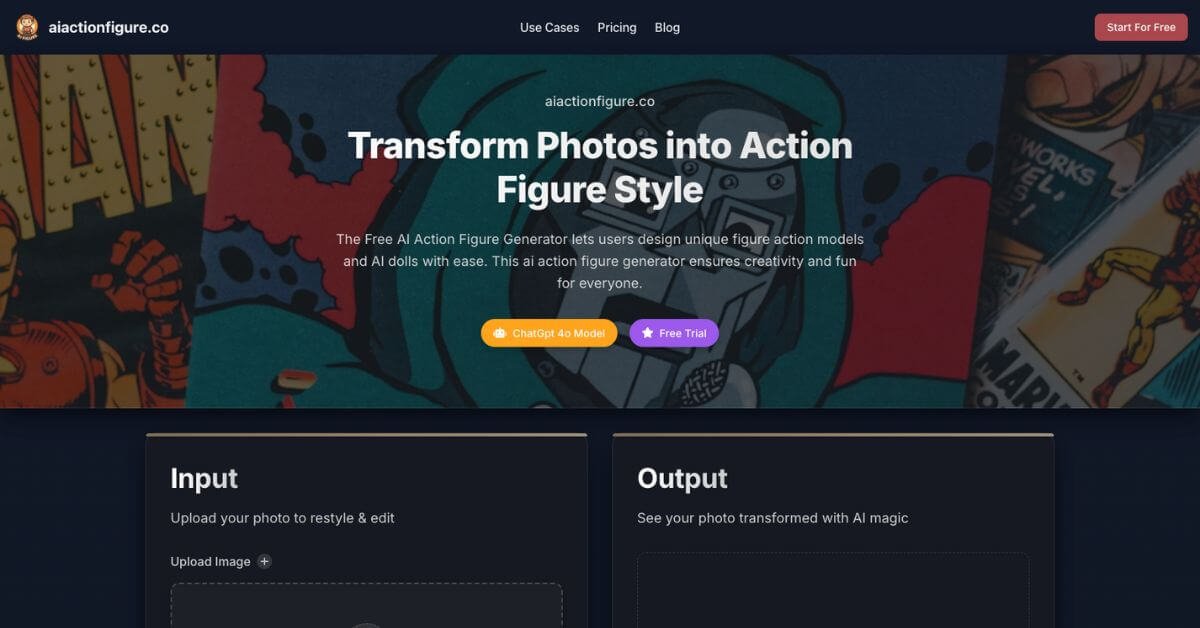
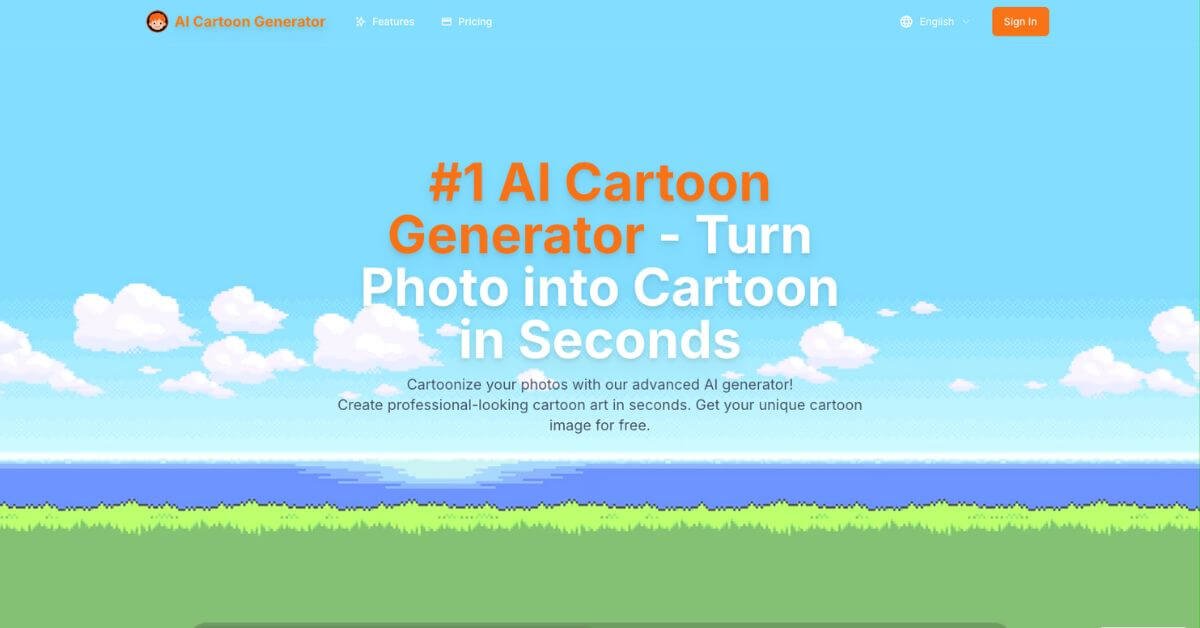
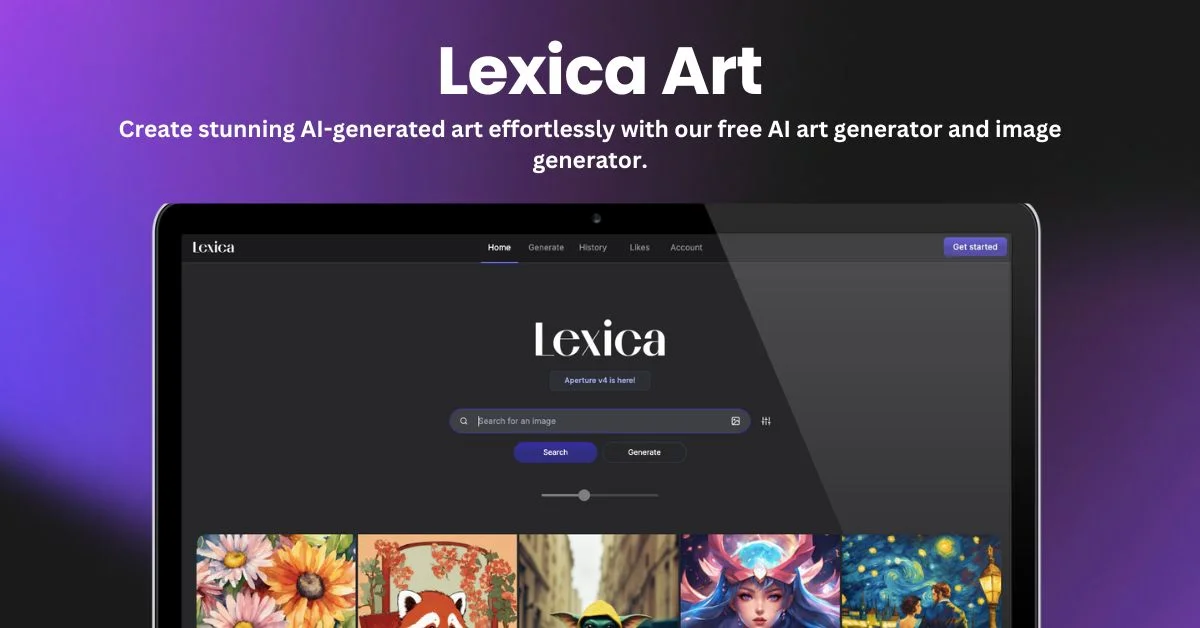
Fast Image AI Review: Instant AI Image Generation, Ghibli & Sketch Styles for Creators
Creating high quality visuals quickly is a recurring bottleneck for creators, marketers, and solo teams. Stock images feel generic, design tools take time, and most AI image tools add friction with complicated settings or unclear usage rights. Fast Image AI positions itself as a faster, simpler option that turns photos or text into stylized visuals in seconds, directly from the browser.
This review walks through how Fast Image AI works, where it fits best, and where it may fall short, based on hands-on evaluation and public product information.
Quick Summary
Fast Image AI is a browser-based AI image generator focused on fast style transfer and text-to-image creation, including popular formats like Ghibli-style art and sketch visuals.
Is it worth using? Yes, if speed, simplicity, and commercial-ready images matter more than deep artistic control.
Who should use it? Content creators, social media managers, marketers, educators, and users who want clean visuals without learning design tools.
Who should avoid it? Professional illustrators who need full control over composition, layers, or advanced editing workflows.
Verdict Summary
Best for
Social media visuals and profile images
Quick brand graphics and campaign creatives
Users who want Ghibli or sketch-style images without setup
Not for
Detailed illustration workflows
Users needing PSD-level or layer-based control
Rating Fast Image AI is not currently listed on G2 or Capterra. Based on feature depth, speed, and pricing clarity, this review assigns it a 4.3 / 5 for ease of use and output quality.
What is Fast Image AI?
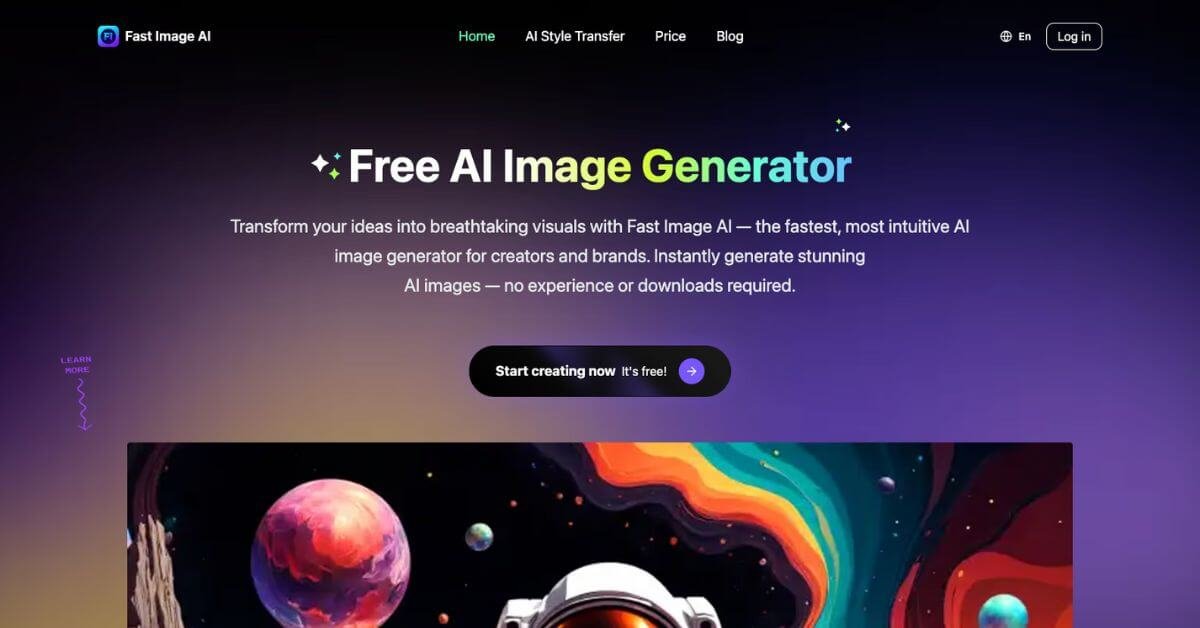
Fast Image AI is an AI-powered image generation and style transfer platform that converts text prompts or uploaded photos into polished visuals. It focuses on speed, minimal setup, and ready-to-use outputs for personal and commercial use.
The tool runs entirely in the browser, with no downloads required, and includes preset styles like Ghibli, sketch, anime, realistic, and custom modes. Outputs are generated in seconds and can be downloaded in high resolution.
How Fast Image AI Works
Upload a photo or enter a text description
Select a preset style or use a reference image
Click generate and wait a few seconds
Preview, download, and use the image
There are no advanced settings to configure, which keeps the workflow fast and accessible.
Key Features
Multiple artistic styles including Ghibli, sketch, anime, and realistic
Text-to-image and image-to-image generation
Browser-based workflow with no installation
Fast generation with priority queues on paid plans
Fast Image AI stands out for speed, simplicity, and beginner-friendly design.
Frequently Asked Questions (FAQ)
Can I use Fast Image AI for free?
Yes. The free plan includes daily credits that allow you to test the main features.
Are the generated images unique?
Yes. Each image is generated dynamically based on your input and style selection.
Can I use the images commercially?
Paid plans include commercial usage rights for generated images.
Do uploaded photos get stored?
Uploaded images are used only for generation and are not reused for other purposes.
Do I need to install any software?
No. Everything runs directly in the browser.
Final Recommendation
Fast Image AI is a solid choice for users who want fast, clean, and usable visuals without friction. It does not replace professional design tools, but it removes the time barrier for everyday creative needs.
If your work depends on frequent visuals and quick turnaround, it is worth testing the free plan before comparing paid options.