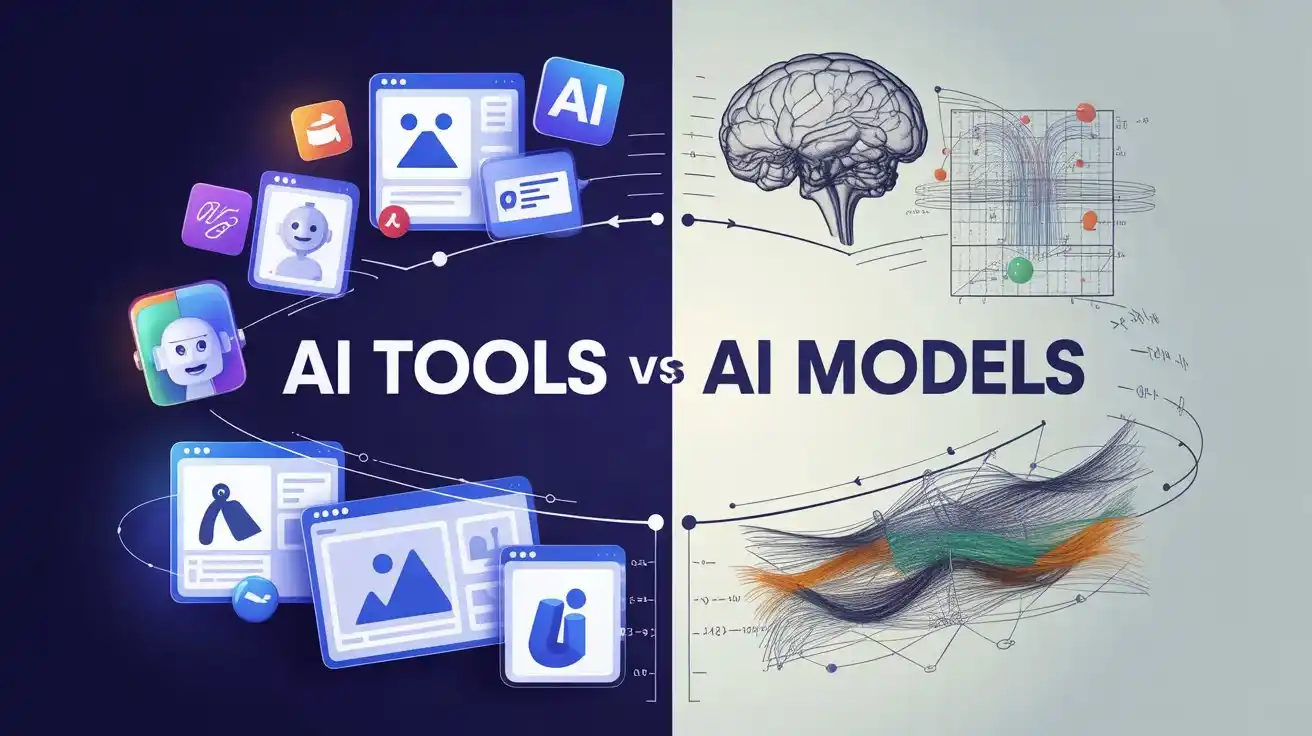
AI adoption stalls for one simple reason. People do not clearly understand what they are using. AI tools and AI models are often treated as interchangeable, which leads to poor tooling choices, bloated costs, and unrealistic expectations from teams. I see this pattern repeatedly while reviewing AI products, advising founders, and helping content and growth teams integrate AI into real workflows.
This article is written for professionals who want clarity without theory overload. Founders, marketers, developers, analysts, and learners building long-term AI skills will benefit most. You will walk away with a clean mental model, real-world examples, decision frameworks, and a practical way to combine AI tools and AI models without overengineering or overspending.
AI Tools and AI Models Are Fundamentally Different
What an AI model actually is
An AI model is the intelligence layer. It is trained on large datasets to recognize patterns and generate outputs based on inputs. Models do not have user interfaces, workflows, or built-in guardrails for business use.
Core characteristics of AI models
Accept raw input like text, images, audio, or numerical data
Produce probabilistic outputs
Require prompts, parameters, and error handling
Usually accessed via APIs or SDKs
Demand technical skills to deploy responsibly
In practice, an AI model behaves like an engine. Powerful, precise, and useless on its own for most non-technical users. When teams underestimate this, projects stall. I have seen strong models fail simply because no one designed how humans would actually use them.
What an AI tool actually is
An AI tool is a finished product built on top of one or more models. It combines intelligence with usability, workflows, and constraints.
Core characteristics of AI tools
Solve a specific task end to end
Hide prompt engineering and tuning
Include interfaces like dashboards or editors
Often bundle templates, presets, and automations
Prioritize speed and adoption over flexibility
From hands-on testing, tools consistently outperform raw models for everyday business use. Not because models are weak, but because tools remove friction.
Why mixing them up creates friction
When teams expect tools to behave like models, they complain about limits. When they expect models to behave like tools, they underestimate time, cost, and complexity. Clear separation prevents wasted effort and poor ROI.
How AI Tools Are Built on AI Models
The standard AI product stack
Most AI tools follow a layered structure. Understanding this makes tool evaluation far easier.
Layer
Purpose
What it adds
Model layer
Core intelligence
Text generation, vision, prediction
Logic layer
Control and safety
Prompts, rules, memory, filters
Interface layer
Usability
UI, workflows, exports
Data layer
Context
User files, integrations, history
When reviewing AI tools, I test each layer separately. Weak tools rely almost entirely on the model. Strong tools add value in logic and interface design.
One model powering many tools
A single model can sit underneath dozens of tools. This explains why many tools feel similar on the surface.
Where differentiation actually happens
Task-specific workflows
Opinionated defaults
Constraints that prevent misuse
Domain-specific tuning
Two tools using the same model can produce very different outcomes depending on these layers.
Why tools lag behind model updates
Models evolve quickly. Tools move slower because changes affect user trust, output consistency, and workflows. This gap explains why advanced users often experiment directly with models before tools catch up.
When AI Tools Are the Right Choice
Speed matters more than control
AI tools shine when the task is clear and the output is repeatable.
Common examples
Blog drafts and content outlines
Social media creatives
Video captions and thumbnails
Meeting summaries
Resume screening
In consulting projects, tools often deliver value within days. Custom model setups rarely do.
You want adoption across teams
Tools reduce friction for non-technical users. Shared templates, permissions, and onboarding are real advantages that models do not solve.
You do not want to manage AI behavior manually
Models require constant tuning. Tools absorb that cost.
Checklist: Choose an AI tool if
The task is well-defined
Non-technical users are involved
Speed matters more than customization
Collaboration is required
When AI Models Are the Better Option
AI is core to your product or platform
If AI directly affects what you sell, models give long-term leverage. Tools impose ceilings.
From startup audits, teams that depend only on tools struggle once usage scales or requirements shift.
You need custom logic or behavior
Models allow:
Domain-specific tuning
Custom retrieval from internal data
Multi-step reasoning chains
Integration with proprietary systems
Tools rarely support this depth.
Cost matters at scale
Seat-based pricing works early. Usage-based pricing scales better later.
Framework: Model-first decision test
Answer yes or no:
Is AI part of the product value
Do you have engineering resources
Do you need fine control over outputs
Will usage scale significantly
Mostly yes means models are the better foundation.
How Teams Combine AI Tools and AI Models
The hybrid approach that works
Most mature teams use both.
Typical pattern
Tools for daily execution
Models for core systems and automation
Internal guardrails built around models
Tools swapped easily as needs change
This approach balances speed and control.
Real-world workflow example
Content operations often look like this:
Research and drafts created using AI tools
Quality scoring and fact checks handled by internal model pipelines
Publishing managed through existing CMS
This setup avoids vendor lock-in while keeping productivity high.
Why hybrid setups scale better
Tools change frequently
Models improve rapidly
Dependencies stay flexible
Risk stays distributed
From experience, teams that lock everything into a single tool struggle long term.
Common Myths That Hold Teams Back
Myth: Tools are just models with a UI
Reality: Good tools embed workflows, defaults, and guardrails. That structure matters more than raw intelligence.
Myth: Direct model access always gives better results
Reality: Without expertise, outputs degrade. I have reviewed model-based systems that underperformed basic tools.
Myth: One choice fits all teams
Reality: Team skill, timeline, and goals determine the right approach.
Frequently Asked Questions (FAQ)
Is ChatGPT a tool or a model
ChatGPT is a tool. It wraps language models with an interface, memory, and safety layers. Using APIs brings you closer to the model layer.
Can AI tools change models without notice
Yes. Many tools switch models to improve cost or performance. This can change outputs even if your workflow stays the same.
Are AI models cheaper than AI tools
At low usage, tools are cheaper. At high usage, models usually cost less. The break-even point depends on volume.
Do beginners need to learn AI models
No. Tools are enough to start. Model knowledge becomes valuable when building systems or products.
Will AI tools replace AI models
No. Tools depend on models. As models improve, tools evolve.
Conclusion
AI tools and AI models serve different roles. Tools prioritize usability and speed. Models prioritize control and scalability. Problems arise when teams treat them as the same thing. From hands-on testing and advisory work, the strongest outcomes come from choosing intentionally and combining both where it makes sense. This approach works when teams are clear about goals and honest about capabilities. It fails when decisions are driven by hype or fear. Understand the difference once, and every AI decision becomes simpler.