AI Humaniser Review: Free AI Text Humanization Tool
Quick Summary
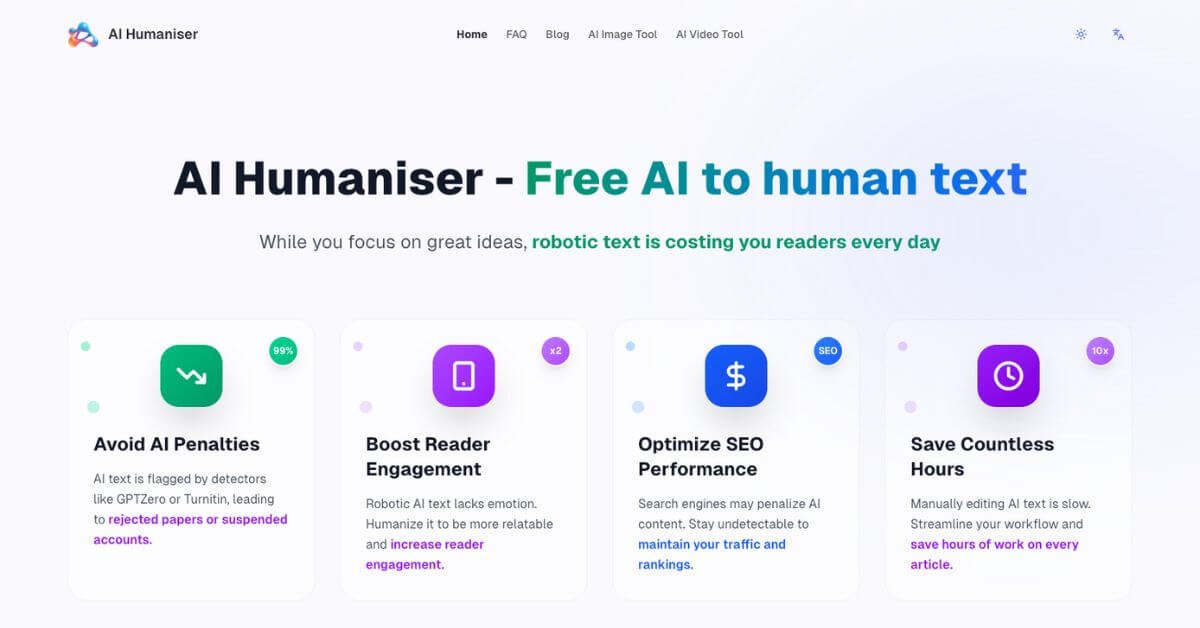
AI-generated content often reads stiff, predictable, and easy to flag by automated detection systems. That creates real problems for students, publishers, and marketers who rely on AI drafts but still need natural, readable output. AI Humaniser is a free, browser-based tool designed to rewrite AI-generated text into more natural, human-like language without sign-up or usage limits.
Is it worth using? If you already generate content with AI and need a fast cleanup layer before publishing or submitting, it can be useful. Who should use it? Students, writers, SEO practitioners, and solo creators working with AI drafts. Who should avoid it? Teams needing guaranteed compliance, enterprise governance, or deep editorial control.
AI Humaniser is not a magic shield against detection systems, but it can meaningfully improve readability, tone, and flow when used responsibly.
AI Humaniser Review
AI-generated drafts save time, but the last 10–20 percent of polish is where most people struggle. Manual rewriting is slow, and many editing tools either over-edit or flatten the voice entirely. AI Humaniser positions itself as a lightweight post-processing tool: paste AI-written text, select an intensity level, and receive a revised version that reads more naturally.
In hands-on testing, the tool focuses on sentence rhythm, variation, and connective phrasing rather than changing meaning or structure dramatically. It does not require accounts, stores no visible history, and keeps the interface deliberately minimal. This makes it attractive for quick, disposable edits rather than long-form editorial workflows.
Below is a detailed, practical review written for content creators, students, and marketers deciding whether this tool fits their stack.
Verdict Summary
Best for
Individuals refining AI-written drafts for readability
Students improving tone before submission
Bloggers and SEO writers doing fast pre-publish cleanup
Users who want a free, no-login solution
Not for
Enterprise teams with compliance requirements
Editors needing granular control over phrasing
Users seeking guaranteed AI-detection avoidance
Workflows requiring document history or collaboration
Pricing
Free
No paid plans
No account required
Final rating
What Is AI Humaniser?
AI Humaniser is a web-based text rewriting tool designed to refine AI-generated content so it reads more like human-written language. The primary problem it addresses is not content creation, but post-processing: removing mechanical tone, repetitive phrasing, and unnatural transitions that often appear in AI drafts.
Unlike full-featured writing assistants, AI Humaniser focuses on a single task. You paste text, select a rewrite intensity, and receive a revised version that aims to preserve meaning while improving flow. There are no templates, document management features, or workflow tools layered on top.
What differentiates it from generic paraphrasers is intent. Instead of aggressively rewording for uniqueness, it prioritizes sentence variety, connective language, and readability. This makes it better suited for refining drafts rather than spinning content from scratch.
For users concerned about automated detection systems, the tool claims improved outcomes. Practically, it should be treated as a readability enhancer, not a compliance guarantee.
How AI Humaniser Works
The workflow is intentionally simple and linear:
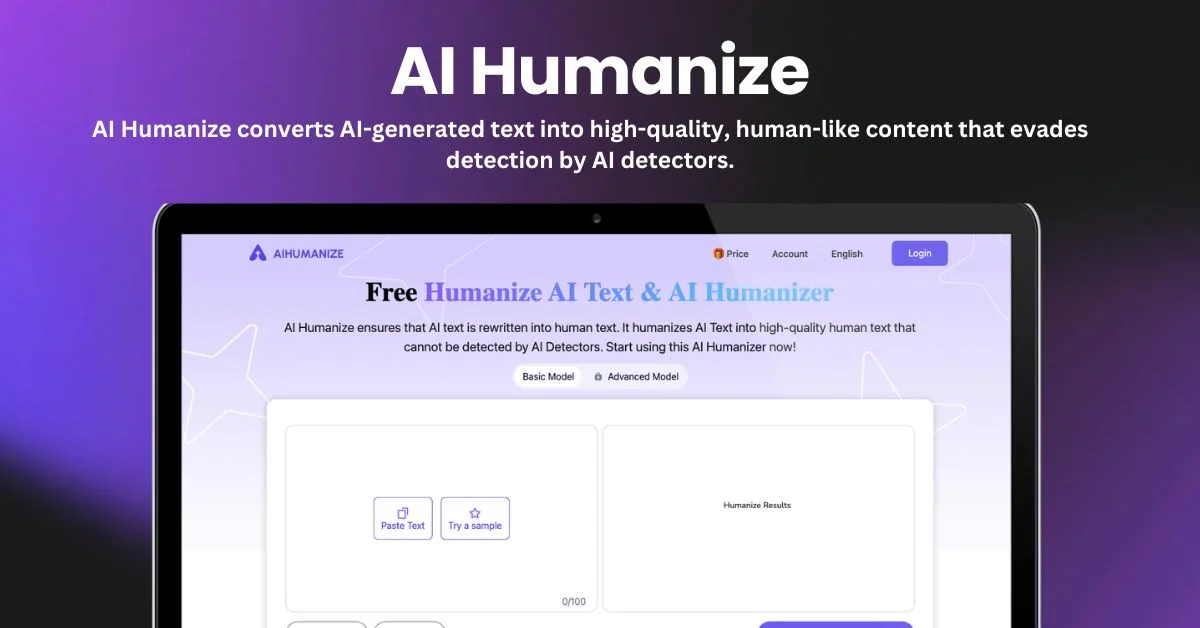
Paste AI-generated text into the input field
Select a rewrite intensity: Light, Standard, or Heavy
Click “Humanize” to generate revised text
Review and copy the output
Each intensity level changes how aggressively the tool rewrites:
Light adjusts phrasing and flow without altering structure
Standard balances clarity, tone, and sentence variation
Heavy rewrites more extensively, changing rhythm and phrasing
Processing is near-instant, and there is no visible text history stored in the interface. Based on observed behavior, the tool focuses on surface-level linguistic adjustments rather than factual or structural rewriting.
Key Features
One-click text refinement
Improves tone and sentence flow without requiring manual editing.
Three rewrite intensities
Lets users control how conservative or aggressive the rewrite should be.
No registration required
Useful for quick, one-off edits without account friction.
Unlimited free usage
No visible caps on word count or frequency during testing.
Minimal interface
Keeps focus on text rather than settings or dashboards.
Meaning preservation
Rewrites generally retain the original intent and structure.
Privacy-forward design
No visible content history or user tracking during use.
Real-World Use Cases
For students
Improve tone and readability of AI-assisted drafts before submission, reducing overly mechanical phrasing.
For bloggers and writers
Polish AI-generated sections to better match a natural editorial voice.
For SEO marketers
Refine AI content to improve readability metrics like dwell time and engagement.
For freelancers
Quickly clean up drafts before client delivery without spending time on manual edits.
For beginners
Use AI tools without needing advanced editing skills to improve output quality.
These use cases work best when AI Humaniser is treated as a final-pass editor, not a primary writer.