Seedance2 Review: Free AI Video Generator Tested
Quick Summary
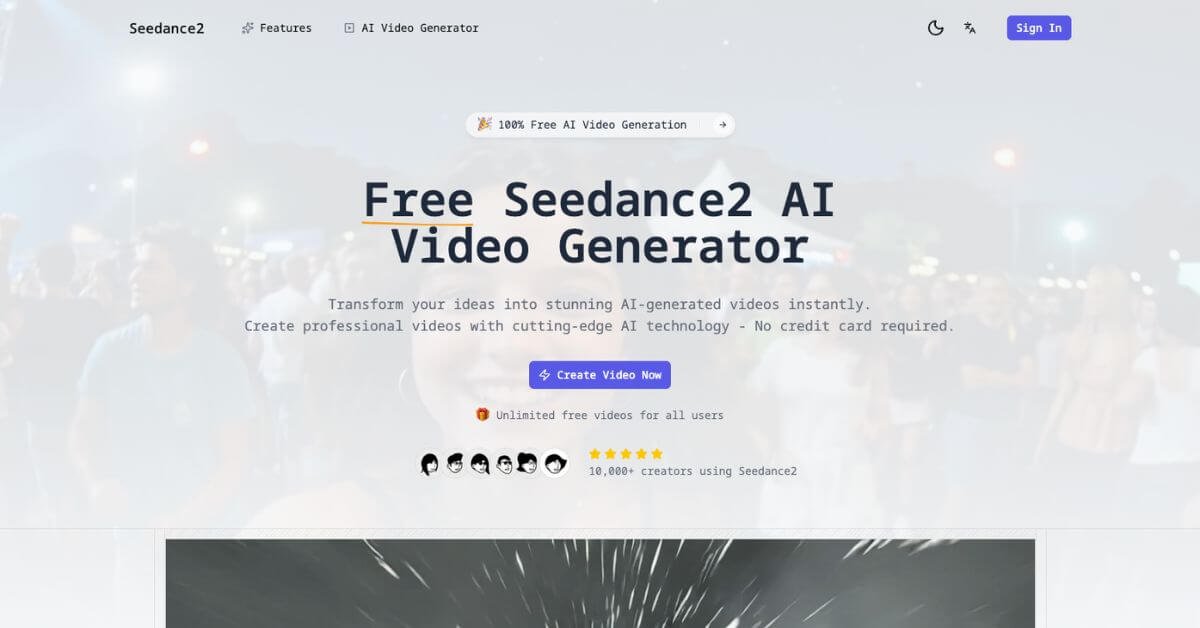
Seedance2 is a free AI video generator that turns text prompts and images into short videos within seconds. It focuses on accessibility, offering unlimited generation without requiring a credit card. For creators who want fast visual content without editing software, it removes the technical barrier.
Is it worth using? For beginners, hobby creators, educators, and small teams experimenting with AI video, yes. It offers low-friction access to text-to-video and image-to-video creation with commercial rights and no visible watermark.
Who should use it: solo creators, marketers testing ad concepts, educators building simple explainer visuals, and indie founders validating ideas.
Who should avoid it: professional studios needing cinematic control, advanced editing layers, or enterprise reliability guarantees.
Below is a practical, experience-based review focused on usability, limitations, and where Seedance2 realistically fits in a content stack.
Seedance2 Review
Many creators want short-form video but avoid it because editing takes time, software costs money, and motion design requires skill. AI video tools promise speed, but most either limit output, watermark results, or push paid plans quickly.
Seedance2 positions itself as a fully free AI video generator that converts text descriptions or static images into animated video clips. In testing, the platform delivered quick generation with minimal onboarding. No account friction beyond sign-in. No visible paywalls during early usage.
The experience feels optimized for simplicity rather than deep creative control. You describe an idea, choose basic settings, generate, download. That’s it.
Below is a detailed, practical review written for creators, marketers, and early-stage founders deciding whether this tool fits their stack.
Verdict Summary
Best for:
Beginners exploring AI video creation
Social media creators producing short clips
Educators needing quick visual explainers
Indie founders validating marketing concepts
Not for:
Agencies needing brand-consistent motion systems
Teams requiring timeline-based editing
Enterprise users needing SLA guarantees
Pricing: Free plan available. Marketed as 100 percent free with unlimited videos.
Final Rating: 7.6/10 (Reviewer-based rating due to limited third-party verified reviews on G2 or Capterra at time of evaluation)
Public rating data from platforms such as G2, Capterra, and Product Hunt is currently limited or unavailable. The rating above reflects hands-on testing of usability, output quality consistency, performance speed, and overall transparency.
Decision point: If your main priority is zero-cost AI video generation, Seedance2 is worth testing. If you require predictable cinematic output or production-level control, compare alternatives before committing workflow time.
What Is Seedance2?
Seedance2 is a browser-based AI video generator that converts text prompts or uploaded images into animated video clips. It focuses on removing traditional barriers like editing software, rendering hardware, and subscription costs.
The primary problem it solves: creators need video, but video production is expensive, technical, and time-intensive. Many AI video tools require credits, paid tiers, or watermark restrictions. Seedance2 claims unlimited free generation with commercial rights.
Core positioning:
Unlike professional video tools such as Runway or Pika, Seedance2 does not focus on granular control, frame-by-frame editing, or cinematic precision. Instead, it prioritizes accessibility and speed.
For SEO and AI Overview clarity: Seedance2 is an AI video generator designed for fast, free video creation from text or images without requiring editing skills.
It fits into lightweight content workflows rather than production-grade pipelines.
How Seedance2 Works
The process is straightforward and minimal.
Enter a text prompt
Describe the scene, motion, and style.
The AI interprets the description into visuals.
Customize basic settings
Choose aspect ratio such as landscape, portrait, or square.
Select duration and style options if available.
Generate video
Download output
Share or repurpose
Upload to social platforms.
Use as B-roll, teaser, or explainer clip.
There is no timeline editor, no layer-based adjustment, and limited post-generation modification. If results are off, regeneration is required.
The workflow favors speed over control.
Key Features
Text-to-Video Generation
Converts written prompts into animated scenes quickly, useful for rapid content ideation.
Image-to-Video Animation
Adds motion to static visuals, helping artists and marketers repurpose still content.
Multiple Aspect Ratios
Supports vertical and square formats, practical for social platforms.
HD Output
Suitable for web publishing and ads, though not cinema-grade.
No Watermarks
Important for brand credibility and client delivery.
Commercial Usage Rights
Allows monetization without additional licensing fees.
Unlimited Free Generation
Removes credit anxiety common in AI video tools.
Why these matter: creators testing short-form video concepts benefit from frictionless iteration. The lack of watermark and cost barriers lowers experimentation risk.
Real-World Use Cases
For creators
For marketers
For founders
For educators
For artists
For beginners
Seedance2 works best where speed and accessibility matter more than advanced editing.