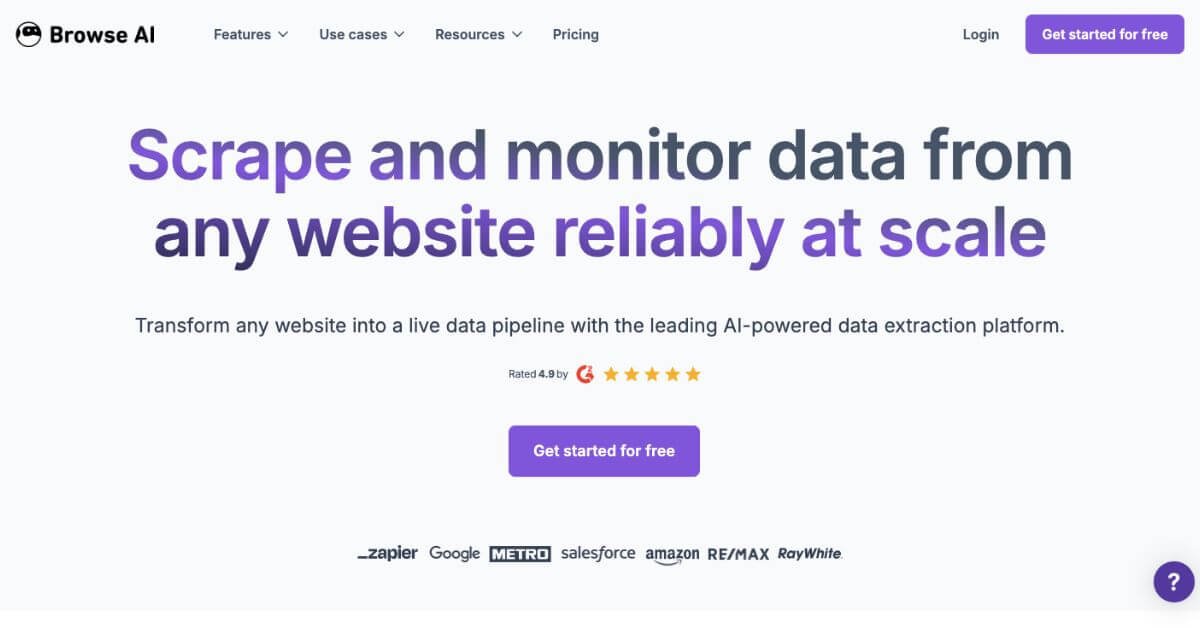
Browse AI Review: No-Code Web Scraping, Monitoring & Data Pipelines
Teams that depend on web data often face the same friction points: websites change layouts without notice, manual scraping breaks, developers become bottlenecks, and critical data like prices, listings, or reviews goes stale. Traditional scraping tools either require coding skills, constant maintenance, or fail when pages rely on dynamic content, logins, or basic bot protection. As data needs scale across teams, reliability and repeatability become harder to maintain.
Browse AI addresses this gap by shifting web scraping from fragile scripts to a no-code, adaptive system. Instead of writing and fixing scrapers, users visually select data once and let AI-powered robots handle extraction, monitoring, retries, and updates automatically. Data stays current through scheduled runs and alerts, and flows directly into spreadsheets, APIs, or automation tools—reducing manual effort while keeping accuracy intact.
Quick Summary
Browse AI is a no-code AI web scraping and monitoring platform that turns websites into structured datasets, spreadsheets, or APIs. It’s designed for teams that need reliable data extraction at scale without engineering effort.
Is it worth using? Yes—if you need dependable scraping, monitoring, and integrations without building scrapers from scratch.
Who should use it? Growth teams, analysts, e-commerce operators, recruiters, and agencies that rely on fresh web data.
Who should avoid it? Developers who prefer writing custom scrapers and controlling infrastructure end-to-end.
Verdict Summary
Best for
No-code web scraping across dynamic and protected sites
Website change monitoring with scheduled runs
Sending structured data to Sheets, Airtable, APIs, and automations
Not for
Hand-coded scraping stacks with custom parsers
One-off, tiny scraping jobs where setup time outweighs value
Rating: ⭐⭐⭐⭐☆ 4.7/5 (based on reliability, scale options, and integrations)
What Is Browse AI?
Browse AI is an AI-powered web scraper and monitoring platform that lets users extract, track, and sync data from almost any website using a point-and-click workflow. It handles dynamic content, pagination, captchas, and site changes, then routes data into spreadsheets, APIs, or automation tools. The product is used by hundreds of thousands of users and supports everything from simple price checks to enterprise-grade data pipelines.
How Browse AI Works
Select elements visually on a webpage (no code).
Train a robot to repeat the extraction across pages or sites.
Schedule runs (hourly, daily, weekly) or trigger via workflows.
Export or sync data to Sheets, Airtable, APIs, or 7,000+ apps.
Auto-adapt when layouts change so jobs keep running.
Key Features
Point-and-click web scraping (no coding)
Deep scraping for lists and subpages
Website change monitoring and alerts
Handles dynamic pages, pagination, and logins
Captcha handling and residential proxies
Exports to CSV/JSON, Sheets, Airtable
REST API, Webhooks, Zapier, Make integrations
200+ prebuilt robots for fast starts
Enterprise security (SOC 2 Type II, GDPR)
Real-World Use Cases
E-commerce: Track prices, inventory, and promotions across retailers
Market research: Collect listings, reviews, and trends at scale
Sales & recruiting: Build lead lists from directories and sites
Publishing & SEO: Monitor content changes and SERP pages
Operations: Keep internal dashboards updated from public sites
Premium: From $500/month (annual), managed services and custom limits
Credits are used per extraction run; higher tiers reduce per-credit cost.
Best Alternatives & Comparisons
Octoparse: Visual scraping with desktop focus; fewer integrations
Apify: Powerful for developers; more setup required
Bright Data: Enterprise-grade; higher cost and complexity
Import.io: Managed extraction; less flexible for self-serve teams
When Browse AI wins: no-code speed, monitoring, and integrations. When alternatives win: fully custom pipelines or developer-first stacks.
Frequently Asked Questions (FAQ)
Does Browse AI need coding skills?
No. Most tasks use visual selection and prebuilt robots.
Can it scrape JavaScript-heavy sites?
Yes. It supports dynamic content, pagination, and form actions.
How reliable is monitoring when pages change?
Robots adapt to layout changes to keep data flowing.
Where can I send the data?
Sheets, Airtable, APIs, Webhooks, Zapier, Make, and more.
Is it suitable for enterprise use?
Yes, with Premium plans offering managed onboarding and security controls.
Final Recommendation
Browse AI fits teams that depend on fresh, structured web data without building scrapers. If monitoring accuracy, scale, and integrations matter more than custom code control, it’s a practical choice.