Workplace burnout isn’t sudden. It builds quietly through long hours, poor sleep, and unmanaged stress—often noticed only when performance and health already drop. Most wellness tools react late or rely on surface-level tracking.
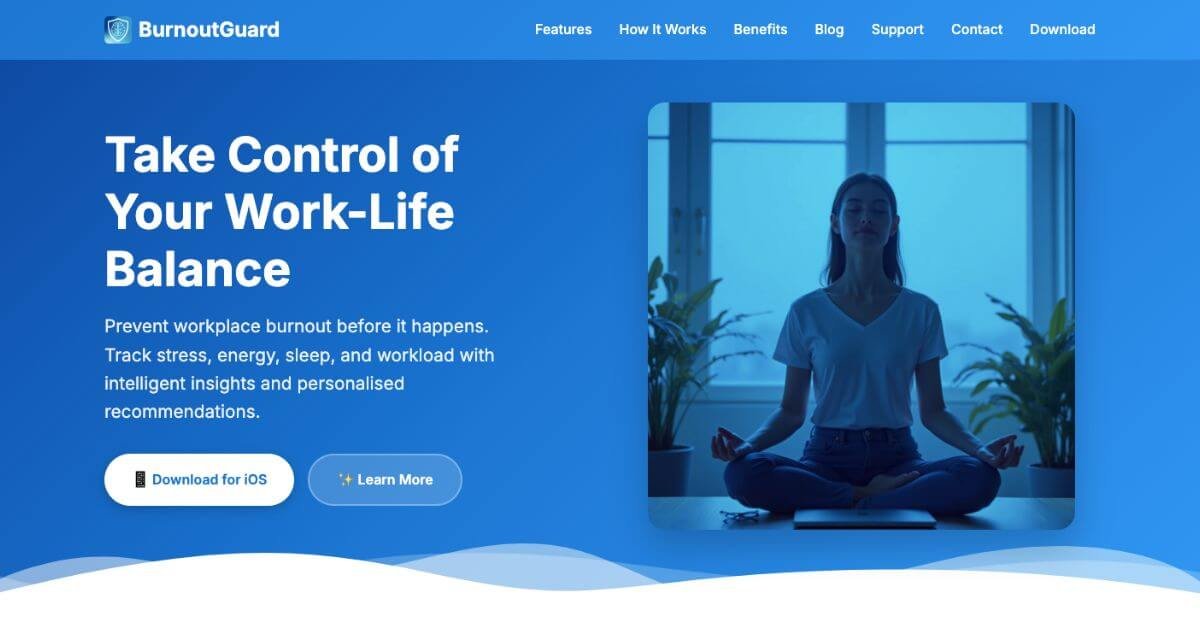
This is where BurnoutGuard fits. It focuses on early signals, pattern tracking, and practical insights that help individuals and teams notice risk sooner and adjust daily habits before burnout escalates.
Quick Summary
BurnoutGuard is an AI-powered iOS wellness app designed to help professionals prevent workplace burnout by tracking stress, energy, sleep, workload, and calendar patterns. It combines daily self-logging with predictive analytics and privacy-first insights.
Is it worth using? Yes—if stress, fatigue, or workload imbalance is affecting consistency, focus, or recovery.
Who should use it? Professionals, managers, and organizations that want early burnout signals instead of reactive wellness checks.
Who should avoid it? Users who want a generic habit tracker or those outside the Apple ecosystem.
Verdict Summary
Best for
Knowledge workers managing heavy meeting loads
Professionals tracking stress, sleep, and energy trends
People looking for clinical mental health treatment tools
Overall Rating: ⭐⭐⭐⭐☆ (4.3/5) Strong analytics depth, thoughtful privacy controls, and clear insights. Platform availability is the main limitation.
What Is BurnoutGuard?
BurnoutGuard is a burnout prevention and wellness analytics app built for modern work patterns. Instead of focusing only on mood or habits, it tracks how work structure, sleep quality, energy levels, and calendar density interact over time.
The app produces a burnout risk score, trend visuals, and weekly forecasts. Premium features expand this with correlation analysis, team-level insights, and exportable wellness reports suitable for healthcare discussions or internal reviews.
This positioning makes BurnoutGuard more analytical than typical wellbeing apps and more personal than HR survey tools.
How BurnoutGuard Works
Users log quick daily check-ins for stress, mood, energy, and workload
Sleep data syncs automatically via Apple Health (Premium)
Calendar integration reviews meeting volume and work patterns
The system calculates a burnout risk score (0–100)
Trends, forecasts, and insights surface patterns that raise risk
Personalized suggestions guide recovery and workload adjustments
Key Features
Smart burnout risk scoring (daily and trend-based)
Tability – Work planning tool, not wellness-focused
BurnoutGuard stands out for combining work data, sleep, and personal inputs in one system.
Frequently Asked Questions (FAQ)
Is BurnoutGuard a medical or therapy app?
No. It focuses on prevention, awareness, and behavioral insight rather than diagnosis or treatment.
Does BurnoutGuard share data with employers?
No. Team analytics are anonymous and opt-in, with minimum group sizes to protect identity.
Can BurnoutGuard replace HR burnout surveys?
It complements them by offering continuous signals instead of periodic snapshots.
Is the app usable without Premium?
Yes. Core tracking and scoring are available, though advanced insights require Premium.
Which devices are supported?
BurnoutGuard currently supports iPhone and iPad running iOS 17 or later.
Final Recommendation
BurnoutGuard works best for professionals who want clarity on why burnout risk rises—not just a reminder that it exists. Its mix of analytics, forecasting, and privacy-first design makes it practical for both individuals and managers.