GTA AI Review: AI-Powered GTA Style Image Generator for Photos
Fans, creators, and meme pages often want GTA-style visuals without spending hours in design tools or learning illustration. Generic AI image generators can mimic art styles, but the results usually feel off—wrong colors, weak character outlines, or missing that unmistakable GTA look.
The practical flow most users want is simple: upload a photo → apply authentic GTA aesthetics → download a clean, share-ready image. That’s exactly the gap GTA AI positions itself to fill.
Quick Summary
GTA AI is an AI image generator focused entirely on converting photos into authentic Grand Theft Auto–style artwork.
It’s worth using if you want fast, recognizable GTA visuals without design skills.
Best suited for gamers, content creators, and social media pages chasing shareable visuals.
Not ideal if you need broad AI art creation, text-to-image workflows, or deep creative controls.
Verdict Summary
Best for
GTA-style portraits from real photos
Social media content and memes
Quick fan art without manual editing
Not for
General-purpose AI art generation
Commercial design without licensing
Video or animation workflows
Rating: ⭐⭐⭐⭐☆ (4.3/5 based on style accuracy, ease of use, and niche focus)
What is GTA AI?
GTA AI is a style-specific AI image conversion tool that transforms uploaded photos into artwork inspired by the Grand Theft Auto visual universe. Instead of generating images from text prompts, it works directly on existing photos, applying bold outlines, cinematic lighting, and neon-heavy color grading associated with classic GTA aesthetics.
Its narrow focus helps it deliver results that feel instantly recognizable, especially compared to broader AI art platforms that spread their models across multiple styles.
How GTA AI Works
Upload a photo (JPG, PNG, or WebP)
The AI analyzes facial structure, objects, and lighting
A GTA-inspired art style is applied
Download the processed image in standard or high resolution
No prompt writing or manual tuning is required.
Key Features
Photo-to-GTA style conversion
Multiple GTA-inspired visual presets
High-resolution downloads on paid plans
Simple upload-and-convert workflow
Web-based access with no installation
Gallery for style inspiration
Real-World Use Cases
Content creators: Eye-catching Instagram and X visuals
Gamers: Custom avatars and profile images
Meme pages: GTA-style edits for viral posts
Fan communities: Stylized portraits and scene recreations
Casual users: Fun transformations without design tools
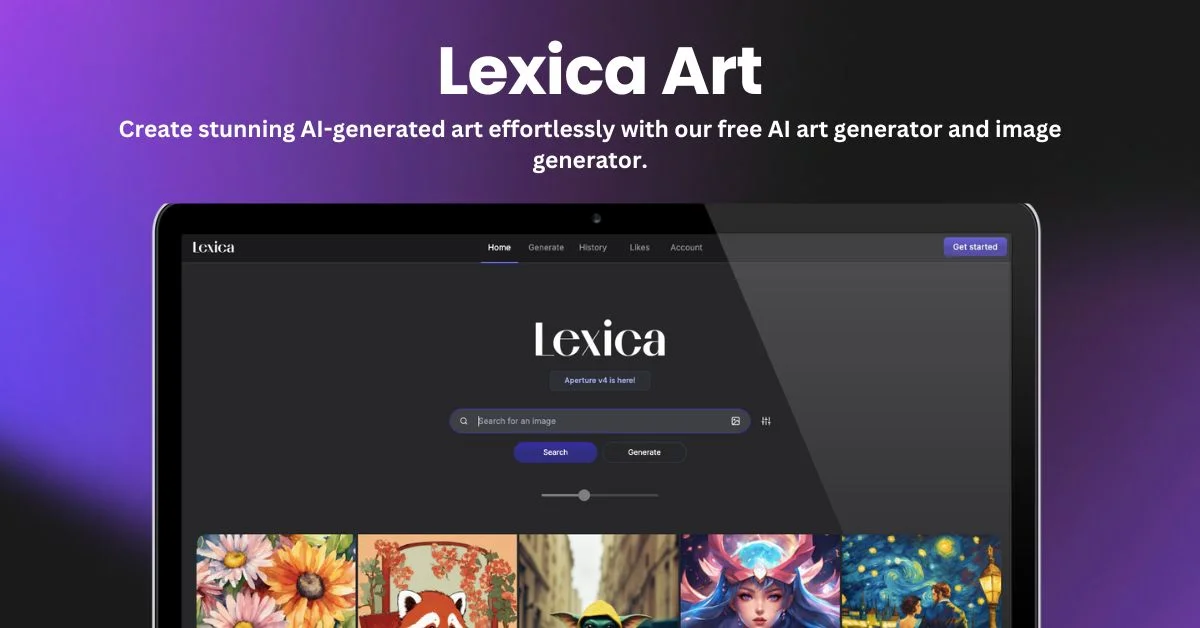
NightCafe: Broader art options, weaker GTA resemblance
GTA AI wins when style accuracy matters more than flexibility.
Frequently Asked Questions (FAQ)
Is GTA AI free to use?
Yes. A free plan is available with limited credits and watermarked downloads.
Can I use GTA AI images commercially?
Only paid plans with commercial licensing allow business use.
Does GTA AI generate images from text prompts?
No. It focuses on photo-to-style conversion.
How long does image generation take?
Most images process within seconds to a minute.
Is GTA AI affiliated with Rockstar Games?
No. It’s a fan-made tool and not officially connected.
Final Recommendation
GTA AI is a focused, style-first AI image tool that delivers exactly what GTA fans expect—fast, recognizable visuals with minimal effort. It’s not meant to replace full AI art platforms, but for GTA-style conversions, it does the job cleanly.