MeetGeek AI Review: Automated Meeting Notes, Summaries, and Insights
Quick Summary
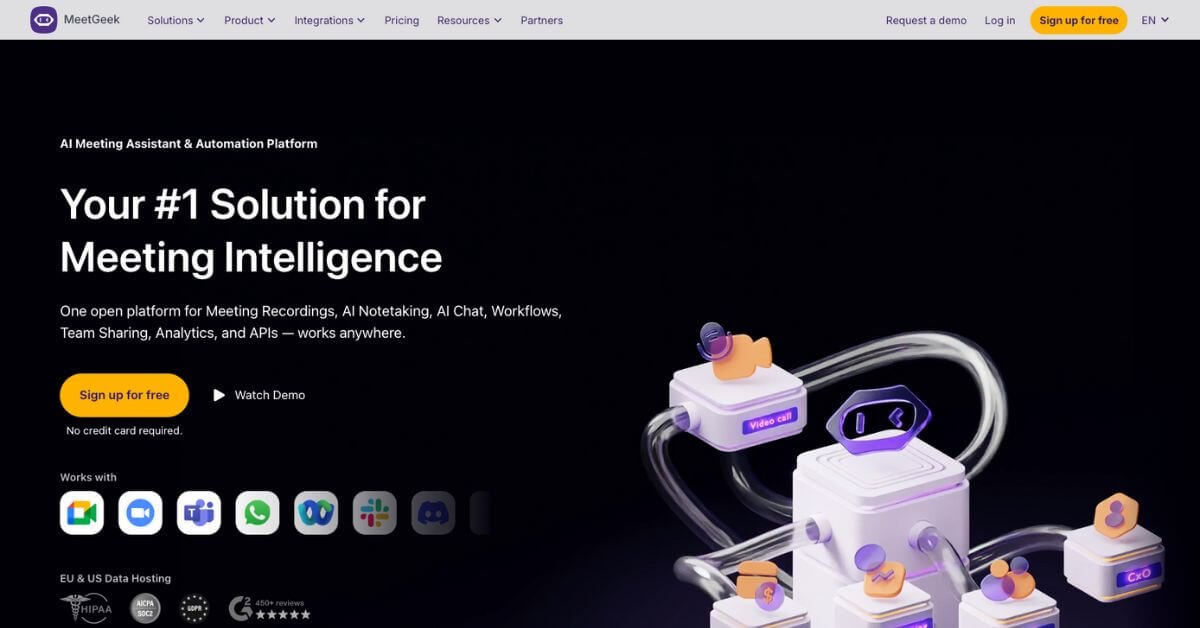
Meetings generate decisions, commitments, and context, but most teams still rely on partial notes or memory. MeetGeek addresses this gap by automatically recording, transcribing, summarizing, and organizing meetings across popular platforms like Zoom, Google Meet, and Microsoft Teams.
For teams that spend significant time in meetings and need reliable records, MeetGeek is worth using. It reduces manual note-taking, improves follow-ups, and creates a searchable knowledge base from conversations. Consultants, sales teams, recruiters, and managers benefit most, especially when meeting outcomes need to be shared or audited later.
However, MeetGeek may not suit users who attend very few meetings, have strict policies against recording, or only need lightweight transcription without analytics. It is a capable tool, but its real value appears when meetings are frequent and insights need to flow into workflows, CRMs, or team documentation.
MeetGeek Review
MeetGeek is designed for teams that feel meetings consume time but fail to leave behind usable outcomes. In many organizations, conversations happen repeatedly because decisions or context were never captured clearly the first time. MeetGeek fits into this reality by acting as a background assistant that records meetings, generates structured summaries, and makes those insights accessible later.
In practical use, MeetGeek is not just a transcript tool. It combines recording, summaries, and analytics into one workflow. A meeting ends, and within minutes, participants receive a clear recap highlighting decisions, action items, and key points. Over time, these summaries accumulate into a searchable library that teams can review without rewatching recordings.
Below is a detailed, practical review written for teams and professionals deciding whether this tool fits their stack.
Verdict Summary
Best for
Sales, consulting, and customer success teams that need accurate call records
Managers and recruiters running frequent interviews or internal meetings
Teams that want meeting insights synced with tools like HubSpot, Notion, or Slack
Not for
Individuals with occasional meetings only
Organizations with strict no-recording policies
Users seeking a basic, low-cost transcription tool without analytics
Pricing
Final rating
MeetGeek earns strong ratings due to accuracy, integrations, and consistent summaries. The score reflects broad user satisfaction rather than a single reviewer opinion.
What Is MeetGeek?
MeetGeek is an AI meeting assistant that automatically records, transcribes, summarizes, and analyzes meetings. Its core purpose is to turn conversations into structured, searchable information without requiring manual effort during or after meetings.
The problem it solves is straightforward. Teams often lose critical details from meetings, resulting in repeated discussions, missed follow-ups, or unclear accountability. MeetGeek captures these conversations and extracts what matters most, such as decisions, action items, objections, or requirements.
Unlike generic transcription tools, MeetGeek goes beyond text conversion. It applies context-aware summaries based on meeting type, whether it is a sales call, interview, or internal sync. It also integrates with CRMs and productivity tools so insights do not stay isolated.
For teams that treat meetings as operational inputs rather than one-off conversations, MeetGeek acts as a central layer connecting discussion, documentation, and action.
How MeetGeek Works
MeetGeek follows a simple workflow designed to stay out of the way during meetings.
Connect your calendar or meeting platform
MeetGeek automatically joins scheduled meetings or records manually when needed
The meeting audio and video are recorded securely
AI generates a transcript with speaker attribution
Context-aware summaries highlight key points and action items
Notes and insights are stored in a searchable workspace
Optional integrations push summaries to CRMs or collaboration tools
The process requires minimal setup. Most users only configure calendar access and integrations once, then let the system handle ongoing capture and organization.
Key Features
Automatic meeting recording
Meetings are captured without manual start or stop, reducing missed recordings.
AI-generated summaries
Summaries focus on decisions, action items, and key topics rather than raw transcripts.
Multi-language transcription
Supports over 60 languages, useful for distributed or global teams.
Conversation analytics
Provides insights such as talk-time distribution and engagement patterns.
CRM and workflow integrations
Syncs meeting insights with tools like HubSpot, Salesforce, Slack, and Notion.
Searchable meeting library
Users can search past meetings by keyword, speaker, or topic.
Offline and mobile recording
In-person conversations can be recorded via mobile apps and added to the same workspace.
Each feature contributes to reducing the friction between discussion and follow-up.
Real-World Use Cases
For consultants
Capture client requirements accurately and share summaries without rewriting notes.
For sales teams
Log objections, next steps, and deal context directly into CRM records.
For recruiters
Focus on candidates during interviews while meeting notes are generated automatically.
For managers
Review team meetings asynchronously and identify communication patterns.
For customer success teams
Share meeting summaries with clients and internal stakeholders consistently.
For distributed teams
Maintain a shared knowledge base of conversations across time zones.
These use cases reflect how MeetGeek is applied in active workflows rather than isolated experiments.