Nana Banana AI Review: Image Generation and Editing Tool
Quick Summary
Creating visual content quickly remains a challenge for creators, marketers, and small teams. Traditional design tools require training, while hiring designers increases cost and turnaround time. Tools like Nana Banana AI aim to simplify this process by combining AI image generation and photo editing in one browser-based platform.
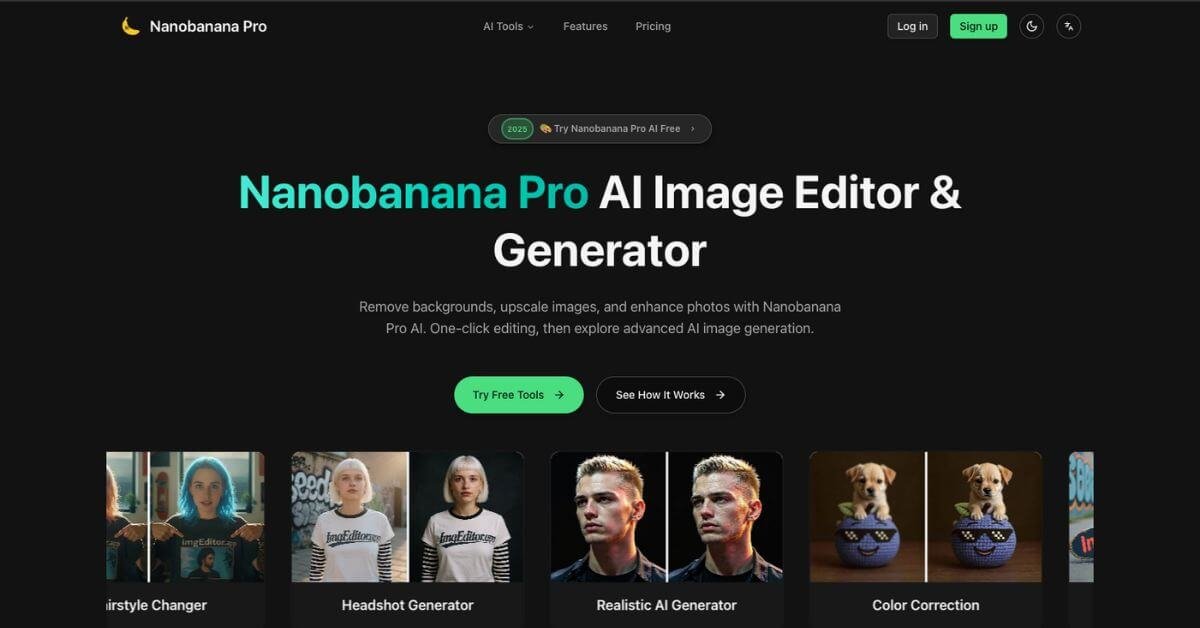
Nana Banana AI is an AI-powered image generator and editor built around Google Gemini image models. Users can generate visuals from text prompts, remove backgrounds, upscale photos, and apply dozens of AI effects without using traditional design software.
The tool is worth exploring for creators who need quick visual assets without learning complex design tools. It is particularly useful for marketers, bloggers, and small businesses producing regular visual content.
However, professionals needing precise design control or advanced editing workflows may find it limited compared with dedicated creative tools.
Nana Banana AI Review
Most creators face the same bottleneck: producing visual content consistently without spending hours inside complex design tools. Marketing teams need graphics daily. Content creators require unique visuals. Small businesses often cannot justify hiring designers for every asset.
AI image generation tools attempt to close this gap, but many either focus only on prompt-based generation or require technical prompt engineering.
Nana Banana AI positions itself as a simplified creation workspace. It combines text-to-image generation, image editing, and visual effects inside a single web interface. Instead of moving between multiple tools for background removal, image enhancement, and prompt-based creation, users can generate and edit images within one environment.
The platform focuses on accessibility rather than professional-level design workflows. The interface prioritizes simplicity, allowing users to describe an image and receive results within seconds.
Below is a detailed, practical review written for creators, marketers, and small teams deciding whether this tool fits their stack.
Verdict Summary
Nana Banana AI targets users who need quick visual content generation without learning traditional design tools. The tool combines text-to-image generation with editing features like background removal and upscaling, making it useful for content workflows that require speed rather than detailed design control.
Its main strength is simplicity. The interface allows beginners to generate visuals without understanding prompts or editing layers. Generation speeds are also relatively fast compared with many browser-based tools.
However, the platform currently lacks strong public reputation signals. Independent ratings on G2, Capterra, and Product Hunt are limited or unavailable at the time of writing. This makes it harder to evaluate long-term reliability or user satisfaction compared with more established AI image platforms.
Best for
Content creators, marketers, bloggers, and small business owners who need quick visual assets.
Not for
Professional designers who require advanced editing workflows or deep creative control.
Pricing
Starts at $10 per month. Free credits are available on signup.
Final Rating
7.2/10 (reviewer evaluation based on features, usability, pricing transparency, and ecosystem maturity).
What Is Nana Banana AI?
Nana Banana AI is a browser-based AI image generation and editing platform designed to help users create visual content quickly without traditional design tools.
At its core, the platform converts text descriptions into generated images using AI models powered by Google Gemini technologies. Users describe the scene they want, and the system produces visuals based on that prompt.
Unlike many AI image tools that focus only on generation, Nana Banana AI also includes editing utilities. These include:
Background removal
Image upscaling
AI creative effects
Image enhancement tools
This combination positions the platform as a lightweight design workspace rather than just an AI generator.
The main problem the tool attempts to solve is the complexity of traditional design software. Tools such as Photoshop or advanced design suites require training and experience. For many marketers and content creators, learning those tools becomes a bottleneck.
Nana Banana AI instead focuses on natural language interaction. Users simply describe what they want and adjust results using editing tools.
This makes the platform particularly useful for users who:
Compared with advanced AI platforms, Nana Banana emphasizes ease of use over deep customization. That tradeoff makes it accessible to beginners but less appealing to experienced designers.
How Nana Banana AI Works
The workflow inside Nana Banana AI is designed to be straightforward and accessible.
Typical usage follows a simple sequence.
Step 1: Create an account
Users sign up on the platform and receive free credits to test the tool.
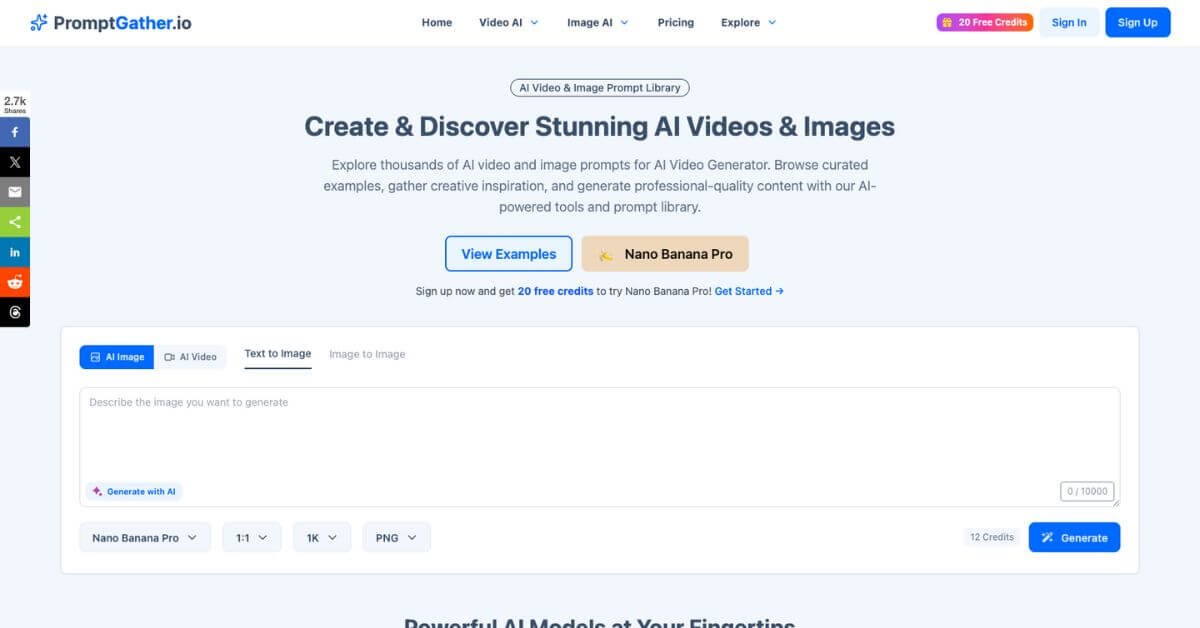
Step 2: Enter a prompt
A text prompt describes the desired image. For example:
“Professional headshot with studio lighting.”
Step 3: Generate images
The AI generates one or multiple images based on the prompt.
Step 4: Apply editing tools
Users can refine results using built-in editing features such as:
Background removal
Upscaling
Visual style filters
Image effects
Step 5: Export images
Final images can be downloaded in common formats like PNG or JPG.
For batch workflows, higher plans allow multiple variations to be generated simultaneously. This is useful for testing creative variations for marketing graphics or social media visuals.
The entire process happens in the browser, which eliminates software installation.
Key Features
AI Image Generation
Create images from text descriptions without design software or complex prompts.
Background Removal
Automatically isolate subjects from images for quick editing or marketing graphics.
Image Upscaling
Enhance resolution of images for improved clarity and larger formats.
Creative AI Effects
Apply more than 40 visual styles and filters to generated or uploaded images.
Batch Generation
Generate multiple variations of the same prompt for faster experimentation.
Prompt-Based Editing
Modify visuals by adjusting prompts instead of manually editing layers.
Browser-Based Workflow
No software installation required. Projects run entirely in the browser.
Real-World Use Cases
For creators
Generate blog illustrations, thumbnails, or article images quickly without relying on stock libraries.
For marketers
Create social media graphics and ad visuals rapidly for campaigns that require frequent creative testing.
For small businesses
Produce marketing visuals, promotional banners, or product imagery without hiring freelance designers.
For educators
Generate presentation visuals or educational illustrations quickly.
For teams
Experiment with visual ideas during brainstorming sessions before sending concepts to designers.
For beginners
Create basic visual assets without learning traditional design tools.