Next Enhancer AI Review: Online AI Video Upscaling, Noise Reduction, and Color Fix
Building usable video content often breaks at a familiar point. You have footage that matters, but the quality does not meet today’s display standards. Manual editing takes time, desktop tools demand hardware, and most online converters only stretch pixels.
That gap is where Next Enhancer AI fits. It applies trained neural networks to video frames in the cloud, improving clarity, resolution, and balance in a single workflow that runs entirely in the browser.
Below is a practical, decision focused review written for creators, teams, and operators deciding whether this tool earns a place in their video stack.
Quick Summary
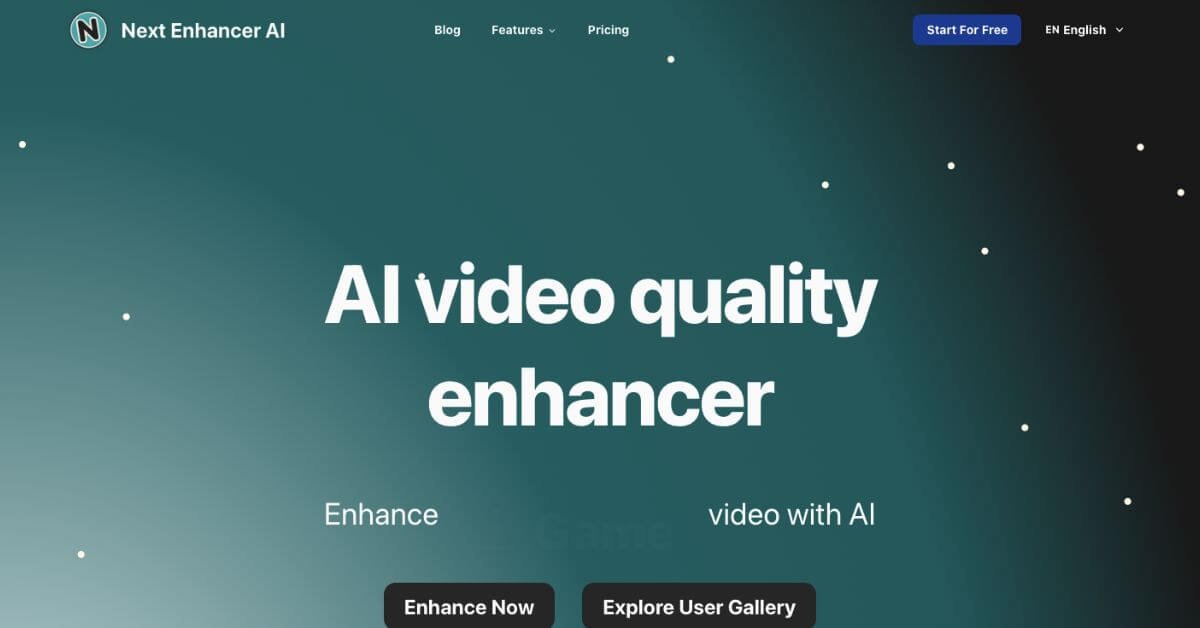
Next Enhancer AI is a browser based AI video quality enhancer that upscales resolution, cleans noise, and corrects color automatically using cloud processing.
Is it worth using? Yes, if you need fast video quality improvement without installing software or learning complex editing tools.
Who should use it? Creators, marketers, educators, archivists, and small teams upgrading old or low resolution videos for modern platforms.
Who should avoid it? Editors who need frame level manual control or offline desktop workflows.
Verdict Summary
Best for
Creators restoring old or low quality videos for YouTube, Instagram, or TikTok
Marketing teams repurposing legacy footage into HD or 4K
Educators and trainers improving recorded sessions
Anyone who wants results without software installs
Not for
Professional editors needing timeline level control
Studios working with very large files beyond browser limits
Teams requiring on premise or offline processing
Rating
G2: Not listed yet
Editor rating: 4.6 out of 5, based on output quality, ease of use, pricing clarity, and cloud reliability
What is Next Enhancer AI?
Next Enhancer AI is a web based video enhancement platform that uses artificial intelligence to improve visual quality automatically. Users upload a video file, choose a target resolution such as 1080p, 4K, or 8K, and let the system process each frame on cloud servers.
The platform focuses on practical improvement rather than manual editing. It sharpens details, reduces noise, adjusts contrast, and balances color so older or compressed videos look cleaner on modern screens. Files are stored temporarily and deleted after processing, which supports basic privacy expectations.
How Next Enhancer AI Works
Upload a video in MP4, MOV, AVI, MKV, or other supported formats
Select output resolution such as HD, 2K, 4K, or 8K
AI models analyze frames for texture, edges, noise, and color balance
Cloud servers process the video without using local system resources
Download the enhanced video once processing finishes
No plugins, no local GPU, no learning curve.
Key Features
AI based frame enhancement using trained neural networks
Resolution upscaling from SD to HD, 4K, or 8K
Noise and compression artifact reduction
Automatic color and contrast correction
Supports common video formats and codecs
Fully cloud based with no installation required
Automatic deletion of files after processing
Simple upload and download workflow
Real-World Use Cases
Content creators upgrading old YouTube or social media videos
Marketing teams refreshing campaign footage for higher resolution ads
Educators improving recorded lectures and training sessions
Archivists restoring personal or historical video clips
Small businesses preparing videos for modern displays without editors
Next Enhancer AI sits between heavy desktop tools and simple online editors.
Frequently Asked Questions (FAQ)
Can Next Enhancer AI really improve video quality?
Yes. It improves perceived sharpness, reduces noise, and balances color, though it cannot recover details that never existed.
Does it work without installing software?
Yes. Everything runs in the browser using cloud processing.
What video formats are supported?
Common formats like MP4, MOV, AVI, MKV, WEBM, and more are supported.
Is my uploaded video stored permanently?
No. Files are automatically deleted after processing.
Is it suitable for professional film work?
It works best for content improvement, not full post production workflows.
Final Recommendation
Next Enhancer AI makes sense when speed, simplicity, and decent quality gains matter more than manual control. It is especially useful for creators and teams upgrading older footage to modern standards without learning new software.
If you work with short to mid length videos and want fast results, it is worth testing.