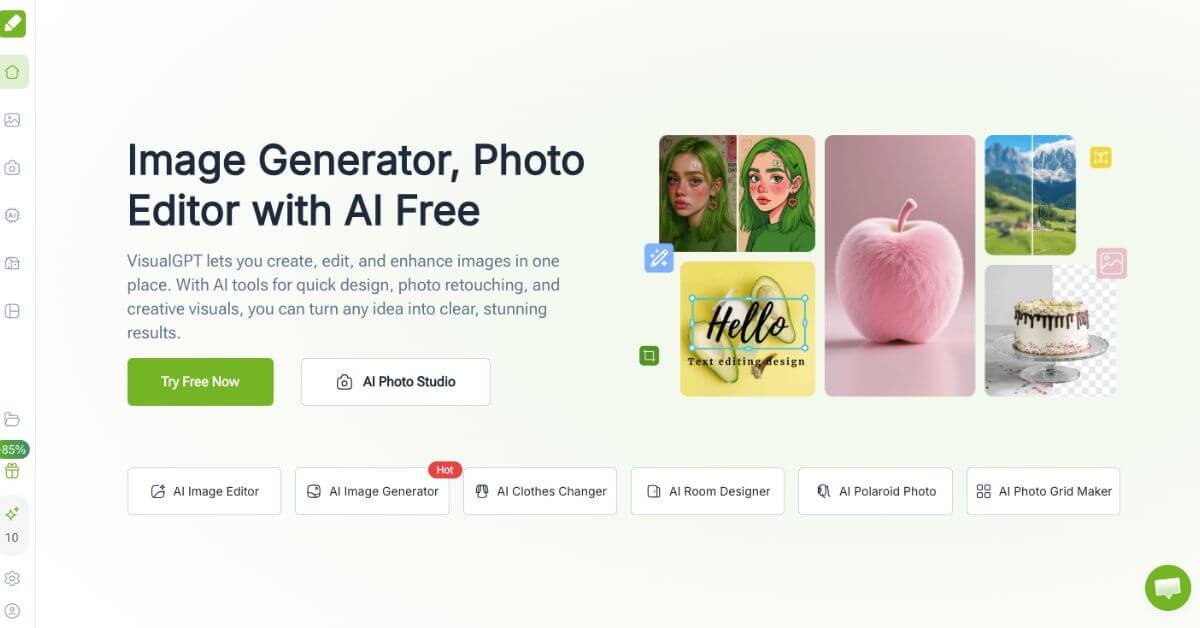
VisualGPT Review: Practical AI Visual Creation for Non-Designers
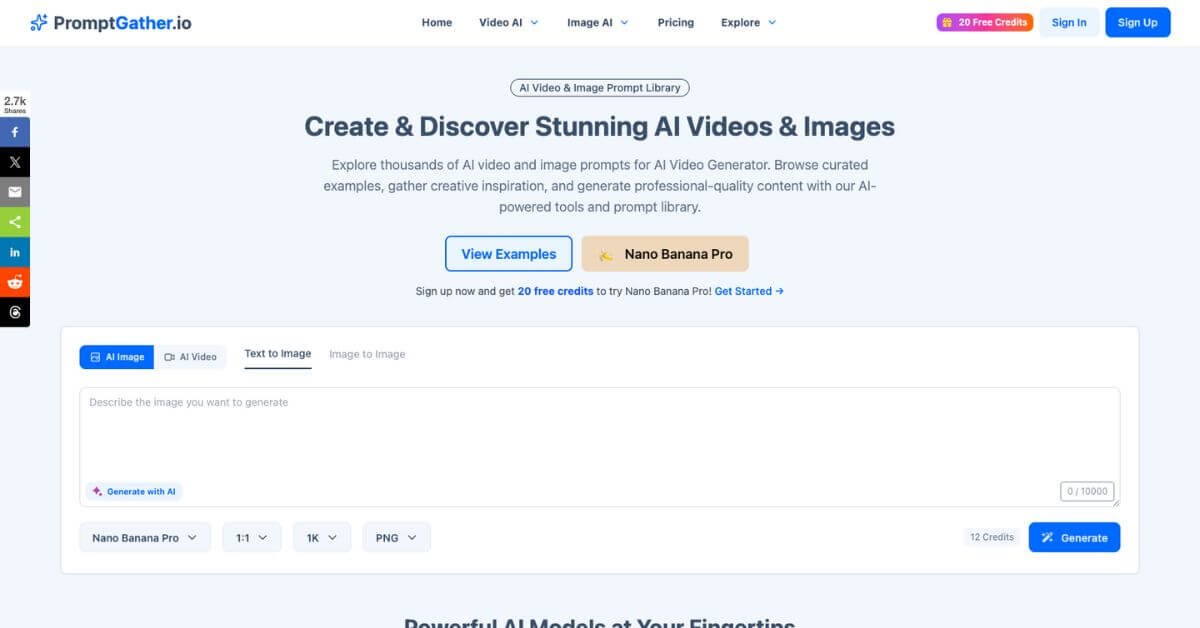
Prompt creation is often the hidden bottleneck in AI image and video generation. Tools promise powerful models, but results depend heavily on how prompts are structured. PromptGather approaches this problem from a workflow angle: start with a curated prompt library, understand why a prompt works, then generate visuals directly inside the platform.
In practice, PromptGather feels less like a raw AI lab and more like a reference workspace. You browse prompts by category, study real outputs, and reuse or adapt them for your own projects. The built-in generation layer removes the need to jump between tools, which is where many creators lose time and credits.
Below is a detailed, practical review written for creators, marketers, and indie teams deciding whether this tool fits their stack.
Quick summary
Finding high-quality AI prompts that actually produce usable images and videos is harder than it sounds. Most creators waste credits testing vague prompts or juggling multiple tools for inspiration and generation. PromptGather positions itself as a combined prompt library and browser-based AI image and video generator, designed to reduce that friction.
Is it worth using? For creators who want fast access to proven prompts and the ability to generate visuals in one place, yes. PromptGather works best for solo creators, freelancers, and small teams producing short-form visual content. It’s less suitable for enterprises needing deep workflow automation or custom model fine-tuning.
If you want inspiration plus execution without managing multiple subscriptions, PromptGather is a practical option. If you already have a mature prompt system and rely heavily on APIs, you may find it limiting.
Verdict Summary
Best for
Creators producing AI images or short videos regularly
Freelancers managing multiple visual styles for clients
Marketers who need inspiration plus fast execution
Beginners who want to learn prompt structure by example
Not for
Enterprises needing API-first workflows
Teams requiring advanced collaboration controls
Users focused only on text-based AI workflows
Final rating
Reviewer rating: 8.1/10
Public review data on platforms like G2 or Capterra is currently limited, likely due to PromptGather being relatively new. This rating is based on hands-on evaluation, feature depth, pricing clarity, and comparison with similar prompt-focused tools.
Overall, PromptGather delivers real value if prompts are a meaningful part of your creative workflow, not just an afterthought.
What Is PromptGather?
PromptGather is a web-based AI prompt library combined with image and video generation tools. Its core purpose is to help users discover, study, and reuse effective prompts for visual AI models without starting from scratch every time.
Unlike generic AI generators that assume you already know how to prompt well, PromptGather emphasizes examples. Each prompt is paired with visual outputs, making it easier to understand how wording, style cues, and constraints influence results.
What sets it apart from generic alternatives is the combination of:
A curated prompt library
Built-in generation using multiple AI models
Credit-based access that works across image and video formats
Instead of selling prompts as static text, PromptGather treats them as reusable building blocks within a creative workflow. For users who learn visually or iterate quickly, this approach is more practical than reading prompt guides or guessing parameters.
How PromptGather Works
PromptGather follows a straightforward flow designed to reduce setup time.
Create an account and access the free plan with initial credits
Browse prompts by image or video category
Open a prompt to see example outputs and structure
Customize the prompt text or parameters
Choose an available AI model
Generate images or videos using credits
Save or reuse prompts for future projects
There’s no complex configuration layer. Most actions happen in the browser, making it accessible even for non-technical users.
Key Features
Curated Prompt Library
Built-in Image and Video Generation
Multiple Model Support
Credit-Based Usage System
Real-World Use Cases
Content creators Use PromptGather to quickly generate visual assets for social posts, thumbnails, or short videos without spending hours refining prompts.
Freelancers Maintain a reusable prompt library for different client styles, reducing revision cycles and improving consistency.
Marketing teams Generate concept visuals for campaigns, landing pages, or ads during ideation phases.
AI beginners Learn prompt construction by studying examples instead of reading abstract tutorials.
These are practical, repeatable scenarios rather than edge cases, which is where PromptGather performs best.
Free – $0/mo: 20 prompt views/day, 20 credits, up to 1 video + 10 images
Starter – $9/mo: 1,000 credits, up to 25 videos + 500 images
Pro – $29/mo: 4,000 credits, up to 100 videos + 2,000 images
On-Demand: $40 for 4,000 credits (never expire)
All plans support image & video generation, multiple AI models, and commercial use.
Best Alternatives & Comparisons
PromptGather makes sense when prompts and generation are equally important. Alternatives may fit better in specific cases.
PromptBase – Better if you want to buy or sell prompts without generation
Lexica – Strong for image inspiration but limited prompt reuse
Playground AI – More generation controls, less prompt education
Midjourney community feeds – Great inspiration, poor prompt organization
Notion prompt databases – Flexible but manual and disconnected from generation
The trade-off is simplicity versus control. PromptGather leans toward efficiency and learning rather than maximum customization.
Frequently Asked Questions (FAQ)
Is PromptGather free to use?
Yes, there is a free plan with limited prompt views and starter credits.
Can I use prompts outside the platform?
Yes, prompts can be reused in other AI tools, though formatting may vary.
Does it support both images and videos?
Yes, PromptGather includes both image and video prompt workflows.
Is it suitable for beginners?
Yes, it’s particularly useful for users learning how prompts affect outputs.
Does it replace standalone AI generators?
Not entirely. It works best as a combined inspiration and generation tool.
Final Recommendation
PromptGather is genuinely useful for creators who see prompting as part of their creative process, not a one-time task. It simplifies discovery, learning, and execution in a single workflow. Where it falls short is in advanced automation and enterprise-scale needs.
If you value speed, inspiration, and practical examples, PromptGather is worth testing. If you need deep control or API-first workflows, a more specialized generator may be a better fit.