Best AI Tool for Landing Pages & Conversion-Focused Marketing
Category : Landing Page Builder, Conversion Rate Optimization (CRO) Software, AI Marketing Tools Website : https://unbounce.com Free Plan : No (14-day free trial available) Best For : Digital marketers, SaaS teams, performance advertisers, marketing agencies, lead generation teams Rating : ★★★★☆ (4.4 / 5 based on G2, Trustpilot, and Gartner Peer Insights)
Problem
Driving traffic is expensive. Converting that traffic into leads or sales is even harder. Many businesses rely on developers for small landing page changes, struggle to test ideas quickly, or send all visitors to the same static page—hurting ROI. Traditional landing page builders either lack deep optimization tools or become too rigid as campaigns scale. Marketers, agencies, and growth teams need a system that supports fast launches, real testing, and data-backed optimization without slowing execution.
What is Unbounce?
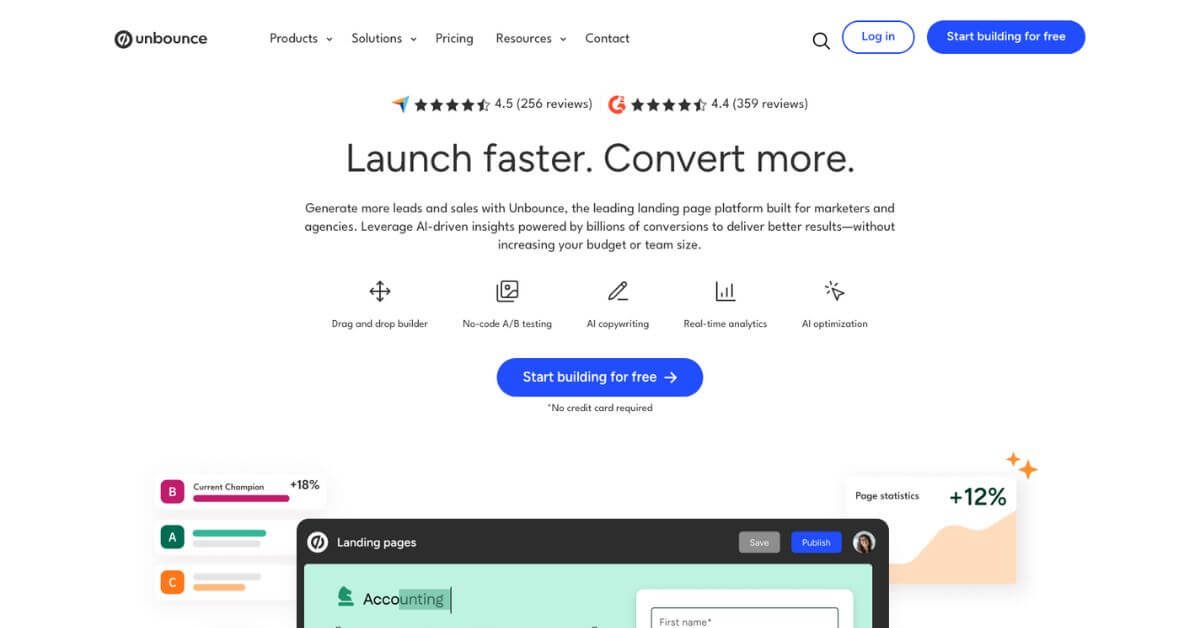
Unbounce is a conversion-focused landing page platform designed to help marketers build, test, and optimize campaign pages without relying on developers. It combines a flexible drag-and-drop builder with testing tools, visitor-level optimization, and AI-powered copy assistance.
Unlike basic page builders, Unbounce is built around experimentation. Instead of guessing which page works best, marketers can test variants, route traffic intelligently, and adjust campaigns based on real performance data. The platform is widely used for paid advertising, product launches, lead capture, and high-intent marketing funnels.
How Does Unbounce Work?
Unbounce follows a simple but powerful workflow:
Build landing pages using a no-code visual editor
Create multiple page variants for different audiences or offers
Test performance using A/B testing or automated traffic routing
Track conversions, clicks, and form submissions in real time
Optimize pages based on visitor attributes like device, location, and referral source
Traffic from ads, email campaigns, or organic sources is directed to Unbounce-hosted pages, where the platform measures outcomes and improves results over time.
Key Features & Benefits
1. Drag-and-Drop Landing Page Builder
Unbounce’s editor allows marketers to design pages visually without writing code.
What stands out:
Free-form layout control (not grid-locked)
Custom HTML, CSS, and JavaScript support
Mobile and desktop layouts editable separately
Library of 100+ conversion-tested templates
This flexibility is ideal for PPC teams running keyword-specific campaigns where layout control matters.
2. Smart Traffic (AI Optimization)
Smart Traffic automatically routes visitors to the page version most likely to convert them.
Instead of waiting weeks for A/B test results, Smart Traffic starts optimizing after a small amount of data—often within days.
Visitor attributes analyzed include:
Device type
Browser
Location
Referral source
According to Unbounce’s internal data, Smart Traffic users often see conversion lifts between 10%–30% compared to static pages.
3. No-Code A/B Testing
Unbounce allows teams to:
Create unlimited page variants
Split traffic manually
Track conversion rates and confidence intervals
Declare winners with clear data
This helps marketers test headlines, CTAs, layouts, offers, and imagery without technical delays.
4. Dynamic Text Replacement
Dynamic Text Replacement swaps words on a page based on search keywords or URL parameters.
Example: A Google Ads visitor searching “CRM software for startups” sees that exact phrase in the headline—boosting relevance and Quality Score.
5. Popups and Sticky Bars
Unbounce includes built-in tools for:
Exit-intent popups
Scroll-based popups
Timed offers
Sticky bars for announcements or CTAs
These elements work across desktop and mobile and integrate with existing pages.
6. Smart Copy (AI Copywriting)
Smart Copy helps generate:
Headlines
Ad copy
Product descriptions
Meta descriptions
Short-form content
It also includes plagiarism checks and SEO-friendly suggestions, making it useful for fast campaign launches.
Use Cases & Applications
User Type
How Unbounce Helps
PPC Advertisers
Builds ad-specific landing pages to improve Quality Score
SaaS Teams
Tests pricing pages, onboarding flows, and CTAs
Marketing Agencies
Manages multiple client campaigns from one platform
Lead Generation Teams
Improves form conversions and gated content
E-commerce Marketers
Runs promotional pages outside core product pages
Startups
Validates ideas and offers without engineering help
Who Should Use Unbounce?
Unbounce works best for:
Performance marketers running paid campaigns
SaaS teams testing pricing pages and CTAs
Agencies managing multiple clients
Lead generation teams optimizing forms
PPC advertisers improving Quality Score and ROI
Smaller teams with limited budgets may find pricing restrictive.
Unbounce is built for marketers who care about results, not just design. It shines when campaigns demand testing, personalization, and measurable performance improvements. While pricing places it in the premium category, the platform delivers clear value for teams running serious paid traffic and conversion-focused campaigns.
For businesses that want control, experimentation, and scalable optimization, Unbounce remains a strong long-term choice.