WorkPPT Review: AI Presentation Maker for Fast, Structured Slides
Building slides usually breaks at the same point: turning raw notes, files, or reports into clean, structured presentations without wasting hours on formatting. That friction shows up in classrooms, meetings, proposals, and reports.
WorkPPT steps into that gap by letting users upload content or type a topic, then letting AI handle slide structure, layout, visuals, and formatting in one flow.
Below is a practical, no fluff review of WorkPPT for anyone deciding whether it fits into a serious productivity stack.
Quick Summary
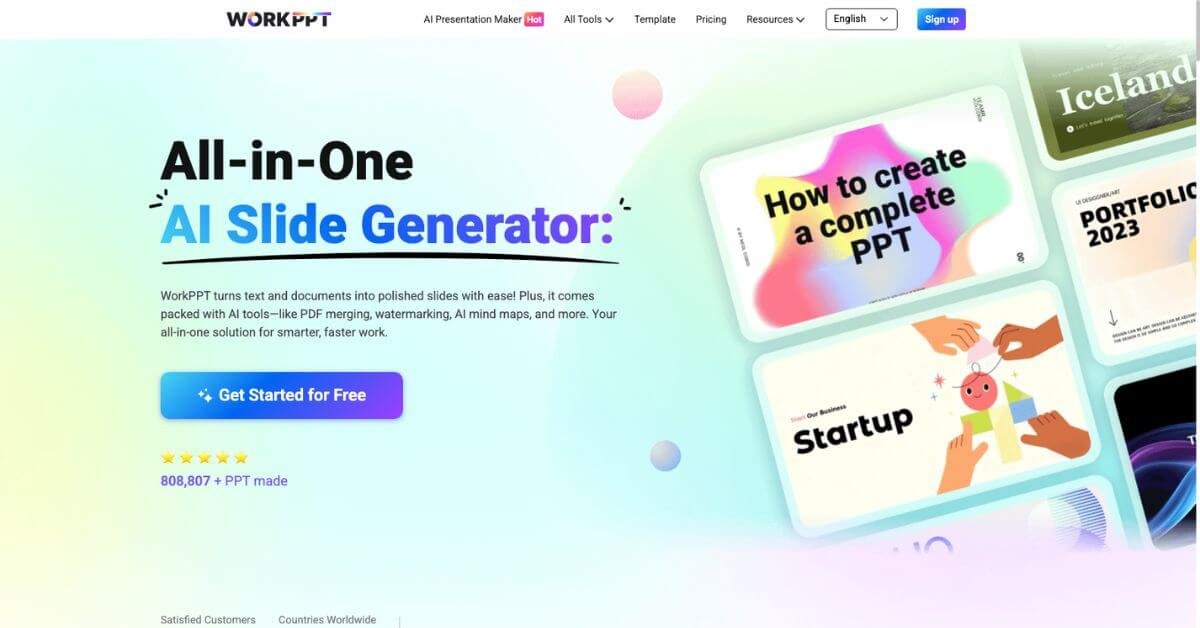
WorkPPT is an AI presentation maker that converts text, documents, and images into ready to present slides within minutes. It focuses on speed, structure, and template driven consistency rather than deep manual design control.
Is it worth using? Yes, if slide creation is repetitive and time sensitive.
Who should use it? Students, teachers, marketers, consultants, founders, and teams who create decks often and want predictable results fast.
Who should avoid it? Designers who want pixel level control or teams already locked into advanced PowerPoint workflows with heavy custom branding.
Verdict Summary
Best for
Fast PPT creation from documents
Students and teachers preparing lessons
Marketers and consultants building repeatable decks
Teams that want one workspace for slides, PDFs, summaries, and mind maps
Not for
Designers who rely on custom master slides
Enterprises with strict brand governance
Users who want offline only tools
Rating
No verified G2 or Trustpilot aggregate score publicly available at the time of writing
Practical rating based on feature depth and user feedback: 4.3 / 5
What is WorkPPT?
WorkPPT is an AI powered presentation workspace that turns text, PDFs, Word files, Excel sheets, images, and simple prompts into structured slide decks.
Instead of focusing only on slide generation, it bundles presentation creation with supporting tools like AI summarization, AI chat, mind maps, and PDF utilities. The idea is simple: move from raw information to visual output without switching tools.
It runs fully in the browser and exports to PPTX, PDF, image formats, or shareable links compatible with PowerPoint and Google Slides.
How WorkPPT Works
Add a topic, outline, or upload files like PDF, Word, Excel, images
AI reads and structures the content into slide sections
A layout and visual style is applied using one of 5,000+ templates
Content stays editable in real time
Export or present directly online
The flow is short, predictable, and easy to repeat across different use cases.
Key Features
AI slide generation from text, documents, and images
Support for TXT, DOCX, XLS, XLSX, PPTX, PDF, JPG, PNG
5,000+ presentation templates across business and education
Export to PPTX, PDF, PNG, JPG, or shareable link
Online editor with live content updates
Built in AI tools: summarizer, chat assistant, mind maps
PDF utilities: merge, split, convert, watermark
Cloud based storage with browser access
Real-World Use Cases
Students converting study notes into exam ready slides
Teachers turning lesson plans into structured presentations
Marketers building pitch decks, reports, and campaign slides
Consultants converting long documents into client friendly decks
Startup teams preparing proposals and internal updates