itirupati.com AI Tools

Help Scout

Deliver excellent customer support with a shared inbox, knowledge base, and AI — without the complexity.

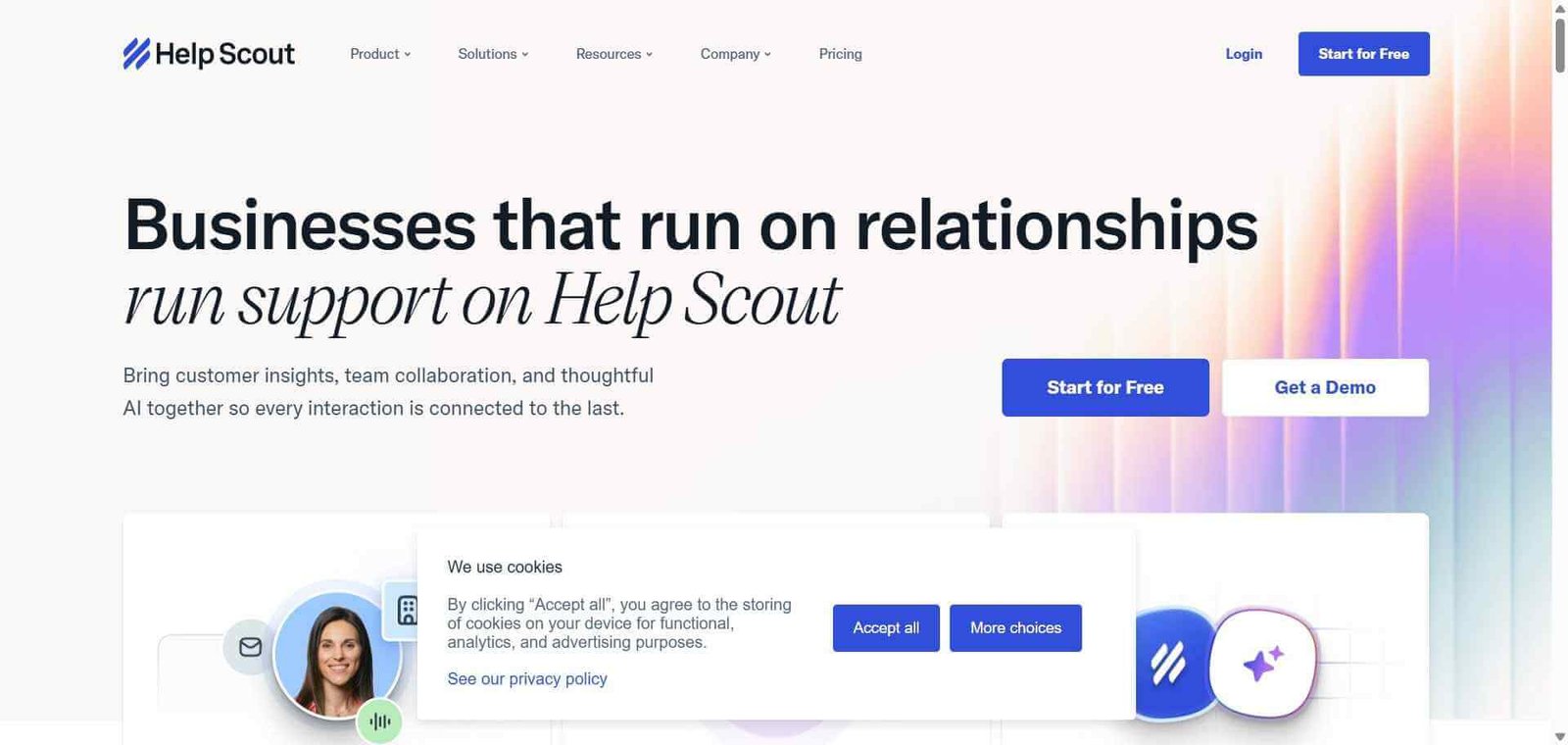
Help Scout Review: The Customer Support Platform That Keeps Support Feeling Human

Most ticketing systems make support feel like a bureaucratic process — tickets, statuses, and queues that create an impersonal experience for customers and a complex operational overhead for support teams. Help Scout was deliberately designed to avoid this by keeping support conversations feeling like email exchanges rather than tickets — customers see a normal email conversation, not a ticket number — while giving teams the internal tools for collaboration, organisation, and measurement that they need to operate effectively. For growing teams that want organised, accountable support without making customers feel like their enquiry has been entered into a system, Help Scout is the most human-feeling professional support platform available.

Quick summary

Help Scout is an AI-powered customer support platform with a shared inbox that feels like email to customers, a knowledge base for self-service, live chat, and AI-powered reply assistance — designed for growing teams who want professional support operations without the complexity of enterprise ticketing systems.

Is it worth using? Yes for customer support teams at growing businesses who want professional support organisation and accountability without the implementation overhead and bureaucratic feel of Zendesk-style ticketing systems.
Who should use it? Customer support teams, small business owners, and growing companies who want organised, measurable email support that feels personal to customers rather than transactional.
Who should avoid it? Very large enterprise support teams with complex multi-tier SLA management and compliance requirements where Zendesk’s infrastructure depth is necessary.

Verdict Summary

Best for

  • Growing businesses transitioning from shared Gmail to a proper support platform who want organisation and accountability without complexity
  • SaaS and software companies who want support that feels personal rather than bureaucratic to customers
  • Customer success teams who want knowledge base self-service alongside support conversations in one platform

Not for

  • Enterprise support teams with very high ticket volumes and complex SLA requirements
  • Teams whose primary need is AI-first automated resolution at scale (Intercom’s Fin serves this better)
  • Large organisations with complex approval chains and multi-tier routing requirements

Rating
⭐⭐⭐⭐ 4.4 / 5

What Is Help Scout?

Help Scout is a customer support platform built around the belief that good customer service should feel like a personal email conversation, not a ticket queue. Its shared inbox shows each conversation as an email thread — customers never see ticket numbers or automated system messages — while giving support teams the internal tools they need to assign conversations, collaborate with comments, use saved replies, and measure performance.

The platform’s AI capabilities, powered by AI Assist, draft replies, summarise long threads, translate messages, and improve email tone — reducing the time per response without making responses feel automated to the customer. The Docs knowledge base enables self-service resolution, with Help Scout’s Beacon widget surfacing relevant articles before customers even open a chat or email.

How Help Scout Works

  • Set up your shared mailbox. Connect your support email address to Help Scout. All incoming emails appear as conversations in the shared inbox where your team can see them.
  • Assign and collaborate. Assign conversations to specific team members or teams, add internal notes visible only to the team, and tag conversations by category for organisation.
  • Use AI to draft replies. Use AI Assist to draft a response, summarise a long thread to catch up quickly, or rephrase an existing reply for better tone and clarity.
  • Access saved replies. Use pre-written templates for common questions to respond quickly with consistent, on-brand answers without composing from scratch each time.
  • Build your knowledge base. Create help articles in Docs and publish them in a searchable knowledge base. Use the Beacon widget to surface relevant articles in live chat before customers send a message.
  • Measure your performance. Review response time, resolution rate, customer satisfaction, and conversation volume analytics to track team performance and identify improvement areas.

Key Features

  • Shared inbox where conversations feel like personal email to customers
  • Assignment, internal notes, and tagging for team organisation
  • AI Assist for reply drafting, thread summarisation, and tone improvement
  • Saved replies for consistent responses to common questions
  • Docs knowledge base with searchable self-service articles
  • Beacon widget for live chat, help articles, and proactive engagement
  • Customer satisfaction (CSAT) surveys after conversation resolution
  • Reporting for response times, resolution rates, and team performance
  • Integrations with Shopify, Salesforce, HubSpot, Slack, and others

Real-World Use Cases

  • SaaS onboarding support: A software company handles new user onboarding questions through Help Scout, with AI Assist helping draft personalised responses and Docs articles deflecting the most common setup questions before users email.
  • E-commerce customer service: An online store manages order inquiries, return requests, and shipping questions through a Help Scout shared inbox, with saved replies for standard responses and team tagging for routing orders to fulfilment versus general enquiries.
  • Agency client communication: A digital agency manages project update communications and client questions through Help Scout, using internal notes to coordinate team responses without clients seeing the internal discussion.
  • Subscription business support: A subscription company handles member questions through Help Scout’s shared inbox and tracks satisfaction through automated CSAT surveys, using the results to identify support quality improvements.

Pros and Cons

ProsCons
Email-like experience for customers is genuinely more personalLess suitable for very complex enterprise ticketing workflows
AI Assist reduces response time without making replies feel automatedAdvanced reporting on lower plan tiers is limited
Beacon widget deflects common questions before emails are sentFewer channels than Zendesk (no strong phone integration)
Docs knowledge base reduces support volume through self-serviceAdvanced automation requires higher plan tiers
Clean, simple interface reduces team training investmentAI resolution capability less advanced than Intercom’s Fin

Pricing & Plans

Free — $0/month
  • 1 shared inbox
  • 1 Docs site
  • Up to 25 users
  • Basic AI features
  • Standard reporting
Standard — $22/user/month
  • Unlimited shared inboxes
  • 2 Docs sites
  • Live chat (Beacon)
  • Full AI Assist
  • Advanced reporting
  • Integrations
Plus — $44/user/month
  • All Standard features
  • Custom fields
  • Advanced permissions
  • API access
  • Priority support
Pro — $65/user/month
  • All Plus features
  • HIPAA compliance
  • Concierge onboarding
  • Enterprise security

Best Alternatives & Comparisons

  • Front — Better for multi-channel collaborative inbox with more sophisticated automation and analytics
  • Zendesk AI — Better for large enterprise ticketing with complex SLA management and AI automation depth
  • Freshdesk — Similar positioning at comparable pricing with more traditional ticketing structure
  • Intercom AI — Better for SaaS teams who want AI-first resolution and proactive in-app messaging

Frequently Asked Questions (FAQ)

What is Help Scout?

Help Scout is an AI-powered customer support platform with a shared inbox that feels like email to customers, a self-service knowledge base, live chat, and AI-powered reply assistance designed for growing teams.

Is Help Scout free?

Yes, Help Scout offers a free plan for up to 25 users with 1 shared inbox and basic features. The Standard plan at $22/user/month provides unlimited inboxes and full AI Assist.

Why does Help Scout feel different from Zendesk?

Help Scout intentionally avoids the ticketing model — customers receive responses as normal email threads without ticket numbers or system-generated notifications. This creates a more personal experience that Help Scout’s research shows results in higher customer satisfaction than ticket-based systems.

Does Help Scout have a knowledge base?

Yes, Help Scout includes Docs — a self-service knowledge base where you publish help articles. The Beacon widget surfaces relevant articles in live chat before customers send a message, reducing incoming support volume through proactive self-service.

What is AI Assist in Help Scout?

AI Assist in Help Scout drafts responses to customer emails, summarises long conversation threads for quick context, translates messages between languages, and improves the tone and clarity of human-written draft replies — available on Standard plans and above.

How does Help Scout compare to Freshdesk?

Both serve growing businesses needing professional customer support. Help Scout provides a more personal email-like experience for customers and a simpler interface. Freshdesk provides a more traditional ticketing structure with stronger SLA management and a more generous free plan tier.

Final Recommendation

Help Scout is the right customer support platform for growing businesses that want professional support operations without making customers feel like tickets. The email-like experience, AI Assist for faster responses, and Docs knowledge base for self-service deflection combine into a platform that is both operationally effective and genuinely customer-friendly. The generous free plan for up to 25 users makes it an immediate upgrade from shared Gmail with no cost barrier, and the Standard plan at $22/user/month provides everything most growing support teams need.

Next steps

Feature your app on AI tools for free

Subscribe to our Newsletter

Stay up-to-date with the latest AI Apps and cutting-edge AI news.

Trending Categories