Front Review: The Shared Inbox That Gives Customer Teams the Collaboration Tools Email Never Had
Email was designed for individual communication. When teams need to collaborate on customer responses — assigning ownership, discussing responses internally, sharing context across handoffs, and tracking accountability — email’s limitations become operational problems. Front was built to solve exactly this by transforming email into a collaborative workspace where teams see every conversation, ownership is clear, internal discussions happen in comments rather than forwards, and response time accountability is measurable. For customer-facing teams that live in their email inbox, Front is the operational upgrade that email itself can never be.
Quick summary
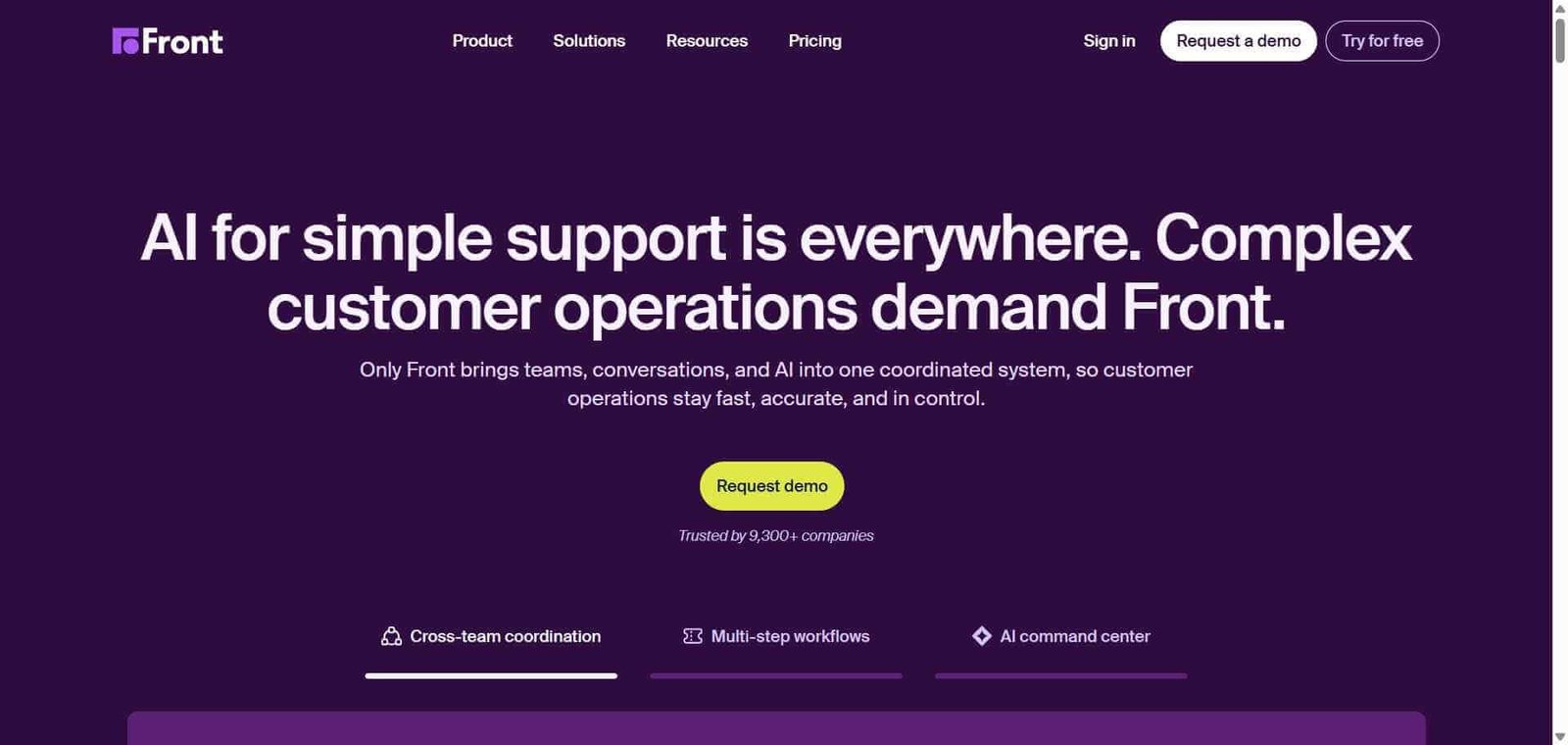
Front is an AI-powered shared inbox and customer operations platform that combines email, SMS, chat, and social messaging channels in one collaborative workspace with assignment, internal comments, response automation, and analytics for customer-facing teams.
Is it worth using? Yes for customer operations, customer success, and support teams whose work requires multiple people collaborating on a shared email inbox with accountability, internal discussion, and response time tracking. Who should use it? Customer success teams, operations teams, sales teams managing shared inboxes, and any customer-facing team that currently struggles with the visibility and accountability problems of shared Gmail or Outlook inboxes. Who should avoid it? Individual professionals whose email is personal rather than collaborative, or enterprise support teams whose needs are better served by dedicated ticketing systems like Zendesk.
Verdict Summary
Best for
Customer success and operations teams who manage shared team inboxes and need visibility into who is handling what without complex ticketing overhead
Sales teams managing shared inboxes for inbound enquiries who need assignment, tracking, and response time accountability
Teams that need to collaborate on customer responses internally before sending — with comments, suggestions, and internal threads that do not clutter the customer-facing conversation
Not for
Individual users whose email is personal and does not require team collaboration
Large enterprise support teams with complex SLA requirements who need Zendesk’s full ticketing infrastructure
Teams whose collaboration need is around projects and tasks rather than customer conversations
Rating ⭐⭐⭐⭐ 4.4 / 5
What Is Front?
Front is a customer communication platform that rebuilds the team email experience around collaboration. Instead of a shared Gmail inbox where everyone sees the same messages with no clear ownership, Front provides assignment to specific team members, internal comment threads visible only to the team, snooze and follow-up reminders, message templates for common responses, automated rules for routing and assignment, and analytics showing response times and conversation volumes — all within an interface that feels like a modern messaging product rather than traditional email.
Its AI capabilities include AI-assisted response drafting, email summarisation for long threads, and suggested replies based on past similar conversations — reducing the time each team member spends composing responses across high-volume customer communication.
How Front Works
Connect your email and communication channels. Link your team inbox email addresses, SMS numbers, social messaging accounts, and chat integrations to Front, bringing all customer conversations into one workspace.
Assign conversations to team members. Route incoming conversations to the appropriate team member manually or through automated rules based on sender, subject, or other criteria.
Collaborate internally on conversations. Add internal comments to any conversation — visible only to the team, never to the customer — to discuss how to respond, share context, or loop in a colleague.
Draft and send responses. Use Front’s AI drafting tools to compose responses, access shared templates for common reply types, and send responses that appear to come from your team email address.
Set up automated workflows. Create rules that automatically assign conversations based on criteria, send auto-reply acknowledgements, tag conversations by category, and escalate unanswered messages.
Track team performance. Review analytics showing response times, resolution rates, conversation volumes, and individual team member productivity across all connected channels.
Key Features
Shared inbox combining email, SMS, chat, social, and messaging channels
Conversation assignment with clear ownership and team visibility
Internal comments for private team discussion on customer conversations
AI response drafting and thread summarisation
Shared message templates for consistent common responses
Automated rules for routing, assignment, and workflow management
Snooze and follow-up reminders ensuring no conversation falls through
Analytics tracking response times, volumes, and team performance
Customer success inbox management: A customer success team manages all client communications from a shared Front inbox, with conversations automatically assigned to the correct CSM based on account ownership rules, and internal comments replacing the need to forward emails internally for advice.
Inbound sales enquiry handling: A sales team routes all website contact form enquiries into Front, automatically assigns them to available sales representatives in round-robin, and tracks response times to ensure leads receive responses within one hour.
Operations vendor management: An operations team manages communications with multiple vendors through a shared Front inbox, with assignments ensuring clear ownership of each vendor relationship and internal comments capturing context for handoffs.
Shared support inbox: A small support team handles customer enquiries from a shared support email through Front, with automated tagging by issue type, assignment to the appropriate specialist, and SLA reminders ensuring timely responses.
Assignment and accountability remove shared inbox confusion
Some integrations require higher plan tiers
Pricing & Plans
Starter — $19/seat/month
Up to 10 teammates
Shared inboxes
Assignment and comments
Basic analytics
Standard integrations
Growth — $59/seat/month
Unlimited teammates
Advanced automation rules
AI features
CRM integrations
Priority support
Scale — $99/seat/month
All Growth features
Advanced analytics
Custom roles and permissions
API access
Dedicated support
Premier — $229/seat/month
All Scale features
HIPAA compliance
Custom contracts
SLA guarantees
Best Alternatives & Comparisons
Help Scout — Better for customer support teams who want a simple, focused shared inbox at lower pricing
Zendesk AI — Better for large enterprise support operations with complex ticketing and SLA management
Intercom AI — Better for SaaS and product businesses combining proactive messaging with support
Missive — Similar collaborative shared inbox at lower pricing, smaller team
Frequently Asked Questions (FAQ)
What is Front?
Front is an AI-powered shared inbox and customer operations platform combining email, SMS, chat, and social messaging in one collaborative workspace with assignment, internal comments, automation, and analytics for customer-facing teams.
How much does Front cost?
Front plans start at $19/seat/month for the Starter plan up to 10 teammates. The Growth plan at $59/seat/month provides unlimited teammates and AI features.
How does Front differ from a standard shared Gmail inbox?
A standard shared Gmail inbox provides no assignment, no internal comments, no accountability for who is handling what, no automation, and no analytics. Front adds all of these on top of the familiar email interaction model, transforming a shared inbox from a source of confusion into an accountable operational system.
Can Front handle multiple communication channels?
Yes, Front combines email, SMS, live chat, WhatsApp, Twitter/X, Facebook Messenger, and other channels in one inbox, with all conversations managed through the same assignment and collaboration workflow regardless of channel.
Does Front have AI features?
Yes, Front includes AI response drafting, email thread summarisation, and suggested replies based on similar past conversations — reducing the time each team member spends composing responses in high-volume environments.
How does Front compare to Help Scout?
Front and Help Scout both provide shared inbox collaboration for customer-facing teams. Front has a broader multi-channel scope, more sophisticated automation, and deeper enterprise features at higher pricing. Help Scout is simpler, more focused on support, and more affordable for small teams.
Final Recommendation
Front is the most complete shared inbox platform for customer-facing teams that have outgrown the chaos of shared Gmail and the bureaucracy of ticketing systems like Zendesk. The internal collaboration tools — comments, assignments, and workflow automation — solve the fundamental problems of team email without adding complexity that standard customer support does not require. For customer success, operations, and inbound sales teams managing significant shared email volume, Front consistently transforms email from a productivity liability into an accountable operational system.