Kling AI Review: Best Value AI Video Generator for Creators and Marketers
AI video generation exploded in 2025 and in 2026 one tool emerged as the undisputed value leader. Kling AI by Kuaishou Technology produces 30-second cinematic clips with multi-character coherence and physics-accurate motion at a price no competitor comes close to matching. Whether you are a solo creator building social content or a marketing team producing ad creative at scale, Kling AI delivers professional-quality output without the professional-level price tag.
Quick Summary
Kling AI is a text-to-video and image-to-video generation platform that creates cinematic clips up to 30 seconds using a proprietary 3D space-temporal motion model.
Is it worth using? Yes — the best price-to-quality ratio in AI video generation right now.
Who should use it? Social media creators, marketers, indie filmmakers, and content teams needing high-volume video.
Who should avoid it? Teams needing post-generation editing tools, 4K resolution output, or talking-head avatar videos.
Verdict Summary
Best for
Social media creators who need longer AI clips (up to 30 seconds)
Budget-conscious teams wanting cinematic output without high costs
Marketers producing product video content at scale
Talking-head or spokesperson videos (use HeyGen instead)
Rating ⭐⭐⭐⭐⭐ 4.8 / 5
What Is Kling AI?
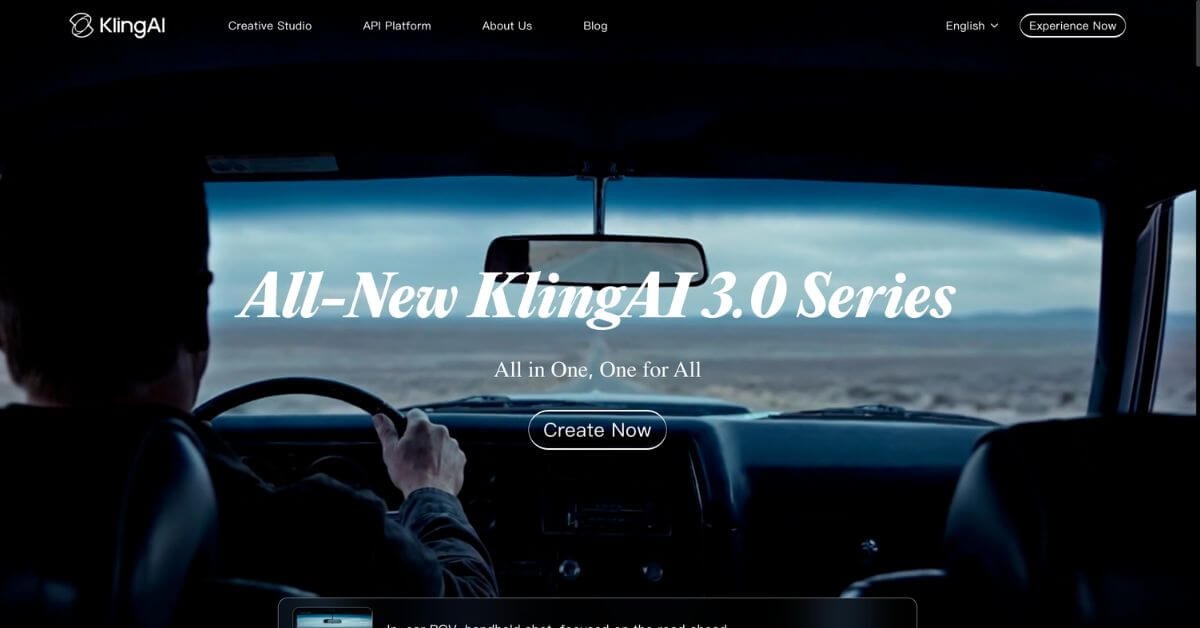
Kling AI is a video generation platform developed by Kuaishou Technology, one of Asia’s largest short-video companies with over 700 million users on its core platform. Launched in 2024 and significantly upgraded through Kling 2.0 in early 2026, it has become the go-to AI video tool for creators who need longer, more complex clips without paying premium prices.
What sets Kling apart from competitors is its 3D space-temporal joint attention mechanism — a proprietary motion model that understands how objects physically move through space and time. This allows it to handle complex interactions like water splashing, fabric flowing, crowd movement, and multi-character scenes that other tools render unnaturally.
Kling 2.0 also introduced Avatar 2.0, a talking-head feature that generates spokesperson videos from a single photo — putting it in direct competition with HeyGen and Synthesia for certain use cases, while still excelling at cinematic generation that avatar tools cannot do.
How Kling AI Works
Sign up and get free credits — Create a free account at klingai.com and receive daily free credits to test the platform immediately with no payment required.
Enter your prompt or upload an image — Describe your scene in text or upload a reference image to animate. Kling supports both text-to-video and image-to-video workflows.
Choose your settings — Select clip duration (5, 10, or up to 30 seconds), aspect ratio (landscape, portrait, square), and quality mode (Standard or Professional).
Generate your video — Kling processes your request and returns the rendered video, typically within a few minutes depending on quality and length settings.
Review and iterate — Preview the output, adjust your prompt, and regenerate if needed. Each attempt consumes credits.
Download and publish — Export your video and use commercially on all paid plans with no watermark.
Key Features
Text-to-video generation up to 30 seconds in a single clip
Image-to-video animation from any still reference image
Avatar 2.0 — talking head video from a single uploaded photo
Multi-character scene coherence across the full clip duration
Complex prompts sometimes need multiple iterations
Open production API — no waitlist, per-second pricing
Avatar feature less refined than dedicated tools like HeyGen
Pricing & Plans
Free
Limited daily credits
Watermarked output
Access to Standard quality generation
Standard — $6.99/month
660 credits per month
No watermark
Commercial use rights included
Standard and Professional quality modes
Pro — $15.99/month
3,000 credits per month
All Standard features
Priority generation queue
Premier — $45.99/month
8,000 credits per month
All Pro features
Highest priority generation
Best Alternatives & Comparisons
Runway – Better post-generation editing and 4K output, but significantly more expensive
HeyGen – Purpose-built for avatar and talking-head videos with multilingual dubbing
Luma AI – Stronger for 3D scenes and photorealistic environments
Sora AI – OpenAI’s video model with longer context but higher cost and limited availability
Frequently Asked Questions (FAQ)
What is Kling AI?
Kling AI is a text-to-video and image-to-video generation platform by Kuaishou Technology that creates cinematic clips up to 30 seconds using a physics-aware motion model.
How much does Kling AI cost?
The Standard plan is $6.99/month with 660 credits and commercial use rights — the lowest price of any major AI video platform. A free tier with daily credits is also available.
Is Kling AI better than Runway Gen-4?
Kling wins on price and clip length (30 seconds vs shorter Runway clips). Runway wins on post-generation editing control and 4K resolution output. Choose based on your priority.
Can Kling AI handle multiple characters in one scene?
Yes — multi-character coherence across a full 30-second clip is one of Kling’s standout technical strengths compared to competitors.
Does Kling AI have an API?
Yes — Kling offers a production-ready API with transparent per-second pricing (approximately $0.028/second Standard, $0.042/second Professional) with no waitlist or approval process required.
Is Kling AI free to use?
A free tier is available with limited daily credits and a watermark. Paid plans start at $6.99/month with commercial rights and no watermark.
Final Recommendation
Kling AI is the strongest argument that professional-quality AI video does not need to be expensive. At $6.99/month the Standard plan delivers longer clips and more natural motion than tools costing four to five times more. If you generate video content regularly for social media, ads, or client work, Kling AI belongs in your stack. Start with the free daily credits to test your first clips, and upgrade when the output earns its place in your workflow.