Pika Labs Review: AI Video Generator Built for Creative Short-Form Clips
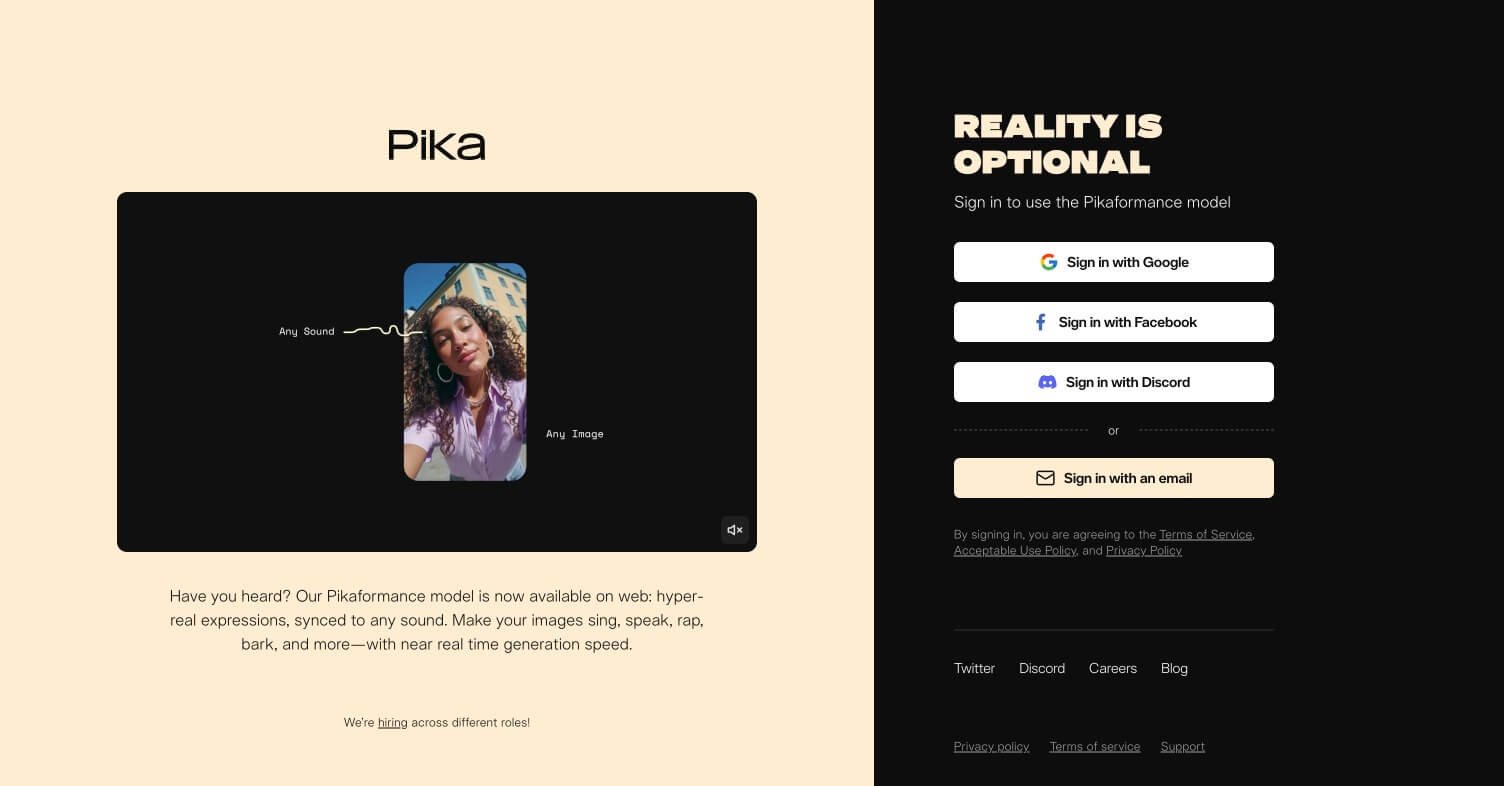
Pika Labs entered the AI video space in 2023 and immediately stood out for one reason — it made AI video generation genuinely fun and accessible. While Runway focused on professional filmmakers and Kling focused on value, Pika focused on the creative mass market — people who want to turn an idea, image, or meme into a short video clip without any technical knowledge. With Pika 2.2 now live and features like Pikaffects and scene modification built in, it has grown into one of the most used consumer AI video tools in the world.
Quick Summary
Pika Labs is an AI video generation platform that creates short creative video clips from text prompts or images, with unique effects and scene modification tools built specifically for social and creative content.
Is it worth using? Yes — the most beginner-friendly AI video tool with the most creative effects library.
Who should use it? Content creators, social media users, meme makers, and anyone wanting to make fun creative video clips fast.
Who should avoid it? Teams needing 30-second cinematic clips (use Kling AI) or post-generation editing workflows (use Runway).
Verdict Summary
Best for
Social media creators wanting quick, fun AI video clips
Beginners with no prior experience in video generation
Creators experimenting with AI effects and scene transformations
Not for
Long-form cinematic video generation
Multi-character physics-heavy scenes
Professional video production pipelines
Rating ⭐⭐⭐⭐½ 4.5 / 5
What Is Pika Labs?
Pika Labs is an AI video generation company founded in 2023 by Demi Guo and Chenlin Meng, both former Stanford researchers. It raised $80M in Series B funding in 2024 and has grown to millions of users globally. Pika’s core product generates short video clips from text prompts or images using its proprietary video generation model. What makes Pika distinct from competitors is its Pikaffects library — a set of pre-built creative transformations like explosions, melting, squishing, and scene inflation that users can apply to any image or video with a single click.
Pika 2.2 introduced scene modification, allowing users to change specific elements within a generated scene — swap backgrounds, alter lighting, or transform objects — without regenerating the entire clip. This level of creative control at consumer pricing has made it the go-to tool for short-form social content.
How Pika Labs Works
Sign up at pika.art — Free account available with daily generation credits, no credit card required to start.
Enter your prompt or upload an image — Describe the video you want or upload a reference image to animate. Pika supports both text-to-video and image-to-video workflows.
Choose a Pikaffect or standard generation — Select from standard video generation or apply a Pikaffect creative transformation to produce a specific visual effect on your content.
Adjust duration and aspect ratio — Set your clip length and choose landscape, portrait, or square format for your target platform.
Generate and preview — Pika renders your clip and delivers it for preview. Regenerate or adjust the prompt if needed.
Download and publish — Export your finished clip. Commercial use included on paid plans.
Less physics accuracy than Kling on complex scenes
AI sound effects generation built in
Not suited for long-form cinematic production
Lip sync feature strong for character content
Advanced features require paid plan
Pricing & Plans
Free — $0/month
Daily generation credits
Watermarked output
Access to standard generation and Pikaffects
Standard — $8/month
700 credits per month
No watermark
Commercial use rights
Priority generation
Unlimited — $28/month
Unlimited standard generations
All Standard features
Highest priority queue
API access
Best Alternatives & Comparisons
Kling AI — Better for longer clips up to 30 seconds with stronger physics accuracy
Runway — Better for professional post-generation editing and 4K output
Luma AI — Better for photorealistic 3D environments and cinematic quality
Viggle AI — Better specifically for physics-based character animation from still images
Frequently Asked Questions (FAQ)
What is Pika Labs?
Pika Labs is an AI video generation platform that creates short creative video clips from text or images, with a unique Pikaffects library for applying creative visual transformations.
Is Pika Labs free?
Yes — the free plan includes daily generation credits with watermarked output. Paid plans start at $8/month with commercial use rights.
What are Pikaffects?
Pikaffects are pre-built creative transformations unique to Pika — effects like exploding, melting, inflating, or squishing that can be applied to any image or video with a single click.
How long can Pika Labs generate videos?
Pika generates clips typically up to 10 seconds per generation. For longer content, Kling AI supports up to 30 seconds per clip.
Does Pika Labs have lip sync?
Yes — Pika includes a lip sync feature that animates any character to speak in sync with a provided audio track.
Is Pika Labs better than Kling AI?
Pika is better for short creative clips and beginners due to its effects library and simpler interface. Kling AI is better for longer clips, complex scenes, and value at scale. Both are top-tier tools for different use cases.
Final Recommendation
Pika Labs is the most accessible entry point into AI video generation for creators who want results without a learning curve. The Pikaffects library alone makes it worth trying — no other tool offers that level of one-click creative transformation. Start with the free daily credits and you will understand immediately why it has millions of users.