Scribe Review: AI Tool That Writes Your Process Documentation While You Work
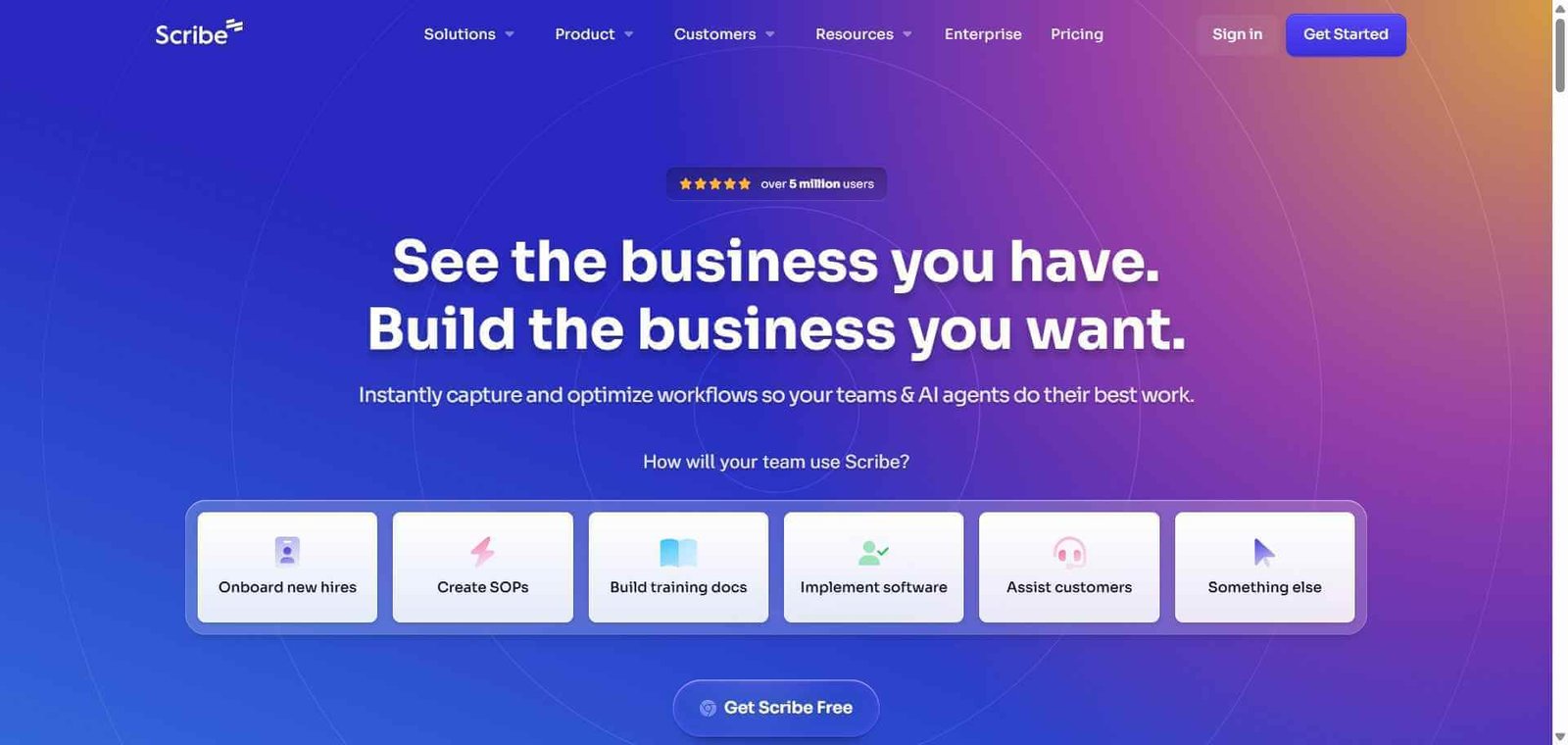
Writing process documentation is one of those tasks everyone agrees is important and almost nobody actually does. It takes time, requires screenshots, needs careful step-by-step writing, and goes out of date the moment the process changes. Scribe eliminates the entire manual effort by recording what you do on screen and automatically generating a formatted, step-by-step guide with annotated screenshots as you work. The documentation is finished before you have closed the browser tab.
Quick Summary
Scribe is an AI productivity tool that watches you complete any workflow on screen and automatically generates a formatted step-by-step guide with screenshots, annotations, and written instructions that is ready to share immediately.
Is it worth using? Yes, for any team or individual who creates process documentation, training materials, or how-to guides and wants to eliminate the manual effort entirely. Who should use it? Operations teams, customer success managers, trainers, team leads, and anyone who regularly needs to document workflows, train new team members, or create SOPs. Who should avoid it? Teams whose documentation needs are limited to text-only or code-based processes where visual step-by-step guides add little value.
Verdict Summary
Best for
Operations and HR teams documenting recurring business processes and standard operating procedures
Customer success teams creating step-by-step product walkthroughs for client onboarding
Team leads training new hires on software tools and internal processes without scheduling dedicated sessions
Not for
Teams needing video-based process documentation rather than screenshot-based guides
Developers documenting code workflows where visual screen capture adds limited value
Organisations needing extensive collaborative editing on documentation before sharing
Rating ⭐⭐⭐⭐½ 4.6 / 5
What Is Scribe?
Scribe is a process documentation platform that uses a browser extension and desktop app to capture every click, keystroke, and screen transition as you complete a workflow. Once you stop recording, Scribe automatically assembles the captured actions into a formatted step-by-step guide complete with annotated screenshots, written instructions for each step, and a shareable link. What used to take 30 to 45 minutes of manual writing and screenshotting takes under five minutes with Scribe, most of which is the time spent completing the actual process itself.
The platform has found particularly strong adoption in customer success, operations, and training functions where process documentation is a constant requirement and the documentation backlog is a persistent problem.
How Scribe Works
Install the Scribe browser extension or desktop app. The Chrome extension covers web-based workflows. The desktop app captures processes across any application on your computer.
Click record and complete your process. Press the record button and go through the workflow you want to document exactly as you normally would. Scribe captures every action in the background without interrupting you.
Stop recording. Click stop when you finish the last step. Scribe automatically processes the recording and generates the complete guide.
Review the generated guide. Scribe presents a formatted step-by-step document with an annotated screenshot for each action and written instructions describing what was done and why.
Edit and customise. Add context, adjust instructions, blur sensitive information in screenshots, add tips or warnings, and customise the formatting to match your organisation’s standards.
Share or embed. Share a direct link, export as PDF, embed in Notion, Confluence, or your knowledge base, or add to a Scribe Page combining multiple guides into a comprehensive training document.
Key Features
Automatic step-by-step guide generation from any screen recording
Annotated screenshots for every captured action
AI-written step instructions describing each action clearly
Sensitive data blurring for screenshots containing private information
Scribe Pages combining multiple guides into comprehensive training documents
Direct sharing via link, PDF export, and embed codes
Integrations with Notion, Confluence, Google Docs, and other knowledge base tools
Desktop app capturing workflows across any application, not just web browsers
Real-World Use Cases
SOP creation: Document every recurring operational process once with Scribe and maintain a living SOP library that team members can access and follow without guidance.
Customer onboarding: Create product walkthrough guides for new customers showing exactly how to complete key setup steps in your platform, reducing onboarding support load.
New hire training: Build a complete library of how-to guides for every tool and process a new hire needs to learn, enabling self-service onboarding without extended shadowing.
Support documentation: Capture solutions to common customer questions as Scribe guides and embed them in your help centre for instant self-service resolution.
Eliminates almost all manual effort in process documentation
Screenshot-based format less suited to video-heavy documentation needs
Captures any web or desktop workflow accurately
Sensitive data blurring requires manual review before sharing
Shareable links work without recipients needing a Scribe account
Advanced team features require paid plan
Integrates directly with Notion, Confluence, and Google Docs
Desktop app required for non-browser application capture
Scribe Pages enable comprehensive training document creation
Free plan limits the number of guides you can create
Pricing & Plans
Free — $0/month
25 Scribes per user
Basic sharing via link
Chrome extension access
Standard screenshot quality
Pro — $23/user/month
Unlimited Scribes
Desktop app for any application capture
Sensitive data blurring
PDF export
Custom branding
Enterprise — Custom pricing
All Pro features
SSO and advanced security
Team management and analytics
Dedicated support
Custom integrations
Best Alternatives & Comparisons
Tldv — Better for recording and sharing specific moments from meetings, not process documentation
Loom — Better for video-based walkthroughs where seeing the presenter matters, less automated than Scribe
Notion AI — Better as a full knowledge management platform, does not auto-generate visual process guides
ClickUp — Better for project and task management with documentation features, not a dedicated process capture tool
Frequently Asked Questions (FAQ)
What is Scribe?
Scribe is an AI productivity tool that automatically generates step-by-step process documentation with annotated screenshots from any workflow you complete on screen, eliminating manual writing and screenshotting.
Is Scribe free?
Yes, Scribe offers a free plan with 25 Scribes per user. The Pro plan at $23/user/month provides unlimited Scribes, desktop app access, and sensitive data blurring.
Does Scribe work on desktop applications or only in the browser?
Scribe’s Chrome extension captures browser-based workflows. The desktop app, available on the Pro plan, captures workflows across any application on your Mac or Windows computer.
How does Scribe handle sensitive information in screenshots?
Scribe includes a sensitive data blurring tool that allows you to blur specific regions of any screenshot before sharing the guide, protecting passwords, personal data, and confidential information.
Can I embed Scribe guides in Confluence or Notion?
Yes, Scribe provides embed codes and direct integrations for Notion, Confluence, Google Docs, and other knowledge base tools, allowing guides to live within your existing documentation ecosystem.
How long does it take to create a guide with Scribe?
Creating a guide takes as long as it takes you to complete the process itself — typically two to ten minutes. Scribe generates the formatted guide automatically after you stop recording, usually within seconds.
Final Recommendation
Scribe is the most practical solution to the universal problem of process documentation that never gets done. The automation is genuine — you do the work once, Scribe writes the guide, and it is ready to share in minutes. For any team that regularly trains people, documents processes, or creates how-to materials, the Pro plan at $23/user/month pays back its cost in the first week of documentation work it eliminates.