Pieces AI Review: AI Developer Tool That Solves the Code Snippet Problem
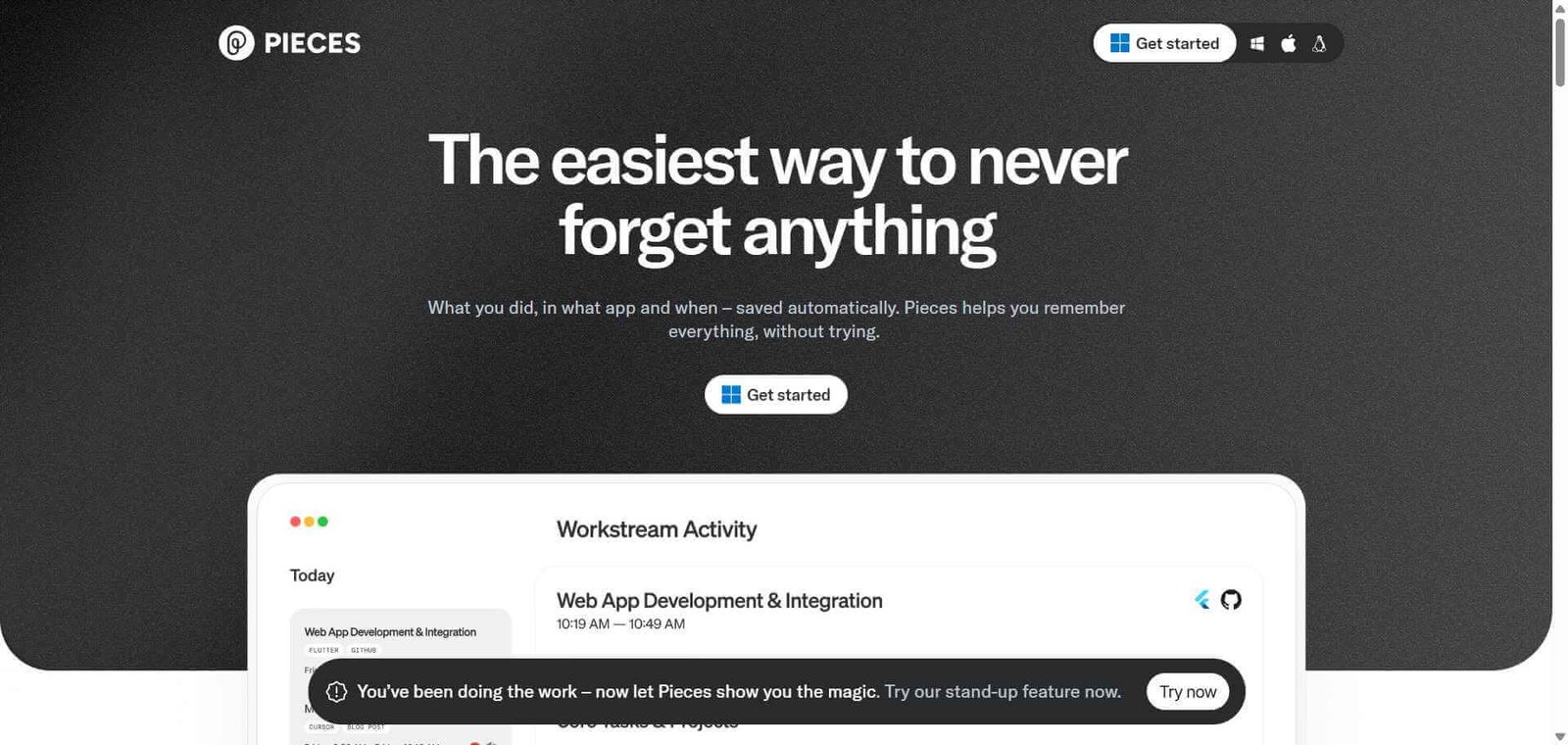
Every developer has the same problem: you write a useful piece of code, solve a tricky problem, or find an excellent snippet somewhere online, and within a week you have forgotten where it came from and cannot find it again. Notes apps, browser bookmarks, and Notion pages all fail the same way — the context that makes the snippet useful is lost. Pieces AI solves this by capturing code snippets with their full context automatically and making them searchable, reusable, and augmented with AI assistance across all your development tools.
Quick Summary
Pieces AI is an AI-powered developer tool that captures, organises, and enriches code snippets with contextual metadata, making previously saved code searchable and reusable with AI assistance across IDEs, browsers, and other development workflow tools.
Is it worth using? Yes for developers who regularly reference past code, reuse patterns across projects, or spend meaningful time searching for snippets they have written or saved before. Who should use it? Software developers, engineers, and technical team members who work across multiple projects and tools and need better management of reusable code and development knowledge. Who should avoid it? Developers whose code management needs are fully served by their IDE’s native functionality or who work exclusively within a single project without reuse patterns.
Verdict Summary
Best for
Developers who write and reuse code patterns across multiple projects and need a searchable organised snippet library
Engineers who research solutions online and want to save useful code with its original context intact
Technical teams sharing and standardising reusable code patterns across team members
Not for
Developers whose snippet needs are met by IDE native snippet functionality
Teams looking for a full AI code completion tool rather than a snippet management and context tool
Developers who work exclusively in a single long-running project without cross-project reuse patterns
Rating ⭐⭐⭐⭐ 4.3 / 5
How Pieces AI Works
Pieces AI is a developer productivity platform focused on the capture, enrichment, and reuse of code snippets and development knowledge across the full development workflow. Unlike standard snippet managers that save code as plain text, Pieces automatically enriches every saved snippet with contextual metadata — the programming language, the frameworks used, related tags, a plain-language description, and the source URL if captured from the web — making snippets genuinely discoverable later.
Its AI layer adds question-answering on your saved snippets, real-time code context awareness across your tools, and an on-device AI model that works without sending code to external servers — an important consideration for developers working with proprietary or sensitive codebases.
How Minitap Works
Install Pieces and the integrations for your tools. Pieces integrates with VS Code, JetBrains IDEs, Chrome, Edge, and other developer tools through plugins and extensions.
Save code snippets from anywhere. Capture code from your IDE, a web page, or any other source. Pieces automatically enriches each snippet with language detection, tags, and a plain-language description.
Search your snippet library. Find any saved snippet by searching in natural language or by tag, language, or keyword. The AI-enriched metadata makes snippets findable by what they do rather than just what they contain.
Ask AI about your snippets. Use the Pieces AI assistant to ask questions about any saved snippet — what it does, how to adapt it, what edge cases to consider — without leaving your development workflow.
Reuse snippets directly in your IDE. Access your Pieces library from within VS Code or JetBrains and insert snippets directly into your current file without switching applications.
Share with your team. Share individual snippets or collections with teammates to standardise reusable patterns across your engineering team.
Key Features
Automatic code snippet enrichment with language, tags, and plain-language description
Natural language search across all saved snippets and development knowledge
AI question-answering on saved snippets and code context
On-device AI model option for privacy-sensitive development environments
Integrations with VS Code, JetBrains IDEs, Chrome, and other developer tools
Real-time workflow context awareness surfacing relevant snippets during development
Team snippet sharing for standardising reusable code patterns
Source URL preservation maintaining the original context of web-captured snippets
Real-World Use Cases
Cross-project code reuse: Save authentication patterns, utility functions, and configuration templates once and retrieve them instantly across any future project without rewriting from scratch.
Research context preservation: When solving a problem using Stack Overflow or GitHub, save the relevant code with its source URL and context so the reasoning behind the solution is preserved along with the code.
Team knowledge sharing: Build a shared library of team-approved code patterns and solutions that all team members can access and reuse from within their IDEs.
AI-augmented development: Use the Pieces AI assistant to understand, adapt, and troubleshoot saved snippets in the context of your current development task.
Automatic enrichment makes snippets genuinely findable
Less capable as a full AI code completion tool than Codeium or Copilot
On-device AI model protects privacy for sensitive codebases
Value builds slowly before a meaningful snippet library is accumulated
Natural language search across saved code is highly practical
Some enrichment metadata requires review and correction
Context preservation solves a real developer productivity problem
Team features require paid plan
Broad tool integration covers the full development workflow
Smaller community than major IDE extension tools
Pricing & Plans
Free — $0/month
Unlimited snippet saving
AI enrichment and natural language search
Core integrations with VS Code and JetBrains
On-device AI model access
Individual use
Teams — $10/user/month
All Free features
Team snippet sharing
Shared collections management
Admin controls
Priority support
Best Alternatives & Comparisons
Codeium — Better as a full free AI code completion assistant in your IDE, not a snippet management tool
GitHub Copilot — Better for AI-powered in-context code generation and completion, different use case
Cursor — Better for agentic AI coding with multi-file edit capability, not snippet management
Notion AI — Better for general knowledge management including code documentation, less developer-workflow integrated
Frequently Asked Questions (FAQ)
What is Pieces AI?
Pieces AI is a developer productivity tool that captures, enriches, and organises code snippets with contextual metadata and AI assistance, making previously saved code searchable, reusable, and accessible across your development workflow.
Is Pieces AI free?
Yes, Pieces AI is free for individual developers with unlimited snippet saving, AI enrichment, and natural language search. The Teams plan at $10/user/month adds shared snippet collections and team features.
Does Pieces AI send my code to external servers?
Pieces AI offers an on-device AI model option that processes your code locally without sending it to external servers, making it suitable for developers working with proprietary or sensitive codebases.
How does Pieces AI make snippets searchable?
Pieces automatically enriches every saved snippet with AI-generated metadata including language detection, contextual tags, a plain-language description of what the code does, and preserved source URLs. This enrichment makes snippets findable by what they do in natural language rather than requiring exact keyword matches.
What IDEs does Pieces AI integrate with?
Pieces AI integrates with VS Code and JetBrains IDEs (IntelliJ, PyCharm, WebStorm, and others) through native plugins, as well as browser extensions for Chrome and Edge.
How does Pieces AI differ from a standard snippet manager?
Standard snippet managers save code as plain text requiring you to remember what you named and tagged things. Pieces AI automatically enriches each snippet with AI-generated context, making every snippet discoverable by what it does rather than what you happened to name it when you saved it.
Final Recommendation
Pieces AI solves a genuine developer productivity problem that most developers accept as unavoidable: the loss of useful code and context over time. The automatic enrichment and natural language search make it meaningfully better than any alternative for snippet management, and the on-device AI model addresses legitimate privacy concerns for developers working with sensitive code. The free individual plan removes every barrier to trying it.