DeepL Review: The AI Translation Tool That Sets the Standard for Natural Language Accuracy
Machine translation has a quality ceiling that most users accept because they assume it is unavoidable — technically correct output that sounds robotic, loses nuance, and requires significant editing before professional use. DeepL consistently breaks through that ceiling. Its neural network translation engine produces output that is measurably more natural than Google Translate or Microsoft Translator across most language pairs — particularly in European languages — with idiomatic phrasing, appropriate tone, and contextual accuracy that reduces post-editing time significantly for professional translators, global businesses, and multilingual content teams.
Quick summary
DeepL is an AI translation platform using a proprietary neural network to deliver highly accurate, natural-sounding translations across 30 plus languages — with a document translator, API for integration, glossary management, and enterprise security for professional use.
Is it worth using? Yes for businesses, translators, and professionals who need translation quality that goes beyond basic machine translation — particularly for European language pairs where DeepL’s accuracy advantage is most pronounced. Who should use it? Businesses communicating with international customers, professional translators using machine translation as a starting point, global marketing teams localising content, and developers building multilingual applications through the API. Who should avoid it? Users who need translation of rare or low-resource languages where DeepL’s language coverage is narrower than Google Translate’s 100 plus languages.
Verdict Summary
Best for
Global businesses who want professional-quality translation for customer communications, marketing content, and internal documents without the cost of fully manual translation
Professional translators who use machine translation as a starting point and want the highest-quality base to edit from, reducing their post-editing time per word
Development teams building multilingual products who want an API that returns more natural output than alternatives for the languages they support
Not for
Users needing rare language translation where Google Translate’s broader language coverage is more important than quality
Casual users who only need occasional single-sentence translation where free tools are sufficient
Teams working primarily in non-European languages where DeepL’s quality advantage is less pronounced
Rating ⭐⭐⭐⭐½ 4.7 / 5
What Is DeepL?
DeepL is an AI translation company founded in Cologne, Germany, that built its own proprietary neural network architecture specifically optimised for translation quality rather than adapting a general-purpose language model. Its translation engine has consistently outperformed Google Translate and Microsoft Translator in blind evaluation studies — particularly for European language pairs — producing output that professional translators rate as requiring less post-editing than competing services.
The platform provides a web translator, a desktop application with system-wide translation capability, a document translator that preserves formatting, a team workspace for shared glossaries and translation memory, and an API for integrating DeepL translation into applications and workflows.
How DeepL Works
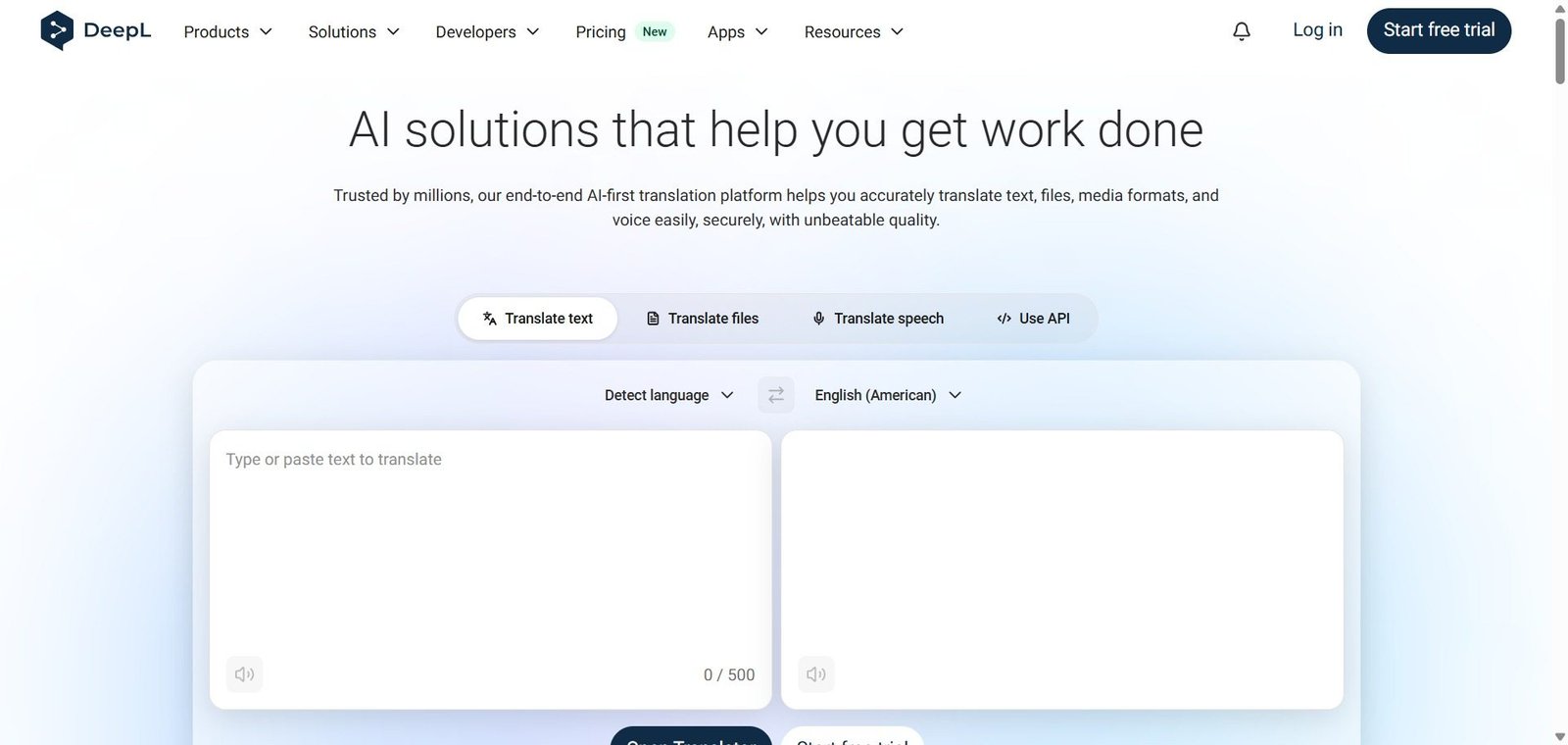
Translate text. Paste or type text into DeepL’s translator and select source and target languages. DeepL detects the source language automatically and delivers the translation instantly.
Translate documents. Upload Word, PowerPoint, PDF, and other document formats. DeepL translates the content while preserving the original formatting — tables, headings, and layouts intact.
Use the desktop app. Install DeepL’s desktop app for Mac or Windows for system-wide translation — a keyboard shortcut sends any selected text to DeepL and returns the translation to the clipboard.
Manage glossaries. Define glossaries of specific terms — product names, technical terminology, brand language — that DeepL always translates consistently according to your definitions.
Integrate via API. Access DeepL’s translation engine through its API for integrating high-quality translation into applications, content management systems, and automated workflows.
Use DeepL Write. Use DeepL Write for AI-assisted writing improvement in English and German — suggesting more natural phrasing and correcting grammatical issues in native language writing.
Key Features
Neural network translation across 30 plus languages with industry-leading accuracy
Document translation preserving original formatting for Word, PowerPoint, PDF, and other formats
Desktop app with system-wide keyboard shortcut translation
Glossary management for consistent terminology translation across all content
Translation memory for storing and reusing previous translations
DeepL Write for AI-assisted writing improvement in English and German
API with high throughput for application and workflow integration
Team workspace for shared glossaries, translation memory, and usage management
Enterprise security with data not used for model training on paid plans
Real-World Use Cases
Global marketing localisation: A SaaS marketing team uses DeepL to translate their English website, blog posts, and email campaigns into German, French, Spanish, and Italian — the natural output quality means their native-speaker reviewers make minimal edits before publishing.
Professional translator workflow: A freelance translator uses DeepL as their machine translation engine — generating a high-quality base translation and post-editing rather than translating from scratch, increasing their daily output by 40 percent without reducing quality.
Multilingual customer support: A customer support team uses DeepL’s API integrated into their helpdesk to automatically translate incoming customer messages and outgoing responses — enabling one team to support customers across five language markets.
Internal document translation: A multinational company uses DeepL to translate internal policies, meeting notes, and reports — uploading Word documents and receiving formatted translations within seconds rather than waiting days for human translation of routine content.
Translation quality consistently rated higher than Google Translate for European languages
Language coverage narrower than Google Translate — 30 plus vs 100 plus languages
Document translation preserves formatting accurately across all major file types
Free plan limits characters per translation and removes data privacy protections
Desktop app system-wide translation is genuinely useful for daily multilingual work
Quality advantage less pronounced for Asian and non-European language pairs
Glossary management ensures brand and technical terminology consistency
API pricing adds up for very high-volume translation workflows
Enterprise data privacy — paid plans guarantee data is not used for model training
DeepL Write limited to English and German currently
Pricing & Plans
Free — $0/month
500,000 characters per month
Text translation
3 document translations per month
Community support
Starter — $10.49/month
Unlimited text translation
5 document translations per month
Glossary management
Data security
Priority support
Advanced — $34.49/month
Unlimited text and document translation
Full glossary and translation memory
API access
Team features
Priority support
Ultimate — $68.99/month
All Advanced features
Higher API limits
Advanced team management
Dedicated support
Enterprise — Custom pricing
Custom API volumes
SSO and compliance
SLA guarantees
Dedicated account management
Best Alternatives & Comparisons
Google Translate — Better for breadth of language coverage with 100 plus languages, lower quality for European pairs
Microsoft Translator — Better for Microsoft Office integration, lower translation quality than DeepL
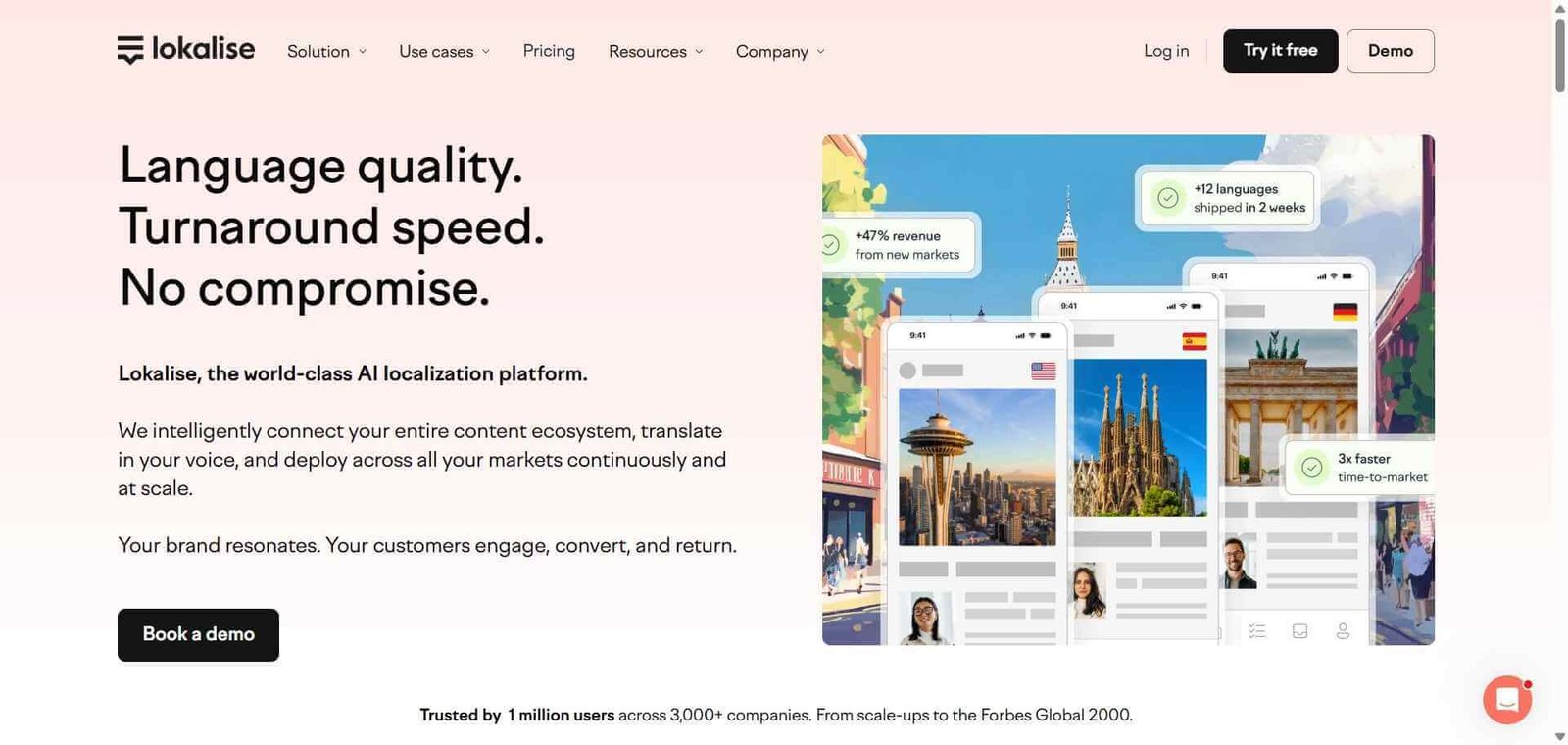
Lokalise AI — Better for software localisation workflows with translation management system features
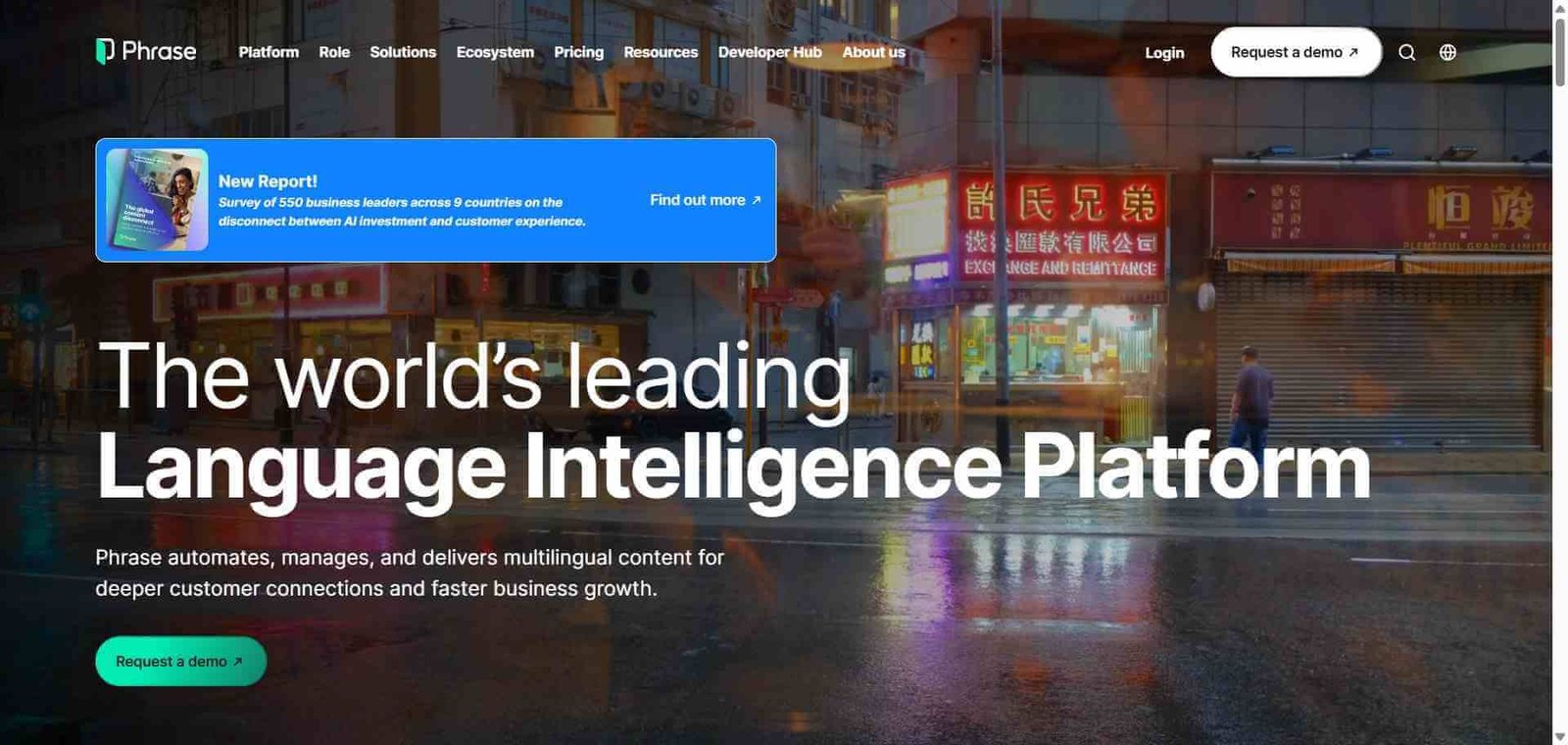
Phrase — Better for enterprise translation management with full TMS features alongside machine translation
Frequently Asked Questions (FAQ)
What is DeepL?
DeepL is an AI translation platform using a proprietary neural network to deliver highly accurate, natural-sounding translations across 30 plus languages — with document translation, glossary management, a desktop app, and API access.
Is DeepL free?
Yes, DeepL offers a free plan with 500,000 characters per month and 3 document translations. The Starter plan at $10.49/month provides unlimited text translation with data security and glossary management.
How does DeepL compare to Google Translate?
DeepL consistently outperforms Google Translate in translation quality for European language pairs — producing more natural, idiomatic output that requires less post-editing. Google Translate supports more languages (100 plus vs 30 plus). DeepL is better for quality; Google Translate for language coverage breadth.
Does DeepL translate documents?
Yes, DeepL translates Word, PowerPoint, PDF, HTML, and other document formats while preserving the original layout and formatting — returning a translated document with tables, headings, and styling intact.
Is DeepL safe for confidential documents?
On paid plans, DeepL guarantees that submitted text is not used for model training and is deleted after translation. Enterprise plans provide additional security and compliance guarantees. Free plan text may be used to improve the service.
What is DeepL Write?
DeepL Write is DeepL’s AI writing improvement tool for English and German — suggesting more natural phrasing, improving sentence structure, and correcting grammatical issues in native-language writing rather than for translation.
Final Recommendation
DeepL is the most accurate AI translation tool available for the languages it supports — and for any business, professional translator, or content team working primarily with European languages, the quality difference versus free alternatives is immediately apparent and practically significant. The document translation feature, glossary management, and enterprise data privacy make it the professional standard for teams who take translation quality seriously. The free plan’s generous character limit makes the quality difference testable with zero commitment.