Magnific AI Review: AI Image Upscaling Tool That Adds Detail as It Scales
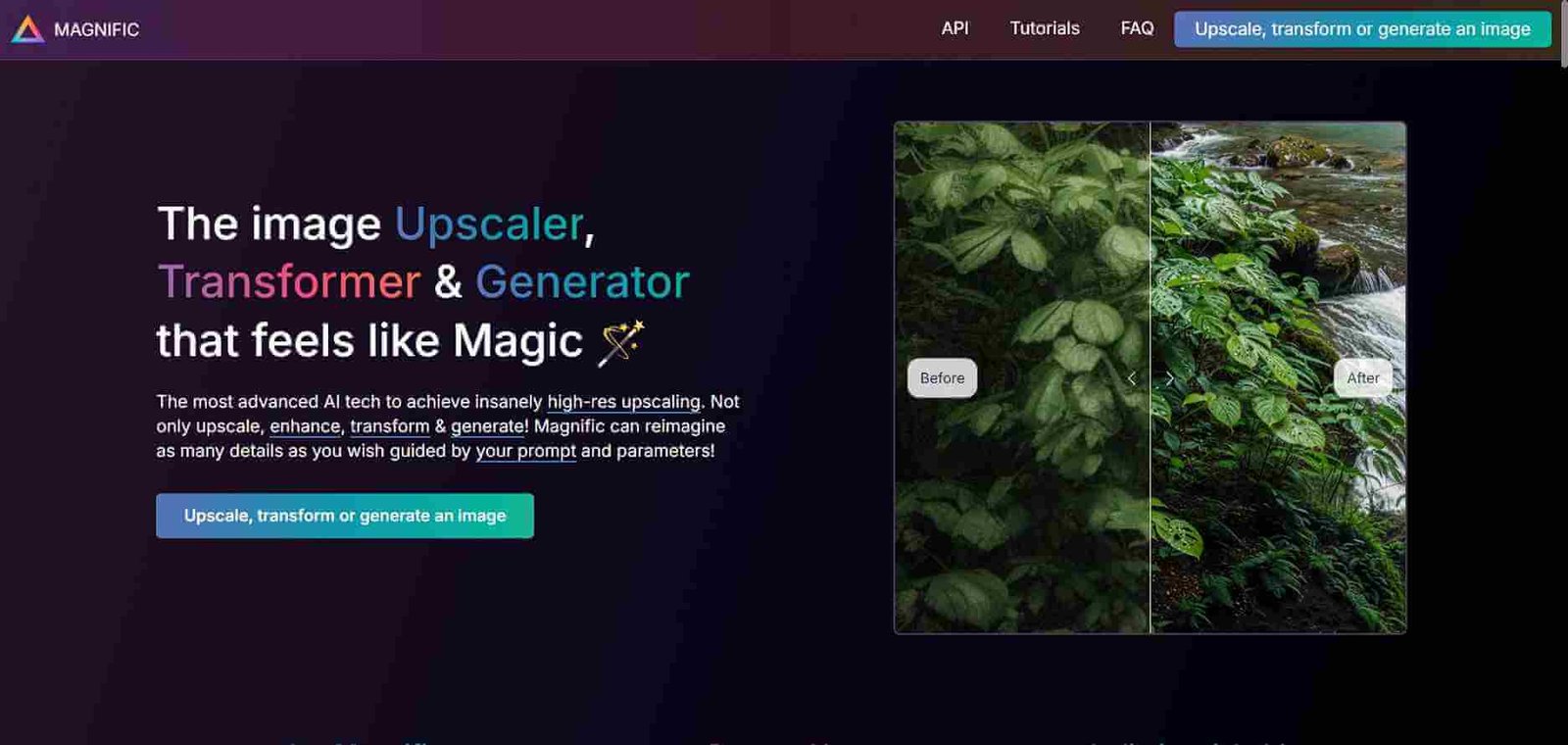
Most image upscalers make photos bigger. Magnific AI makes them better. It does not simply stretch pixels to fill a larger canvas. Instead it interprets the image, understands what is in it, and generates new fine detail during the upscaling process. Skin texture, fabric weave, foliage, architectural detail, product surfaces all gain sharpness and realism at higher resolutions rather than losing them. For photographers, digital artists, product teams, and anyone working with AI-generated imagery, it has become the final step that transforms good images into professional ones.
Quick Summary
Magnific AI is an AI-powered image upscaling and enhancement platform that increases image resolution while hallucinating realistic fine detail, producing output quality that standard upscalers cannot match.
Is it worth using? Yes, if image quality matters to your workflow and you regularly work with images that need to be larger or sharper than the original.
Who should use it? Photographers, digital artists, game developers, product teams, and creators working with AI-generated images that need print or high-resolution output.
Who should avoid it? Users who only need basic resizing without quality improvement, where free tools like Upscayl serve the same purpose.
Verdict Summary
Best for
Photographers enhancing portrait and landscape images to print resolution
Digital artists and AI image creators upscaling generated artwork for commercial use
Product teams producing high-resolution imagery for packaging, advertising, and e-commerce
Not for
Basic image resizing without quality enhancement
Video upscaling workflows
Users on a tight budget who only need occasional upscaling
Rating ⭐⭐⭐⭐½ 4.7 / 5
What Is Magnific AI?
Magnific AI is an AI image enhancement platform launched in late 2023 by Javi Lopez, a Spanish developer whose demo posts on X went viral and drove over 100,000 users to the waitlist within days of launch. The platform is built around a concept its creator calls hallucinated upscaling, where the AI does not merely interpolate between existing pixels but actively generates plausible new detail consistent with the image content.
The results are particularly striking on portraits, where pores, hair strands, and eye detail emerge at 4x and 8x scales. On architectural and product photography the texture of surfaces becomes tangible rather than smoothed over. And on AI-generated images, which often have a slightly soft quality at their native resolution, Magnific transforms the output into something that reads as photographically sharp.
How Magnific AI Works
Upload your image at magnific.ai. The platform accepts JPEG, PNG, and WebP files up to the size limits of your plan.
Choose your upscale factor. Options range from 2x up to 8x or 16x depending on your subscription tier and original image dimensions.
Select your enhancement style. Magnific offers style presets including Standard, Cinematic, Realistic, Painting, and others that guide how the AI generates new detail.
Adjust the creativity and HDR sliders. The creativity slider controls how aggressively the AI adds new detail versus staying conservative. The HDR slider affects tonal range and contrast in the output.
Run the enhancement. Magnific processes the image and delivers the upscaled result. Processing time varies from seconds to a couple of minutes depending on the scale and image size.
Download your result. The finished high-resolution image downloads as a PNG ready for professional use.
Key Features
AI-powered upscaling with hallucinated detail generation rather than simple interpolation
Scale factors from 2x up to 16x depending on plan and image size
Multiple style presets guiding the aesthetic of enhanced detail
Creativity slider giving control over how aggressively new detail is added
HDR enhancement for tonal range and contrast improvement
Optimised presets for portraits, art, landscapes, and product photography
Tile processing enabling very large output file generation.
Real-World Use Cases
Portrait photography: Take a good portrait shot and push it to print resolution with realistic skin texture and eye detail that holds up at large format.
AI art commercialisation: Take a Midjourney or Flux generation at 1024px and upscale it to poster or canvas print quality without visible degradation.
Product photography: Enhance product shots for high-resolution advertising and packaging where every surface detail counts.
Game and concept art: Upscale concept art and texture references to working resolution for production pipelines.
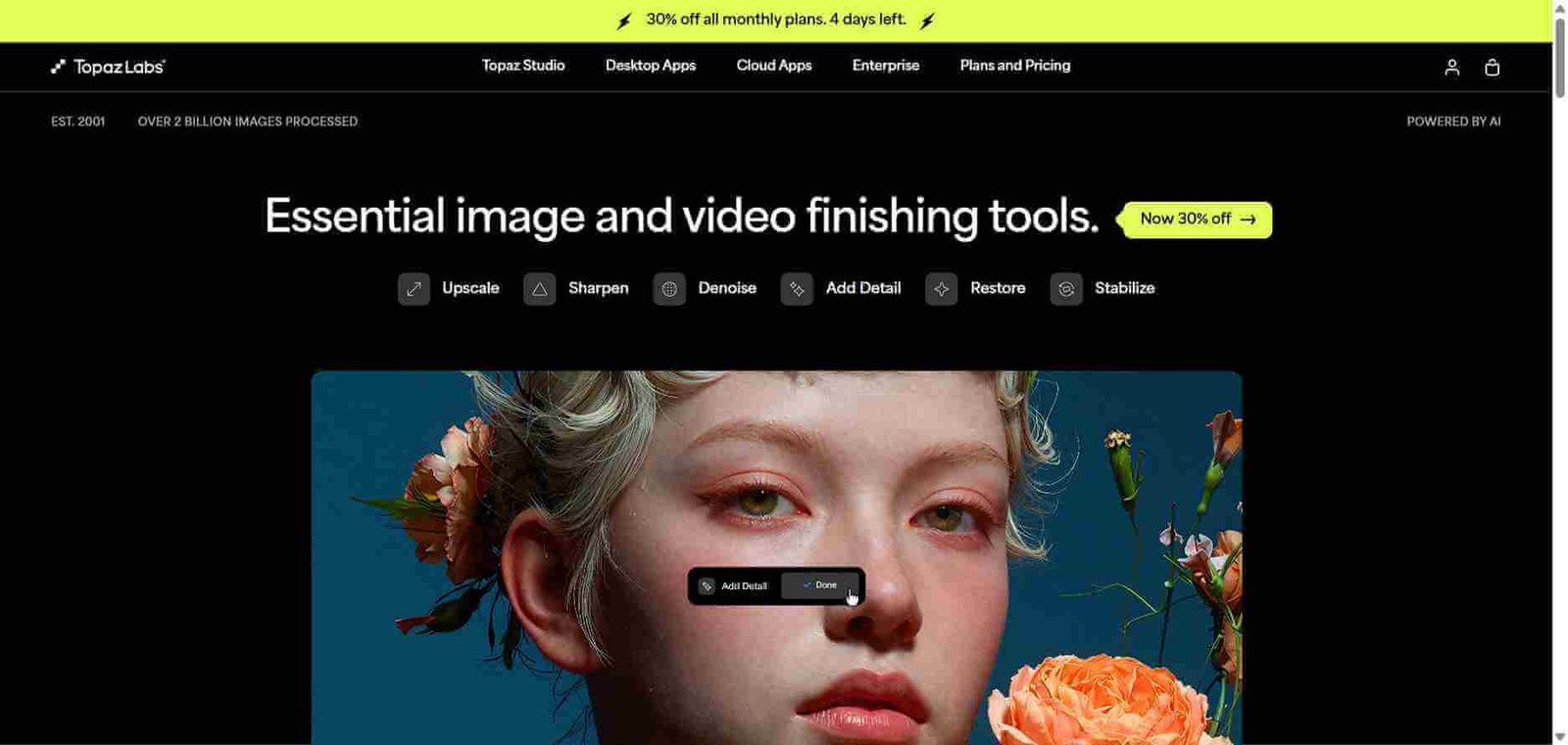
Leonardo AI — Built-in upscaler within a broader image generation platform, less specialised than Magnific
Krea AI — Strong upscaler available as part of a real-time image generation toolkit
Adobe Firefly — Generative upscale available within the Adobe ecosystem for existing subscribers
Ideogram — Image generation with enhancement, not a dedicated upscaling platform
Frequently Asked Questions (FAQ)
What is Magnific AI?
Magnific AI is an AI image upscaling platform that increases image resolution while generating realistic new detail in the process, producing results that exceed what standard interpolation upscalers can achieve.
Is Magnific AI free?
Magnific AI does not offer a free plan. Paid plans start at $39/month. The quality difference from free alternatives is significant enough that professionals in photography and digital art find it worth the cost.
How does Magnific AI differ from regular upscalers?
Standard upscalers interpolate between existing pixels to produce a larger image. Magnific AI uses a generative AI model to create plausible new fine detail consistent with the image content, resulting in sharper and more detailed output rather than just a bigger version of the same image.
What types of images does Magnific AI work best on?
Magnific produces its most impressive results on portraits, AI-generated artwork, product photography, and architectural images. It is less impactful on flat graphic design or simple geometric imagery.
Can I use Magnific AI output commercially?
Yes, commercial use is included on the Business plan. Check the terms for Pro and Premium plans regarding specific commercial applications.
What is the maximum upscale factor in Magnific AI?
The Business plan supports up to 16x upscaling. Pro supports up to 4x and Premium supports up to 8x, depending on the original image dimensions.
Final Recommendation
Magnific AI has earned its place as the go-to enhancement tool for anyone who takes image quality seriously. The detail hallucination technology produces results that photographers and digital artists describe as transformative rather than incremental. If you regularly work with images destined for print, large format display, advertising, or high-resolution platforms, the investment in a monthly plan pays for itself quickly in time saved and quality delivered.