Topaz AI Review: Professional AI Photo and Video Enhancement Suite
Topaz Labs has been building AI enhancement tools since 2015 and in that time has accumulated a reputation as the professional standard for image and video quality work. Its suite of tools covers every common enhancement task that photographers and videographers face: sharpening motion-blurred or out-of-focus images, removing noise from high-ISO shots, upscaling images and video to higher resolutions, and restoring old or degraded media. Each tool is a specialised application of AI trained specifically for its task rather than a general-purpose editor attempting everything at once.
Quick Summary
Topaz AI is a professional suite of AI-powered photo and video enhancement applications covering sharpening, noise removal, upscaling, and restoration, trusted by professional photographers and videographers worldwide.
Is it worth using? Yes, for photographers and videographers who need professional-grade enhancement tools that produce results noticeably better than those built into standard editing software. Who should use it? Professional photographers, videographers, post-production teams, and serious hobbyists who regularly work with images and video that need quality enhancement. Who should avoid it? Casual users who rarely need enhancement beyond what Lightroom or Photoshop provides natively.
Verdict Summary
Best for
Professional photographers recovering difficult shots with blur, noise, or focus issues
Videographers upscaling footage from lower-resolution sources for modern delivery formats
Post-production teams restoring archival or degraded media to usable quality
Not for
Casual users who need only occasional and basic enhancement
Users looking for a browser-based or cloud workflow
Teams needing creative AI generation rather than technical quality enhancement
Rating ⭐⭐⭐⭐½ 4.7 / 5
What Is Topaz AI?
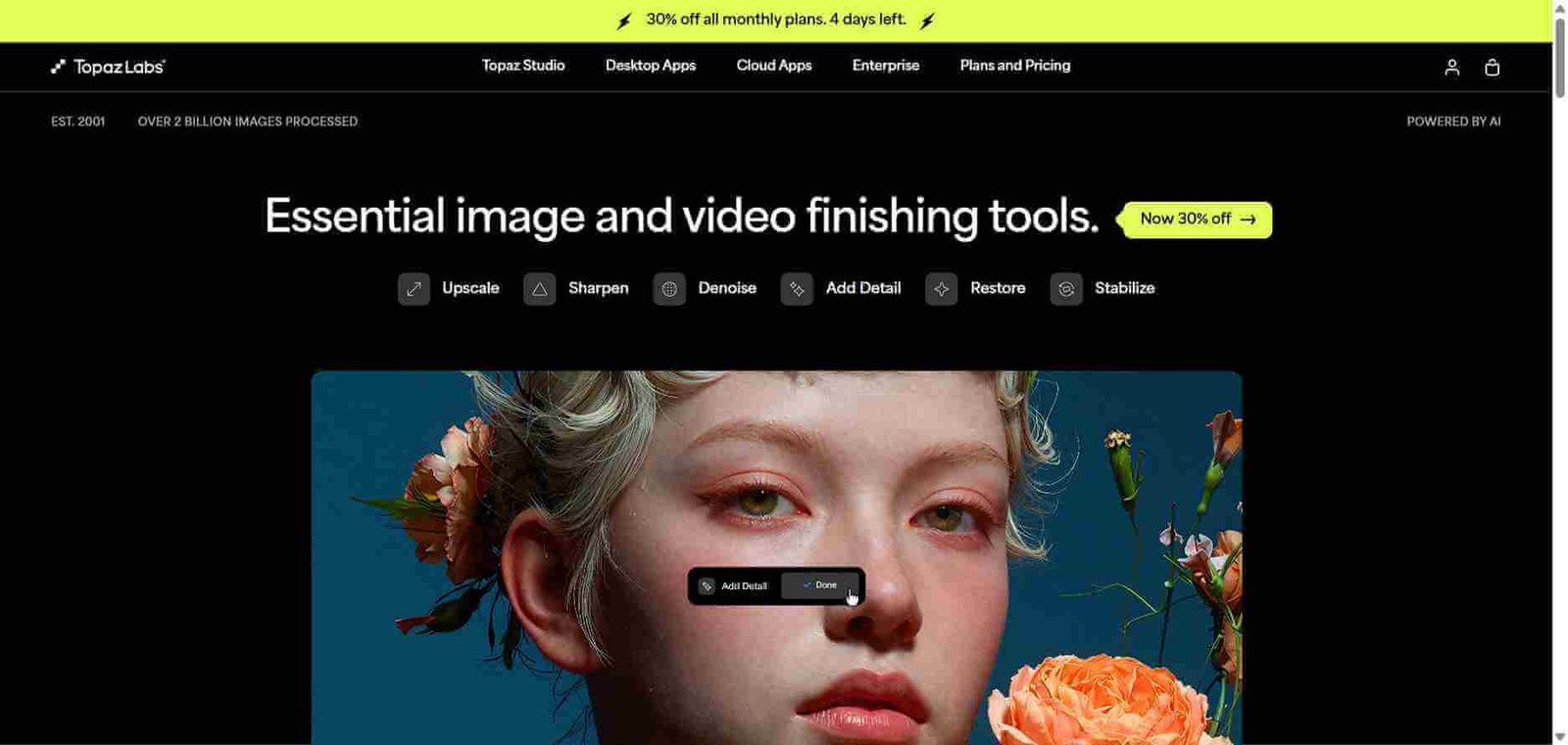
Topaz Labs is an AI imaging software company founded in 2005, making it one of the oldest AI-focused imaging companies in existence. Its AI-powered product suite, developed primarily from 2019 onwards, includes four main applications. Topaz Photo AI combines sharpening, noise removal, and upscaling in one automated application. Topaz Sharpen AI focuses specifically on recovering sharpness from blur and camera shake. Topaz DeNoise AI specialises in removing noise while preserving detail at levels that Lightroom’s noise reduction cannot match. Topaz Video AI upscales and enhances video footage up to 8K resolution.
These tools are used professionally by commercial photographers, wedding photographers, sports photographers, and film restoration specialists who need technically precise output from challenging source material.
How Topaz AI Works
Install the application on your Mac or Windows computer. Topaz tools run locally rather than in a browser, processing images and video on your own hardware.
Open your image or video file within the application or as a plugin from Lightroom or Photoshop.
Let the AI autopilot detect issues. Topaz Photo AI automatically detects blur, noise, and resolution issues and applies appropriate corrections as a starting point.
Fine-tune the settings. Adjust the strength of each enhancement model using simple sliders. Preview the result at 100 percent zoom before committing to the export.
Process and export. Topaz renders the enhanced output at your chosen export resolution and format. Processing time varies based on image size and your hardware.
Use as a plugin. Topaz tools integrate with Lightroom Classic and Photoshop as plugins, fitting directly into existing professional editing workflows.
Key Features
Topaz Photo AI combining sharpening, denoising, and upscaling in one tool
AI subject detection automatically identifying what to sharpen or protect
Noise removal preserving fine detail that standard NR destroys
Image upscaling up to 6x with genuine detail preservation
Topaz Video AI supporting upscaling and enhancement up to 8K
Frame interpolation for smooth slow motion from standard footage
Lightroom Classic and Photoshop plugin integration
Local processing keeping images and video on your own hardware
Real-World Use Cases
Sports and wildlife photography: Recover sharpness from shots taken at fast shutter speeds with motion blur or at high ISO with significant noise.
Wedding photography: Save slightly out-of-focus shots from key moments that cannot be reshot, using AI sharpening to bring them to delivery quality.
Video upscaling: Upscale older HD or 4K footage to higher resolutions for modern streaming delivery or large-screen projection.
Archive restoration: Restore scanned film or old digital images with noise, grain, and low resolution to modern usable quality for publishing or printing.
Industry-standard quality trusted by professionals
Desktop-only, no browser or mobile version
Local processing keeps sensitive images private
Requires capable hardware for fast processing
Integrates directly into Lightroom and Photoshop
One-time purchase cost can feel high initially
Separate specialist tools for each enhancement task
Not suitable for creative AI generation use cases
Consistent updates improving model quality
Video AI requires very capable GPU for real-time work
Pricing & Plans
Topaz Photo AI — $199 one-time (or $99/year subscription)
Sharpening, denoising, and upscaling in one application
Lightroom and Photoshop plugin included
Free updates for one year then annual renewal option
Topaz Video AI — $299 one-time (or $199/year subscription)
Video upscaling up to 8K
Frame interpolation and motion deblur
Supports common video formats and codecs
Topaz Bundle — $499 one-time
All Topaz applications included
Best value for professional workflows using both photo and video
Best Alternatives & Comparisons
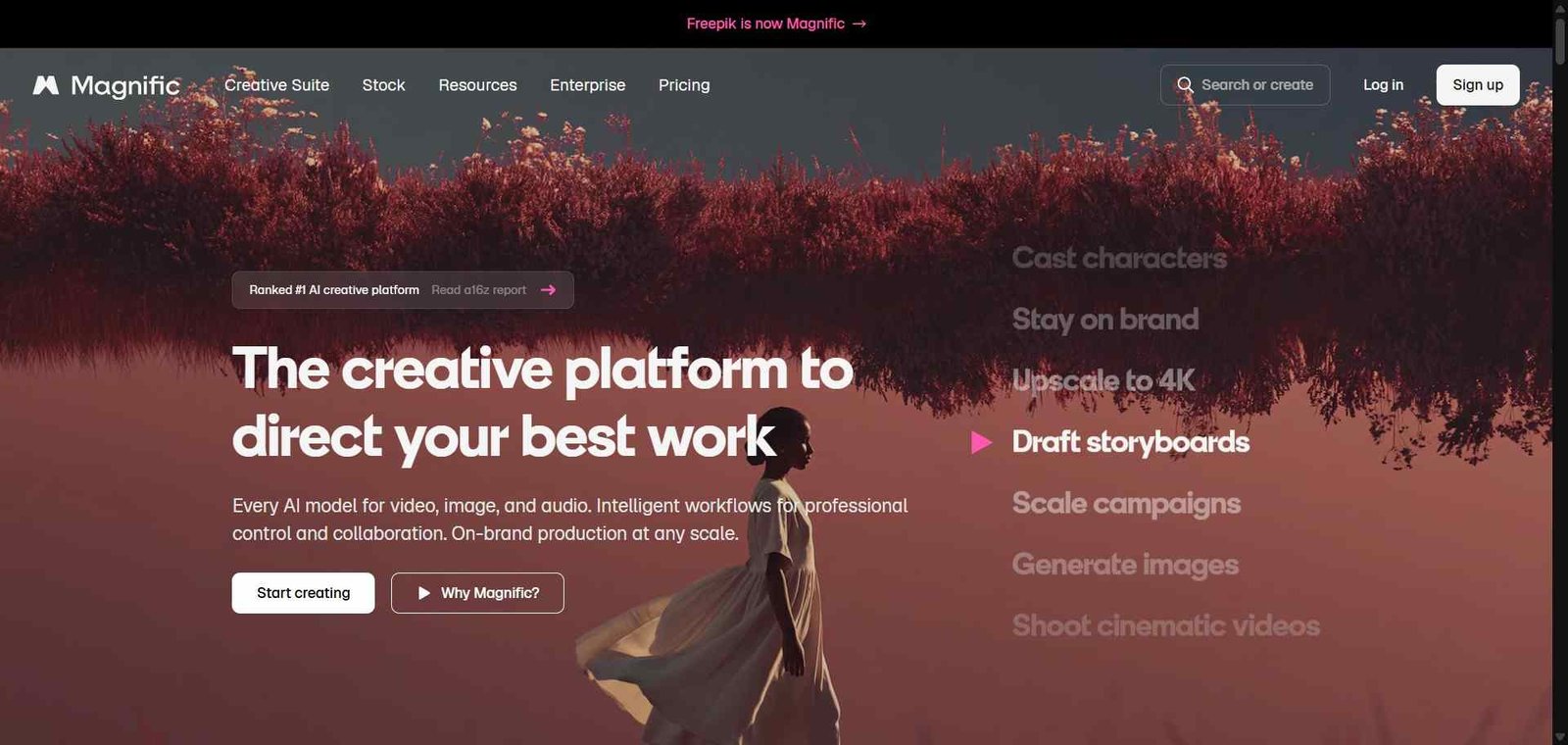
Magnific AI — Cloud-based upscaler with hallucinated detail generation, better for AI art and online workflows
Krea AI — Online upscaler within a broader AI image platform, less specialised than Topaz for professional photography
Adobe Firefly — Generative fill and upscaling within the Adobe ecosystem, less technically precise than Topaz for restoration work
Leonardo AI — Image generation platform with upscaling, not a dedicated professional enhancement tool
Frequently Asked Questions (FAQ)
What is Topaz AI?
Topaz AI refers to the suite of AI-powered photo and video enhancement applications by Topaz Labs, covering sharpening, noise removal, upscaling, and restoration for professional imaging workflows.
Is Topaz AI free?
Topaz Labs does not offer a free plan but provides a free trial for each application. Paid options include one-time purchase pricing and annual subscriptions.
Does Topaz AI work as a Lightroom plugin?
Yes, Topaz Photo AI integrates directly with Lightroom Classic as an external editor plugin, allowing you to send images to Topaz for enhancement and return them to Lightroom within your existing workflow.
How does Topaz AI differ from Lightroom noise reduction?
Topaz DeNoise AI and Topaz Photo AI use dedicated AI models trained specifically on noise patterns, producing results that preserve fine detail at levels that Lightroom’s built-in noise reduction cannot consistently match, particularly on high-ISO images.
Can Topaz AI upscale video?
Yes, Topaz Video AI upscales video footage up to 8K resolution and includes frame interpolation for slow motion creation from standard frame rate footage.
Is Topaz AI a subscription or one-time purchase?
Both options are available. One-time purchase pricing includes one year of free updates. Annual subscription pricing provides ongoing updates at a lower initial cost.
Final Recommendation
Topaz AI is the professional standard for image and video enhancement for good reason. The quality difference between Topaz and the enhancement tools built into standard editing software is consistently meaningful on difficult source material. For photographers and videographers who encounter blur, noise, or resolution challenges regularly in their work, the investment in the appropriate Topaz tool pays for itself within weeks in time saved and shots recovered.