Asana AI Review: Project Management Platform That Keeps Large Teams Aligned
When teams grow beyond ten people and projects multiply across departments, the biggest challenge is not doing the work — it is knowing what everyone else is doing and whether the right things are happening in the right order. Asana was built for exactly that coordination challenge. Its project tracking, task dependency management, and portfolio-level overview give managers and teams the clarity needed to execute complex multi-team projects without the status meeting overhead that consumes time when visibility is poor.
Quick Summary
Asana AI is an AI-powered project and task management platform covering team task tracking, project timelines, goal setting, workload management, and portfolio oversight, with AI features for task creation, status summaries, and intelligent project insights.
Is it worth using? Yes for teams that need structured project management with clear task ownership, dependency tracking, and portfolio-level visibility across multiple simultaneous projects. Who should use it? Marketing teams, operations teams, product managers, and any team coordinating complex multi-person projects where clarity on ownership, dependencies, and status is critical. Who should avoid it? Very small teams whose coordination needs are handled by simple shared task lists, or software engineers who need code-specific project tools.
Verdict Summary
Best for
Marketing and operations teams managing complex campaigns and projects with multiple dependencies and cross-functional stakeholders
Project managers who need portfolio-level visibility across multiple simultaneous team projects
Teams that have outgrown shared spreadsheets and need structured task ownership with clear accountability
Not for
Software engineering teams who need GitHub integration and code-specific issue tracking
Solo users or very small teams for whom simpler task apps are sufficient
Teams who prefer Monday AI’s highly visual, board-centric interface
Rating ⭐⭐⭐⭐ 4.4 / 5
What Is Asana AI?
Asana is a project and task management platform designed around structured work organisation — every task has a clear owner, due date, and status, every project has a defined structure, and every team member knows exactly what they are responsible for. Its task dependency system ensures that work flows in the right order, flagging when dependent tasks are at risk before they become blockers. Its portfolio and goals features provide the upward visibility that managers and executives need without requiring manual status reporting.
The AI capabilities added through Asana AI include intelligent task creation from project descriptions, automatic status update drafting for stakeholder communication, smart project summaries identifying progress and risks, and AI-powered workflow suggestions that help teams build better project structures from the start.
How Asana AI Works
Create a project and add tasks. Build a project structure with sections for each phase or workstream, then add tasks with owners, due dates, and relevant details.
Set task dependencies. Mark tasks as dependent on others to create a logical work order — when an upstream task is delayed, Asana flags the downstream impact automatically.
Use AI to accelerate setup. Describe your project in natural language and Asana AI generates a task breakdown with sections, milestones, and dependencies as a starting point.
Track progress on the timeline. View the project on a gantt-style timeline showing task schedule, dependencies, and who is working on what across the timeline.
Monitor workload. Use the Workload view to see how many tasks each team member is assigned across all projects, identifying overloaded individuals before they miss deadlines.
Report upward with AI summaries. Use Asana AI to generate status update drafts that summarise project progress, highlight risks, and note upcoming milestones for stakeholder communication.
Key Features
Task management with owners, due dates, and priority levels
Task dependency management showing downstream impact of delays
Multiple view types — list, board, timeline, calendar, and gantt
Workload view showing team capacity across all active projects
Portfolio and goals for cross-project visibility and OKR tracking
Asana AI for task generation, status summaries, and workflow suggestions
Automation rules for routine status updates and task assignments
300 plus integrations with Slack, Google Workspace, Zoom, and others
Forms for collecting external requests into projects
Real-World Use Cases
Product launch management: A product team manages launch tasks across engineering, marketing, and sales on connected Asana projects, with dependencies ensuring marketing does not go live before the product is ready.
Agency workflow management: An agency tracks client deliverables across multiple projects simultaneously, using portfolio view to identify which projects are on track and which need attention each week.
Marketing campaign planning: A marketing team builds a campaign project with sections for strategy, creative, media, and reporting, with task dependencies and a timeline showing the full campaign schedule.
Quarterly OKR tracking: A leadership team sets company goals in Asana Goals, connects team projects to the relevant objectives, and tracks progress toward quarterly targets from a unified goals dashboard.
Portfolio and goals provide executive-level visibility
Timeline and advanced features only on paid plans
Asana AI reduces status reporting effort meaningfully
Less visually customisable than Monday AI
Workload view prevents team burnout through capacity visibility
Can feel overly structured for teams with fluid workflows
Strong integration ecosystem connects Asana to existing tools
Pricing increases significantly for advanced features
Pricing & Plans
Free — $0/month
Up to 15 users
Unlimited tasks and projects
List, board, and calendar views
Basic integrations
Starter — $10.99/user/month
Timeline and gantt view
Unlimited dashboards
Workflow automations
Advanced search
Advanced — $24.99/user/month
Portfolio view
Goals and OKR tracking
Workload management
Advanced reporting
Asana AI features
Enterprise — Custom pricing
Unlimited everything
SSO and advanced security
Dedicated support
Best Alternatives & Comparisons
Monday AI — Better for visually customisable boards and teams that need flexible workflow configuration
Linear — Better for software engineering teams who need code-specific project management
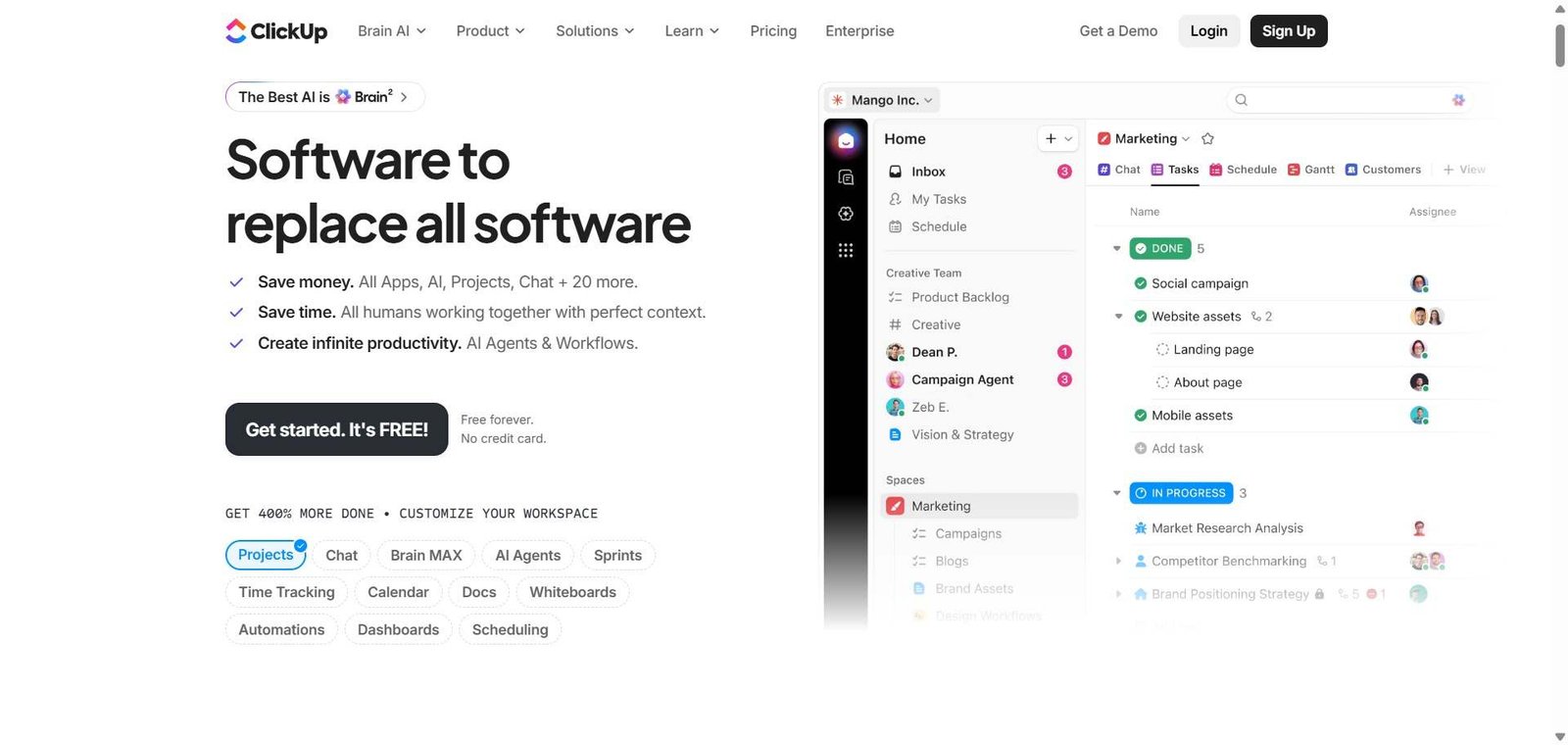
ClickUp — Better for teams wanting everything in one tool at a more competitive price
Notion AI — Better for knowledge management alongside project tracking in a flexible workspace
Frequently Asked Questions (FAQ)
What is Asana AI?
Asana AI is an AI-powered project and task management platform with structured task ownership, dependency management, timeline tracking, workload views, and portfolio visibility for teams managing complex multi-person projects.
Is Asana AI free?
Yes, Asana offers a free plan for up to 15 users with unlimited tasks and projects. Paid plans start at $10.99/user/month with timeline, automations, and unlimited dashboards.
How does Asana handle task dependencies?
You mark tasks as dependent on each other, and Asana visually shows these relationships on the timeline. When an upstream task is delayed, Asana automatically flags which downstream tasks are at risk, helping teams proactively address blockers.
What is Asana Portfolio?
Asana Portfolio is a cross-project view showing the status, progress, and health of all projects in a portfolio at a glance, giving managers and executives visibility without requiring manual status reports from project teams.
How does Asana compare to Monday AI?
Asana leads on task dependency management and portfolio-level project tracking. Monday AI leads on visual customisation and workflow flexibility. Asana is better for structured project execution; Monday AI for visually-driven cross-functional work management.
Does Asana AI generate project plans automatically?
Yes, you can describe your project to Asana AI and it generates a task breakdown with sections, milestones, and dependencies as a starting point that you then customise to your specific project needs.
Final Recommendation
Asana AI is the strongest project management platform for teams who need structured, accountable work management with clear ownership and dependency tracking. The portfolio and goals features make it particularly valuable for managers who need visibility across multiple simultaneous projects without relying on manual status updates. The free plan handles small teams effectively, and the Starter plan at $10.99/user/month provides the timeline and automation features that make Asana genuinely powerful for coordinating complex team work.