Pendo Review: The Product Platform That Combines Analytics with In-App User Guidance
Most product analytics tools tell you what users are doing. Pendo tells you what users are doing and then helps you do something about it inside the product — without waiting for an engineering sprint. Its in-app guidance system allows product teams to create walkthroughs, tooltips, banners, and checklists that appear inside the product for specific user segments, driving feature adoption, reducing support volume, and improving onboarding completion without modifying code. For SaaS companies where product adoption directly drives retention and expansion revenue, this combination is genuinely distinctive.
Quick Summary
Pendo is an AI-powered product analytics and in-app guidance platform that combines user behaviour tracking with codeless in-app messaging — walkthroughs, tooltips, and banners — to improve feature adoption, user onboarding, and product engagement without engineering involvement.
Is it worth using? Yes for SaaS product teams who want to understand user behaviour and act on that understanding directly within the product through guided experiences without waiting for engineering resources. Who should use it? Product managers, product operations teams, and customer success managers at SaaS companies who want to improve feature adoption, onboarding completion, and user engagement through in-product guidance. Who should avoid it? Teams whose primary need is deep quantitative product analytics without in-app guidance, where Mixpanel or Amplitude provide more analytical sophistication at lower cost.
Verdict Summary
Best for
SaaS product teams who want to drive feature adoption through in-app walkthroughs and tooltips without engineering involvement for every onboarding change
Customer success teams who want to onboard new users to specific features through in-product guidance rather than one-on-one CSM sessions
Product operations teams who need to communicate product updates, new features, and announcements to specific user segments directly within the product
Not for
Teams whose primary need is deep quantitative analytics without in-app guidance capability
Early-stage startups with small user bases where Pendo’s pricing is hard to justify
Engineering-led teams who prefer open-source analytics infrastructure
Rating ⭐⭐⭐⭐ 4.4 / 5
What Is Pendo?
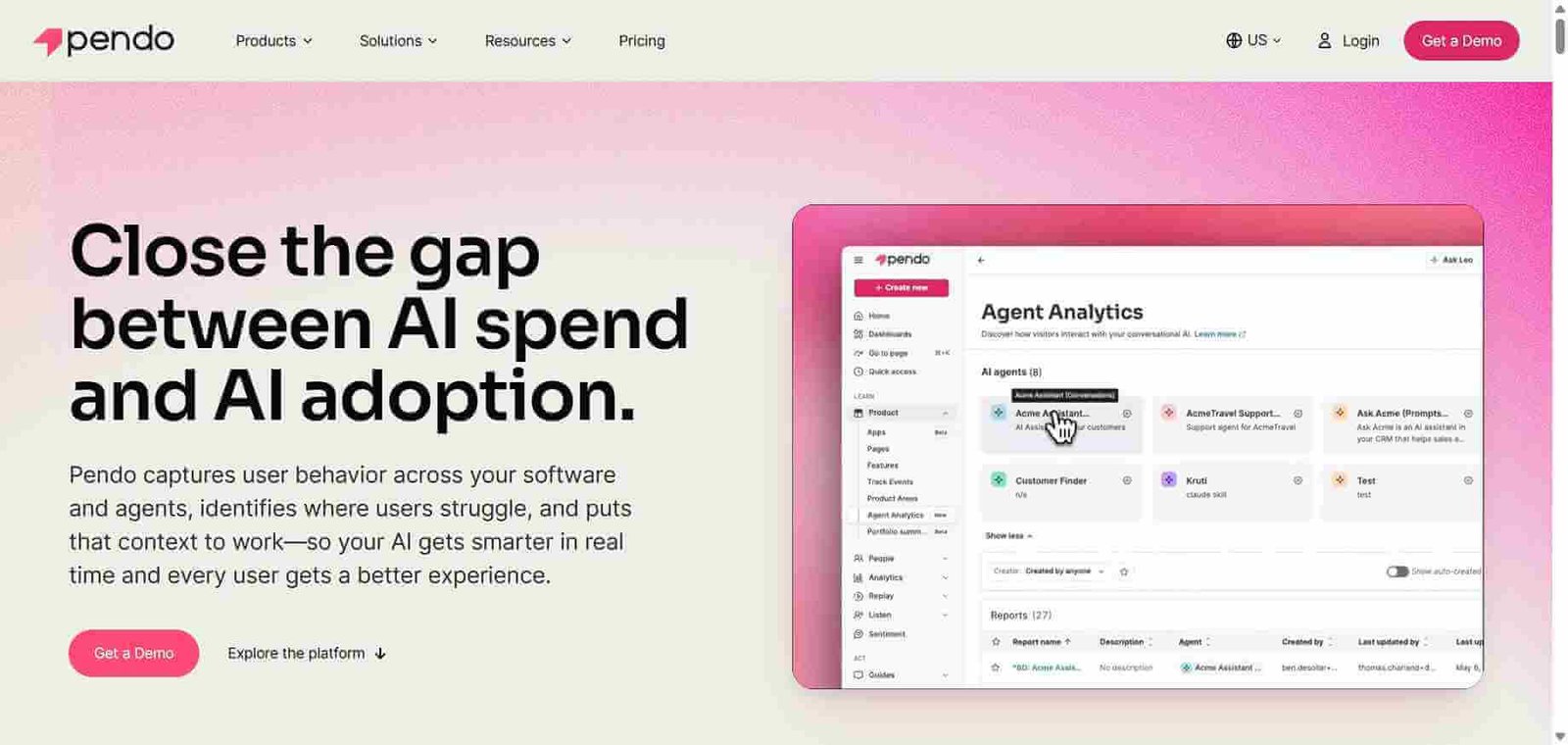
Pendo is a product experience platform that was built around the insight that understanding user behaviour is only valuable if you can act on it to change that behaviour. Its analytics layer tracks feature usage, page views, user retention, and NPS feedback. Its in-app guidance layer — Pendo’s most distinctive capability — allows product teams to create walkthroughs, tooltips, banners, polls, and resource centres that appear inside the product for specific user segments, triggered by specific behaviour, without any code changes.
The combination means product teams can identify that users are not discovering a specific feature, create a tooltip guiding them to it, target the tooltip to the specific user segment that has not yet used the feature, and measure the impact on adoption — all without filing an engineering ticket.
How Pendo Works
Install the Pendo snippet. Add a single JavaScript tag to your web application. Pendo begins autocapturing page views and click events immediately without requiring manual event instrumentation.
Explore analytics. View feature usage reports showing which pages and features users are interacting with, retention charts showing engagement over time, and path analysis showing how users navigate through your product.
Identify adoption gaps. Use Pendo’s feature adoption reports to identify features with low discovery or usage rates among user segments who would benefit from them.
Create in-app guides without code. Use Pendo’s visual guide builder to create tooltips, walkthroughs, banners, and checklists that appear inside your product for specific user segments without engineering involvement.
Target guides to the right users. Define the user segment, triggering behaviour, and timing for each guide — showing a walkthrough only to new users who have not yet activated a specific feature, for example.
Measure guide impact. Track guide completion rates and measure the change in feature adoption among users who completed the guide versus those who did not.
Key Features
Codeless autocapture tracking page views and clicks without manual instrumentation
Feature adoption analytics showing which features are used by which user segments
In-app guides — tooltips, walkthroughs, banners, checklists, and modals — created without code
NPS and in-app survey collection for qualitative user sentiment alongside behavioural data
User segmentation for targeting analytics and guides to specific audiences
Product roadmap sharing with embedded voting for collecting user input on priorities
Resource centre providing in-product self-service help without leaving the application
Pendo AI for generating guide content and summarising analytics insights
Integrations with Salesforce, HubSpot, Slack, Jira, and customer success platforms
Real-World Use Cases
Feature discovery improvement: A product team identifies through Pendo analytics that only 15 percent of users have discovered a high-value integration feature. They create a tooltip pointing to it for all users who have not yet activated it, increasing discovery by 40 percent without an engineering sprint.
New user onboarding: A customer success team builds a Pendo walkthrough guiding new users through their first five key actions in the product, reducing time to first value and decreasing early churn without adding CSM capacity.
Product announcement: A product team creates a Pendo banner announcing a major feature update, targeting it to active users in the relevant plan tier, with a CTA linking to the new feature documentation.
NPS collection and analysis: A product team runs continuous in-app NPS surveys targeted to users after their 30th day of use, with Pendo AI summarising feedback themes from open-text responses quarterly.
Analytics depth below Mixpanel and Amplitude for pure quantitative analysis
Product team can drive feature adoption without engineering tickets
Initial implementation and guide creation requires meaningful time investment
NPS and surveys integrated with behavioural data provides full context
Small startups often find Pendo pricing hard to justify at early stage
Pendo AI accelerates guide creation and insight generation
Self-service adoption of Pendo itself requires internal champion
Pricing & Plans
Free — $0/month
Up to 500 monthly active users
Core analytics
In-app guides (3 active)
NPS surveys
Growth — Custom pricing
Unlimited monthly active users
Full analytics suite
Unlimited guides
Integrations
Priority support
Portfolio — Custom pricing
All Growth features
Cross-product analytics
Advanced segmentation
Enterprise security
Pendo’s paid plan pricing is available on request. Most customers are SaaS companies with meaningful annual contract values.
Best Alternatives & Comparisons
Mixpanel — Better for deep quantitative product analytics without in-app guidance, lower cost
PostHog — Better for engineering-led teams wanting open-source analytics plus feature flags and session recording
Amplitude — Better for sophisticated retention and business outcome analytics without in-app guidance
Hotjar — Better for qualitative behaviour visualisation, no in-app guidance capability
Frequently Asked Questions (FAQ)
What is Pendo?
Pendo is an AI-powered product analytics and in-app guidance platform that tracks user behaviour and allows product teams to create walkthroughs, tooltips, and banners inside their product without code to drive feature adoption and improve onboarding.
Is Pendo free?
Yes, Pendo offers a free plan for up to 500 monthly active users with core analytics and 3 active in-app guides. Paid plans for larger user bases are custom priced.
What makes Pendo different from Mixpanel?
Pendo’s defining capability is in-app guidance — creating tooltips, walkthroughs, and banners inside your product without code changes. Mixpanel focuses on deeper quantitative analytics without any in-product communication capability. Pendo is for teams who want to both understand and influence user behaviour in-product.
Do I need to write code to create Pendo guides?
No, Pendo’s guide builder is a visual, codeless tool that overlays on your actual product, allowing product managers to create in-app experiences without developer involvement — one of Pendo’s most significant practical advantages.
What is Pendo AI?
Pendo AI generates guide content from brief descriptions of what you want to communicate, summarises analytics insights in natural language, and helps product teams draft NPS response analysis without manual report writing.
How does Pendo track user behaviour?
Pendo uses a codeless autocapture approach that tracks page views and click events without requiring manual event instrumentation, combined with tagged features for more specific usage tracking and custom event support for actions that autocapture cannot detect.
Final Recommendation
Pendo is the right platform for SaaS product teams that have moved beyond simply measuring what users do and want to actively influence what users do — within the product, in the moment it matters, without engineering bottlenecks. The in-app guidance capability is its defining differentiator, and the combination of adoption analytics, guided experiences, and NPS feedback creates a complete picture of product health and the tools to improve it. For product teams at growing SaaS companies where feature adoption directly affects retention, Pendo’s investment consistently pays back in measurable adoption and churn reduction outcomes.