Appsmith Review: The Open Source Retool Alternative That Developers Can Self-Host for Free
Retool is the most widely known internal tool builder but it comes with significant per-seat pricing that makes it expensive for larger teams. Appsmith provides comparable capability as a fully open-source platform — self-hostable on any infrastructure at no licensing cost, with a cloud version available for teams who want managed hosting. For development teams building internal tools who want the productivity of a low-code builder without Retool’s pricing at scale, Appsmith is the most compelling open-source alternative available.
Quick Summary
Appsmith is an open-source low-code platform for building internal dashboards, admin panels, and CRUD applications connected to any database or API, available as a self-hosted deployment or managed cloud service with no per-seat fees on self-hosted instances.
Is it worth using? Yes for development teams and engineering organisations who want Retool-comparable internal tool building capability without per-seat licensing costs, particularly those with data privacy requirements that benefit from self-hosting. Who should use it? Development teams, platform engineers, and technical teams building internal tools who want open-source flexibility, self-hosting capability, and no per-user licensing fees at scale. Who should avoid it? Non-technical teams without developer involvement who need a simpler tool like Glide or Softr that requires no coding knowledge.
Verdict Summary
Best for
Engineering teams who want Retool-comparable internal tool building at zero licensing cost through self-hosting on their own infrastructure
Organisations with data privacy requirements who need internal tools that do not send data to third-party cloud services
Development teams building multiple internal tools simultaneously where Retool’s per-seat pricing becomes prohibitively expensive at scale
Not for
Non-technical teams who need internal tools without developer involvement
Teams who want the most polished managed cloud experience where Retool’s investment in UX is meaningful
Small teams where Retool’s free plan adequately covers their tool count
Rating ⭐⭐⭐⭐ 4.3 / 5
What Is Appsmith?
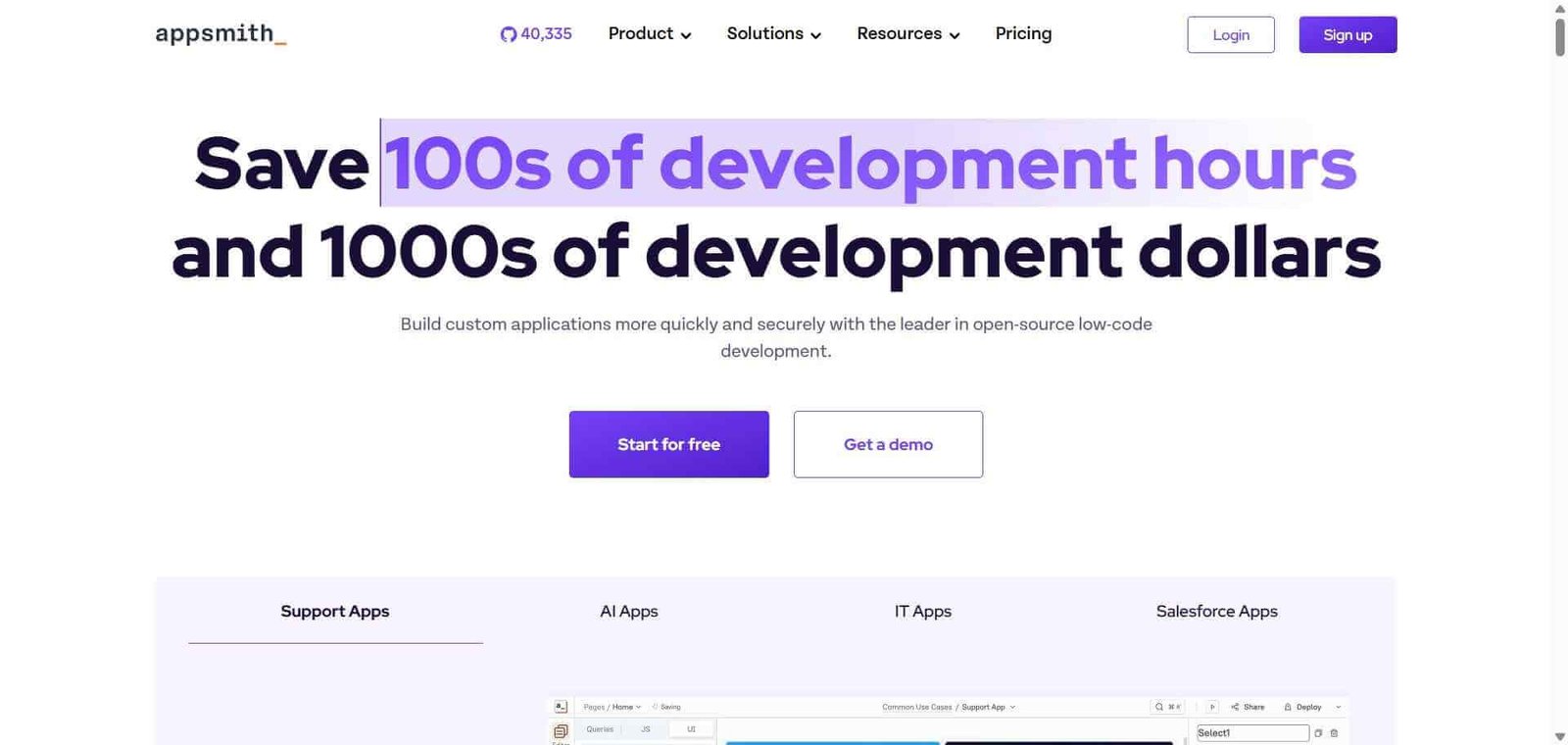
Appsmith is an open-source low-code framework for building internal tools and admin panels, created and maintained by Appsmith Inc with a large community of contributors. Like Retool, it provides a drag-and-drop widget library, database and API query builders, and JavaScript-based logic for connecting data to interfaces. Unlike Retool, the entire platform is open source under the Apache 2.0 licence, meaning it can be self-hosted on any infrastructure at no licensing cost with no per-user fees.
The cloud-hosted version provides a managed experience similar to Retool for teams that prefer not to manage their own infrastructure, with pricing competitive against Retool’s commercial plans.
How Appsmith Works
Deploy or sign up. Self-host Appsmith using Docker or Kubernetes on your own infrastructure, or sign up for Appsmith Cloud for managed hosting without infrastructure management.
Connect your data sources. Add database connections (PostgreSQL, MySQL, MongoDB, Redis) and API integrations (REST APIs, GraphQL, Stripe, S3) through the data source configuration panel.
Write queries. Create queries in SQL for databases or configure API request parameters in the query editor. Queries can be triggered by user actions or run on page load.
Build your interface. Drag widgets from the panel — tables, forms, charts, inputs, buttons, modals — onto the canvas and connect them to your queries.
Add JavaScript logic. Write JavaScript in widget event handlers and query response transformations to add custom logic, data formatting, and conditional behaviour.
Deploy and share. Publish your application and share with internal users. Access control is managed through Appsmith’s built-in roles and permissions system.
Key Features
Open-source codebase (Apache 2.0) available for self-hosting at no licensing cost
Drag-and-drop widget library with tables, charts, forms, and inputs
Database connections to PostgreSQL, MySQL, MongoDB, and others
REST API, GraphQL, and third-party service integrations
JavaScript logic in event handlers and data transformations
Git integration for version control of application code
Role-based access control for multi-user internal tools
Appsmith AI for generating queries and widget configurations from natural language
Community templates and widget marketplace
Real-World Use Cases
Customer support dashboard: An engineering team builds a support admin panel in Appsmith that shows customer account details, subscription history, and support ticket context in one view — giving the support team the database access they need through a safe, controlled interface.
Data operations tool: An operations team uses Appsmith to build a data correction tool where business analysts can identify and fix data quality issues in the production database through a form-based interface without direct SQL access.
Self-hosted internal tooling: A healthcare organisation self-hosts Appsmith on its own infrastructure to build internal admin panels for patient data management without sending data to third-party cloud services.
API integration dashboard: A developer team builds a monitoring dashboard in Appsmith that queries multiple internal and external APIs to display system health, incident status, and operational metrics in one consolidated view.
Data privacy requirements met by keeping data on own infrastructure
Interface polish below Retool’s commercial investment in UX
Active open-source community and regular development updates
Some advanced features less mature than Retool equivalents
Git integration enables version control for application development
Requires developer involvement — not a no-code solution
Appsmith AI accelerates query and widget generation
Cloud plan pricing approaches Retool at higher user counts
Pricing & Plans
Free (Self-hosted) — $0
Unlimited users
All features
Self-managed infrastructure
Community support
Free (Cloud) — $0/month
Up to 2 users
Core features
Managed hosting
Business (Cloud) — $15/user/month
Unlimited users
All features
Priority support
SSO
Enterprise — Custom pricing
All Business features
Dedicated support
Custom SLA
Advanced security
Best Alternatives & Comparisons
Retool — Better managed cloud experience with more polished UX, per-seat pricing at $10/user/month
Bubble — Better for building customer-facing web applications rather than internal tools
Glide — Better for non-technical teams building simple apps from spreadsheet data
Softr — Better for client portals from Airtable data, less suited to database-connected internal tools
Frequently Asked Questions (FAQ)
What is Appsmith?
Appsmith is an open-source low-code platform for building internal dashboards, admin panels, and CRUD applications connected to any database or API, available as a self-hosted deployment or managed cloud service.
Is Appsmith free?
Yes, Appsmith’s self-hosted version is completely free with unlimited users and all features under the Apache 2.0 open-source licence. The cloud version is free for up to 2 users.
How does Appsmith self-hosting work?
Appsmith can be deployed on any infrastructure using Docker or Kubernetes. The full platform — application builder, database connections, and user management — runs on your own servers, with no data leaving your infrastructure.
Does Appsmith require coding knowledge?
Appsmith requires JavaScript for logic and SQL or API knowledge for data connections. It significantly reduces development time compared to building from scratch, but it is a low-code tool for developers rather than a no-code tool for non-technical users.
How does Appsmith compare to Retool?
Appsmith is open-source and self-hostable at zero cost, making it significantly more affordable at scale. Retool has a more polished interface and more mature feature set. Both connect to databases and APIs and provide similar internal tool building capability. Choose Appsmith for cost and self-hosting; Retool for polished UX and managed infrastructure.
Does Appsmith have version control?
Yes, Appsmith includes Git integration allowing application configurations to be stored in a Git repository, enabling version control, branch-based development, and code review workflows for internal tool development.
Final Recommendation
Appsmith is the most compelling choice for development teams building internal tools who want Retool-comparable capability without the per-seat pricing that makes Retool expensive for larger engineering organisations. The open-source self-hosting option is particularly valuable for organisations with data privacy requirements, and the active community ensures the platform continues to improve. For any engineering team with a backlog of internal tool requests and a Retool bill that is growing with headcount, Appsmith delivers the same workflow at a fraction of the cost.