Softr Review: The No-Code Platform That Turns Airtable Into a Client Portal in Minutes
Airtable is an excellent database for internal data management. But sharing that data with clients, partners, or community members typically requires either giving them Airtable access — which exposes more than they should see — or building a custom portal — which requires a developer. Softr closes this gap, turning any Airtable base or Google Sheet into a secure, branded client portal, member site, or internal tool where each user sees only the data relevant to them, without any coding required.
Quick Summary
Softr is a no-code platform for building client portals, member sites, directories, and internal tools from Airtable and Google Sheets data, with built-in user authentication, row-level permissions, and a professional block-based editor.
Is it worth using? Yes for agencies, consultants, SaaS companies, and small businesses who want to give clients or members a secure, branded portal to their data without building a custom application. Who should use it? Agencies, consultants, service businesses, community builders, and product teams who want to create client-facing portals, member sites, or internal tools from existing Airtable or Google Sheets data. Who should avoid it? Teams needing complex application logic and full database control beyond what Airtable provides as a data layer, where Bubble is more appropriate.
Verdict Summary
Best for
Agencies who want to give each client a branded portal showing their project data, deliverables, and reports from an Airtable base
Community builders who want to create a member directory, gated content site, or community platform from Airtable data with user authentication
Service businesses who want to build a customer portal for order tracking, document access, or account management without developer resources
Not for
Teams needing full application logic and complex backend integrations beyond Airtable’s capabilities
Developers who prefer code-based frameworks for maximum flexibility
Products requiring native mobile apps rather than web-based portals
Rating ⭐⭐⭐⭐ 4.3 / 5
What Is Softr?
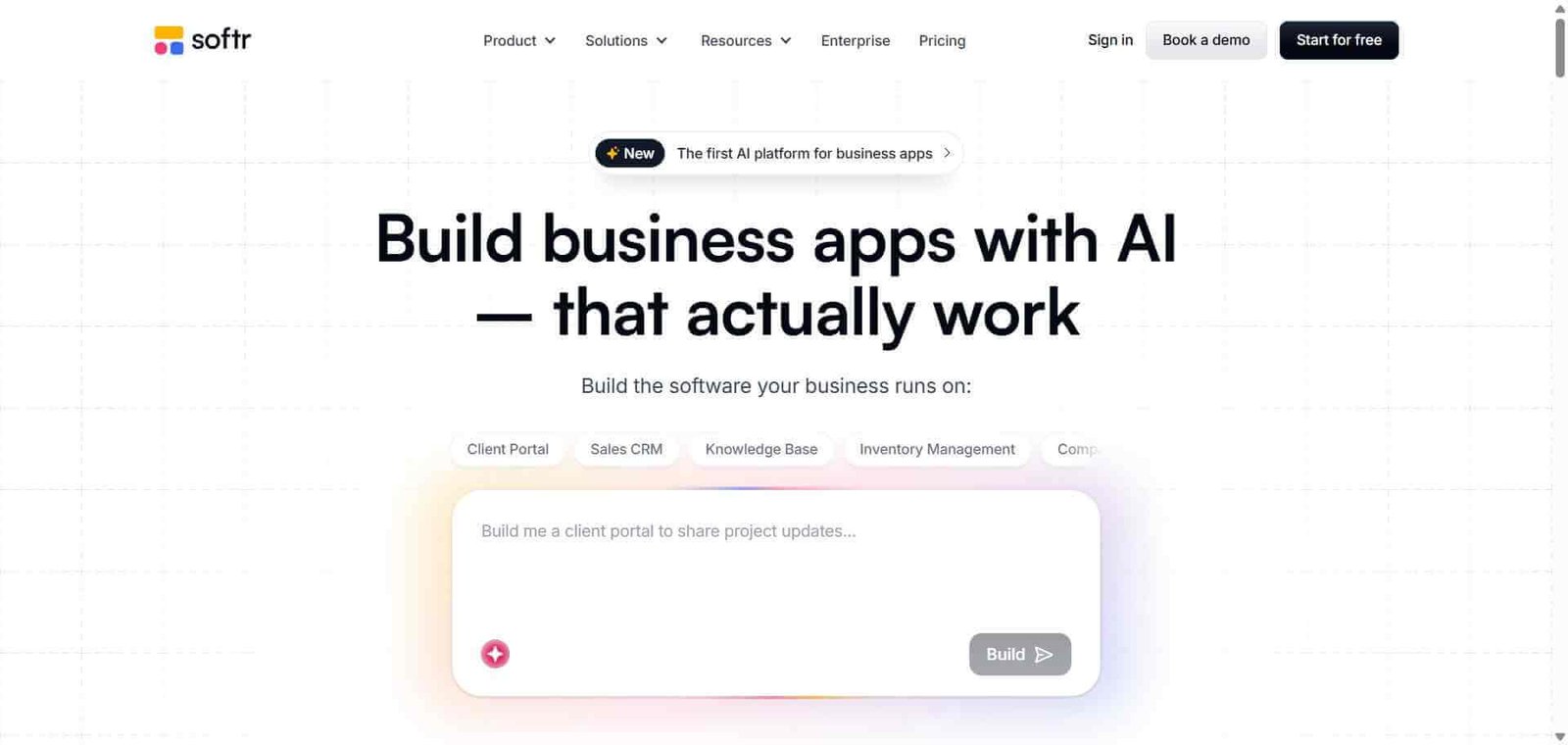
Softr is a no-code web app builder that positions itself specifically around client portals, member sites, and internal tools built from Airtable and Google Sheets data. Its block-based editor provides professional design quality, its user authentication system handles registration, login, and password management without code, and its conditional permissions system ensures each logged-in user sees only the records associated with their account from the underlying Airtable data.
This combination — Airtable’s flexibility as a database with Softr’s professional portal interface — has made it the most popular choice for agencies and service businesses who want to deliver polished client experiences without building custom software.
How Softr Works
Connect your Airtable base or Google Sheet. Link your data source to Softr. Your tables and fields become available to power your portal’s content and functionality.
Build your pages with blocks. Add blocks from Softr’s library — list blocks, detail blocks, form blocks, chart blocks, and layout blocks — connecting each to the relevant Airtable fields.
Set up user authentication. Enable Softr’s built-in user management so visitors can register, log in, and receive a personalised view of the data associated with their account.
Configure row-level permissions. Use Softr’s conditional visibility rules to show each logged-in user only the Airtable records that belong to them — their orders, their projects, their account data.
Design your branding. Apply your brand colours, logo, custom domain, and page layout to create a portal that looks like your own product rather than a third-party tool.
Publish and share. Publish to your custom domain and share the login link with your clients or members. Softr manages hosting, SSL, and performance.
Key Features
Airtable and Google Sheets data connection with real-time sync
Block-based visual editor with professional design quality
Built-in user authentication with registration, login, and SSO options
Row-level conditional permissions showing each user only their data
Custom domain with SSL for fully branded portal experience
Payment integration through Stripe for gated content or paid memberships
Form blocks for data submission from portal users back to Airtable
Search and filter blocks for large data sets
White-label options for agency client deployments
Real-World Use Cases
Agency client portal: A marketing agency builds a Softr portal where each client logs in to see their campaign performance data, invoices, and deliverables from an Airtable base — with each client seeing only their own records through row-level filtering.
Community member directory: A professional community creates a Softr member directory from an Airtable member database, with members logging in to view other members, update their own profile, and access gated resources.
SaaS customer portal: A SaaS company builds a Softr customer portal showing each account’s usage data, billing history, and support tickets from an Airtable base, reducing support load by giving customers self-service access to their account information.
Job board: A niche community creates a Softr job board from an Airtable jobs database, with employers able to submit listings through a form and job seekers browsing and filtering available positions.
Row-level permissions make genuine client portals possible without code
Limited to Airtable and Google Sheets as primary data sources
Professional design quality better than most no-code competitors
Complex application logic beyond Airtable’s capabilities requires other tools
Built-in user authentication removes the hardest no-code challenge
Free plan limited in users and features
Custom domain makes it look like your own product
Some block types less flexible than fully custom development
Agency white-label options enable client portal delivery at scale
Performance on very large Airtable bases requires optimisation
Pricing & Plans
Free — $0/month
5 internal users
100 external users
Core blocks
Basic authentication
Basic — $49/month
10 internal users
1,000 external users
All blocks
Custom domain
Stripe payments
Professional — $167/month
25 internal users
5,000 external users
All Basic features
White-label
Priority support
Business — $323/month
Unlimited internal users
10,000 external users
All Professional features
Advanced customisation
Best Alternatives & Comparisons
Glide — Better for mobile-first apps from Google Sheets with progressive web app publishing, less client portal focus
Bubble — Better for complex web applications with full database and logic control, much steeper learning curve
Retool — Better for developer-involved internal tools connected to existing databases
Airtable — Better as the data layer that Softr builds on top of, complementary rather than competing
Frequently Asked Questions (FAQ)
What is Softr?
Softr is a no-code platform for building client portals, member sites, and internal tools from Airtable and Google Sheets data, with built-in user authentication and row-level permissions ensuring each user sees only their relevant data.
Is Softr free?
Yes, Softr offers a free plan for up to 5 internal users and 100 external users. The Basic plan at $49/month provides 1,000 external users, custom domain, and all block types.
How does Softr handle user authentication?
Softr includes built-in user management allowing portal visitors to register, log in with email and password, log in via SSO (Google, LinkedIn), or receive magic link emails — all without writing any authentication code.
What is row-level permission in Softr?
Row-level permission is a filtering mechanism that shows each logged-in user only the Airtable records that match their email address or a custom user identifier field — enabling client portals where each client sees exclusively their own data from a shared Airtable base.
Does Softr work with databases other than Airtable?
Softr’s primary data sources are Airtable and Google Sheets. It also supports direct database connections and REST API data sources on higher plans, extending compatibility beyond spreadsheet-based data.
How does Softr compare to Glide?
Softr is better for web-based client portals and member sites with professional design and user authentication. Glide is better for mobile-first apps with Progressive Web App publishing. Both connect to Airtable and Google Sheets — the choice depends on whether the primary output is a client portal (Softr) or a mobile team tool (Glide).
Final Recommendation
Softr is the most effective no-code solution for creating client portals and member sites from Airtable data without custom development. The row-level permission system that shows each client only their data, combined with professional design quality and built-in authentication, creates a portal experience that clients perceive as a proper product rather than a shared spreadsheet. For agencies, service businesses, and community builders who want to give their clients or members a professional self-service portal, Softr delivers that result faster than any alternative.