Craft Review: The Notes App That Proves Beautiful Design and Powerful Features Are Not a Trade-Off
Most productivity tools make you choose between beautiful design and powerful features — apps that look great tend to feel limited, and apps that do everything tend to look like enterprise software from 2008. Craft refuses this trade-off. It is simultaneously the most visually polished document and notes app available and one of the most capable — with nested documents, backlinks, collaborative editing, AI writing assistance, and native performance on Apple platforms that web-based alternatives cannot match. For professionals and teams in the Apple ecosystem who want their thinking environment to be as considered as the rest of their workflow, Craft is the clear choice.
Quick Summary
Craft is an AI-powered document and notes application for Mac, iPhone, iPad, and web with beautiful Apple-native design, AI writing and editing assistance, nested document structures, backlinks, and team collaboration.
Is it worth using? Yes for Apple ecosystem users who want a beautiful, fast, and capable notes and document app with AI writing assistance and the best native performance available on Mac and iOS. Who should use it? Writers, professionals, students, and teams in the Apple ecosystem who want a premium notes and document experience with AI assistance, native performance, and beautiful design. Who should avoid it? Teams with heavy Windows or Android users where Craft’s Apple-native advantages do not apply, or users who need Notion’s database and project management depth alongside notes.
Verdict Summary
Best for
Apple ecosystem professionals who want the fastest, most beautiful notes and document experience available with AI writing assistance
Writers and content creators who want an environment that makes the act of writing feel genuinely pleasurable rather than functional
Teams collaborating on documents who want real-time editing with a design quality and native performance that web-based tools cannot provide
Not for
Teams with significant non-Apple users where Craft’s native app advantages do not apply to everyone
Users who need Notion’s database, project management, and template ecosystem alongside document writing
Power knowledge management users who need Tana’s structured query system or Obsidian’s graph view
Rating ⭐⭐⭐⭐½ 4.6 / 5
What Is Craft?
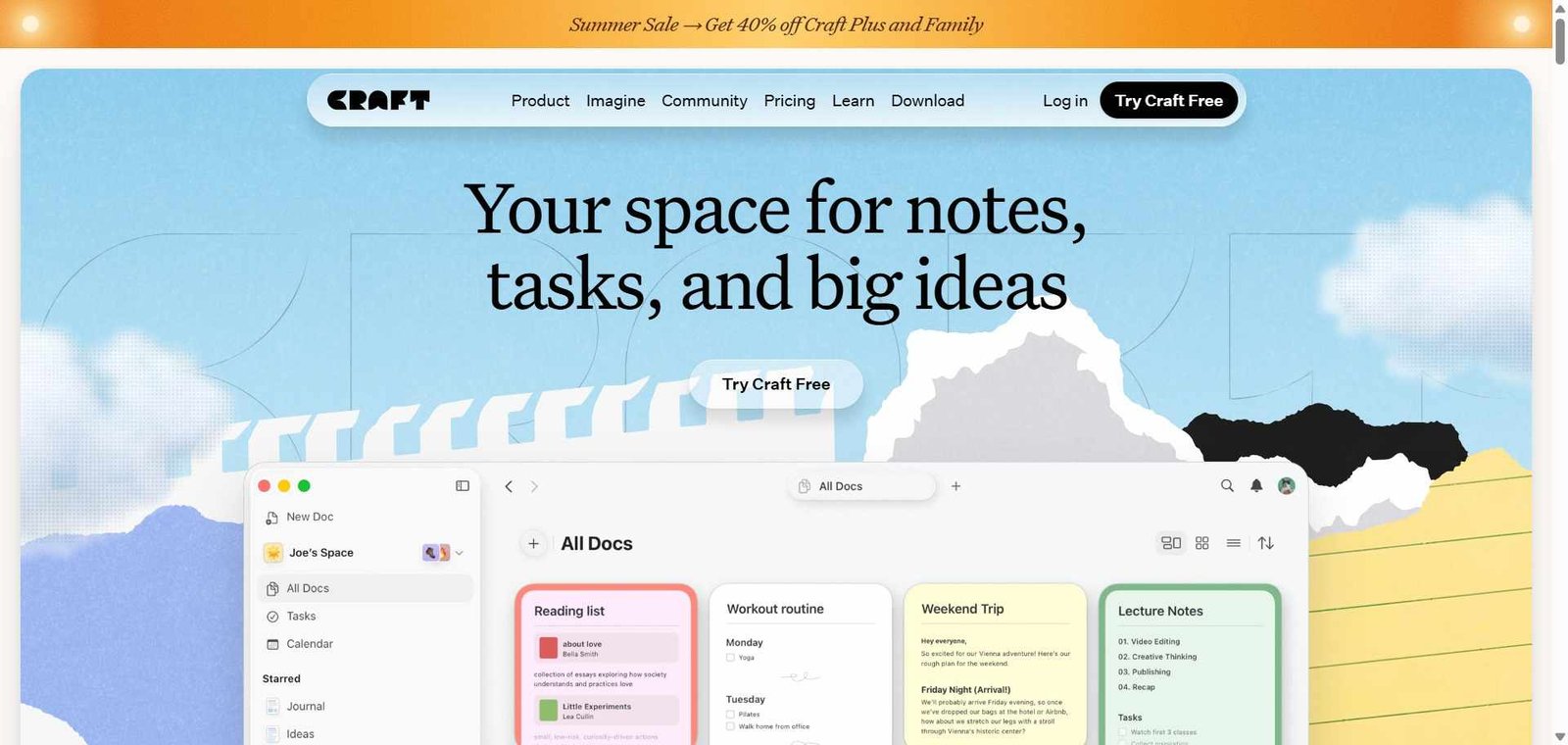
Craft is a document and notes application built natively for Apple platforms — Mac, iPhone, and iPad — with a web version for non-Apple access. Its interface is widely considered the most visually polished in the notes and documents category, with smooth animations, consistent design language, and the kind of attention to detail that matches the quality of the devices it runs on.
Beyond the aesthetics, Craft provides a genuinely capable document architecture — nested documents (documents within documents), block-based editing, backlinks between documents for building a connected knowledge base, and real-time collaborative editing. Its AI assistant — Craft AI — handles writing tasks within the document: drafting, expanding, summarizing, rewriting, and translating content through a clean inline interface.
How Craft Works
Create documents and pages. Create documents in Craft’s block-based editor, organizing content with headings, lists, toggles, images, tables, code blocks, and embedded cards.
Nest documents. Create sub-documents within any document, building hierarchical information structures that organize complex projects or knowledge areas.
Add backlinks. Link any document to another with backlinks that appear in both documents, building a connected web of related information similar to a personal knowledge graph.
Use Craft AI. Select any text or position your cursor and invoke Craft AI to draft, expand, summarize, rewrite for tone, translate, or perform any custom instruction on the content.
Collaborate with your team. Share documents with team members for real-time collaborative editing, with comments and mentions for async discussion.
Share and export. Share documents as public links, export to PDF, Word, or Markdown, or share as beautiful Craft pages that render perfectly in any browser.
Key Features
Native Apple app with best-in-class performance on Mac, iPhone, and iPad
AI writing assistant for drafting, expanding, summarizing, rewriting, and translating
Block-based editor supporting text, images, tables, code, and embeds
Nested documents for hierarchical information organization
Backlinks for building connected knowledge graphs across documents
Real-time collaborative editing with comments and mentions
Beautiful document sharing as public Craft pages
Export to PDF, Word, Markdown, and other formats
Offline support with full functionality without internet connection
Real-World Use Cases
Professional writing environment: A consultant writes all client reports, proposals, and meeting notes in Craft — using AI to draft initial sections, expand bullet points into paragraphs, and summarize key points — with the native Mac performance making every interaction feel instant.
Team document collaboration: A startup uses Craft for all internal documentation — product specs, meeting notes, onboarding guides — with real-time editing allowing multiple team members to work on the same document simultaneously.
Student knowledge base: A graduate student organizes research across nested documents and backlinks — building a connected knowledge base where every paper summary links to related concepts, quotes, and other papers.
Content creator workflow: A writer uses Craft as their primary writing environment — drafting newsletters, articles, and social posts with AI assistance for overcoming writer’s block and improving clarity.
Best design quality in the notes and documents category by a significant margin
Apple-native advantages do not fully extend to non-Apple users
Native Mac and iOS performance is noticeably faster than web-based alternatives
Less database and project management depth than Notion
AI writing assistance is well-integrated and practically useful
Free plan limited in document count and AI usage
Offline support works fully without internet connectivity
Template ecosystem smaller than Notion’s community library
Document sharing produces beautiful public pages that reflect well professionally
Less suitable for teams needing structured data and database views
Pricing & Plans
Free — $0/month
Up to 1,000 blocks
3 shared spaces
Basic AI features
Core editor
Personal Pro — $5/month
Unlimited blocks
Unlimited documents
Full AI features
Priority support
Team — $10/user/month
All Personal Pro features
Team spaces
Advanced collaboration
Admin controls
Best Alternatives & Comparisons
Notion AI — Better for database views, project management, and extensive template ecosystem, less native performance and design polish
Tana — Better for structured knowledge management with supertags and database querying, less beautiful and less accessible
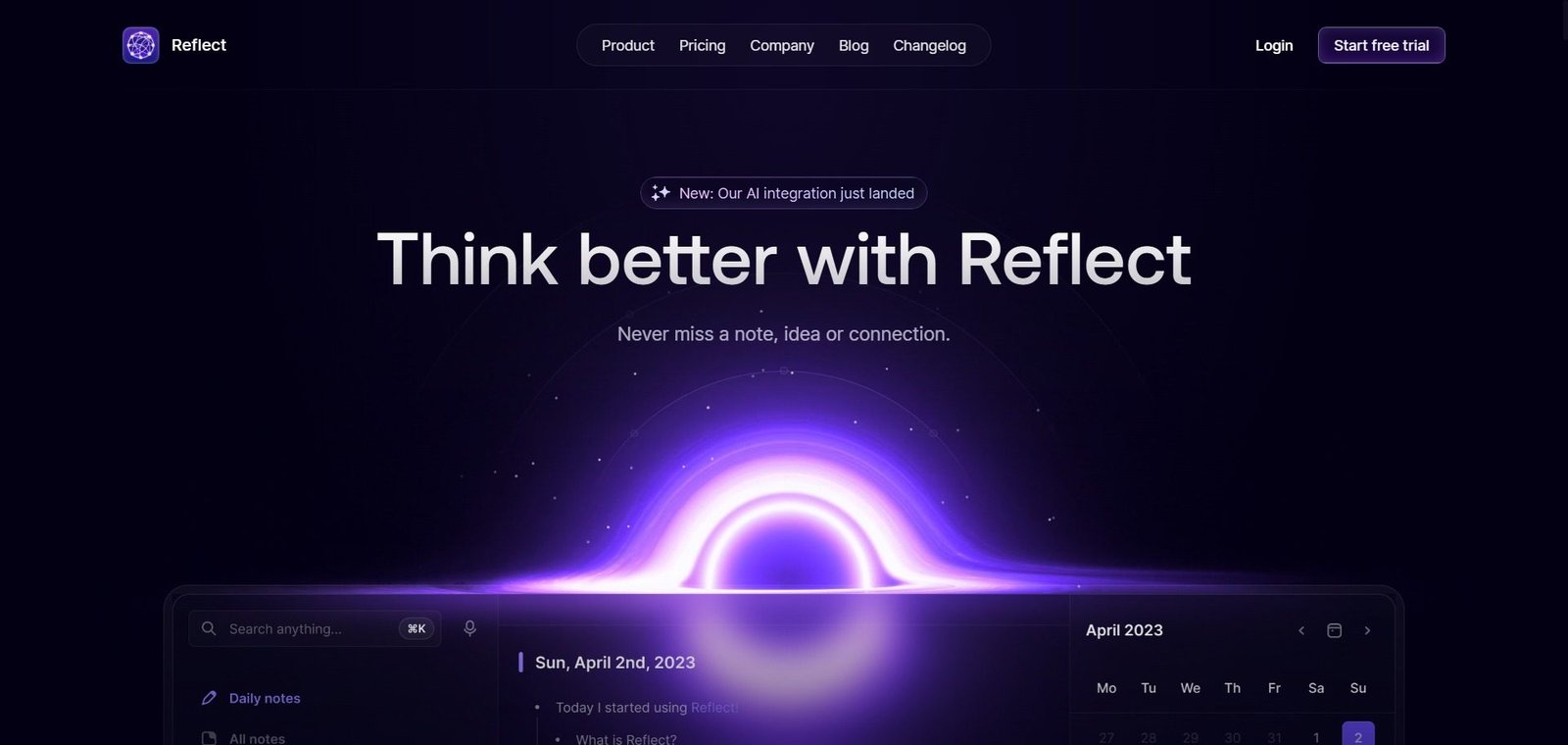
Obsidian — Better for local-first privacy and graph-based knowledge management with plugins, less collaborative and less AI-native
Bear — Better for pure minimalist markdown note-taking on Apple platforms, less collaborative and less AI-capable
Frequently Asked Questions (FAQ)
What is Craft?
Craft is an AI-powered document and notes application for Mac, iPhone, iPad, and web with beautiful Apple-native design, AI writing assistance, nested documents, backlinks, and team collaboration.
Is Craft free?
Yes, Craft offers a free plan with up to 1,000 blocks and basic features. Personal Pro at $5/month provides unlimited documents and full AI features.
What AI features does Craft have?
Craft AI handles writing tasks within documents — drafting content, expanding bullet points into full paragraphs, summarizing long content, rewriting for different tones, and translating between languages — accessible through an inline interface within the editor.
Does Craft work on Windows?
Craft has a web app accessible on Windows but the native app is available only on Mac, iPhone, and iPad. The native app’s performance and design advantages apply primarily to Apple platform users.
How does Craft compare to Notion?
Craft is more beautiful, faster natively on Apple platforms, and more focused on writing and document creation. Notion has more database functionality, project management features, and a much larger template community. Craft is better for writing-centric workflows on Apple devices; Notion for structured data and project management alongside documents.
Does Craft support offline use?
Yes, Craft works fully offline on Mac and iOS — all documents are available and editable without an internet connection, with changes synced when connectivity returns.
Final Recommendation
Craft is the notes and document app for Apple ecosystem users who believe that their thinking environment matters — that working in a beautiful, fast, and carefully designed space produces better work than a functional but uninspiring alternative. The combination of native Apple performance, outstanding design, AI writing assistance, and backlinked knowledge management creates the most complete premium notes experience available. The Personal Pro plan at $5/month is one of the most clearly justified software subscriptions for any professional who spends significant time writing and thinking in their notes app.