Reflect
Networked notes with end-to-end encryption, automatic backlinks, and a GPT-4 assistant that thinks alongside you — the fastest note-taking app for serious knowledge workers.
Reflect Review: The Encrypted AI Note-Taking App That Chose Speed and Privacy Over Feature Breadth
Note-taking apps have a feature creep problem — in the pursuit of being everything for everyone, they add databases, project management, wikis, and dashboards until the core act of capturing a thought becomes slow and friction-heavy. Reflect made the opposite choice: no databases, no project management, no team wikis. Just the fastest possible thought capture with backlinks that automatically connect related ideas, a native GPT-4 assistant that helps you write and think, end-to-end encryption that even Reflect’s team cannot read, and a minimalist interface that opens instantly on any device. Founded by Alex MacCaw, who previously built and sold Clearbit, Reflect is the deliberate alternative to tools that prioritise breadth over the experience of actually writing.
Quick Summary
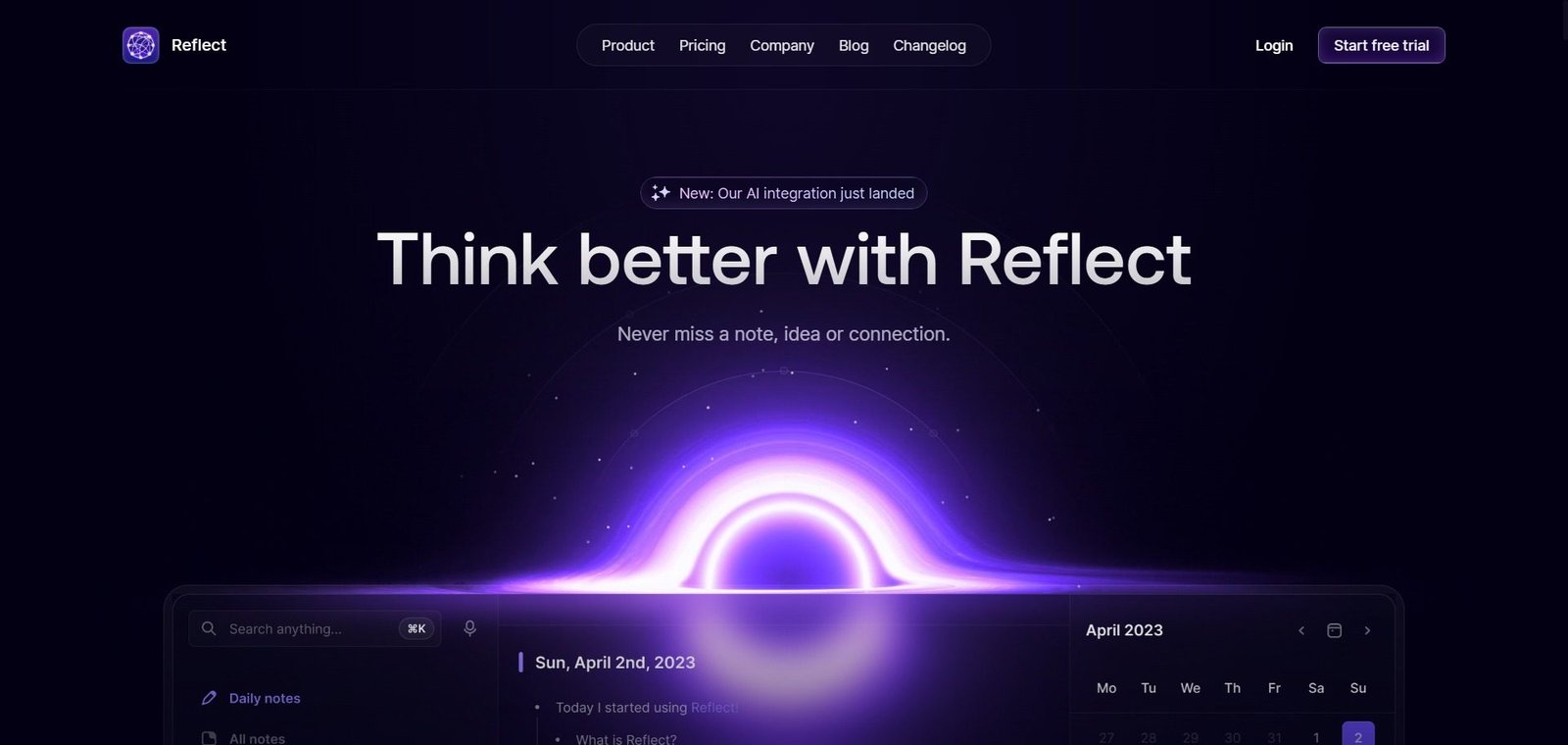
Reflect is an AI-powered networked note-taking app — built around backlinks, daily notes, and a native GPT-4 assistant with Whisper voice transcription — with end-to-end encryption, automatic backlinks, Kindle highlights import, calendar integration, outliner editor, web clipper for Chrome and Safari, Zapier and Readwise integrations, and offline mode, at $10/month with a 14-day free trial. Available on web, macOS, Windows, Linux, and iOS.
Is it worth using? Yes for solo knowledge workers, writers, researchers, executives, and founders who want a fast, private, AI-assisted networked note-taking system — particularly those who prioritise speed and encryption over the feature breadth that Notion, Obsidian, or Tana provide.
Who should use it? Founders, executives, writers, researchers, and knowledge-intensive professionals who capture and connect ideas daily and want AI assistance alongside strong privacy guarantees without the database complexity of tools like Notion or the plugin overhead of Obsidian.
Who should avoid it? Teams needing shared collaborative knowledge management — Reflect is individual-use focused with no built-in team features. Android users — Reflect currently has no native Android app.
Verdict Summary
Best for
- Knowledge workers who open their note-taking app 10 to 20 times per day and find Notion loading slowly or Obsidian sluggish with large vaults — Reflect opens instantly and the friction-free daily notes capture makes starting to write effortless
- Writers and researchers who want AI assistance for structuring messy notes rather than generating content — the GPT-4 assistant excels at taking 20 loose brainstorm sentences and producing a readable structure without the writer losing ownership of the ideas
- Privacy-conscious professionals who want end-to-end encryption as a non-negotiable — even Reflect’s own team cannot read the notes, a guarantee that cloud-first note apps including Notion and Evernote do not provide
Not for
- Teams who need shared collaborative knowledge bases — Reflect is individual-use focused without built-in team sharing or collaborative editing
- Android users — Reflect does not have a native Android app and the mobile browser experience is not optimised for touch workflows
- Users who need the database and project management features that Notion provides — Reflect deliberately does not build these, so teams with knowledge management plus project tracking needs must supplement with another tool
Rating
⭐⭐⭐⭐ 4.1 / 5
What Is Reflect?
Reflect was built by Alex MacCaw — a developer who built and sold Clearbit — on the premise that most note-taking apps have become too complex to use daily with genuine pleasure. The focus is speed and privacy: Reflect opens instantly, the daily note is always one click away, and end-to-end encryption ensures that notes are private in the most meaningful sense — not accessible even to Reflect’s own team.
The backlinking system connects notes automatically — every mention of a concept, person, or project in any note creates a bidirectional link, building a knowledge graph over time that surfaces connections the writer did not consciously make. The native GPT-4 assistant and Whisper voice transcription provide AI capability throughout the app without requiring external tools or copy-pasting into a separate AI interface.
How Reflect Works
- Open daily notes as the starting point. Reflect’s daily note is the default landing page — a dated note that serves as the day’s inbox for thoughts, meeting notes, tasks, and ideas. Starting to write requires zero navigation or file management.
- Backlinks connect ideas automatically. Mention any concept, name, or topic in a note and Reflect creates a bidirectional link — the referenced note gains a backlink to the mentioning note. Over time, the knowledge graph reveals connections between ideas without any manual tagging or filing.
- Ask the GPT-4 assistant to help. Highlight any text and ask the AI to structure it, summarise it, outline it, or continue it. The assistant works on the selected content rather than generating from a cold prompt — making it a genuine thought partner for refining existing ideas.
- Capture voice notes with Whisper transcription. Record a voice note on any device and Reflect’s Whisper integration transcribes it automatically — enabling thought capture without typing when commuting, walking, or in situations where writing is not practical.
- Import Kindle highlights. Connect Kindle and Reflect imports highlights and notes directly into the app — eliminating the manual copy-paste step that most readers perform to get book insights into their note system.
- Explore the knowledge graph. The graph view shows all notes and their connections — revealing how ideas in different notes relate to each other in a visual network that grows more valuable as the note collection grows.
Key Features
- Networked note-taking with automatic bidirectional backlinks between connected concepts
- Native GPT-4 assistant — writing, summarising, outlining, and chatting directly within notes
- Whisper-powered voice note transcription for hands-free thought capture
- End-to-end encryption — notes not readable by Reflect’s own team
- Daily notes as the default capture hub — dated notes with one-click access
- Outliner editor for structured brainstorming and hierarchical note organisation
- Kindle highlights import — automatic sync of book highlights and notes
- Web clipper for Chrome and Safari
- Calendar integration — meeting notes linked to calendar events automatically
- Integrations with Zapier, Readwise, Google, and Outlook
- Offline mode — full editing functionality without internet connection
- API access for note export and external integrations
- Available on web, macOS, Windows, Linux, and iOS
- 14-day free trial — no credit card required
- $10/month or $100/year — one plan, all features included
Real-World Use Cases
- Executive meeting notes: A startup CEO uses Reflect’s calendar integration — every meeting appears as a linked note automatically, and the CEO captures meeting notes in the same document that is linked to the calendar event. Over time, every person mentioned across meeting notes is automatically connected through backlinks, creating an instant history of every interaction with each person without any manual filing.
- Research structuring: A PhD researcher captures reading notes, paper summaries, and ideas in Reflect throughout the day. The backlinking automatically surfaces connections between papers they had not consciously noted — when writing a literature review, the researcher uses the GPT-4 assistant to select all notes on a topic and generate a structured outline from the linked content.
- Kindle to writing workflow: A non-fiction writer reads extensively and imports all Kindle highlights into Reflect — highlights from 50 books are automatically in the note system, linked by concept and author. When writing a chapter, the writer searches Reflect and finds relevant highlights from multiple books connected by the same topic without ever having manually organised them.
- Voice capture while commuting: A consultant uses Reflect’s voice transcription during a 45-minute commute — capturing thoughts about three different client projects as voice notes. On arrival, all three are transcribed, date-stamped, and ready to link into the relevant project notes with minimal editing.
Pros and Cons
| Pros | Cons |
|---|---|
| Opens instantly — significantly faster than Notion and Obsidian for large note collections, making daily use genuinely frictionless | No native Android app — Android users are limited to mobile browser which is not optimised for touch workflows |
| End-to-end encryption — even Reflect’s team cannot read notes, the strongest privacy guarantee in mainstream note-taking | No permanent free tier — $10/month commitment required after the 14-day trial for continued access |
| Native GPT-4 assistant and Whisper voice transcription built in — no copy-paste to external AI required | No shared collaborative features — individual-use only, not suitable for team knowledge management |
| One plan, all features included at $10/month — no feature gating by tier, no surprise upgrade requirements | No database or project management features by design — teams needing Notion-style databases must use a supplemental tool |
| Kindle highlights import and calendar integration — connects the reading and meeting workflows to the note system automatically | No Android app and limited tablet optimisation — best suited for desktop and iOS keyboard-based workflows |
Pricing & Plans
14-Day Free Trial
- Full access to all features
- No credit card required
- Evaluate all AI features, backlinks, and encryption before committing
Individual — $10/month (or $100/year)
- Everything included in one plan — no feature tiers
- Unlimited notes
- GPT-4 AI assistant
- Whisper voice transcription
- End-to-end encryption
- Backlinks and graph view
- Daily notes
- All integrations (Zapier, Readwise, Kindle, Google, Outlook)
- Web, macOS, Windows, Linux, and iOS apps
- Offline mode
- API access
No team plan available — Reflect is individual-use only.
Best Alternatives & Comparisons
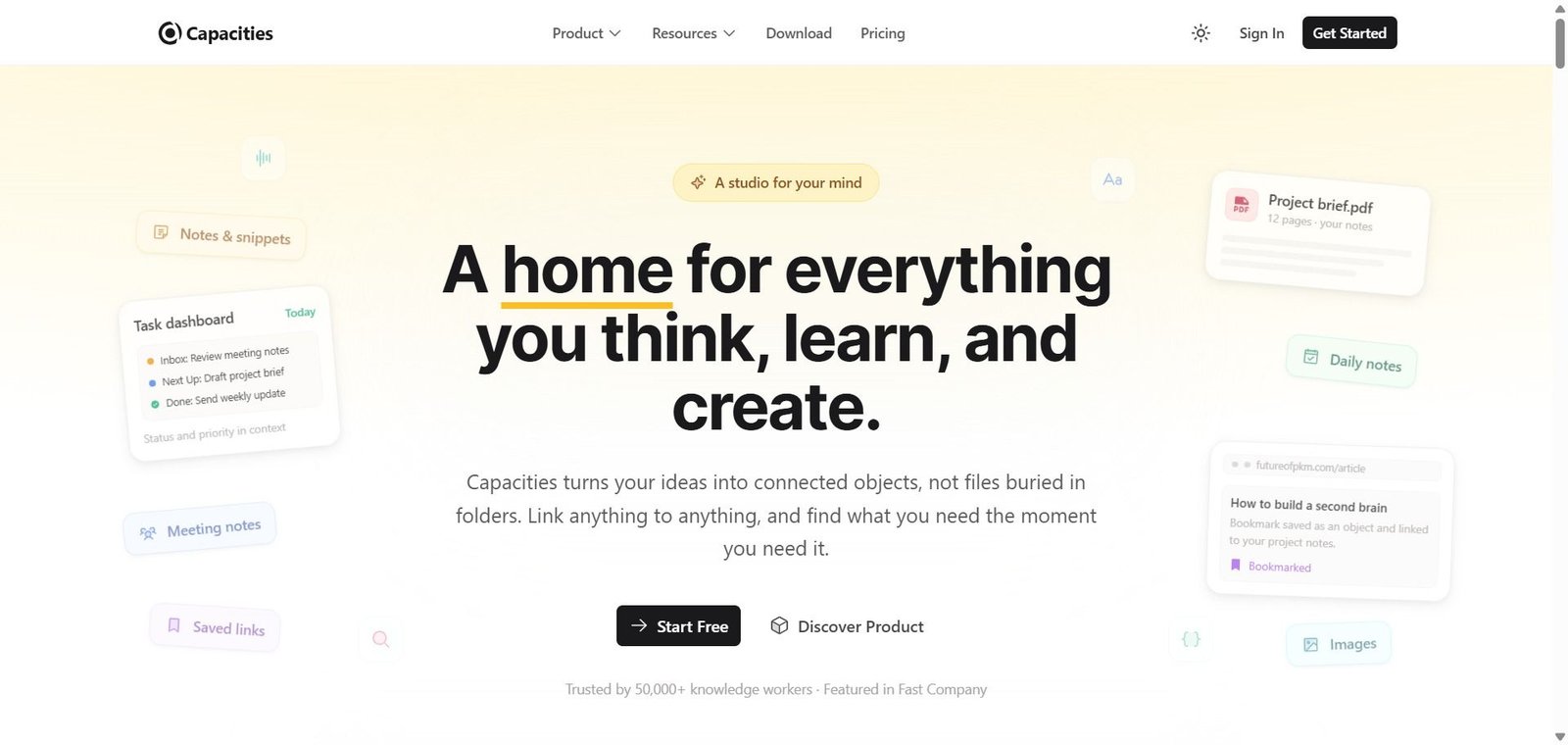
- Capacities — Better for object-based knowledge management with typed notes and structured linked objects for researchers wanting more granular organisation
- Obsidian — Better for technically sophisticated users wanting local file storage, maximum customisation through plugins, and a free offline option
- Notion AI — Better for teams and collaborative workspaces alongside personal notes — broader integration and template ecosystem
- Mem AI — Better for fully automated knowledge capture with AI that organises notes without manual backlink creation
Frequently Asked Questions (FAQ)
Reflect is an AI-powered networked note-taking app with automatic backlinks, a native GPT-4 assistant, Whisper voice transcription, end-to-end encryption, and daily notes — at $10/month with a 14-day free trial. Available on web, macOS, Windows, Linux, and iOS.
Reflect offers a 14-day free trial with no credit card required. There is no permanent free tier — a $10/month or $100/year subscription is required after the trial.
Yes — Reflect uses end-to-end encryption, meaning notes are encrypted client-side and Reflect’s own team cannot read the content. Notes are also exportable via API to ensure they remain accessible.
No — Reflect currently has no native Android app. It is available on web, macOS, Windows, Linux, and iOS. The mobile browser experience on Android is available but not optimised for touch workflows.
Reflect uses OpenAI’s GPT-4 for writing assistance and Whisper for voice note transcription. The AI can answer questions about note content, generate outlines, summarise selected text, continue writing from a passage, and chat with the notes collection — operating directly within the note editor without switching to an external AI tool.
Reflect is a hosted SaaS app with end-to-end encryption, a native GPT-4 assistant built in, instant cloud sync, and a polished minimalist interface — at $10/month. Obsidian is free, local-first, and highly customisable through plugins but requires plugin management and syncing via Obsidian Sync for cross-device access. Reflect for users who want the fastest, most polished experience with built-in AI and privacy. Obsidian for users who prioritise free local storage, maximum customisation, and plugin flexibility.
Final Recommendation
Reflect is the best note-taking app for knowledge workers who have prioritised finding a tool that is fast, private, and genuinely useful to open every day over one that is maximally feature-complete. The end-to-end encryption, instant load times, native GPT-4 assistant, automatic backlinks, and daily notes entry point create a thought capture and connection system that rewards consistent use without demanding complex organisation or database setup. At $10/month with a 14-day free trial, the price-to-value ratio is strong for any individual professional who opens their note-taking app dozens of times daily and wants AI assistance available at the moment of thought rather than requiring a context switch to an external tool.
Next steps