Crowdin
Localise software, apps, and content with AI — 700 plus integrations, AI translation via OpenAI and Claude, OTA delivery, and the platform trusted by 2 million plus users globally.
Crowdin Review: The Developer-First AI Localisation Platform That Automates the Translation Pipeline
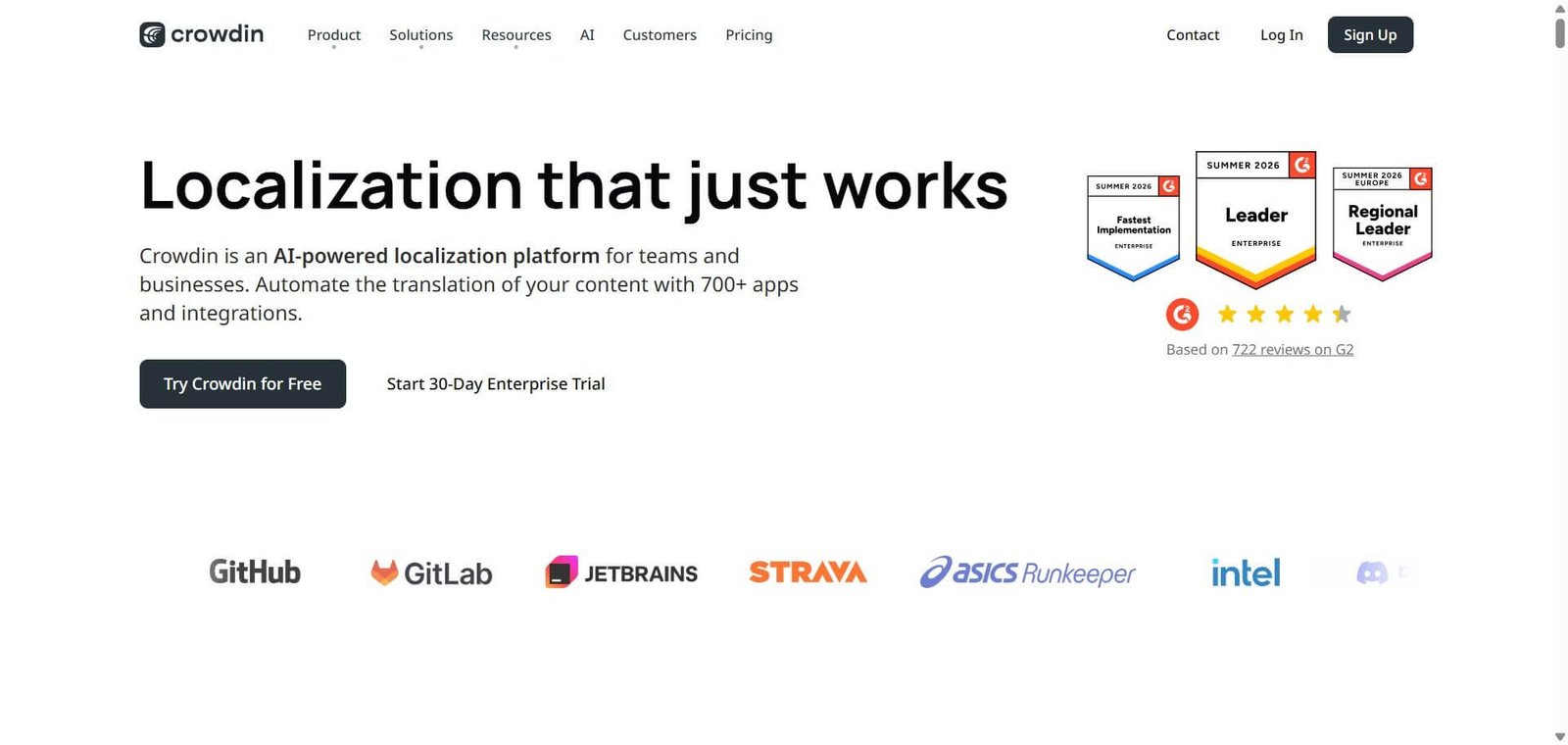
Software localisation has a pipeline problem — content is created in one language, exported into translation files, sent to translators, returned with translations, imported back into the codebase, and deployed. Each step is manual, error-prone, and disconnected from the development workflow that generates new content continuously. Crowdin was built to automate this pipeline: integrating directly with GitHub, GitLab, Bitbucket, and 700 plus other tools so that new source strings are pushed to translators automatically, translations are returned to the codebase without file management, and Over-the-Air delivery updates mobile apps without requiring a new app store submission. With 2 million plus users and recognition as the number one localisation platform in multiple industry reports, Crowdin has become the default choice for engineering teams who want localisation to keep pace with their development velocity.
Quick summary
Crowdin is a cloud localisation management platform founded in 2009 — used by 2 million plus users across software companies, mobile app developers, game studios, and content teams — providing continuous localisation integrated with GitHub, GitLab, Bitbucket, and 700 plus apps, AI translation via OpenAI, Anthropic, Azure AI, and other providers, in-context localisation, Over-the-Air delivery for mobile apps, 50 plus built-in QA checks, 100 plus file format support, and a free open-source plan — with paid plans from $59/month and Crowdin Enterprise for large-scale deployments.
Is it worth using? Yes for software development teams, mobile app developers, game studios, and content teams who want to automate the localisation pipeline and integrate translation directly into their development workflow rather than managing manual file exports and imports.
Who should use it? Software engineers, localisation managers, product managers, and developer experience teams at companies building multi-language software products who want continuous localisation that keeps pace with development rather than batch translation projects.
Who should avoid it? Non-technical content teams whose localisation needs are primarily document translation without software integration — DeepL or Smartcat serve pure document translation needs more simply without the developer-workflow complexity that Crowdin is optimised for.
Verdict Summary
Best for
- Software and mobile app development teams who want localisation integrated directly into their GitHub or GitLab workflow — new strings get picked up automatically, translations are committed back to the repository, and the localisation process becomes a continuous part of the development pipeline rather than a batch process that delays releases
- Mobile app teams who want OTA delivery — updating app translations without submitting a new version to the App Store or Google Play, enabling localisation fixes and new language additions between app release cycles
- Open-source projects and developer communities who want a free localisation platform — Crowdin’s free plan for open-source projects with unlimited projects and community translator management is the most widely used free localisation option in the developer community
Not for
- Teams whose localisation needs are primarily marketing documents, legal content, and general business translation without software integration — Smartcat or DeepL provide simpler translation management for non-software content without the technical workflow overhead
- Organisations requiring the highest-fidelity machine translation output for all content types — specialist translation memory management platforms provide deeper CAT tool functionality for professional translation agencies
- Teams on very tight budgets where the $59/month Pro plan exceeds what occasional software localisation requires — the free plan’s 1-project limit and the Pro plan’s feature set require evaluation against actual project volume
Rating
⭐⭐⭐⭐ 4.4 / 5
What Is Crowdin?
Crowdin was founded in 2009 in Kyiv, Ukraine — growing from a simple translation management tool into one of the most comprehensive localisation platforms available, serving companies including Notion, Asana, GitHub, and thousands of software teams globally. The platform has been recognised by Slator’s 2026 Language Industry Market Report and maintains a 4.7/5 rating on Capterra from 175 reviews.
The platform operates in two editions: Crowdin (the cloud SaaS product for individuals, startups, and teams) and Crowdin Enterprise (for large-scale corporate localisation programmes with dedicated infrastructure, custom workflows, and enterprise compliance requirements). The AI layer — Crowdin AI — integrates with 10 plus AI providers including OpenAI, Anthropic, and Azure AI, providing context-aware translation suggestions, AI proofreading, and automatic QA throughout the translation workflow.
How Crowdin Works
- Connect to the development repository. Integrate Crowdin with the GitHub, GitLab, or Bitbucket repository — Crowdin automatically detects new or changed source strings and pulls them into the translation workflow without manual file export.
- Configure the translation workflow. Define the translation pipeline — machine translation first, followed by human translator review, followed by proofreading — with Crowdin AI handling the initial translation pass using the configured AI provider.
- Translators work in the Crowdin editor. Translators and community contributors work in Crowdin’s in-browser translation editor — with translation memory, glossary lookup, AI suggestions, and in-context localisation showing the string in its actual UI context rather than as isolated text.
- Completed translations return automatically. When translations are approved, Crowdin commits them back to the repository automatically — updating the localisation files without any manual import step or file management.
- OTA delivers mobile translations instantly. For mobile apps, Crowdin’s Over-the-Air delivery system pushes approved translations directly to the running app on user devices — without requiring a new app store submission for each localisation update.
- QA checks maintain translation quality. Crowdin’s 50 plus built-in QA checks automatically flag issues — missing placeholders, incorrect punctuation, inconsistent terminology, and character count overruns — before translations reach production.
Key Features
- Continuous localisation integrated with GitHub, GitLab, Bitbucket, and 700 plus other apps and integrations
- AI translation via 10 plus providers — OpenAI, Anthropic, Azure AI, and others — with context-aware suggestions using Crowdin Context Harvester
- AI proofreading and automatic QA across 50 plus built-in quality checks
- In-context localisation — translators see strings in actual UI context rather than isolated text
- Over-the-Air (OTA) delivery for mobile apps — push translation updates without app store resubmission
- 100 plus file format support — JSON, XLIFF, Android XML, iOS Strings, PO, YAML, and more
- Translation memory and glossary management for consistency across the project
- Crowdin Enterprise for large-scale programmes with dedicated infrastructure and custom workflows
- Free plan for open-source projects — unlimited projects, unlimited translators, community support
- Pro plan from $59/month, Team from $179/month
- 16% annual discount versus monthly billing
- 4.7/5 on Capterra from 175 reviews
- 2 million plus users globally
Real-World Use Cases
- SaaS continuous localisation: A B2B SaaS company ships product updates weekly. After connecting Crowdin to their GitHub repository, new UI strings are automatically pushed to Crowdin when merged to main — the machine translation pass runs immediately, the localisation team reviews and approves within 48 hours, and translations are committed back to the repo automatically. The localisation cycle that previously took 2 weeks of manual file management completes in 2 days without any file management work from the engineering team.
- Mobile app OTA delivery: A consumer app available in 12 languages discovers a translated string error in the French version after launch. With Crowdin’s OTA delivery, the correction is made in the Crowdin editor and pushed live to French-language app users within hours — without waiting for the 2-week App Store review cycle required by a new app version submission.
- Open-source community localisation: An open-source project uses Crowdin’s free plan to manage community contributions across 30 languages — the Crowdin editor allows contributors globally to translate strings in their languages, with maintainers reviewing and approving through the platform, resulting in a localised product that no commercial translation budget could sustain.
- Game localisation at launch: A game studio localising a new title for 8 markets uses Crowdin’s in-context localisation feature — translators see the game UI strings rendered in the actual game interface through a browser-based tool rather than translating from a spreadsheet, dramatically reducing the context errors that make game localisation inconsistent when translators cannot see how strings appear in context.
Pros and Cons
| Pros | Cons |
|---|---|
| 700 plus integrations including native GitHub, GitLab, and Bitbucket — the deepest developer-workflow integration in the localisation platform category | Learning curve for advanced workflow configuration — the full pipeline automation requires technical setup that non-developer localisation managers find complex without engineering support |
| OTA delivery for mobile apps — the only major localisation platform with native over-the-air translation updates for mobile without app store resubmission | Pricing scales with hosted words and manager seats — large-scale projects with millions of words can quickly outgrow published plan limits before Enterprise custom pricing applies |
| Free plan for open-source projects with unlimited projects and translators — the most adopted free localisation option in the developer community | Some users report that icon and flag removal in recent platform redesigns has made language navigation less intuitive — a UX concern raised consistently in recent reviews |
| AI translation via 10 plus providers including OpenAI and Anthropic — the most flexible AI translation integration available in a TMS platform | Crowdin Enterprise pricing is custom and requires a sales conversation — the gap between Team+ and Enterprise creates evaluation complexity for growing mid-size programmes |
| 50 plus built-in QA checks run automatically — maintaining translation quality at scale without manual review of every string | Not designed for document-heavy non-software localisation — marketing document, legal content, and general business translation workflows are better served by specialist tools |
Pricing & Plans
Free — Open Source Projects
- Unlimited public projects
- Unlimited translators
- Community support
- All AI translation features
- 1 manager seat
Pro — $59/month (monthly: $69/month)
- 1 private project
- Up to 50,000 hosted words
- 1 manager seat
- All integrations
- Email support
Team — $179/month (monthly: $215/month)
- Unlimited projects
- Up to 500,000 hosted words
- 10 manager seats
- Task-based access control
- Advanced reports
- Priority email support
Team+ — $450/month (custom pricing)
- Unlimited hosted words
- Unlimited manager seats
- Dedicated account manager
- Custom integrations
- SLA guarantees
- Enterprise security controls
Business — Custom pricing
- Dedicated infrastructure
- On-premise / private cloud options
- Custom compliance controls
14-day free trial available on paid plans. Verify current pricing and word limits at crowdin.com/pricing.
Best Alternatives & Comparisons
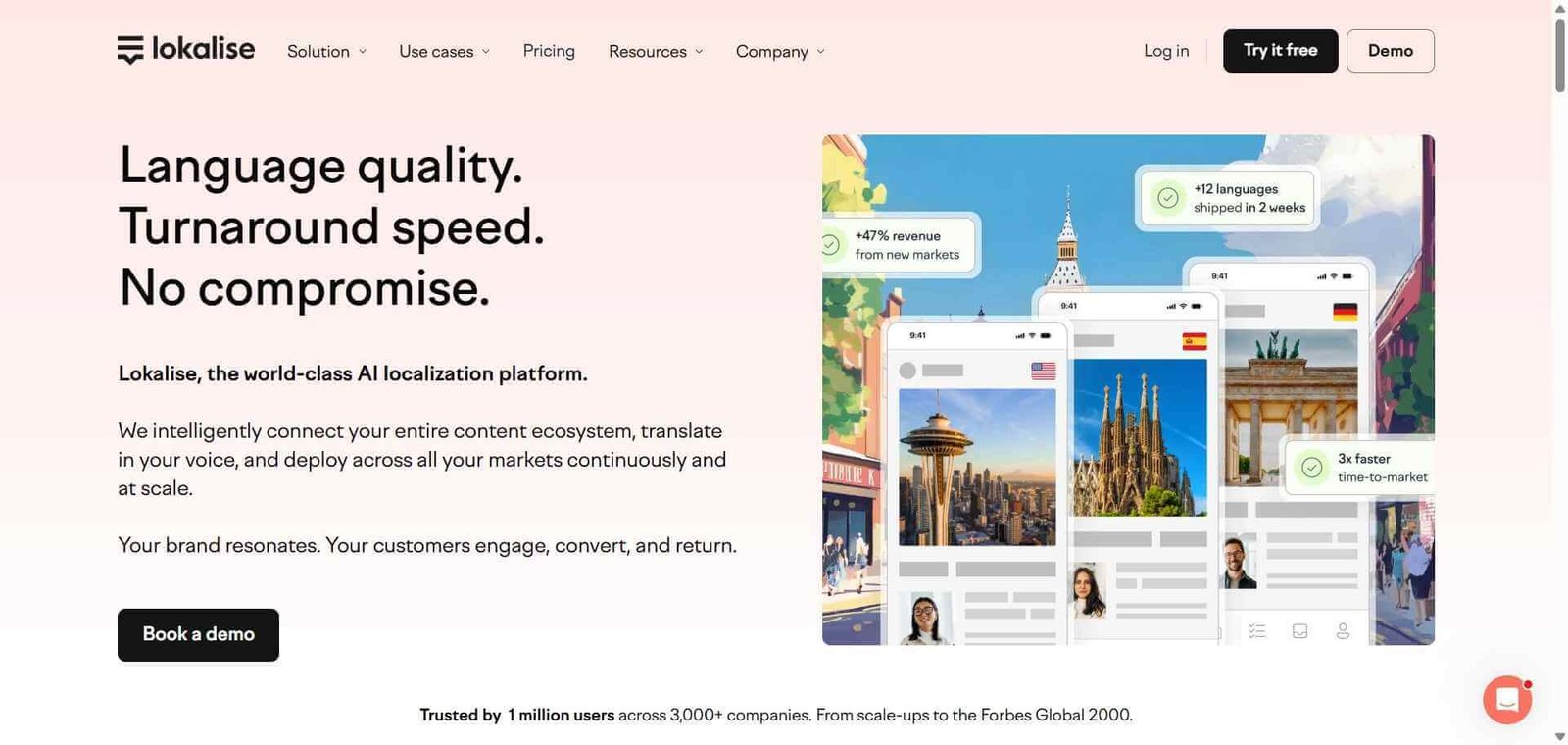
- Lokalise — Better for teams prioritising the most polished localisation UI with OTA delivery and comparable developer integrations at comparable pricing
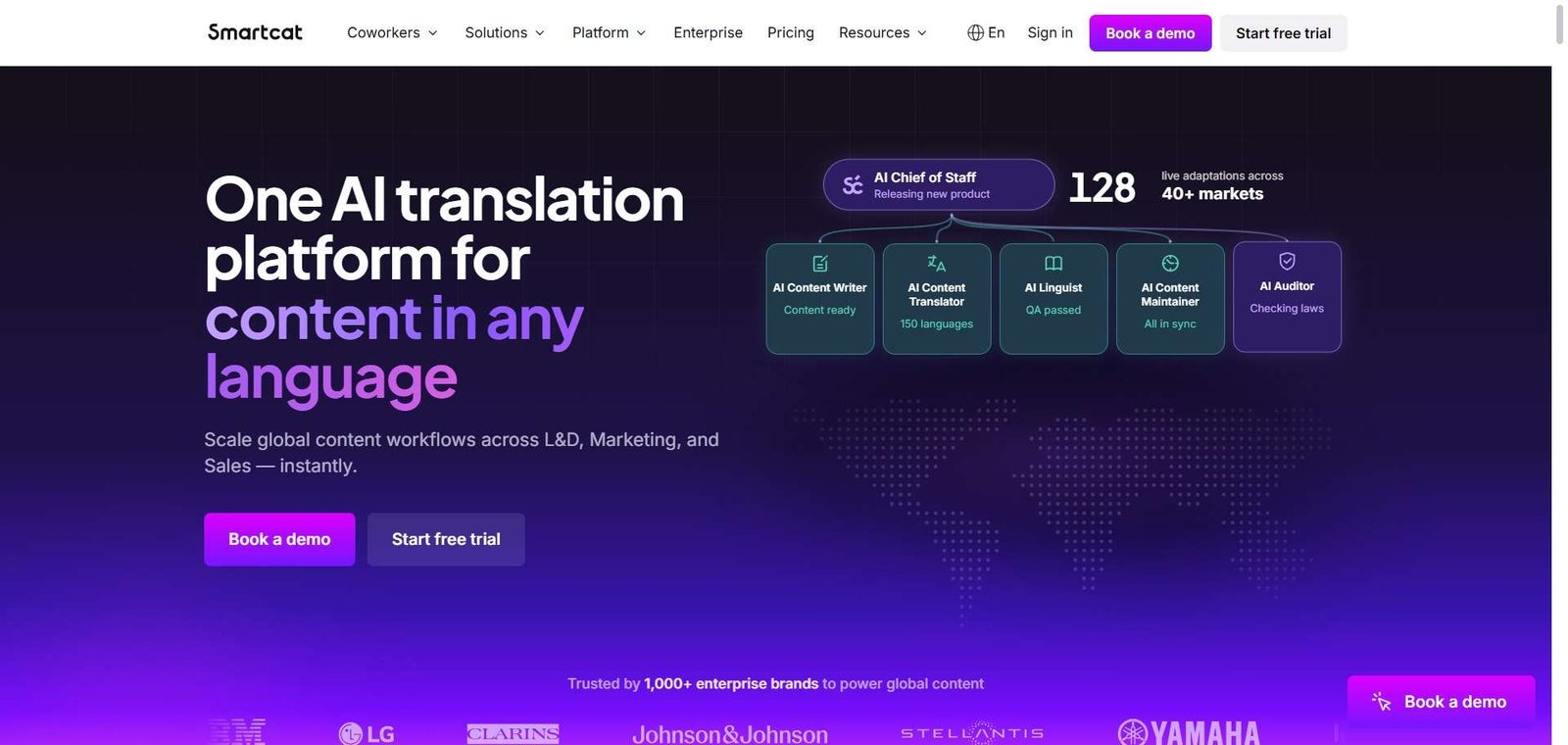
- Smartcat — Better for teams wanting AI translation alongside professional linguist access from one platform without managing separate LSP relationships
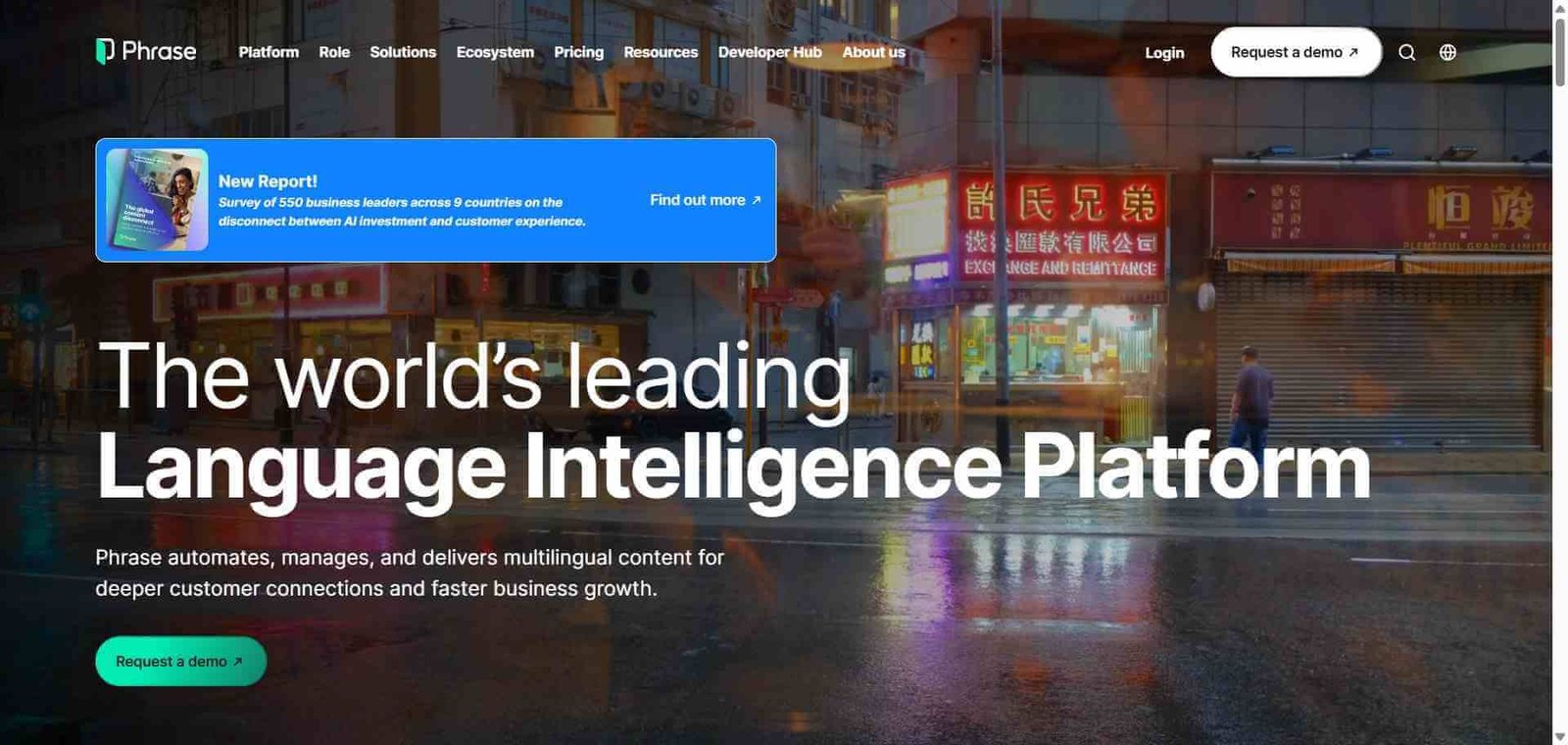
- Phrase — Better for enterprise translation management with the broadest language service provider integrations and dedicated enterprise TMS features
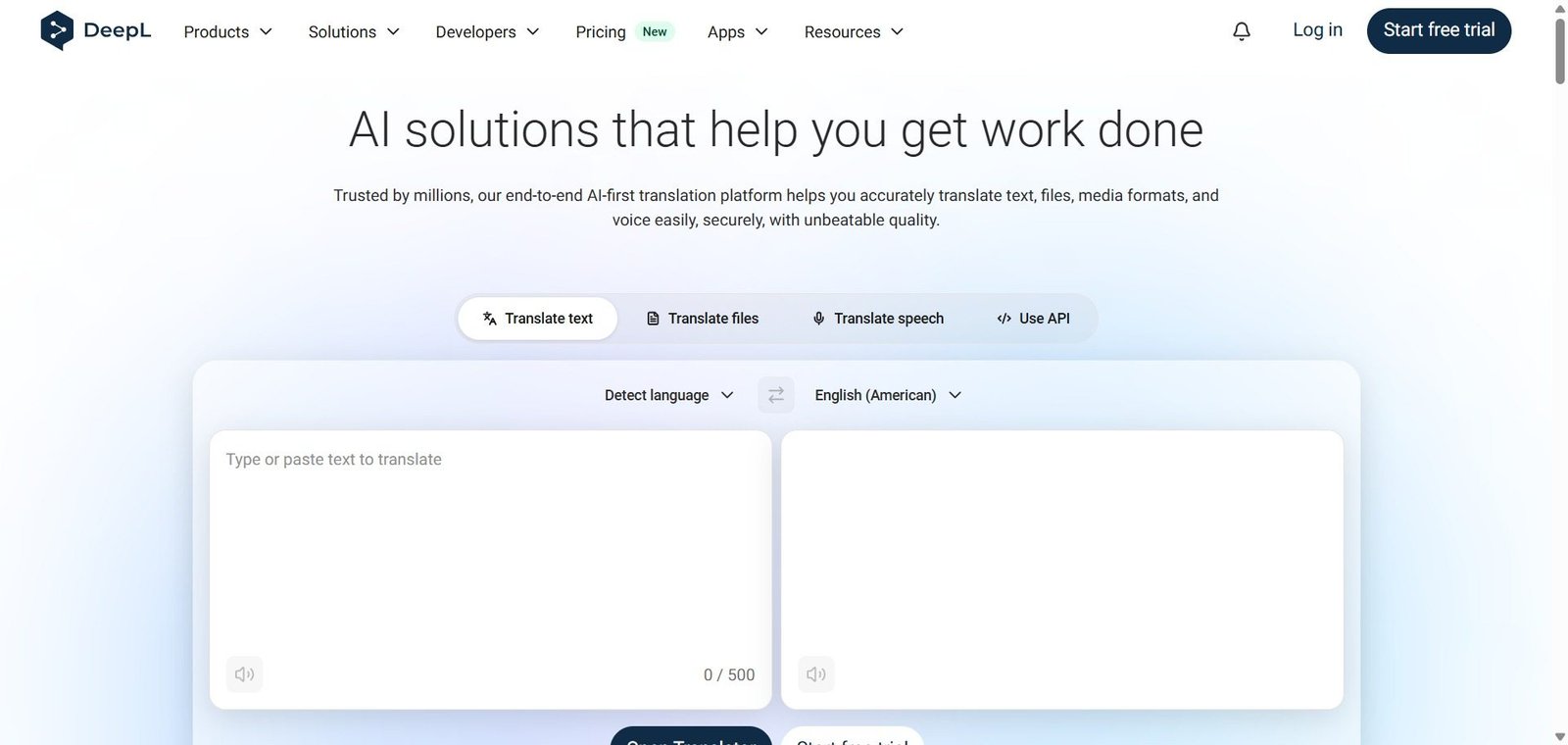
- DeepL — Better for teams whose primary need is high-quality document and text translation without software workflow integration complexity
Frequently Asked Questions (FAQ)
Crowdin is an AI-powered cloud localisation platform — used by 2 million plus users — integrating with GitHub, GitLab, and 700 plus tools for continuous software localisation, with AI translation via OpenAI and Anthropic, OTA delivery, and 50 plus QA checks. Free open-source plan, Pro from $59/month.
Yes — Crowdin offers a free plan for open-source projects with unlimited projects, unlimited translators, and all core features. Commercial projects start at $59/month (Pro) on annual billing. A 14-day free trial is available on paid plans.
Over-the-Air (OTA) delivery allows mobile app translations to be pushed directly to running apps on user devices — without submitting a new app version to the App Store or Google Play. This enables localisation fixes and new language additions to reach users immediately rather than waiting for app store review cycles.
Crowdin AI integrates with 10 plus providers — OpenAI, Anthropic, Azure AI, and others — to provide translation suggestions directly in the translation editor. Crowdin Context Harvester collects actual product UI context so the AI can deliver more accurate, contextually appropriate translations rather than translating strings in isolation.
Yes — Crowdin’s free plan is specifically designed for open-source projects, providing unlimited public projects, unlimited community translators, and all core localisation features at no cost. This free tier has made Crowdin the most widely adopted localisation platform in the open-source developer community.
Both are developer-first localisation platforms with comparable GitHub integration and OTA delivery. Crowdin has the larger community and more extensive integration catalogue (700 plus versus Lokalise’s approximately 50 plus). Lokalise is often noted for a more polished interface and slightly lower complexity for non-technical localisation managers. Crowdin for teams prioritising integration breadth and the free open-source tier. Lokalise for teams prioritising UI polish and enterprise localisation programme management.
Final Recommendation
Crowdin is the most comprehensive AI-powered localisation platform for development teams who want software localisation to keep pace with their development velocity rather than lagging behind in manual batch translation cycles. The GitHub and GitLab integration depth, AI translation via OpenAI and Anthropic, OTA mobile delivery, 700 plus integrations, and free open-source tier create the most versatile localisation infrastructure available at any price point. For any engineering team whose localisation process currently involves manual file exports, spreadsheet handoffs, or delayed releases waiting for translations, Crowdin’s continuous pipeline automation provides the solution that keeps localisation in sync with development from day one.
Next steps