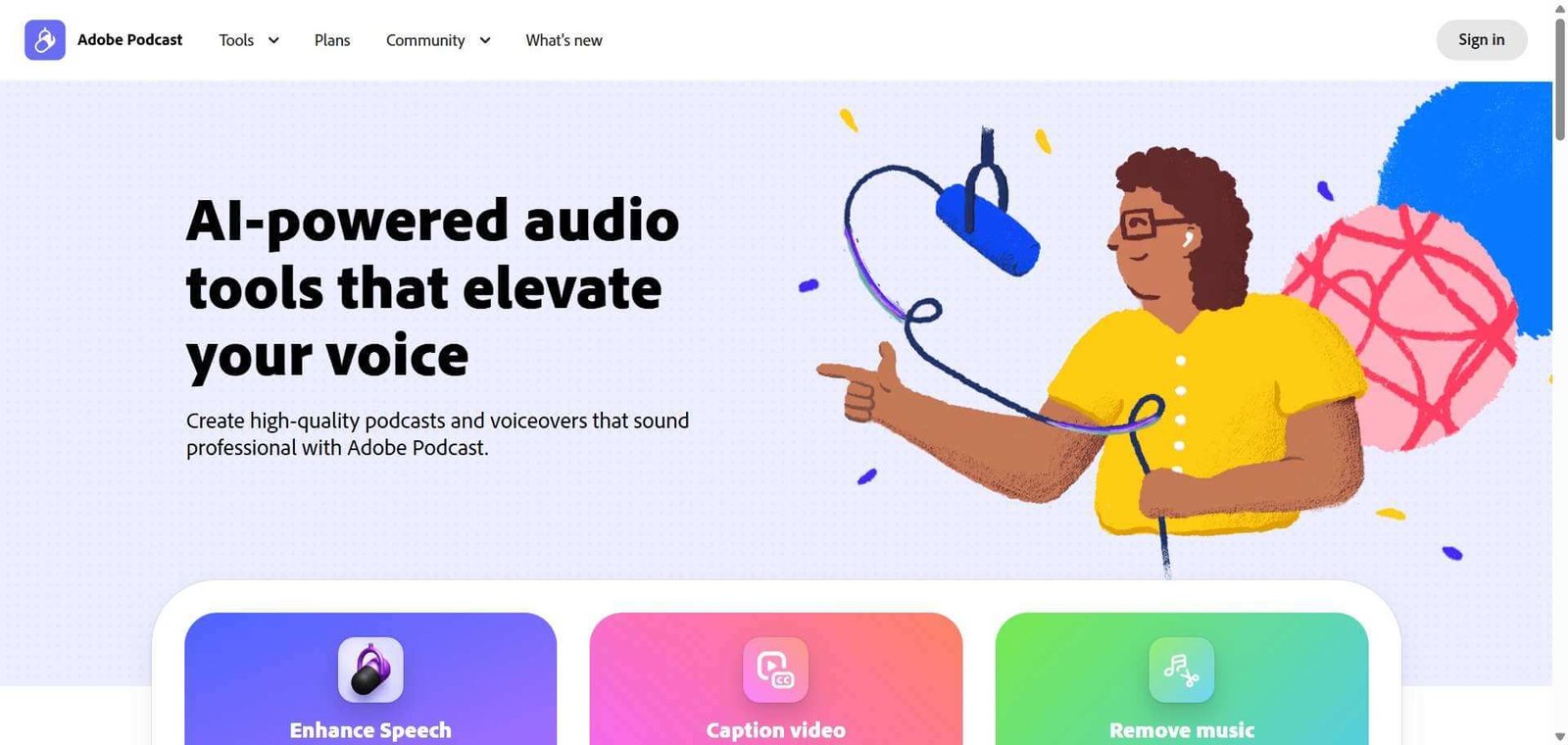

Adobe Podcast
Upload any voice recording and Enhance Speech v2 makes it sound studio-quality in seconds. The most genuinely useful free AI audio tool for podcasters and content creators in 2026.
Adobe Podcast Review: The Free AI Audio Enhancement Tool That Makes Any Microphone Sound Like a Studio Setup
Audio quality is the single most effective way to lose a listener in the first 60 seconds of a podcast or video. Reverb, background noise, laptop fan hum, and room echo signal low production value immediately, regardless of how good the content is. Adobe Podcast’s Enhance Speech was built to solve this without expensive microphones, acoustic treatment, or audio engineering expertise: upload a voice recording made on any device in any environment, and the AI processes it into something that sounds like a professional studio recording. Free for one hour of enhancement per day, browser-based with no installation, and backed by Adobe Sensei’s audio AI model, Enhance Speech is one of the few genuinely free AI tools that delivers professional-grade results without a meaningful paywall. The 2026 Enhance Speech v2 update added advanced source separation with individual sliders for speech, background noise, and music alongside speaker-separated stem exports, making it significantly more capable than the original single-click enhancement.
Quick Summary
Adobe Podcast is a free browser-based AI audio enhancement and recording platform from Adobe, featuring Enhance Speech v2 for one-click noise removal and room echo elimination, advanced source separation with adjustable speech, noise, and music sliders, Room Modeling to preserve natural acoustic character, transformer-based audio inpainting to reconstruct missing phonemes, multitrack audio and video support, Microphone Check for pre-recording setup validation, and browser-based Studio recording. Rated 4.6/5. Free plan with 1 hour per day enhancement limit, Premium at $9.99/month with video support, batch uploads, 4 hours per day, speaker-separated stems, and Adobe Express Premium.
Is it worth using? Yes for podcasters, content creators, educators, remote interviewers, and anyone who records voice audio in imperfect environments and wants professional-quality output without audio engineering skills or expensive equipment. The free tier alone delivers more value than most paid audio tools.
Who should use it? Podcasters, YouTubers, educators recording online courses, corporate video producers, remote interview hosts, and content creators who want to eliminate background noise, room echo, and microphone limitations from voice recordings without installing software or learning audio editing.
Who should avoid it? Professional audio engineers who need a full DAW with multi-track mixing, mastering chains, and fine-grained manual EQ control. Adobe Podcast is optimised for voice clarity enhancement, not full music production or complex audio post-production workflows.
Verdict Summary
Best for
- Podcasters recording in home offices, spare bedrooms, and untreated acoustic environments who want their recordings to sound like a professional studio without acoustic foam panels or expensive microphones. The AI effectively removes room characteristics that traditional recording cannot avoid
- Content creators who record video in noisy environments: laptop fan hum, air conditioning, street noise, and keyboard clicks are reliably removed without affecting the voice quality in independent testing
- Educators and corporate video producers who need consistent audio quality across recordings made in different locations and environments without audio post-production expertise or budget for professional editing
Not for
- Music producers and audio engineers who need full DAW capabilities including multi-track mixing, compression chains, EQ, and mastering beyond voice enhancement
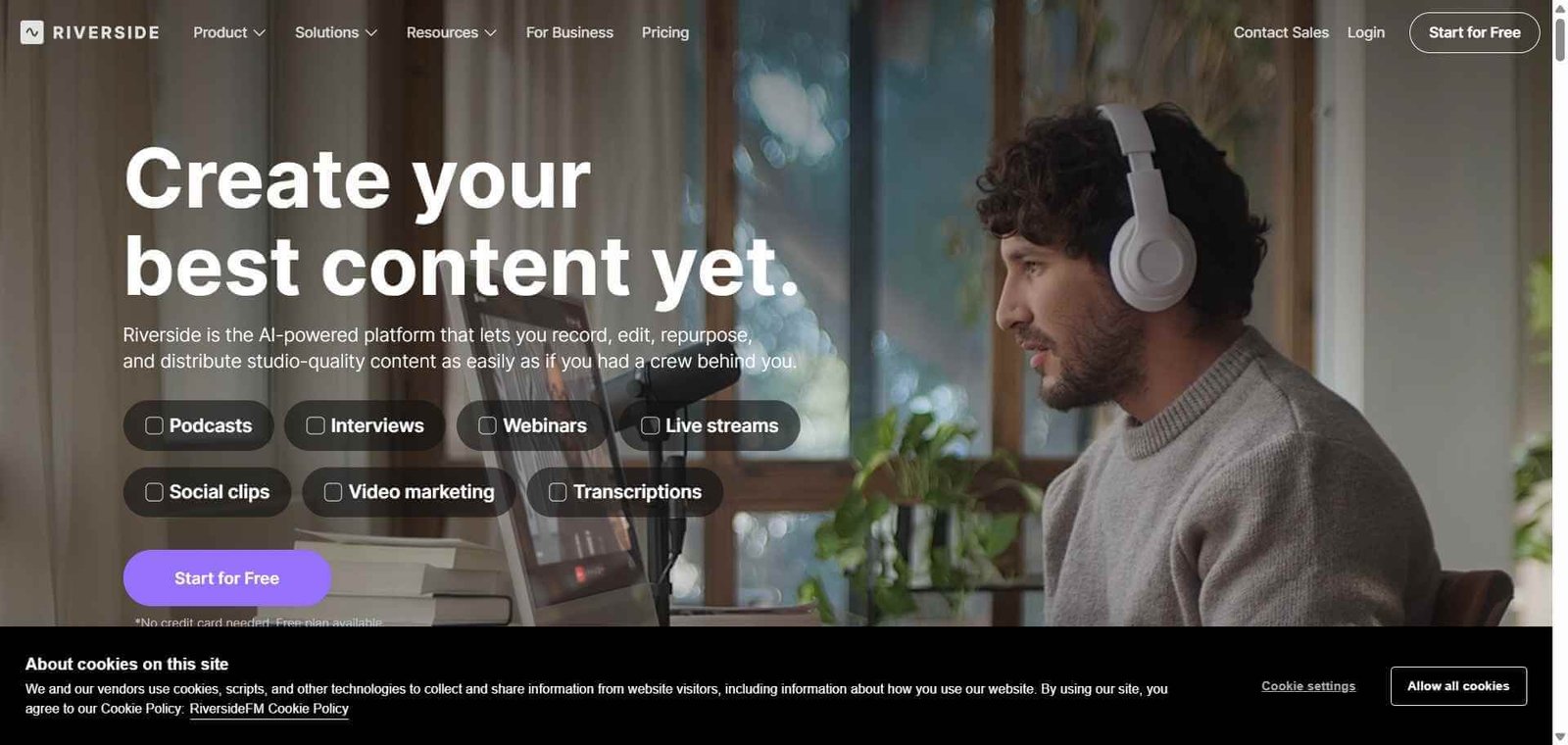
- Teams needing collaborative podcast production with multi-guest remote recording at the depth of Riverside FM or SquadCast. Adobe Podcast’s Studio handles solo and simple remote recording but lacks the production depth of dedicated podcast recording platforms
- Very high-volume processing workflows where the 1-hour free tier daily limit and 4-hour Premium cap restrict batch enhancement of large archives without Creative Cloud integration
Rating
⭐⭐⭐⭐ 4.3 / 5
(4.6/5 rating across independent review platforms)
What Is Adobe Podcast?
Adobe Podcast, formerly known as Project Shasta during its beta phase, is a web-based AI audio tool developed by Adobe using the Adobe Sensei AI framework. Launched publicly in October 2022 and significantly updated through 2026, it addresses a specific and widespread problem: the gap between how amateur recordings actually sound and the studio-quality audio that audiences expect from professional content.
The 2026 Enhance Speech v2 release moved beyond simple noise removal to full source separation. Rather than applying a single enhancement pass to the entire audio signal, v2 separates the audio into independent streams: dialogue, background noise, and background music. Users can independently adjust the level of each with sliders, download the streams as separate stems for advanced editing, or use Room Modeling to preserve the natural acoustic character of a space rather than flattening it to clinical dryness.
How Adobe Podcast Works
- Upload or record audio directly. Upload audio files in common formats or use the browser-based Studio to record directly without additional software. The Studio also supports multitrack audio and video uploads with automatic synchronisation for podcast recordings from multiple sources.
- Enhance Speech processes the audio. Enhance Speech v2 analyses the audio signal and separates it into speech, background noise, and background music components. The AI model rebuilds what the clean speech should sound like using the transformer-based inpainting model, which reconstructs missing phonemes where noise has corrupted the signal.
- Adjust source separation sliders. On Premium, independently adjust the levels of speech clarity, background noise removal, and background music presence with individual sliders. Use Room Modeling to retain the natural acoustic character of the recording space rather than applying complete noise elimination.
- Download enhanced audio or stems. Download the enhanced audio file in the original format. On Premium, download speaker-separated stems: individual audio tracks for speech, noise, and music for use in external editing workflows.
- Check microphone setup before recording. Use Microphone Check to analyse the current recording environment before starting. The tool flags issues including microphone distance, room acoustics, and background noise levels, enabling corrections before recording rather than discovering problems during enhancement.
- Record with browser-based Studio. Record podcast-style content directly in the browser with automatic Enhance Speech processing. The Studio handles solo and remote multi-guest recording for straightforward podcast workflows without separate recording software.
Key Features
- Enhance Speech v2: AI noise removal, room echo elimination, and voice clarity enhancement in one click or with adjustable sliders
- Advanced source separation: independent speech, background noise, and background music sliders with individual level adjustment
- Room Modeling: preserves natural acoustic character of the recording space rather than applying clinical noise floor elimination
- Transformer-based audio inpainting: reconstructs missing phonemes where noise has corrupted the voice signal
- Speaker-separated stem downloads: individual audio tracks for each source on Premium
- Microphone Check: pre-recording environment analysis flagging acoustics, distance, and background noise issues
- Browser-based Studio: direct recording and multitrack audio and video upload with automatic synchronisation
- Video support: MP4 and MOV enhancement on Premium
- Batch uploads: process multiple files simultaneously on Premium
- No software installation required: runs entirely in the browser
- Free plan: 1 hour per day audio-only enhancement, files up to 30 minutes and 500 MB, transcription, Studio recording with 2 project download limit
- Premium: $9.99/month with 30-day trial, 4 hours per day, video support, batch uploads, files up to 1 GB, unlimited Studio downloads, speaker-separated stems, and Adobe Express Premium
Real-World Use Cases
- Home studio podcast recording: A podcaster records weekly episodes in a home office with an air conditioning unit and laptop fan audible in every recording. After discovering Enhance Speech, they upload each episode recording and download the enhanced version with both background noise sources eliminated without any manual audio editing. Recording time is unchanged, post-production drops from 45 minutes of noise reduction in Audacity to a 3-minute Enhance Speech upload and download.
- Corporate video narration: A marketing team produces product explainer videos recorded by team members on laptop microphones in open-plan offices. Enhance Speech v2 processes each narration recording, removes keyboard noise, office background chatter, and HVAC hum, and outputs voice-only audio indistinguishable from studio-recorded narration in the final video.
- Remote interview cleanup: An educator records remote student interviews for a research project on video calls. The recordings capture varying levels of room echo, background noise, and compression artefacts from the video call encoding. Enhance Speech processes each interview recording, improving intelligibility sufficiently for accurate transcription and quotation in the research output.
- Stem separation for music podcast: A music podcast host discusses songs by playing clips within the episode. On Premium, the host uses Enhance Speech v2’s music slider to reduce background music levels during speech segments and the speaker-separated stems to export the speech-only track for the edited episode, eliminating the need for manual ducking in post-production.
Pros and Cons
| Pros | Cons |
|---|---|
| Enhance Speech v2 genuinely eliminates background noise and room echo at a quality level that outperforms traditional noise reduction tools in independent testing. One of the most effective free AI audio tools available in 2026 | Audio-only focus limits the tool for creators who need full post-production. No EQ, compression, multi-track mixing, or mastering chain. Not a DAW replacement for professional audio engineering workflows |
| Completely free for 1 hour per day with no software installation and no mandatory sign-up for core Enhance Speech functionality. The free tier delivers professional-grade results without any payment | 1-hour daily free tier limit and 500 MB file size cap restrict processing of long-form content or bulk archives. High-volume workflows require Premium at $9.99/month or Creative Cloud subscription |
| Room Modeling preserves acoustic character rather than flattening all recordings to the same clinical dry sound. More natural-sounding output for creators who want enhanced but not sterile audio | Browser-based processing means audio is uploaded to Adobe’s servers. Creators with confidential interview content or sensitive spoken-word material should review Adobe’s data handling policy before using |
| Speaker-separated stems on Premium allow downstream editing of individual audio sources in a DAW. Extends Adobe Podcast beyond enhancement into a source separation tool for more complex post-production | Studio recording is adequate for solo podcasting but lacks the multi-guest remote recording quality and production features of Riverside FM or SquadCast for professional podcast production teams |
| $9.99/month Premium is excellent value compared to Auphonic at $11/month and Descript at $12/month plus for comparable audio cleanup. Most competitive pricing in the AI audio enhancement category | Video enhancement and batch processing are Premium-only. Creators who primarily need audio enhancement for videos rather than standalone audio files should factor the Premium requirement into their evaluation |
Pricing and Plans
Free — $0
- Enhance Speech: 1 hour per day enhancement limit
- Audio-only processing (no video)
- Files up to 30 minutes and 500 MB
- Browser-based Studio recording
- Transcription
- 2 project Studio downloads per day
- No mandatory account sign-up for Enhance Speech
Premium — $9.99/month (or $99.99/year with 30-day free trial)
- All Free features
- Enhance Speech: 4 hours per day
- Video support: MP4 and MOV enhancement
- Batch uploads: multiple files simultaneously
- Files up to 1 GB
- Adjustable speech, noise, and music sliders
- Speaker-separated stem downloads
- Unlimited Studio downloads
- Adobe Express Premium design tools included
Adobe Creative Cloud subscribers may access Adobe Podcast Premium features through their existing subscription. Verify current Creative Cloud integration at podcast.adobe.com.
Best Alternatives and Comparisons
- Riverside FM — Better for professional podcast production with multi-guest remote recording, local high-quality track capture, and a full post-production editor alongside audio enhancement
- Descript — Better for creators who want audio enhancement combined with text-based video and podcast editing, screen recording, and AI clip generation in one subscription
- Auphonic — Better for automated audio post-production including loudness normalisation, noise reduction, and podcast encoding at $11/month with broader file format support
- Krisp — Better for real-time noise cancellation during live calls and meetings rather than post-recording enhancement of existing audio files
Frequently Asked Questions (FAQ)
Adobe Podcast is a free browser-based AI audio enhancement tool from Adobe, featuring Enhance Speech v2 for one-click noise removal and room echo elimination from voice recordings. Free for 1 hour per day, Premium at $9.99/month adds video support, batch uploads, 4 hours per day, and speaker-separated stems.
Yes. The core Enhance Speech feature is free with a 1-hour daily enhancement limit, 30-minute file length cap, and 500 MB file size limit. No mandatory account sign-up is required for basic Enhance Speech use. Premium at $9.99/month with a 30-day free trial unlocks video support, batch uploads, 4 hours per day, and additional features.
Enhance Speech v2 is Adobe Podcast’s 2026 audio enhancement model. Unlike the original single-pass noise removal, v2 performs advanced source separation: independently identifying and isolating speech, background noise, and background music with individual adjustment sliders. Room Modeling preserves natural acoustic character rather than applying uniform noise floor elimination.
Yes, on the Premium plan at $9.99/month. Video enhancement supporting MP4 and MOV formats is a Premium-only feature. The free tier processes audio-only files. Creators who primarily need audio enhancement for video content should account for the Premium requirement when evaluating the platform.
Speaker-separated stems are individual downloadable audio tracks for each identified source in a recording: a speech-only track, a background noise track, and a background music track. Available on Premium, stems allow further editing in a DAW or audio editor without reprocessing the entire combined audio file.
Adobe Podcast is an audio enhancement tool: upload an existing recording, enhance it, download it. The workflow is post-recording. Riverside FM is a podcast recording platform: record multi-guest remote sessions in studio quality, with post-production editing in the same platform. Adobe Podcast for cleaning up existing recordings quickly. Riverside FM for producing professional multi-guest podcast episodes from recording through editing.
Final Recommendation
Adobe Podcast is the most practically useful free AI audio tool for voice recording enhancement in 2026, and Enhance Speech v2’s combination of advanced source separation, Room Modeling, and speaker-separated stems on Premium makes the $9.99/month upgrade one of the most clearly justified purchases in the creator tool stack. For any podcaster, educator, or content creator who has been recording in imperfect acoustic environments and accepting the resulting audio quality as a limitation of their setup, Adobe Podcast Enhance Speech removes that limitation from the first upload. The free tier alone, with genuine professional-grade enhancement at no cost and no installation, is the most compelling entry point in the AI audio category.
Next steps