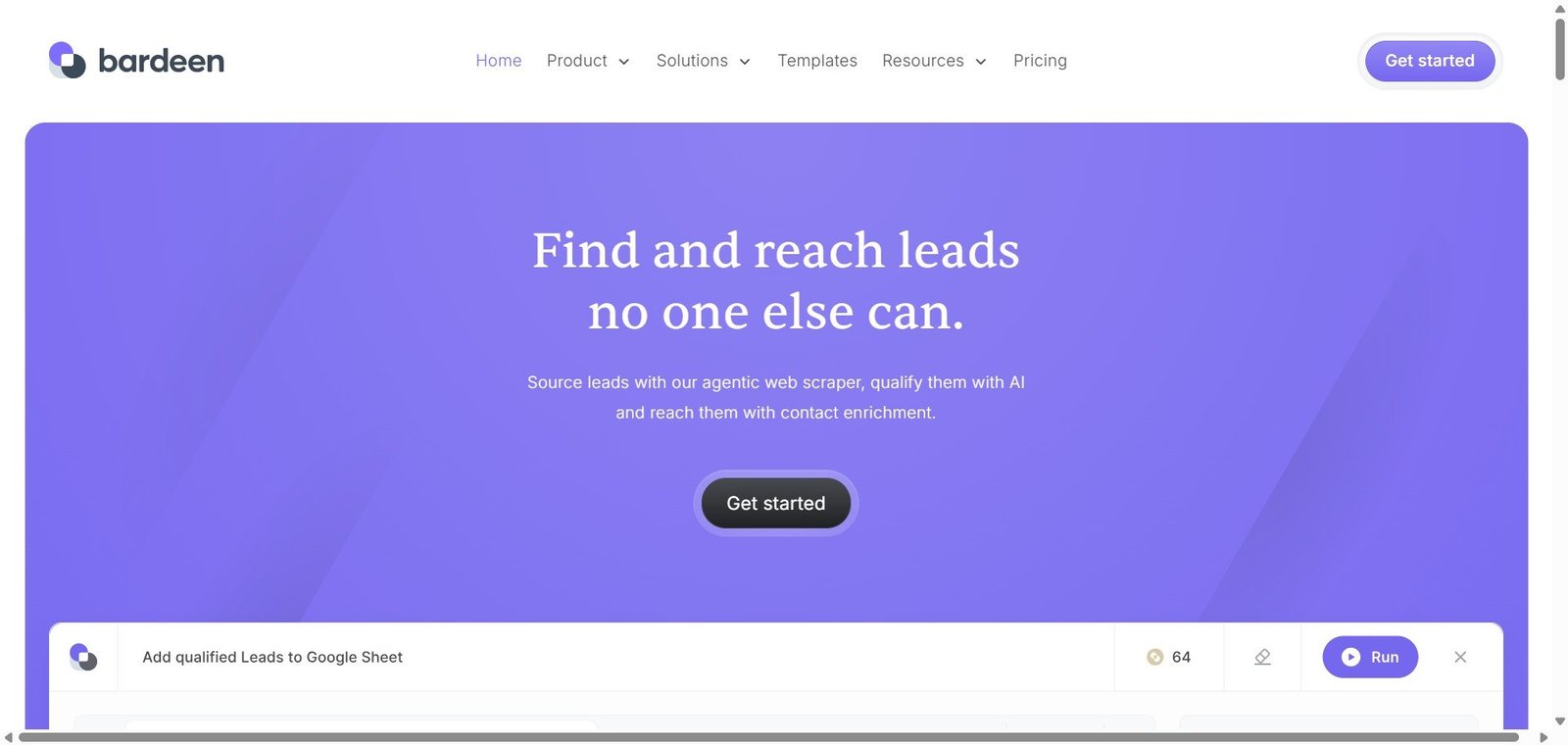
Automate repetitive browser tasks with AI — scrape data, fill forms, and run workflows without code.
A significant portion of knowledge worker time is spent on repetitive browser-based tasks — copying data from one website to another, researching prospects across multiple tabs, filling forms with information from other sources, extracting data from web pages into spreadsheets. Bardeen automates these tasks through a browser extension that records and replays browser interactions, enhanced with AI that understands what to do from natural language instructions rather than requiring precise step recording. The result is an automation tool that works with any website without requiring API access or developer implementation.
Bardeen is an AI-powered browser automation tool that automates repetitive web tasks — data scraping, form filling, cross-site data transfer, and workflow automation — through a browser extension that responds to natural language instructions without code.
Is it worth using? Yes for sales teams, researchers, recruiters, and operations professionals who spend significant time on repetitive browser-based data tasks that could be automated without requiring developer involvement.
Who should use it? Sales development reps, recruiters, researchers, and operations professionals who repeatedly copy data between websites, research prospects across multiple sources, or perform any repetitive browser-based task that follows a consistent pattern.
Who should avoid it? Teams whose automation needs involve complex backend processing and multi-app data routing where Make or Zapier are more appropriate, or users who need the most reliable automation at very high scale.
Best for
Not for
Rating
⭐⭐⭐⭐ 4.3 / 5
Bardeen is a browser extension and automation platform that records browser interactions and replays them automatically — with an AI layer that understands natural language automation instructions so users can describe what they want automated rather than recording each click precisely. Its integrations connect browser-captured data directly to CRM systems, spreadsheets, Slack, Notion, and other tools — enabling captured web data to flow automatically into the systems where it is used.
The platform’s Magic Box feature allows users to describe an automation goal in plain English and have Bardeen generate the automation workflow automatically — further reducing the technical barrier to browser automation.
| Pros | Cons |
|---|---|
| Works on any website without API access or developer involvement | Browser extension model means automation runs on local machine only |
| AI Magic Box makes automation creation genuinely accessible to non-technical users | Website structure changes can break automations that depend on specific page elements |
| Large playbook library covers common sales and research use cases immediately | Not suitable for very high-volume automated scraping at scale |
| Direct CRM integration removes manual data transfer from research workflows | Chrome only — no Firefox or Safari support |
| Free plan covers meaningful use cases for individual users | Advanced scheduled automation requires paid plan |
Bardeen is an AI-powered browser automation tool that automates repetitive web tasks — data scraping, form filling, cross-site data transfer, and CRM enrichment — through a browser extension with natural language automation generation.
Yes, Bardeen offers a free plan with 10 monthly credits. The Professional plan at $10/month provides 500 credits with all integrations and scheduled automation.
Magic Box is Bardeen’s AI feature that generates automation workflows from natural language descriptions — users describe what they want automated in plain English and Bardeen creates the corresponding browser automation without manual recording.
Bardeen works on any website accessible in Chrome — it does not require API access or website-specific integration. However, automations can break if a website’s page structure changes significantly after the automation was created.
Bardeen integrates with HubSpot, Salesforce, Pipedrive, and other CRM platforms — allowing data captured from browser automation to flow directly into CRM records without manual entry.
Bardeen automates tasks that require browser interaction — navigating websites, extracting data, and filling forms. Make automates workflows between applications through their APIs without browser interaction. They complement each other — Bardeen for web-based data capture, Make for complex multi-app processing workflows.
Bardeen is the most practical browser automation tool for sales, recruiting, and research professionals who spend significant time on repetitive web-based data tasks. The AI Magic Box makes automation creation genuinely accessible to non-technical users, the CRM integrations eliminate manual data transfer from research workflows, and the playbook library provides immediate value for the most common use cases. For any professional who has accepted that copy-pasting between websites is an unavoidable part of their job, Bardeen demonstrates that it does not have to be.
Next steps