Fillout Review: The Form Builder Where Data Goes Exactly Where You Need It
Most form builders collect responses into their own database and require you to export or integrate the data into wherever it actually needs to go. Fillout takes the opposite approach — you connect your Notion database, Airtable base, or CRM first, and Fillout builds a form that writes responses directly into that system without any middleware, export, or Zapier automation. The result is a form builder that fits naturally into existing workflows rather than creating a separate data silo to manage.
Quick Summary
Fillout is an AI-powered form builder that connects directly to Notion, Airtable, Salesforce, HubSpot, and other databases — generating forms that write submissions straight to existing systems without integration tools, with AI form generation and smart field suggestions.
Is it worth using? Yes for teams using Notion, Airtable, or a CRM who want forms that write submissions directly to those systems without managing separate form data or setting up Zapier automations. Who should use it? Product teams, operations managers, and marketers who use Notion or Airtable as their operational database and want forms that feed data directly into those systems without additional integration work. Who should avoid it? Teams whose primary form need is maximum completion rates through conversational format, where Typeform’s UX is more appropriate.
Verdict Summary
Best for
Teams using Notion or Airtable as their primary operational database who want forms that write directly to those databases without Zapier or manual export
Operations and HR teams collecting structured information — applications, requests, onboarding data — that needs to land in an existing database without a separate form tool managing its own data
Product teams who want AI to generate forms from a description of what information needs to be collected
Not for
Teams whose primary concern is form completion rate optimization where Typeform’s conversational format excels
Simple one-off survey needs adequately served by Google Forms at no cost
Teams needing complex payment collection workflows where Jotform’s payment integration depth is more appropriate
Rating ⭐⭐⭐⭐ 4.4 / 5
What Is Fillout?
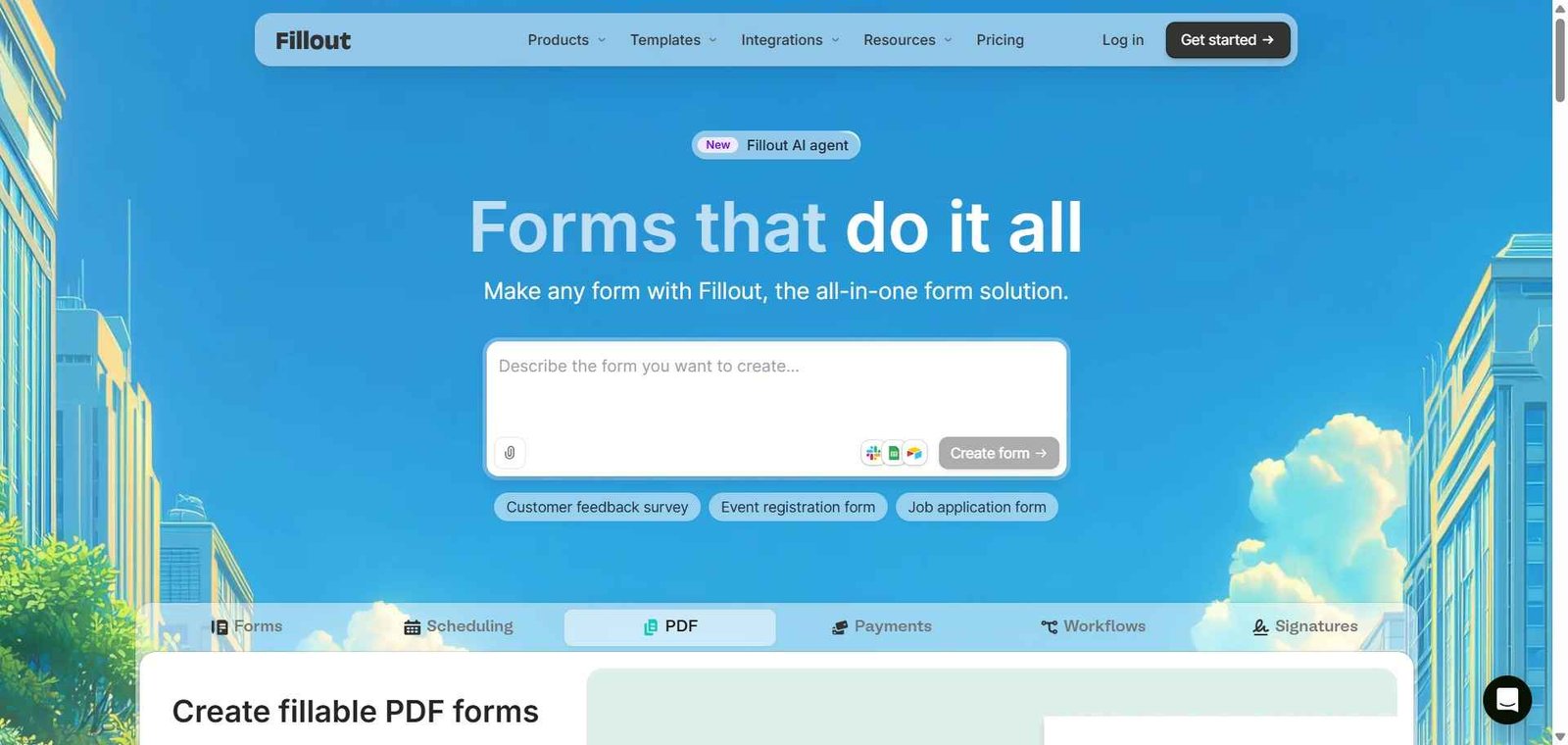
Fillout is a form and survey builder built around database connectivity — the defining feature being that forms connect directly to Notion databases, Airtable bases, Salesforce objects, HubSpot records, and other data systems, with each form submission writing data into the connected system without requiring any intermediary automation. This means a job application form connected to an Airtable applicant tracking base creates a new Airtable record for each submission — the form is essentially a user-friendly input interface for the underlying database.
The AI features generate complete form structures from text descriptions of what information needs to be collected, suggest appropriate field types for each data point, and offer smart branching logic recommendations based on the form structure.
How Fillout Works
Connect your database. Link Fillout to your Notion workspace, Airtable account, Salesforce org, or HubSpot portal. Select the specific database, base, or CRM object where submissions should be written.
Generate a form with AI. Describe what information you need to collect — “a job application form for a marketing manager role collecting experience, portfolio, and availability” — and Fillout’s AI generates a complete form mapped to appropriate fields.
Map form fields to database fields. Connect each form question to the corresponding field in your connected database — Fillout auto-maps fields with matching names and suggests mappings for others.
Customise the form design. Apply your brand colours, logo, and layout to create a form that matches your visual identity.
Publish and share. Embed the form on your website, share the link, or use as a popup. Every submission writes directly to the connected database.
Use conditional logic. Add conditional logic that shows or hides questions based on previous answers, creating personalised form experiences without complexity.
Key Features
Direct database connections to Notion, Airtable, Salesforce, HubSpot, and others
AI form generation from text descriptions with automatic field mapping
Smart field type suggestions and branching logic recommendations
Conditional logic for personalised question paths
Multi-step forms with progress indicators for longer form experiences
File upload fields for collecting attachments directly into connected databases
Scheduling integration for booking appointments within forms
Payment collection through Stripe integration
Custom domain and branding options
Real-World Use Cases
Notion-connected intake form: A product team creates a client intake form in Fillout connected to their Notion project database — each submission creates a new project record with all client information pre-filled, eliminating manual data entry from emails to Notion.
Airtable applicant tracking: An HR team builds a job application form connected to their Airtable applicant tracking base — applications arrive as structured records with all fields populated, ready for review without any data transfer.
HubSpot lead forms: A marketing team creates lead capture forms in Fillout connected directly to HubSpot — new contacts are created in HubSpot on form submission without Zapier automation or manual import.
AI-generated survey: A UX researcher describes their research survey needs to Fillout’s AI and receives a complete survey structure with appropriate question types and logical flow — editing and deploying in minutes rather than building from scratch.
Direct database connections eliminate the most common form integration pain point
Less conversational completion rate optimization than Typeform
AI form generation from descriptions is fast and produces usable starting points
Free plan limited in responses and form count
Works with Notion and Airtable which many teams already use as their database
Payment collection less sophisticated than Jotform’s workflow depth
No Zapier or automation setup required for common database integration use cases
Template library smaller than established form tools
Scheduling integration within forms covers booking use cases without separate tools
Advanced logic requires familiarity with conditional form building
Pricing & Plans
Free — $0/month
1,000 responses per month
3 forms
Core integrations
Community support
Starter — $15/month
5,000 responses per month
Unlimited forms
All integrations
Priority support
Pro — $40/month
25,000 responses per month
All Starter features
Custom domain
Advanced logic
Remove Fillout branding
Business — $80/month
100,000 responses per month
All Pro features
Team management
Advanced analytics
Best Alternatives & Comparisons
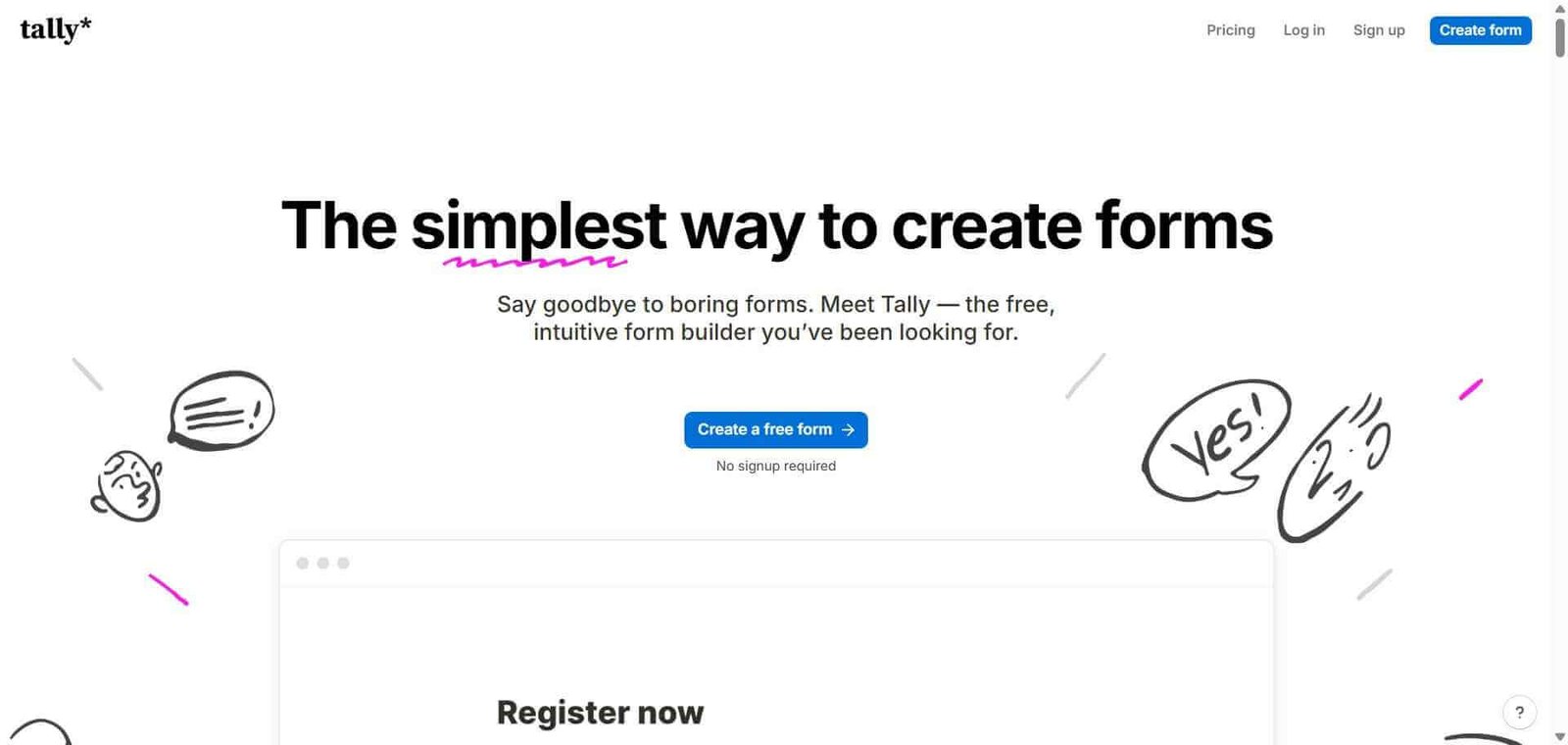
Tally — Better for unlimited free forms without database connection requirements, less direct database integration
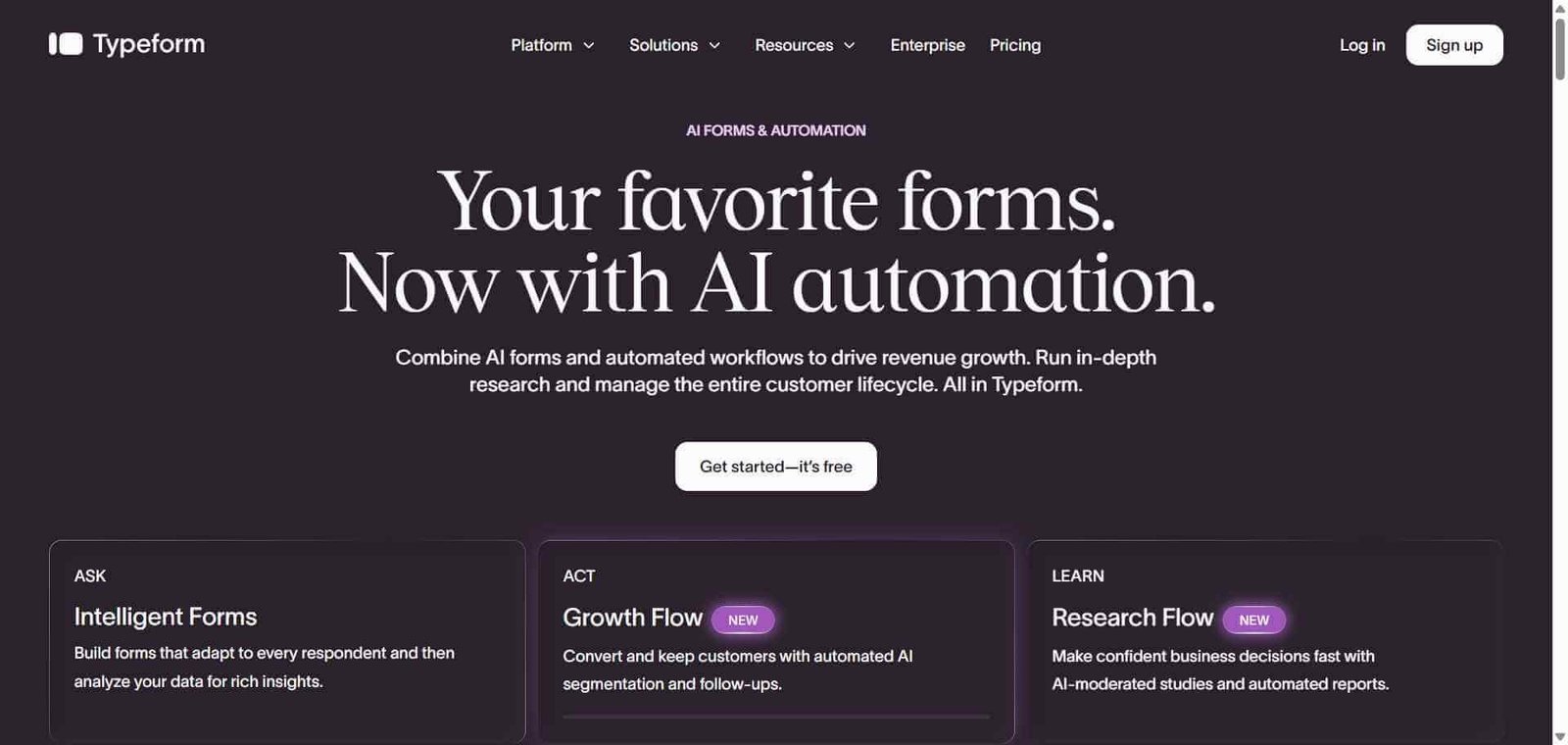
Typeform — Better for maximum completion rates through conversational format, less direct database connectivity
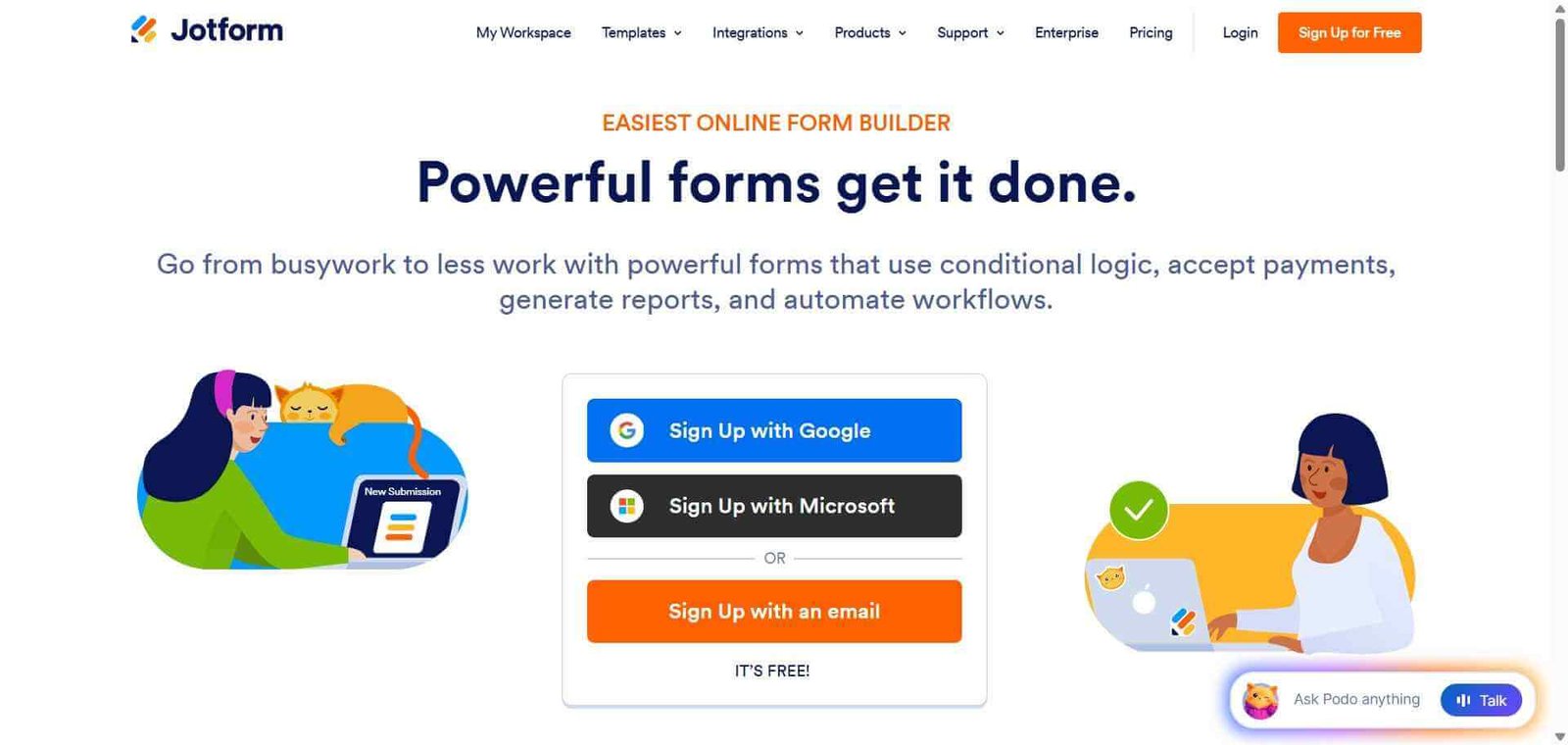
Jotform — Better for payment collection workflows and complex approval processes, different integration approach
Notion forms — Better for Notion-native simple forms, less design flexibility and AI features
Frequently Asked Questions (FAQ)
What is Fillout?
Fillout is an AI-powered form builder that connects directly to Notion, Airtable, Salesforce, HubSpot, and other databases — generating forms that write submissions straight to existing systems without integration tools.
Is Fillout free?
Yes, Fillout offers a free plan with 1,000 monthly responses and 3 forms. The Starter plan at $15/month provides 5,000 responses and unlimited forms.
How does Fillout connect to Notion?
Fillout connects to your Notion workspace via OAuth authentication. You select the specific database you want form submissions to populate, map form fields to database properties, and each submission creates a new record in that database automatically.
Does Fillout work with Airtable?
Yes, Fillout connects to Airtable bases with submissions creating new records in the selected Airtable table. Field mapping is automatic for matching field names with manual mapping for others.
What AI features does Fillout have?
Fillout’s AI generates complete form structures from text descriptions of the information to be collected, suggests appropriate field types for each data point, and recommends conditional branching logic based on the form’s purpose.
How does Fillout compare to Tally?
Tally offers unlimited free forms and responses without response limits. Fillout offers direct database connectivity to Notion, Airtable, and CRMs that Tally does not provide. Tally is better for unlimited free form collection; Fillout for forms that must write directly to existing databases.
Final Recommendation
Fillout is the most practical form builder for teams whose form data needs to live in Notion, Airtable, or a CRM rather than a separate form tool’s database. The direct database connections eliminate the most common friction in form-to-database workflows, the AI form generation reduces setup time significantly, and the range of integration options covers the most commonly used operational databases. For any team that currently manages form-to-database data transfer through Zapier automations or manual export, Fillout removes that overhead entirely.