Jotform Review: The Most Feature-Rich Form Builder for Teams Who Need More Than a Form
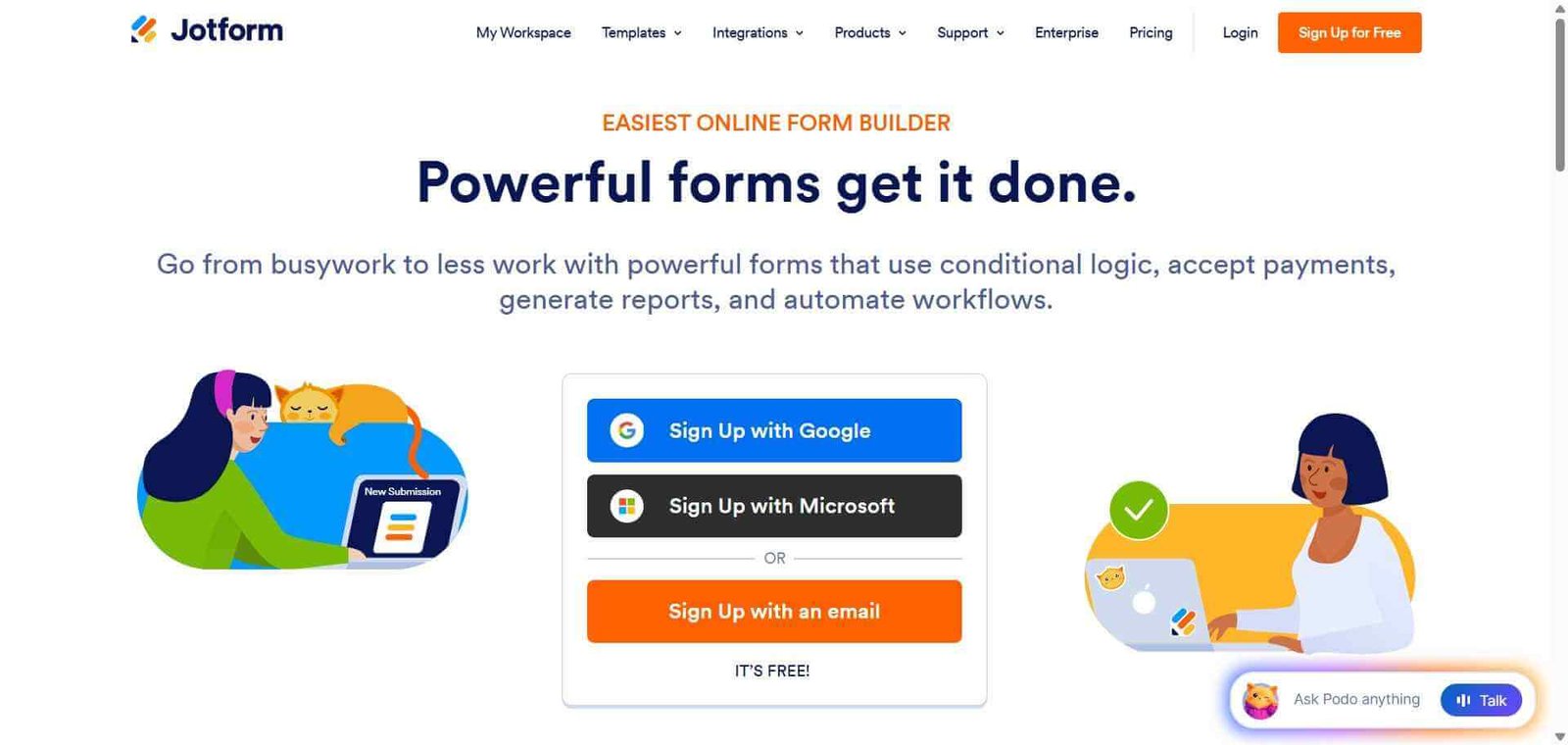
Most form builders stop at data collection. Jotform extends what a form can do — collect payments through Stripe or PayPal, trigger multi-step approval workflows, connect to hundreds of integrations, generate documents from submissions, and build no-code apps that turn form data into functional tools. The sheer feature breadth, combined with the largest template library in the category and a generous free plan, makes it the most versatile form platform available for teams whose form needs extend beyond simple data collection.
Quick Summary
Jotform is an AI-powered form builder with 10,000 plus templates, payment collection through multiple processors, multi-step approval workflows, PDF document generation, and a no-code app builder — covering the broadest range of form-based use cases of any platform in the category.
Is it worth using? Yes for teams and businesses whose form needs include payment collection, approval processes, document generation, or integration with business systems beyond simple data collection. Who should use it? Small businesses, HR teams, marketing teams, healthcare providers, event organisers, and any team that needs forms with payment, workflow, or integration capabilities beyond basic survey tools. Who should avoid it? Teams who primarily need the highest form completion rates — Typeform’s conversational format serves that goal more specifically.
Verdict Summary
Best for
Small businesses that need payment collection forms for services, events, and products without a dedicated e-commerce platform
HR and operations teams building multi-step approval workflows, employee onboarding forms, and internal request processes
Healthcare and professional services where HIPAA compliance and secure form submission are requirements
Not for
Teams whose primary need is maximum form completion rates through conversational format
Developers who need deeply custom form logic with database connections (Retool or Fillout serve this better)
Teams whose needs are simple enough that Google Forms covers them at no cost
Rating ⭐⭐⭐⭐ 4.4 / 5
What Is Jotform?
Jotform is a form building platform that has expanded over its 18-year history into one of the most feature-complete data collection and workflow tools available. Starting from a library of 10,000 plus templates covering virtually every industry use case, it provides drag-and-drop form building, payment collection through Stripe, PayPal, Square, and other processors, multi-step approval workflows that route submissions through a defined review process, PDF generation that creates professional documents from form data, and Jotform Apps for building no-code mobile and web applications from form templates.
Jotform AI adds form creation from text descriptions, smart form field suggestions as you build, and AI-powered form analytics that surface patterns in submission data.
How Jotform Works
Choose a template or start from AI. Select from 10,000 plus templates for your specific use case or describe your form needs to Jotform AI, which generates a starting template automatically.
Customise your form. Drag and drop field types — text, dropdown, file upload, signature, payment, date, and more — adjusting the form to exactly what you need to collect.
Add conditional logic. Set up conditional rules showing or hiding fields based on previous answers, creating personalised form experiences for different respondent profiles.
Enable payments. Connect Stripe, PayPal, Square, or another payment processor to collect fees, deposits, or full payments as part of the form submission.
Set up approval workflows. Configure multi-step approval chains where submissions are reviewed by the appropriate people before triggering downstream actions.
Publish and integrate. Embed the form on your website, share by link, or connect to Google Sheets, Salesforce, HubSpot, Slack, and 150 plus other tools through Jotform’s integration library.
Key Features
10,000 plus form templates across every industry and use case
Drag-and-drop form builder with 100 plus field types
Payment collection through Stripe, PayPal, Square, and Authorize.net
Multi-step approval workflows for routing submissions through review
PDF document generation creating professional documents from form data
Jotform AI for generating forms from text descriptions
Jotform Apps for building no-code apps from form templates
HIPAA compliance mode for healthcare form collection
150 plus integrations with CRM, marketing, and business tools
Real-World Use Cases
Service booking with payment: A photography studio uses Jotform to collect booking requests with session type selection, date preferences, and deposit payment — all in one form submission.
HR onboarding workflow: An HR team uses Jotform to collect new hire information, route the submission through IT for equipment provisioning, the facilities team for access cards, and payroll for bank details — with each step triggered automatically on the previous approval.
Event registration: A conference organiser uses Jotform to collect attendee registrations with session preference selection, dietary requirements, and full ticket payment processing in a single embedded form.
Healthcare intake forms: A medical practice uses Jotform’s HIPAA-compliant forms to collect patient intake information securely, generating a formatted PDF for the clinician before each appointment.
Most feature-complete form platform in the category
Interface less refined than Typeform’s conversational approach
10,000 plus templates reduce setup time for common use cases
Free plan includes Jotform branding on forms
Payment collection built in without separate e-commerce tool
Feature depth can feel overwhelming for simple use cases
HIPAA compliance mode serves healthcare teams
Submission storage limits on lower plan tiers
Approval workflow automation adds genuine process value
Some advanced features require higher plan tiers
Pricing & Plans
Free — $0/month
5 forms
100 monthly submissions
100MB storage
Jotform branding
Bronze — $34/month
25 forms
1,000 monthly submissions
1GB storage
Remove Jotform branding
Silver — $39/month
50 forms
2,500 monthly submissions
10GB storage
Payment integrations
HIPAA compliance option
Gold — $49/month
Unlimited forms
10,000 monthly submissions
100GB storage
All features
Enterprise — Custom pricing
Unlimited everything
SSO and advanced security
Dedicated support
Best Alternatives & Comparisons
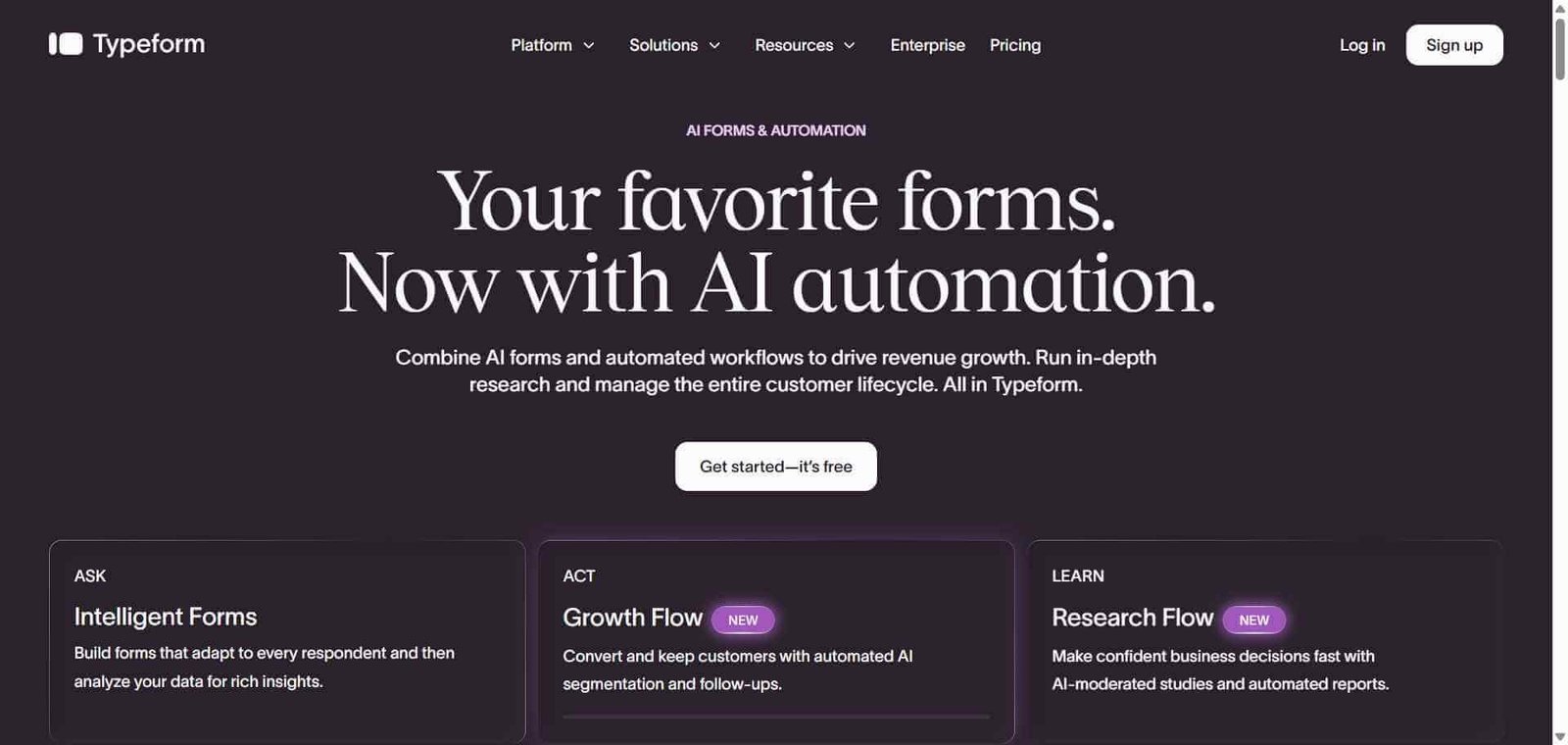
Typeform — Better for maximising form completion rates through conversational one-question format
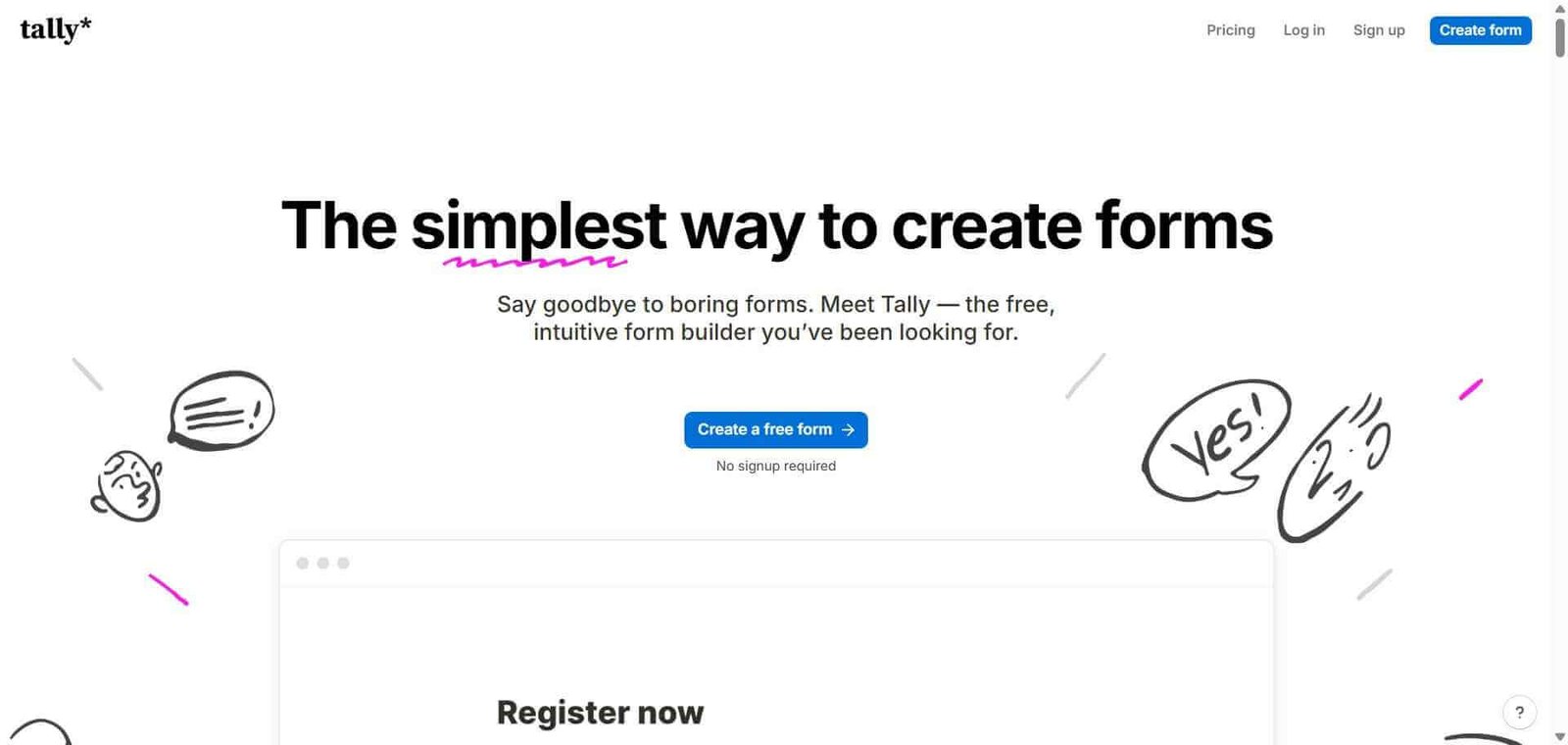
Tally — Better for individuals and small teams needing free unlimited forms with simpler interface
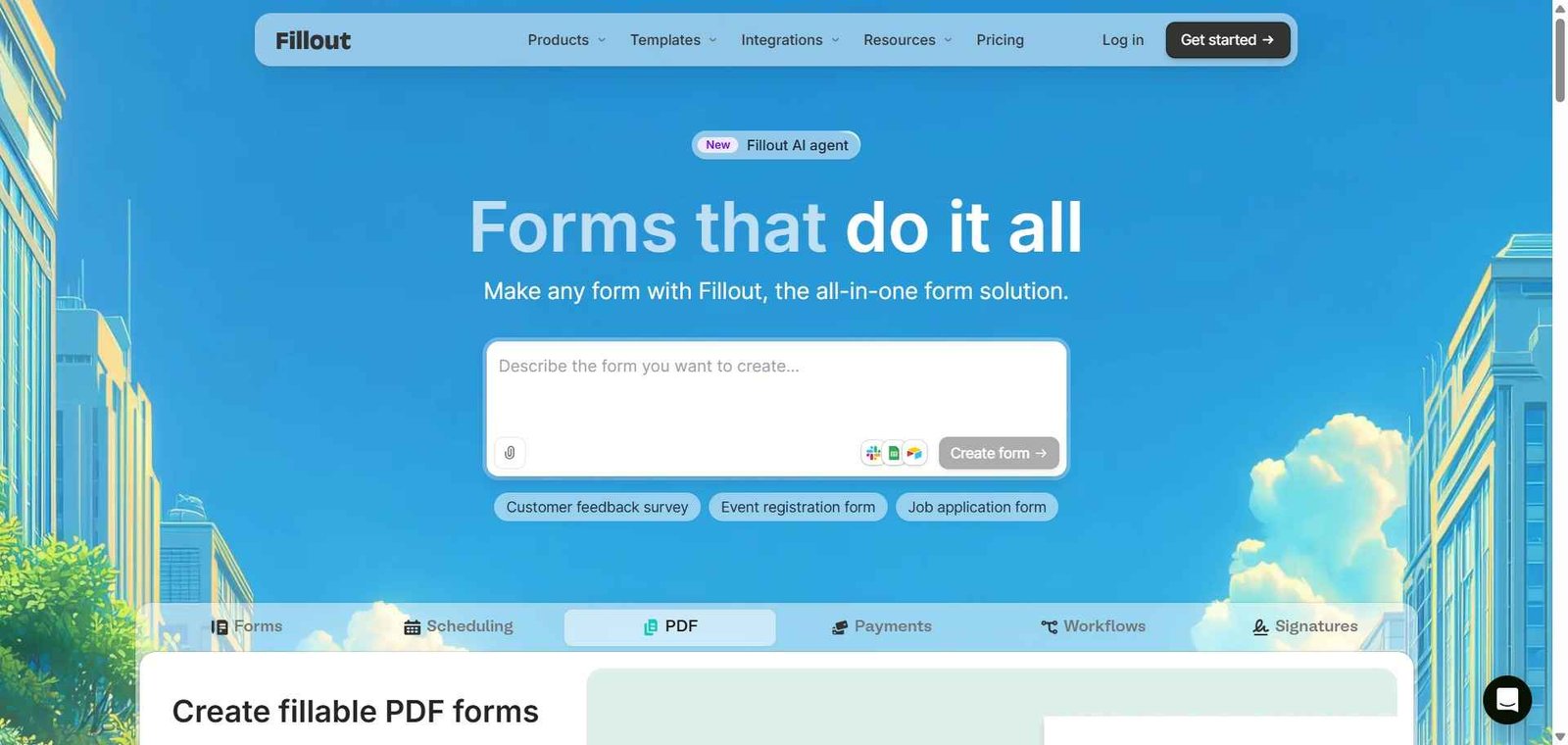
Fillout — Better for forms that connect directly to databases like Airtable and Notion
Google Forms — Better for basic free form creation without workflow or payment requirements
Frequently Asked Questions (FAQ)
What is Jotform?
Jotform is an AI-powered form builder with 10,000 plus templates, payment processing, multi-step approval workflows, PDF generation, and a no-code app builder — the most feature-complete form platform available.
Is Jotform free?
Yes, Jotform offers a free plan with 5 forms and 100 monthly submissions. Paid plans start at $34/month for 25 forms and 1,000 monthly submissions with Jotform branding removed.
Can Jotform collect payments?
Yes, Jotform integrates with Stripe, PayPal, Square, Authorize.net, and other payment processors to collect fees, deposits, and full payments as part of any form submission.
Does Jotform support HIPAA compliance?
Yes, Jotform offers a HIPAA compliance mode on the Silver plan and above, enabling healthcare providers to collect sensitive patient information with appropriate security controls and business associate agreement.
What is a Jotform approval workflow?
Jotform approval workflows route form submissions through a defined review chain — each approver receives a notification, reviews the submission, and approves or rejects it before the submission moves to the next step or triggers a downstream action.
How does Jotform compare to Typeform?
Jotform has significantly more features — payment processing, approval workflows, HIPAA compliance, PDF generation — at lower pricing. Typeform’s conversational format produces higher completion rates. Choose Jotform for feature breadth and workflow capability; Typeform for the highest possible completion rates on research and lead generation forms.
Final Recommendation
Jotform is the most capable form platform available for teams whose form needs extend beyond collecting responses to driving business processes. The payment collection, approval workflows, HIPAA compliance, and 10,000 plus template library make it genuinely versatile across a wider range of use cases than any competing form tool. The free plan’s 5 forms and 100 submissions are restrictive but sufficient to evaluate whether Jotform’s specific capabilities match your workflow before upgrading.