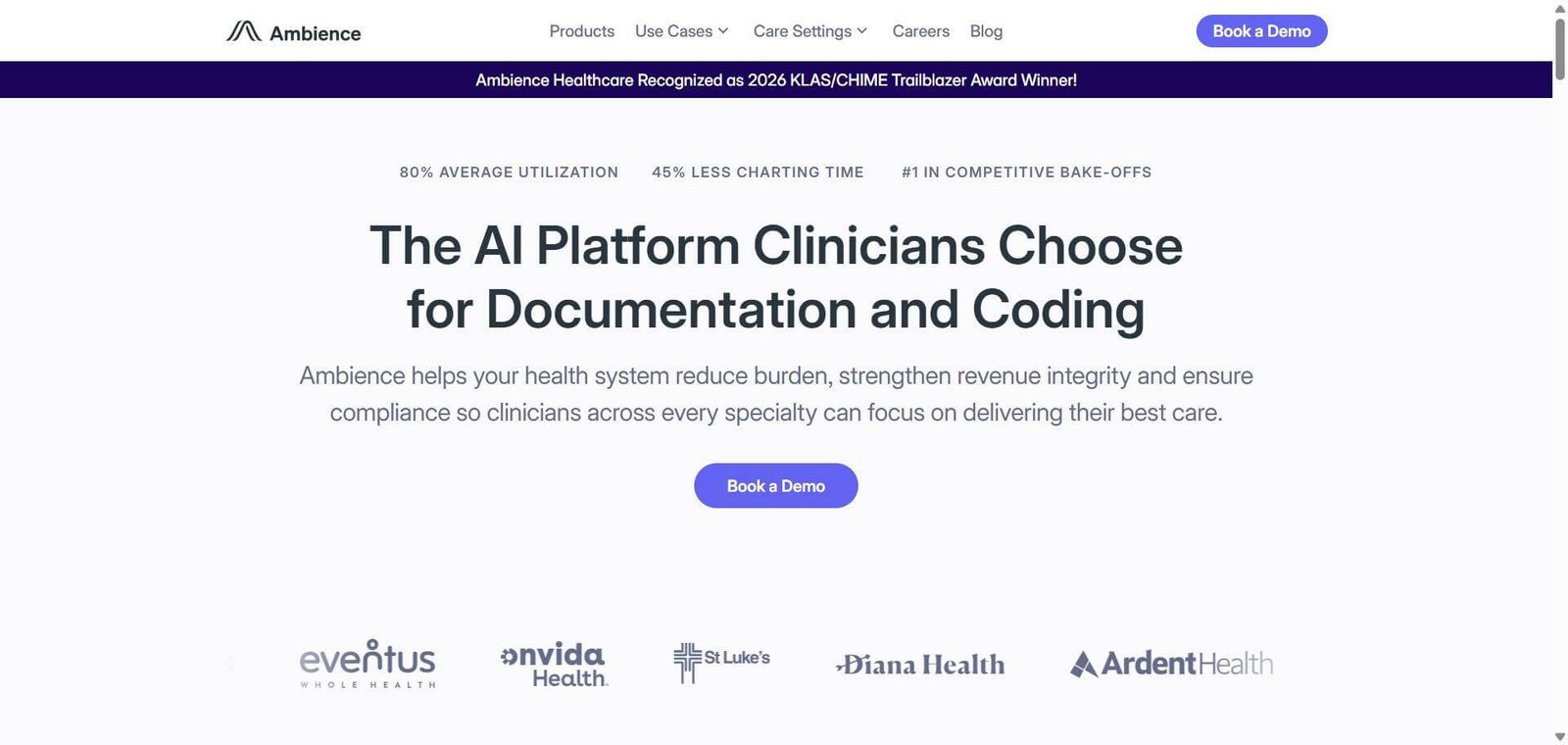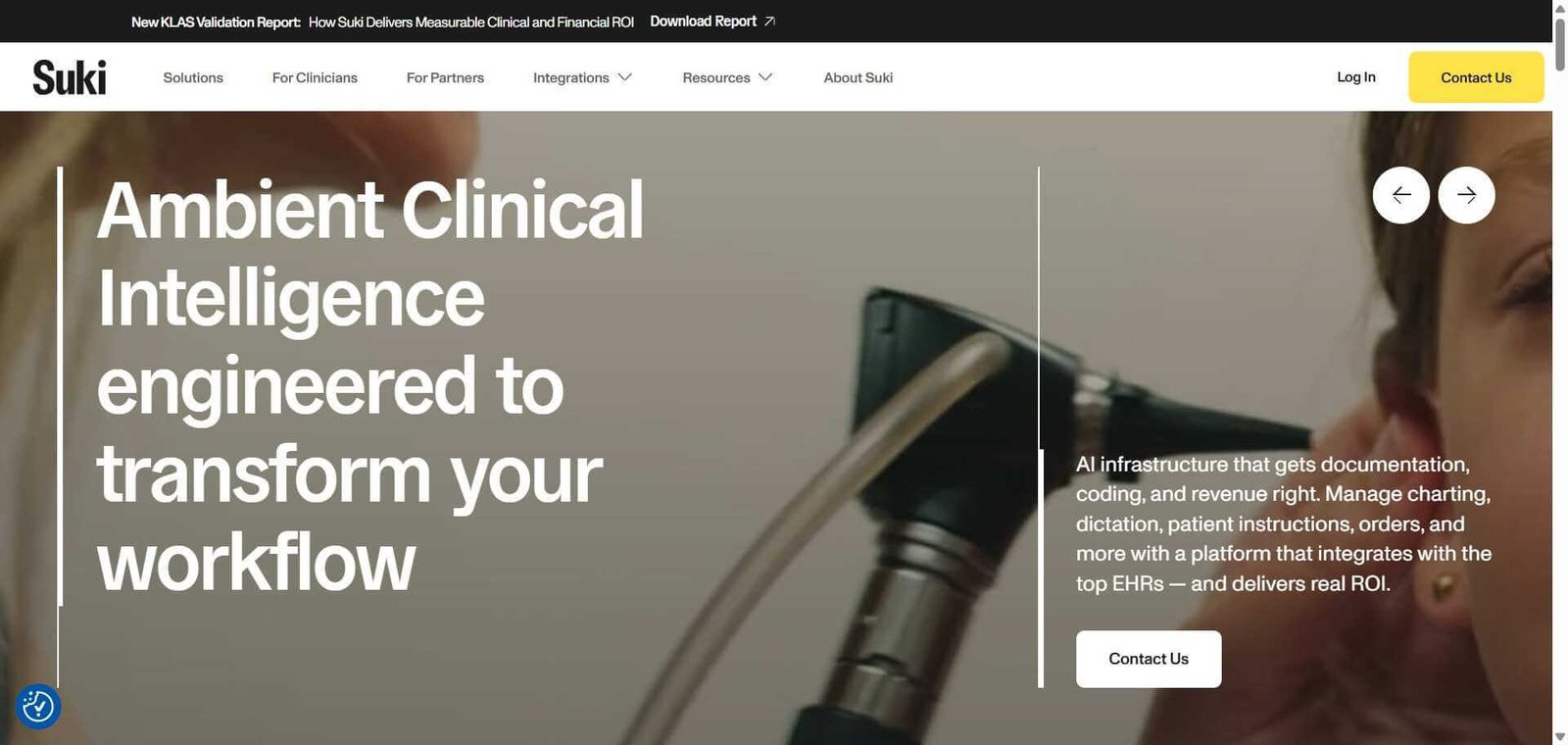

Heidi
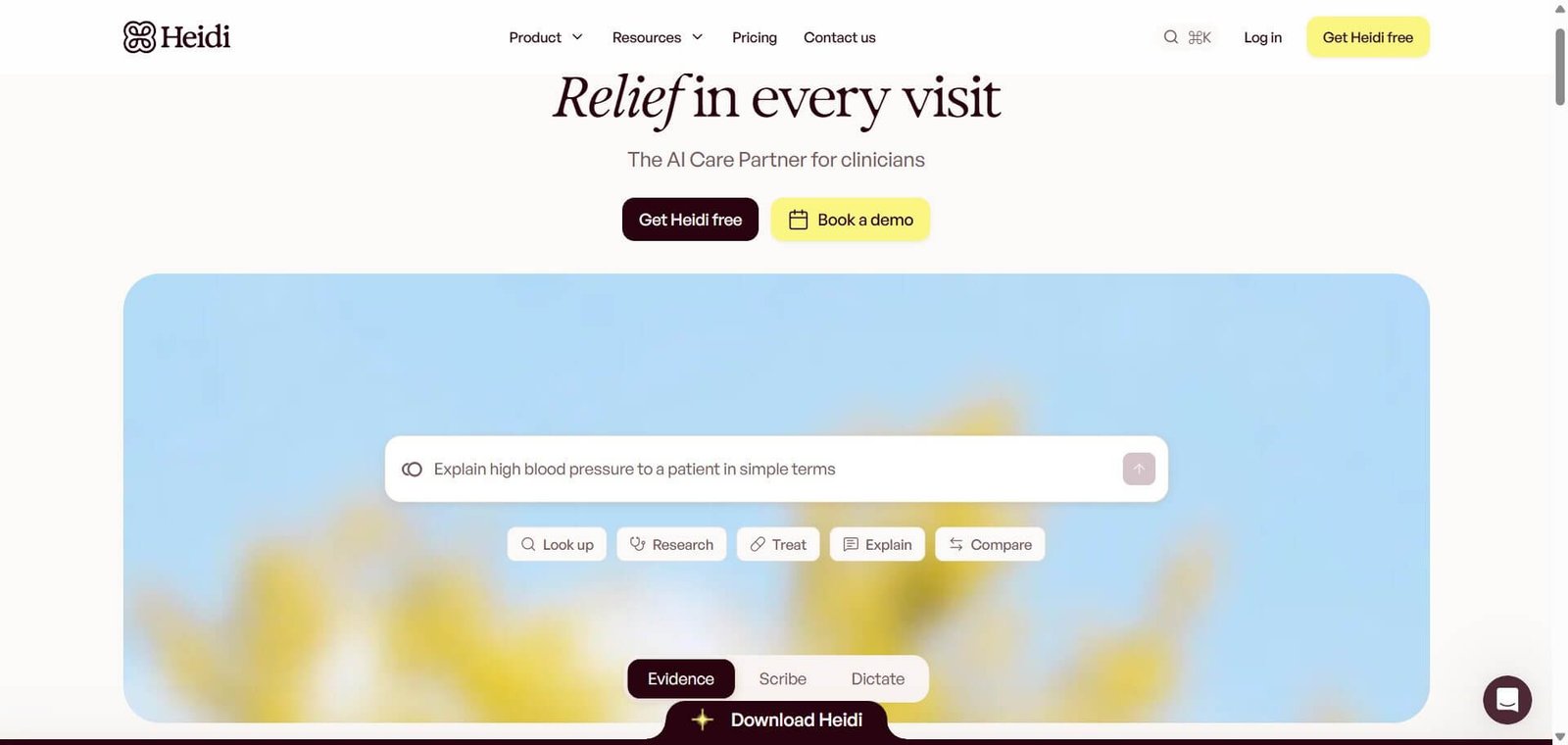
Heidi is an AI medical scribe that helps clinicians generate consultation notes, access clinical evidence and manage healthcare documentation.
Heidi Review: Is This AI Medical Scribe Worth Using
Heidi is an AI-powered clinical documentation platform designed to help healthcare professionals spend less time preparing consultation notes and managing repetitive administrative work.
Its AI medical scribe converts recorded or dictated consultations into structured clinical notes, while Heidi Evidence helps clinicians find medical information supported by citations. The platform also includes documentation templates, voice dictation, patient-context-aware assistance and integrations with selected electronic health record (EHR) systems.
One of Heidi’s strongest advantages is its free plan, which includes unlimited standard transcription, standard-template notes and clinical Evidence queries. Paid plans introduce additional capabilities for individual clinicians, practices and healthcare organisations.
Heidi is worth considering for doctors, general practitioners, specialists and allied healthcare professionals who want to explore AI-assisted documentation. However, transcription accuracy, patient privacy, EHR compatibility and the need for human verification should all be considered before adopting it.
Quick Verdict
Yes. Heidi is worth evaluating if you want an AI medical scribe with a free starting plan and additional clinical documentation capabilities. Its suitability depends on your specialty, existing software and privacy requirements.
Best for
Independent doctors and general practitioners.
Specialists managing regular clinical documentation.
Allied healthcare professionals.
Medical practices exploring AI documentation.
Healthcare organisations evaluating clinical workflow automation.
Not ideal for
Practices requiring unsupported EHR integrations.
Clinicians expecting error-free, automatically approved notes.
Organisations needing highly customised workflows without vendor confirmation.
Healthcare providers unable to establish appropriate patient-data safeguards.
Pricing: Free plan available. Paid plans available for clinicians and practices. Enterprise pricing is custom.
Biggest advantage: Unlimited standard documentation on the free plan.
Biggest limitation: Advanced features, usage allowances and integrations depend on the subscription.
User Ratings & Reviews
G2: ⭐ 4.9/5 (19 reviews); Apple App Store: ⭐ 4.7/5 (2,600 ratings); Google Play: ⭐ 4.7/5 (1,960 reviews); ToolDirectory.AI: ⭐ 4.1/5 (192 verified reviews).
What Is Heidi?
Heidi is an AI-powered clinical documentation platform that helps healthcare professionals create consultation notes, organise patient information and access medical evidence.
Its primary purpose is to reduce the administrative work associated with patient consultations.
In a conventional workflow, a doctor needs to document the patient’s symptoms, medical history, examination findings, assessment and treatment plan. This information must then be organised into the appropriate clinical record.
Heidi assists by capturing consultation conversations or dictated information and converting them into structured documentation.
The platform has two particularly important components:
Heidi Scribe focuses on consultation transcription and clinical documentation. It helps generate structured notes and other documents using standard or advanced templates.
Heidi Evidence helps clinicians investigate medical questions using answers supported by citations. Users can inspect the references rather than relying entirely on an AI-generated explanation.
These capabilities serve different purposes. Scribe helps document what happened during a consultation, while Evidence helps clinicians find relevant medical information.
Heidi also provides additional tools and workflows, including:
Dictation and voice-based documentation.
Ask Heidi, its AI assistant.
Patient and session linking.
Advanced clinical templates.
Document and session sharing.
EHR integrations.
Practice and enterprise administration.
Heidi is not a replacement for an electronic health record system or a qualified healthcare professional. Its generated documentation requires review, and its clinical information should be assessed against appropriate medical sources and patient circumstances.
For individual practitioners, the free plan provides an accessible starting point. For larger practices, the more important consideration is whether its integrations, administrative controls and subscription options fit existing clinical operations.
How Does Heidi AI Medical Scribe Work?
Heidi processes consultation audio or dictated information and converts it into structured clinical documentation.
A typical workflow involves the following steps:
Start a consultation
Open Heidi and start a transcription or dictation session using a supported device.
Capture the conversation
Heidi processes the spoken information and prepares a transcript. Its documentation describes support for multiple speakers and multiple languages.
Generate clinical notes
Select an appropriate template and generate a structured draft from the consultation.
Review the documentation
Check medication names, dosages, symptoms, diagnoses and treatment details. Correct anything that is inaccurate or missing.
Prepare additional documents
Use available features to create summaries, referral letters and other supporting documentation.
Transfer the notes
Copy the completed documentation into the existing patient record or use a supported EHR integration.
The amount of automation depends on the subscription and integration.
A clinician using Heidi independently may need to transfer notes manually. A practice using an eligible EHR integration can access additional patient-context and documentation-transfer capabilities.
This distinction matters when evaluating time savings. Generating a note is only one part of the process. Reviewing, correcting and transferring it into the correct patient record still require attention.
Key Features
Heidi offers several features beyond basic speech-to-text transcription. The following are the most relevant capabilities to consider.
1. AI Medical Scribe
Heidi Scribe converts patient conversations into structured clinical notes.
Clinicians can use standard templates or access advanced documentation options depending on their subscription.
For example, a general practitioner can organise a consultation into presenting complaints, medical history, examination findings, assessment and treatment plans.
The benefit is having a structured draft to review rather than preparing the entire note manually.
However, the final documentation must accurately reflect what happened during the consultation.
2. Clinical Evidence with Citations
Heidi Evidence allows clinicians to ask medical questions and receive answers supported by references.
This can help when researching clinical guidelines, treatment information or medical literature.
The citations are particularly important because they allow clinicians to examine the underlying sources rather than treating the AI response as an unquestionable medical answer.
Evidence should still be checked for relevance, currency and applicability to the individual patient.
3. Advanced Documentation Templates
Different specialties have different documentation requirements.
Heidi provides standard and advanced templates to help clinicians structure notes according to their preferred formats.
These can be useful for:
General practice consultations.
Specialist assessments.
Mental health sessions.
Nursing documentation.
Allied health reports.
Referral and follow-up documents.
Advanced template access depends on the subscription.
4. Ask Heidi
Ask Heidi is an AI assistant that helps users work with clinical documentation and generate additional content.
Depending on the available features, clinicians can use it to:
Summarise consultation notes.
Restructure documentation.
Draft referral letters.
Prepare handover summaries.
Create patient-facing explanations.
Generate supporting documents.
This can be useful when a consultation produces several documents rather than a single progress note.
Usage allowances apply to certain actions, particularly on the free plan.
5. Voice Dictation
Heidi Dictate converts spoken information into text.
It is useful for clinicians who prefer speaking their notes rather than typing them manually.
The platform’s documentation distinguishes Dictate from consultation transcription. Their language support and functionality should not automatically be assumed to be identical.
6. Patient and Session Linking
Patient and session linking helps organise clinical documentation around individual patients and appointments.
This is particularly relevant when clinicians need to work with information from previous consultations.
Access to these capabilities depends on the subscription and available integration.
7. EHR Integrations
Heidi provides embedded and Connect integration options for selected electronic health record systems.
Its published documentation lists systems including:
Best Practice.
Cliniko.
Athena.
Veradigm.
Zedmed.
Genie.
Accuro.
eClinicalWorks.
Embedded integrations allow Heidi functionality to appear within supported systems. Connect integrations can support appointment synchronisation, patient-context retrieval and documentation transfer.
Integration availability varies by EHR and subscription. Some Connect integrations require Practice or Enterprise, while Accuro and eClinicalWorks are listed for Clinician and higher plans as well.
Before purchasing, confirm that your exact EHR, region and subscription are supported.
Heidi Accuracy and Limitations
Accuracy is one of the most important factors when selecting an AI medical scribe.
A transcription error in a meeting summary may be inconvenient. An error in a clinical note can affect how patient information is interpreted during future consultations.
Heidi combines speech recognition, summarisation and clinical note generation. Each stage needs to be considered when evaluating the final output.
1. Medical terminology recognition
Medical consultations include drug names, abbreviations, anatomical terminology and specialty-specific language.
Heidi documents support for multiple languages and clinical workflows, but the available sources do not establish an independently verified clinical accuracy percentage across different specialties.
During an evaluation, pay particular attention to:
Medication names and dosages.
Medical abbreviations.
Symptoms and their duration.
Examination findings.
Diagnoses and treatment plans.
2. Accents and multilingual transcription
Heidi advertises support for more than 110 languages for transcription, while its separate Dictate feature documents support for more than 90 languages.
This can be relevant for clinicians working with multilingual patients. However, supporting a language does not establish identical transcription quality across different accents, dialects or mixed-language conversations.
Clinics should evaluate the languages actually used in their consultations.
3. Multiple speakers and background noise
Clinical consultations can involve doctors, patients, family members and other healthcare professionals.
Heidi documents support for multiple speakers and noisy environments. Nevertheless, speaker attribution and overlapping conversations should be reviewed.
For example, a family member’s statement should not accidentally be recorded as a confirmed patient statement.
4. Summarisation and missing information
A note can look professionally written while still omitting clinically important information.
An AI-generated summary might leave out the duration of a symptom, a relevant negative finding or a medication detail.
The clinician should compare the generated note against the consultation and ensure that all necessary information is included.
Heidi Integrations: Which EHR Systems Does It Support?
EHR compatibility can be more important than the number of features an AI medical scribe offers.
A platform that generates useful notes but requires clinicians to manually transfer every document may not fit an already busy practice.
Heidi provides two broad integration approaches.
Embedded integrations: Heidi appears within a supported EHR interface, allowing clinicians to access its functionality without constantly switching applications.
Connect integrations: Heidi connects with the EHR to synchronise appointment information, retrieve patient context and transfer completed documentation.
The following systems appear in Heidi’s published integration documentation.
EHR system | Integration approach | Published plan requirement |
|---|---|---|
Best Practice | Connect | Practice / Enterprise |
Cliniko | Connect | Practice / Enterprise |
Athena | Connect | Practice / Enterprise |
Veradigm | Connect | Practice / Enterprise |
Zedmed | Connect | Practice / Enterprise |
Genie | Connect | Practice / Enterprise |
Accuro | Embedded widget | Clinician and above |
eClinicalWorks | Vim Connect widget | Clinician and above |
There are a few important considerations:
Not every EHR supports the same integration functionality.
Some systems support only specific note-transfer methods.
Certain integrations require a Practice or Enterprise subscription.
Field-level mapping may not be available in every integration.
Regional availability and technical configuration can affect implementation.
For a healthcare organisation, the sensible approach is to confirm the exact EHR version, integration method and subscription requirement with Heidi before purchasing.
Heidi Security, Privacy and HIPAA Compliance
Patient information is sensitive. Before introducing an AI documentation platform into a clinical environment, healthcare providers need to understand how patient data is processed, stored and accessed.
Heidi publishes information about its privacy and security practices, including encryption, access controls and regulatory compliance.
Here are the areas healthcare organisations should examine.
Patient consent
Clinics should explain when AI-assisted transcription is being used and follow the consent requirements applicable to their location.
Heidi provides patient-facing information about its use and the clinician’s responsibility for diagnosis and treatment decisions.
Audio and transcript retention
Heidi’s documentation states that audio from normal real-time transcription is not retained after transcription.
However, uploaded recordings and optional dictation playback can involve audio retention.
The privacy policy also describes data-retention arrangements. Healthcare providers should review the actual account settings and applicable contractual terms rather than assuming every type of audio and transcript is automatically deleted.
Encryption and access controls
Heidi states that it encrypts information in transit and at rest. Its security documentation also describes access restrictions and controls around session information.
These are relevant safeguards, but organisations should review the complete security documentation and contractual arrangements before deployment.
HIPAA compliance
Heidi publishes a dedicated HIPAA compliance page and states that Business Associate Agreements (BAAs) are available to covered entities.
This is relevant to US healthcare providers handling protected health information.
However, using a HIPAA-oriented platform does not automatically make a clinic HIPAA compliant. Healthcare organisations remain responsible for their own security policies, patient-data access and appropriate use of the platform.
GDPR and international use
Healthcare providers outside the United States also need to consider their applicable privacy regulations and data residency requirements.
For practices in India, the UK, Australia, Canada and other markets, the relevant data-processing arrangements should be confirmed rather than assuming that US compliance arrangements apply everywhere.
Questions to ask before adopting Heidi:
Which data-processing agreement applies to your country?
What is the retention period for patient information?
Can administrators configure data retention and deletion?
Which subprocessors process clinical information?
What access controls are available?
Is a BAA or equivalent contractual agreement available for your organisation?
Real-World Use Cases: Who Can Benefit from Heidi?
Heidi’s usefulness depends on the volume of clinical documentation involved and how closely the platform fits the practitioner’s existing workflow.
– For general practitioners: Generate structured consultation notes and review them before adding them to patient records.
– For specialists: Use documentation templates for recurring assessments and specialty-specific consultations.
– For mental health professionals: Prepare structured session notes and summaries while checking that sensitive patient statements and assessments are represented accurately.
– For allied healthcare professionals: Explore its use for assessment documentation, treatment records and follow-up reports.
– For medical students and trainees: Eligible trainees can apply for free Clinician access through Heidi’s student verification programme.
– For practice managers: Use shared templates, document and session sharing, and administrative capabilities to improve consistency across practitioners.
– For hospitals: Evaluate enterprise governance, integrations and deployment requirements before introducing the platform across departments.
A controlled pilot involving a small number of clinicians is a sensible way to determine whether the platform improves documentation workflows.
Pros and Cons
What Do Users Say About Heidi?
Public customer feedback provides another perspective beyond official product descriptions.
G2 lists Heidi with a 4.9/5 rating from 19 reviews in the available review data. This is a relatively small sample, so it should not be treated as representative of every clinician’s experience.
Positive feedback includes:
Time savings when preparing clinical notes.
Helpful documentation templates.
Better organisation of assessments and reviews.
Useful support for repetitive documentation.
Pricing & Plans
Heidi offers a free plan alongside paid subscriptions for individual clinicians, medical practices and larger healthcare organisations.
The official pricing page displays different configurations, including Standard and Max options. The following summary reflects the plan structure and the Max pricing information surfaced in the US annual-billing selection.
Free – $0
Unlimited transcription.
Unlimited standard-template notes.
Unlimited clinical Evidence answers with citations.
Smaller weekly usage allocation for Agents and Routines.
Suitable for clinicians starting with AI documentation.
Clinician – $110 / user / month
Displayed US Max price with annual billing.
Everything in Free.
Advanced templates.
Patient-context-aware answers.
Live Evidence suggestions.
Additional clinical assistance capabilities.
Suitable for individual clinicians who need advanced features.
Practice – $180 / user / month
Displayed US Max price with annual billing.
Everything in Clinician.
Team templates.
Document and session sharing.
Guided onboarding.
Additional practice capabilities.
Suitable for multi-clinician practices.
Enterprise – Custom pricing
Single sign-on.
Enterprise governance.
Dedicated customer success.
Custom hosting.
Service commitments and flexible billing.
Suitable for hospitals and larger healthcare organisations.
What does the free plan actually include?
The distinction between standard documentation and advanced actions is important.
Feature | Free plan |
|---|---|
Standard transcription | Unlimited |
Standard-template notes | Unlimited |
Clinical Evidence answers | Unlimited |
Agents and Routines | Smaller weekly allowance |
Advanced actions | Subject to applicable usage allocation |
According to Heidi’s pricing FAQ, scribing and clinical Evidence queries do not consume the usage allocation for Agents and Routines. Free users receive a smaller weekly allocation, while paid seats have a monthly allowance.
Which Heidi plan should you choose?
Free: Suitable for basic transcription, standard notes and clinical Evidence.
Clinician: Worth considering when you regularly need advanced templates and additional clinical assistance.
Practice: Better suited to clinics that need team templates, document sharing and supported EHR workflows.
Enterprise: Relevant for organisations requiring centralised governance, custom hosting and dedicated support.
For most independent practitioners, beginning with Free is the more sensible approach. Upgrade only when you identify a specific feature or workflow requirement.
Best Alternatives & Comparisons
Heidi competes with several AI medical documentation platforms. These alternatives differ in pricing, EHR compatibility, specialty focus and enterprise capabilities.
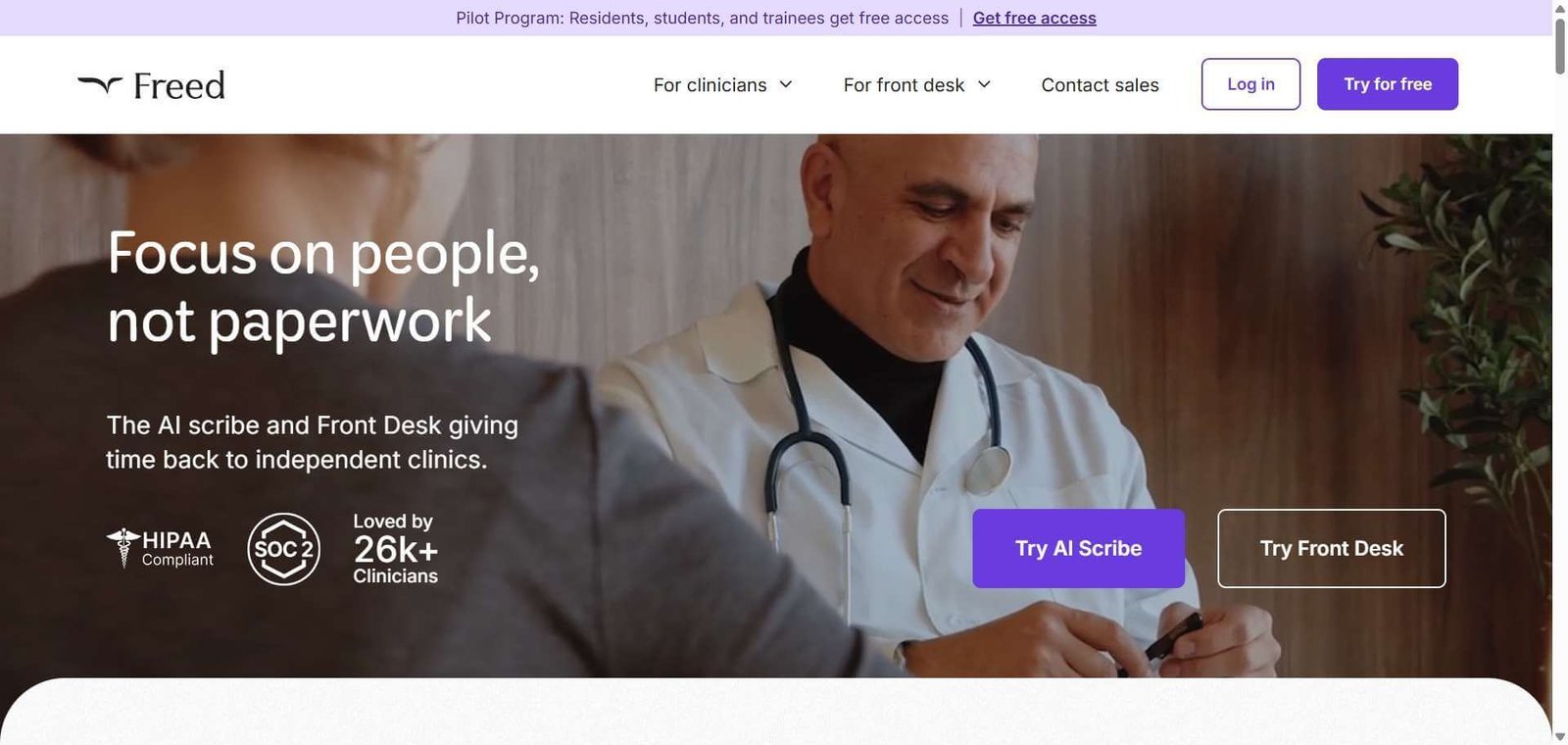
Freed focuses on consultation transcription and clinical note generation. Its paid subscriptions offer features such as custom templates, note editing and EHR workflow support.
Choose Freed over Heidi if: You prefer a focused individual medical scribe with clearly published subscription tiers.
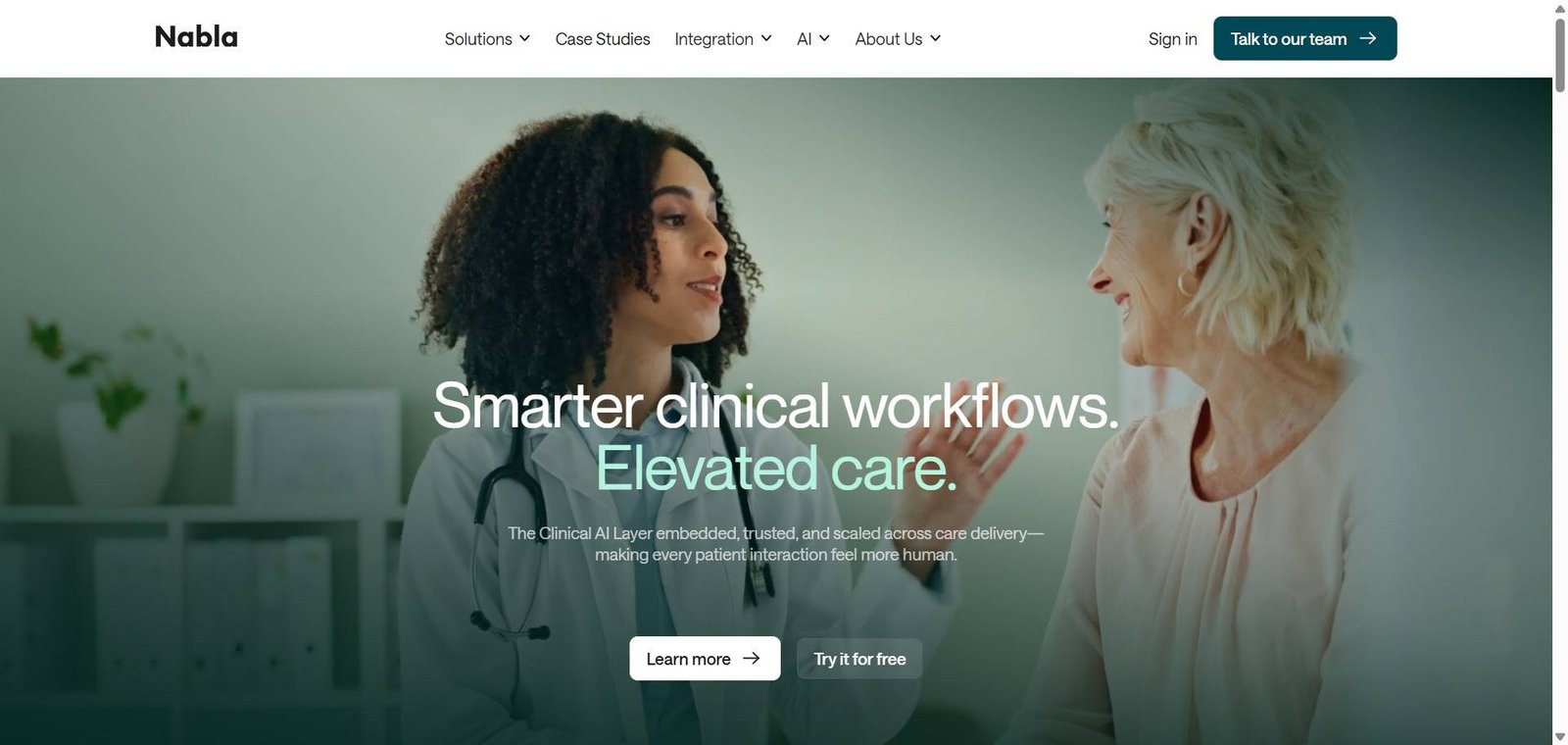
Nabla provides ambient clinical documentation, dictation and EHR integration capabilities. Its multilingual support and integration options make it relevant for healthcare providers with more complex clinical software requirements.
Choose Nabla over Heidi if: Multilingual documentation and EHR integration are higher priorities.
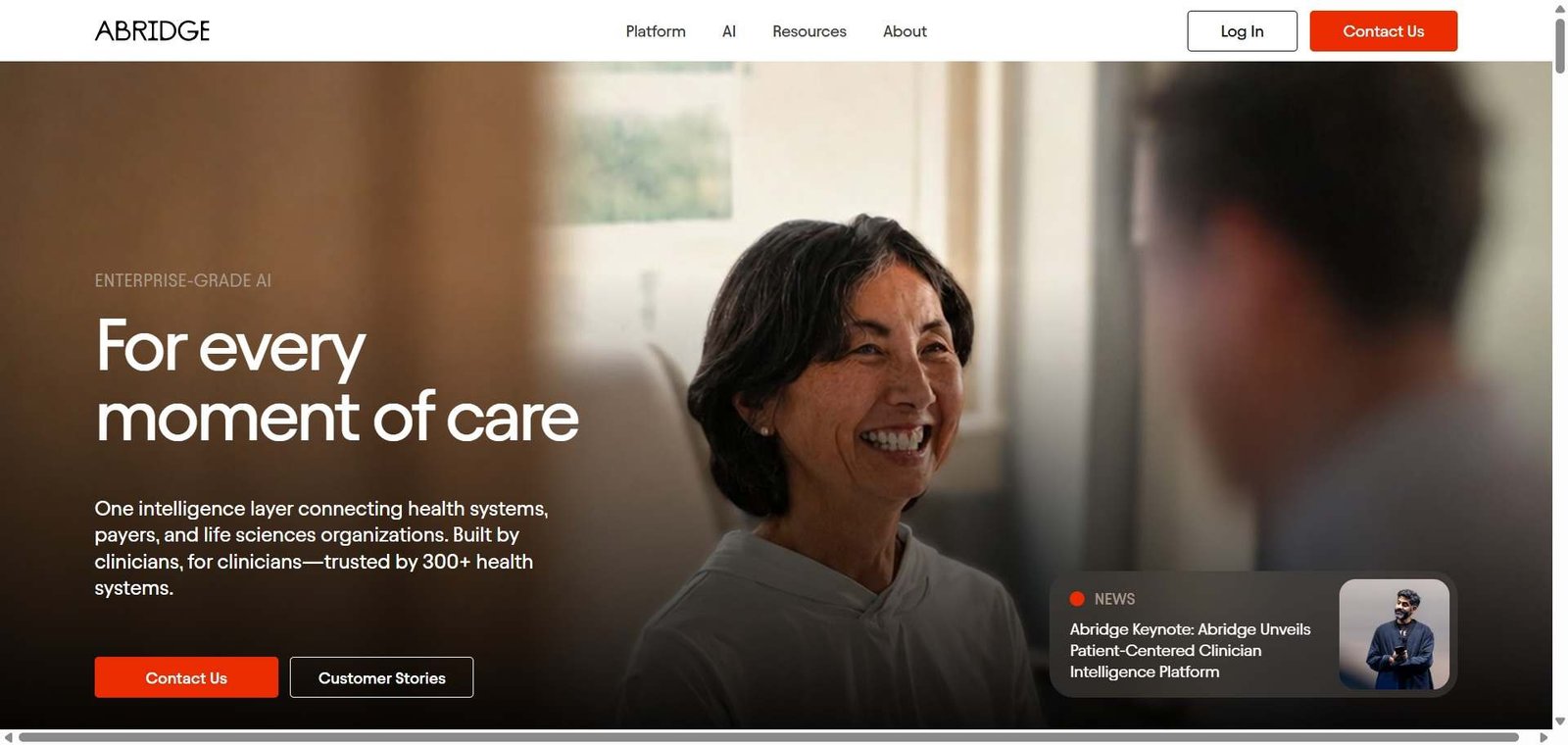
Abridge focuses on clinical conversation documentation and healthcare-system workflows. It is particularly relevant to larger healthcare organisations evaluating enterprise deployments.
Choose Abridge over Heidi if: Your organisation prioritises large-scale clinical documentation deployment and integration with established healthcare infrastructure.
DeepScribe emphasises ambient documentation, patient context and specialty-specific healthcare workflows.
Choose DeepScribe over Heidi if: Your organisation needs specialty-focused documentation and more specialised clinical workflows.
Microsoft Dragon Copilot combines clinical voice assistance and AI documentation capabilities. It is aimed at healthcare professionals and organisations evaluating Microsoft’s healthcare technology ecosystem.
Choose Dragon Copilot over Heidi if: Enterprise infrastructure, clinical voice workflows and Microsoft ecosystem compatibility are central requirements.
Heidi vs Alternatives: Which One Is Better?
The right choice depends on the clinical environment, existing software and subscription requirements.
Comparison factor | Heidi | Freed | Nabla | DeepScribe |
|---|---|---|---|---|
Free starting plan | Yes | Trial | Trial availability | Demo-led |
Individual clinician focus | Strong | Strong | Yes | Less central |
Clinical evidence | Yes | Available in paid offering | Product-dependent | Product-dependent |
Documentation templates | Yes | Yes | Yes | Yes |
EHR integrations | Selected systems | Supported systems | Broad integration offering | Specialty/EHR integrations |
Enterprise offering | Yes | Yes | Yes | Yes |
This is a comparison of documented product positioning, not a controlled test of transcription accuracy or integration performance.
Which should you choose?
Heidi: Best starting point if you want free standard documentation and clinical evidence.
Freed: Worth considering for a focused individual medical scribe with transparent subscription tiers.
Nabla: Consider for multilingual workflows and EHR integration requirements.
Abridge: Worth evaluating for large healthcare organisations.
DeepScribe: Consider for specialty-oriented documentation.
Dragon Copilot: Worth evaluating for enterprise clinical environments.
There is no universal winner. EHR compatibility, clinical workflow, privacy requirements and total subscription cost should determine your decision.
Frequently Asked Questions (FAQ)
Heidi publishes HIPAA compliance documentation and offers Business Associate Agreements (BAAs) to covered entities. Healthcare organisations should verify the applicable agreement and data-processing requirements before handling patient information.
Yes. Heidi offers a free plan with unlimited standard transcription, standard-template clinical notes and clinical Evidence queries with citations. Advanced features, including Agents and Routines, have separate usage allowances.
Yes. Heidi supports structured clinical documentation and customisable templates. Clinicians can use SOAP-style formats and review the generated notes before adding them to patient records.
Yes. Heidi supports selected EHR integrations, including Cliniko, Best Practice, Athena, Veradigm, Accuro and eClinicalWorks. Integration availability depends on the EHR system, subscription and configuration.
Yes. Heidi advertises transcription support for more than 110 languages, while its Dictate feature supports more than 90 languages. Actual transcription performance may vary depending on language, accent and clinical terminology.
Yes. Heidi’s free and Clinician plans are suitable starting points for independent practitioners. Small practices can consider the Practice plan for shared templates, document sharing and additional team capabilities.
Final Recommendation
Heidi is a compelling option for healthcare professionals who want to reduce the administrative work associated with patient consultations without immediately committing to a paid subscription.
Its free plan makes it accessible to independent practitioners, while paid subscriptions provide advanced templates, clinical evidence capabilities and team collaboration. Its EHR integration options also make it worth evaluating for practices that want to connect AI-generated documentation with existing patient-record systems.
However, transcription accuracy, data protection and integration compatibility should influence the purchasing decision. AI-generated notes still require clinical verification, and organisations should assess the privacy and contractual arrangements before using patient information.
If you want a focused individual medical scribe, Freed is worth comparing. If deeper EHR integration is a priority, consider Nabla. Larger healthcare organisations should also evaluate Abridge and DeepScribe.
Our recommendation: Start with Heidi’s free plan and evaluate it using appropriately authorised test data or an approved clinical workflow. Compare the time spent reviewing notes, correcting errors and transferring records against your existing documentation process.