itirupati.com AI Tools

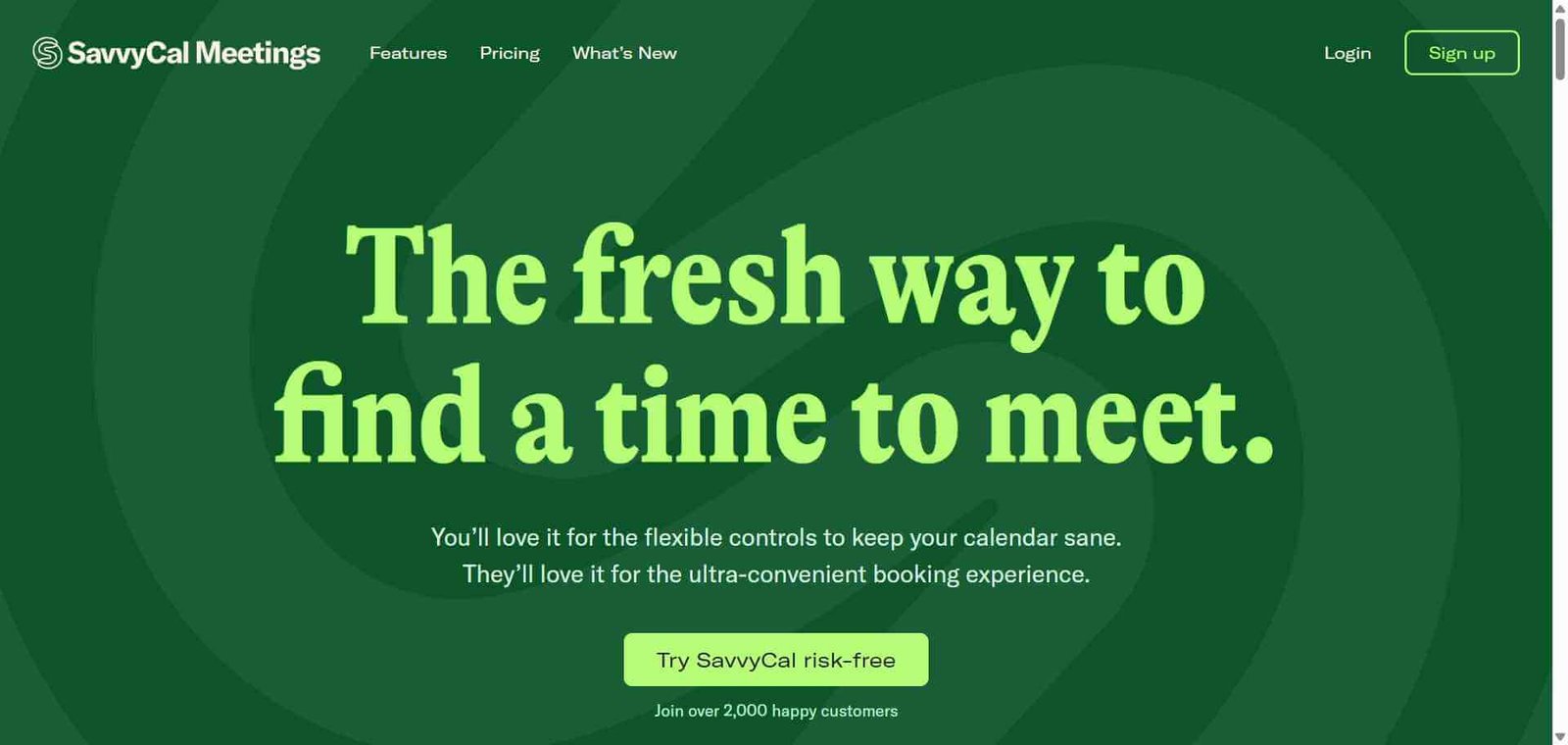
Savvycal

The scheduling tool that shows your availability on the recipient’s calendar — more human, less back-and-forth.

Savvycal Review: The Scheduling Tool That Respects Both Sides of the Calendar

Most scheduling tools show the person booking a meeting only the sender’s available time slots — a list of open windows with no context about what the recipient already has on their plate. Savvycal flips this by overlaying the sender’s availability on top of the recipient’s own calendar, showing both at once so they can find a genuinely convenient time rather than just any technically available slot. This design philosophy — treating scheduling as a two-sided coordination problem rather than a one-sided availability display — makes Savvycal the most considerate scheduling tool available for professionals who care about the experience their scheduling links create.

Quick Summary

Savvycal is a scheduling tool where the person booking a meeting sees the sender’s availability overlaid on their own Google or Outlook calendar, enabling more considerate and efficient meeting time selection compared to standard scheduling link tools.

Is it worth using? Yes for professionals who share scheduling links frequently and want to give recipients a more thoughtful booking experience that respects their existing schedule.
Who should use it? Consultants, sales professionals, executives, and anyone who values giving scheduling link recipients a better experience than standard Calendly-style availability grids provide.
Who should avoid it? Teams whose primary need is enterprise scheduling with team round-robin routing and advanced automation where Calendly’s feature depth is more important than booking experience quality.

Verdict Summary

Best for

  • Professionals who share scheduling links frequently and want recipients to have a genuinely better booking experience than standard availability grid tools provide
  • Consultants and advisors who consider the quality of every touchpoint in their client relationship and want scheduling to reflect that care
  • Teams who have found that recipients struggle to identify convenient times from standard availability grid displays

Not for

  • Large enterprise teams needing complex round-robin routing, SLA-based routing, and team scheduling infrastructure
  • Teams whose scheduling volume and complexity justify Calendly’s broader enterprise feature set
  • Users who want the most widely recognised scheduling link format that recipients will immediately recognise

Rating
⭐⭐⭐⭐ 4.3 / 5

What Is Savvycal?

Savvycal is a scheduling tool built by Derrick Reimer — the co-founder of Drip — around a specific insight: scheduling links are a touchpoint in professional relationships, and the experience they create reflects on the sender. Standard scheduling tools show only the sender’s available slots without context, forcing recipients to mentally compare those slots against their own schedule. Savvycal’s overlay calendar shows available slots directly on top of the recipient’s own calendar, making it immediately visible which slots work for both parties without any mental juggling.

The result is a scheduling experience that recipients consistently describe as more thoughtful and easier to use than standard scheduling link alternatives, which matters for professionals whose scheduling links are part of their client and prospect relationship.

How Savvycal Works

  • Connect your calendar. Link your Google Calendar or Outlook to Savvycal. Your availability is read in real time and displayed to scheduling link recipients.
  • Create your scheduling links. Define your event types — meeting durations, available hours, buffer times, and any questions to ask recipients before booking.
  • Share your Savvycal link. Send your scheduling link in emails, messages, or add it to your email signature. Recipients click through to the booking page.
  • Recipients see an overlay calendar. When a recipient opens your link and connects their own calendar, they see your available slots displayed directly on top of their own calendar events — making it visually immediate which slots fit both schedules.
  • Meeting is booked and added to both calendars. The recipient selects a time and the meeting is added to both calendars automatically with confirmation emails sent to both parties.
  • Use advanced features. Set up round-robin scheduling for teams, configure collective scheduling for meetings requiring multiple team members, and use ranked availability to suggest your preferred times first.

Key Features

  • Overlay calendar showing sender’s availability on the recipient’s own calendar
  • Google Calendar and Outlook Calendar integration for both senders and recipients
  • Multiple event type creation with different durations and configurations
  • Round-robin team scheduling distributing meetings across team members
  • Collective scheduling requiring multiple team members to be available
  • Ranked availability for surfacing preferred times without excluding others
  • Buffer times before and after meetings for preparation and decompression
  • Availability limits to cap maximum meetings per day or week
  • Custom branding with name and profile photo on booking pages

Real-World Use Cases

  • Consultant client scheduling: A consultant sends Savvycal links to clients who overlay the available slots on their own calendar, reducing the time it takes to identify a mutually convenient time and creating a more considerate first scheduling impression.
  • Sales discovery calls: A sales representative sends Savvycal links in outreach emails and follows up, with the overlay experience reducing friction for prospects who are considering whether to invest time in a conversation.
  • Executive scheduling: An executive uses Savvycal for external meetings with partners and investors, with the overlay calendar experience reflecting the thoughtfulness appropriate to high-value relationship scheduling.
  • Team availability coordination: A small team uses Savvycal’s collective scheduling to show external stakeholders the times when all required team members are simultaneously available, avoiding the back-and-forth of finding mutual availability

Pros and Cons

ProsCons
Overlay calendar is a genuinely better recipient experience than grid displaysLess recognised brand than Calendly means some recipients may be unfamiliar
Ranked availability surfaces preferred times without rigidly restricting othersEnterprise scheduling features less comprehensive than Calendly
Clean, thoughtful interface reflects consideration for both partiesSmaller integration ecosystem than Calendly
Collective and round-robin scheduling cover team use casesFree plan limited to one scheduling page
Indie-built with strong founder vision and active developmentLess widely adopted meaning fewer tutorials and community resources

Pricing & Plans

Free — $0/month
  • 1 scheduling page
  • Unlimited meetings
  • Google and Outlook calendar sync
  • Basic customisation
Basic — $12/month
  • Unlimited scheduling pages
  • All event types
  • Custom branding
  • Advanced availability rules
  • Integrations
Team — $20/user/month
  • All Basic features
  • Round-robin scheduling
  • Collective scheduling
  • Team management
  • Analytics

Best Alternatives & Comparisons

  • Calendly — Better for enterprise scheduling with the most comprehensive team features and widest recognition, less considerate recipient experience
  • Cal.com — Better for open-source self-hosting and developer embedding, similar pricing for managed version
  • Reclaim AI — Better for AI-powered calendar management and focus time protection alongside scheduling
  • Tidycal — Better for one-time lifetime deal pricing for simple individual scheduling needs

Frequently Asked Questions (FAQ)

What is Savvycal?

Savvycal is a scheduling tool where recipients see the sender’s available times overlaid on their own Google or Outlook calendar, making it easier to identify mutually convenient meeting times compared to standard availability grid displays.

Is Savvycal free?

Yes, Savvycal offers a free plan with one scheduling page and unlimited meetings. The Basic plan at $12/month provides unlimited scheduling pages and all event types.

How does the Savvycal overlay calendar work?

When a recipient opens a Savvycal scheduling link and connects their own Google or Outlook calendar, the available booking slots from the sender appear directly on top of the recipient’s own calendar view — making it immediately visible which slots fit both schedules without mental calendar comparison.

Does the recipient need a Savvycal account?

No, recipients do not need a Savvycal account. They simply connect their Google or Outlook calendar temporarily when viewing the booking page to enable the overlay view, without creating an account or sharing calendar access beyond the specific booking session.

How does Savvycal handle team scheduling?

Savvycal supports round-robin scheduling that distributes incoming bookings across team members in rotation, and collective scheduling that finds times when all specified team members are simultaneously available — both manageable from the team dashboard.

How does Savvycal compare to Calendly?

Savvycal’s overlay calendar creates a more considerate recipient experience than Calendly’s grid availability display. Calendly has more enterprise features, wider brand recognition, and a larger integration ecosystem. Savvycal is better for professionals who prioritise scheduling experience quality; Calendly for teams needing enterprise scheduling infrastructure.

Final Recommendation

Savvycal is the most thoughtfully designed scheduling tool available for professionals who believe that every touchpoint in a professional relationship matters — including the experience of booking a meeting. The overlay calendar is a genuinely better recipient experience than standard availability grids, and at $12/month for unlimited scheduling pages, it is priced accessibly for any professional who shares scheduling links regularly. For anyone who has felt that standard scheduling tools create a slightly impersonal experience, Savvycal offers a meaningful alternative.

Next steps

Feature your app on AI tools for free

Subscribe to our Newsletter

Stay up-to-date with the latest AI Apps and cutting-edge AI news.

Trending Categories