Udio AI Review: AI Music Generator That Gives Advanced Users More Control
Suno AI made AI music generation accessible to everyone. Udio AI made it powerful for creators who want more. Where Suno prioritises simplicity and speed, Udio prioritises creative control — offering more granular influence over musical structure, style blending, and section-by-section composition. For musicians, producers, and serious content creators who want to direct the AI rather than just prompt it, Udio is the stronger platform.
Quick Summary
Udio AI is an AI music generation platform that creates full songs with vocals, instruments, and production from text prompts, with greater creative control and style customisation than most competing tools.
Is it worth using? Yes — the best AI music tool for users who want more control over the output than simple prompt-and-generate workflows allow.
Who should use it? Musicians, music producers, content creators, and anyone wanting AI-generated music with more stylistic precision.
Who should avoid it? Complete beginners who want the simplest possible experience — Suno AI’s interface is more accessible for first-time users.
Verdict Summary
Best for
Musicians and producers exploring AI-assisted composition with more creative input
Content creators needing background music with specific stylistic characteristics
Developers and brands building audio content workflows via API
Not for
Users who want the absolute simplest one-click music generation experience
Projects requiring stem separation or individual instrument tracks
Commercial projects — check licensing terms carefully before monetising
Rating ⭐⭐⭐⭐ 4.3 / 5
What Is Udio AI?
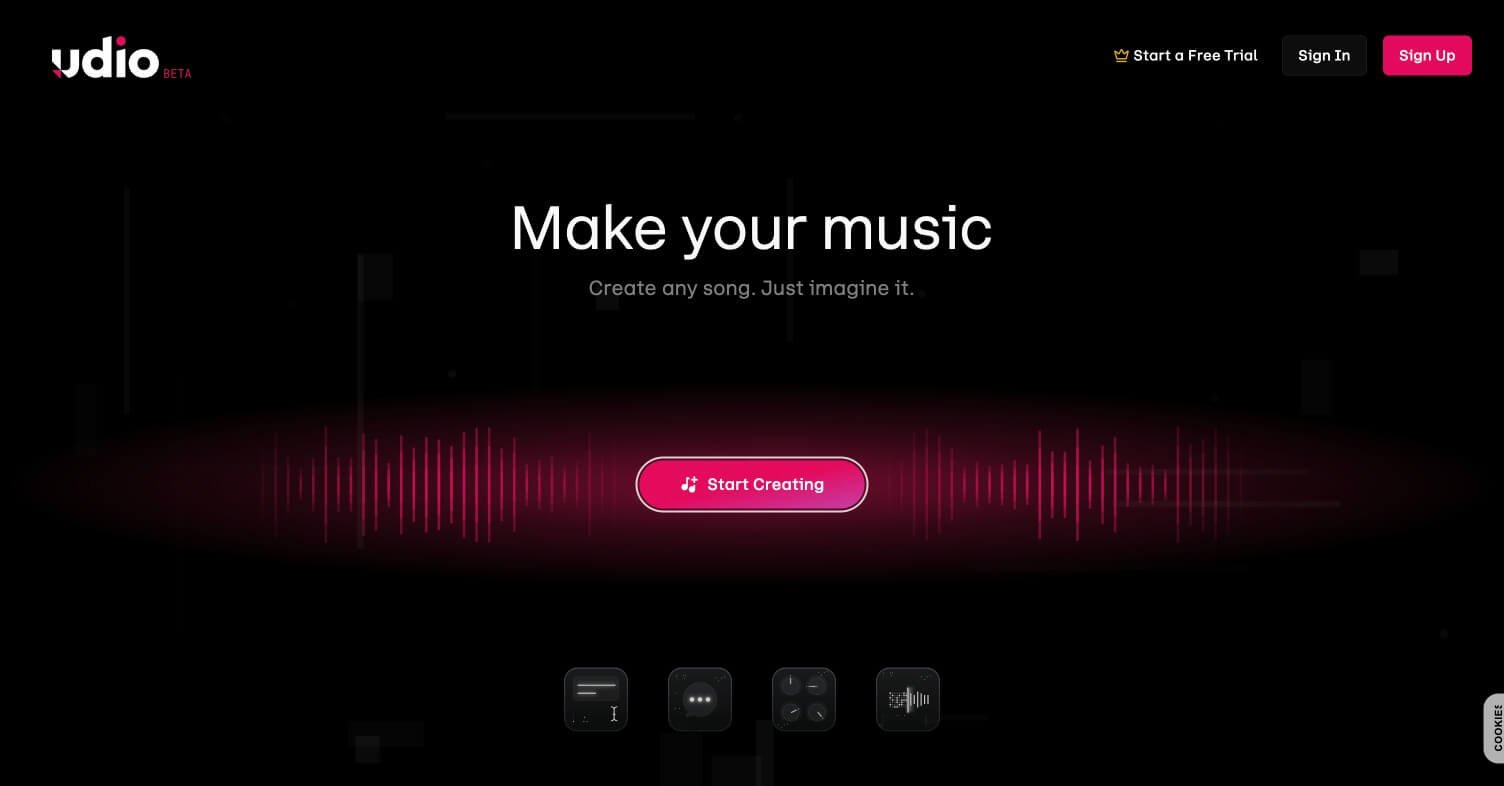
Udio is an AI music generation platform launched in April 2024 by a team of researchers including former Google DeepMind engineers. It generates full songs — vocals, instruments, lyrics, production — from text prompts describing genre, mood, style, and lyrical direction. What distinguishes Udio from Suno AI, its primary competitor, is its section-based composition workflow and its ability to blend multiple styles within a single generation, giving users more influence over the final musical output.
The platform allows users to generate specific sections of a song independently — intro, verse, chorus, bridge, outro — and stitch them together, giving more structural control than Suno’s end-to-end generation approach. Udio also introduced a remix feature that allows generated tracks to be extended or stylistically transformed after initial generation.
How Udio AI Works
Create a free account — Sign up at udio.com and receive free monthly generation credits to start creating immediately.
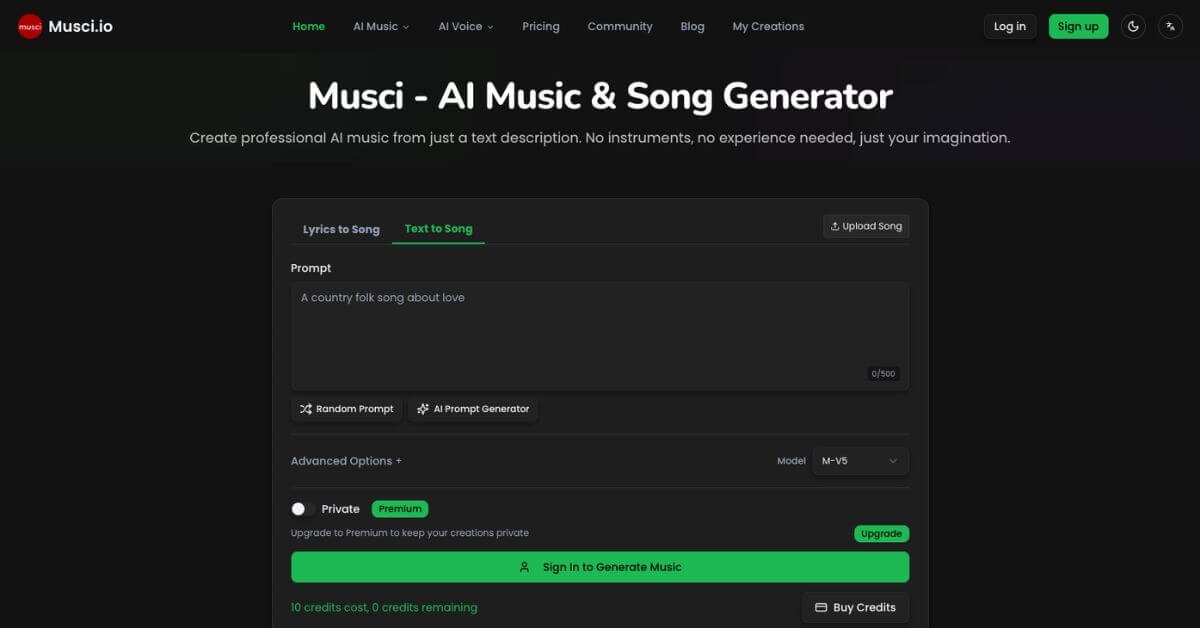
Write your music prompt — Describe the song you want including genre, mood, tempo, vocal style, lyrical theme, and any specific instruments. Udio supports complex multi-style prompts.
Choose custom or auto lyrics — Opt for Udio to generate lyrics automatically or input your own custom lyrics for the vocal track.
Generate and preview — Udio generates the full track and displays it with a waveform player. Listen, rate, and decide whether to keep or regenerate.
Extend or remix — Use the Extend feature to add new sections to an existing generation, or Remix to transform the style of an already-generated track.
Download — Export the generated track in MP3 format. Commercial licensing depends on your subscription plan.
Key Features
Full song generation with vocals, instruments, and production from text prompts
Extend feature for adding new sections to existing generations
Remix feature for stylistic transformation of generated tracks
API access for automated music generation workflows
Real-World Use Cases
Content creator background music: Generate genre-specific background tracks for YouTube videos, podcasts, and social content without royalty concerns on paid plans.
Music production exploration: Use AI generation as a starting point for new compositions, then develop and refine in a DAW.
Jingle and brand audio: Generate short branded audio assets for ads, intros, and brand identity with specific stylistic requirements.
Game and app audio: Produce thematic background music for indie games and mobile applications without licensing costs.
Section-based composition gives structural control
Commercial licensing terms require careful review
Multi-style blending produces unique results
Stem separation not available
Extend and Remix features enable iterative creation
Free tier limits monthly generations
Strong genre range from classical to hip-hop
Vocal quality occasionally inconsistent
Pricing & Plans
Free — $0/month
100 credits per month (~20 full songs)
Non-commercial use only
Standard generation queue
Standard — $10/month
1,200 credits per month
Commercial use rights
Priority generation queue
Download in high quality
Pro — $30/month
4,800 credits per month
All Standard features
API access
Highest priority queue
Best Alternatives & Comparisons
Suno AI – Simpler interface and more accessible for beginners, less structural control over composition
LALAL.AI – Stem separation and audio processing tool, complementary to Udio rather than a direct competitor
Murf AI – Voice and narration focused, not full music generation
AutoMusic – Simpler royalty-free background music generation, less creative control
Frequently Asked Questions (FAQ)
What is Udio AI?
Udio AI is an AI music generation platform that creates full songs with vocals, instruments, and production from text prompts, with section-based composition and style blending capabilities.
Is Udio AI free?
Yes — the free plan includes 100 credits per month (approximately 20 full songs) for non-commercial use. Paid plans start at $10/month with commercial rights.
Is Udio AI better than Suno AI?
Udio offers more creative control and better style blending for advanced users. Suno is simpler and more accessible for beginners. Both produce high-quality output — the choice depends on how much creative direction you want.
Can I use Udio AI music commercially?
Commercial use requires the Standard plan ($10/month) or above. The free plan is for non-commercial personal use only.
Can I input my own lyrics into Udio AI?
Yes — Udio supports custom lyrics input, giving you full control over the vocal content of the generated track.
Who founded Udio AI?
Udio was founded in 2024 by a team that includes former Google DeepMind researchers with backgrounds in generative audio and music technology.
Final Recommendation
Udio AI is the right choice for any creator who has tried Suno AI and wanted more control over what comes out. The section-based composition workflow and multi-style blending give you a meaningful degree of creative direction over the generated output. For musicians using AI as a compositional tool rather than just a content machine, it is worth the Standard plan immediately.