itirupati.com AI Tools

UserTesting

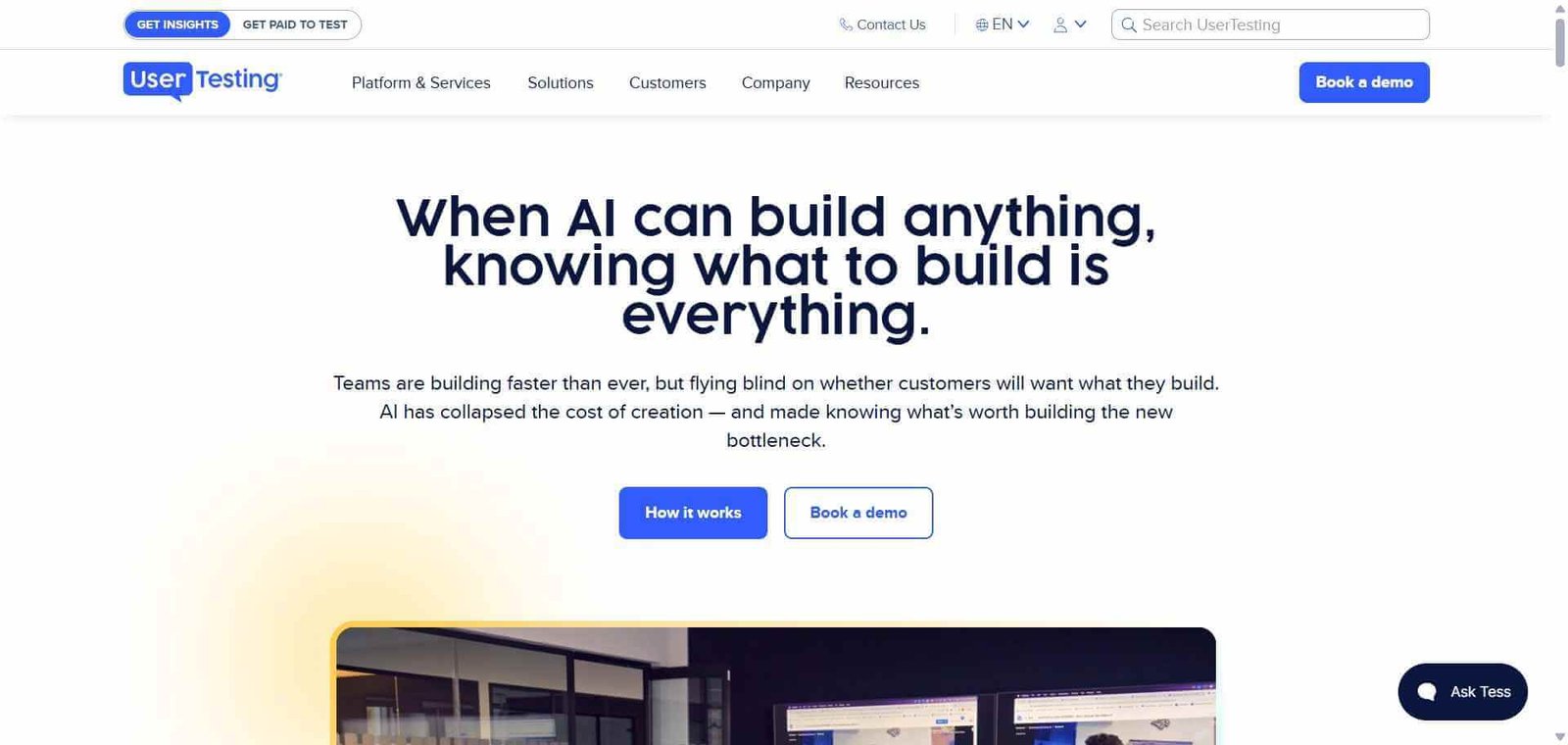
Get real user feedback on any design, prototype, or product experience — on demand.

UserTesting Review: The User Research Platform That Brings Real Feedback in Hours

The most expensive mistake in product development is building something nobody wants. UserTesting reduces that risk by giving product, design, and marketing teams rapid access to real users who interact with their designs, prototypes, websites, and concepts on camera — within hours of setting up a test. What used to require weeks of research recruiting, scheduling, and manual analysis now happens in an afternoon, and the AI layer added to UserTesting makes sense of the video data faster than any human analyst could.

Quick Summary

UserTesting is an AI-powered user research and usability testing platform that gives teams on-demand access to a panel of real users who complete tasks on camera, with AI analysis tools that surface patterns, sentiment, and key moments across recordings.

Is it worth using? Yes for product, design, and marketing teams who want fast access to genuine user feedback before making design and product decisions, rather than relying on assumptions.
Who should use it? UX researchers, product designers, product managers, and marketing teams at companies building digital products who want real user insights without the overhead of traditional research recruiting.
Who should avoid it? Very small startups without the budget for UserTesting’s premium pricing, where guerrilla user testing with personal networks provides an accessible starting point.

Verdict Summary

Best for

  • Product and design teams who need to validate designs and prototypes with real users quickly before committing to development
  • UX research teams who want to scale their research output without proportionally scaling their recruiting and scheduling overhead
  • Marketing teams testing landing page and ad creative with target audiences before campaigns go live

Not for

  • Early-stage startups whose user research budget does not support enterprise platform pricing
  • Teams whose research needs are met by simpler prototype testing tools like Maze
  • Organisations that need quantitative survey data rather than qualitative video-based behaviour observation

Rating
⭐⭐⭐⭐½ 4.6 / 5

What Is UserTesting?

UserTesting is a human insight platform that connects product and design teams with a panel of over 1 million vetted participants who can complete usability tasks, navigate prototypes, react to designs, or answer questions on video — recruited, scheduled, and delivered within hours through the platform. Founded in 2007 and now used by companies including Google, Microsoft, and Shopify, it has become the standard platform for teams who need fast, high-quality user research without managing their own participant panel.

Its AI analysis tools — UserTesting AI — automatically transcribe recordings, detect sentiment in participant speech, flag moments where users express confusion or frustration, and generate highlight reels from multiple recordings showing the most significant moments across a research study, reducing hours of video analysis to minutes.

How UserTesting Works

  • Define your test. Choose your test type — unmoderated usability test, moderated interview, concept test, card sort, or survey — and write your tasks and questions.
  • Recruit your participants. Target participants from UserTesting’s panel using demographic, behavioural, and professional filters to match your target user profile, or invite your own customers through a link.
  • Participants complete the test on camera. Recruited participants record themselves completing your tasks on their own device, speaking their thoughts aloud as they work through the experience.
  • Videos arrive within hours. For unmoderated tests, completed recordings from multiple participants arrive within hours of launching the study.
  • Use AI to analyse results. UserTesting AI transcribes recordings, detects emotional sentiment, flags key moments, and allows you to search across all recordings by keyword or theme.
  • Build highlight reels and share insights. Create video highlight reels showing the most significant moments from across all recordings and share them with stakeholders as evidence for design decisions.

Key Features

  • On-demand panel of 1 million plus vetted participants for rapid recruiting
  • Unmoderated usability testing with task-based video recording
  • Moderated research sessions for live interview facilitation
  • UserTesting AI for transcription, sentiment detection, and moment flagging
  • AI-powered highlight reel generation from multiple recordings
  • Keyword search across all recording transcripts
  • Prototype testing integrations with Figma, InVision, and other design tools
  • Concept testing for early-stage idea and design validation
  • Demographic, behavioural, and professional participant targeting

Real-World Use Cases

  • Prototype validation before development: A product team tests a Figma prototype with 10 participants before handing it to engineering, identifying three significant usability issues that would have required expensive post-development fixes.
  • Landing page optimisation: A marketing team runs an unmoderated test where participants react to two landing page variants while speaking their thoughts aloud, identifying which version communicates the value proposition more clearly.
  • Checkout flow testing: An e-commerce team watches recordings of real users navigating a new checkout flow, with UserTesting AI flagging the exact moments where confusion and frustration occur for rapid prioritisation.
  • Competitive benchmarking: A product team tests their product and two competitors with the same participant group, generating comparative insights on where each product excels and struggles in direct comparison.

Pros and Cons

ProsCons
Panel size and quality enables same-day research resultsPremium pricing limits accessibility for smaller teams
AI analysis dramatically reduces video review timePer-test or subscription costs add up for high-frequency research
Prototype integrations support testing at any design fidelityParticipant quality can vary without careful screening criteria
Moderated and unmoderated research in one platformLess suitable for quantitative survey-based research
Used by enterprise teams as the research standardSome teams find the platform more complex than simpler tools

Pricing & Plans

Essentials — Custom pricing
  • Unmoderated tests
  • Panel access
  • Basic AI analysis
  • Collaborative workspace
Advanced — Custom pricing
  • All Essentials features
  • Moderated research sessions
  • Advanced AI analysis and highlight reels
  • Integrations with design tools
Ultimate — Custom pricing
  • All Advanced features
  • Bring Your Own Participants
  • Advanced targeting
  • Dedicated success manager

UserTesting pricing is available on request based on test volume and team requirements. Typically ranges from $15,000 to $50,000 per year for business plans.

Best Alternatives & Comparisons

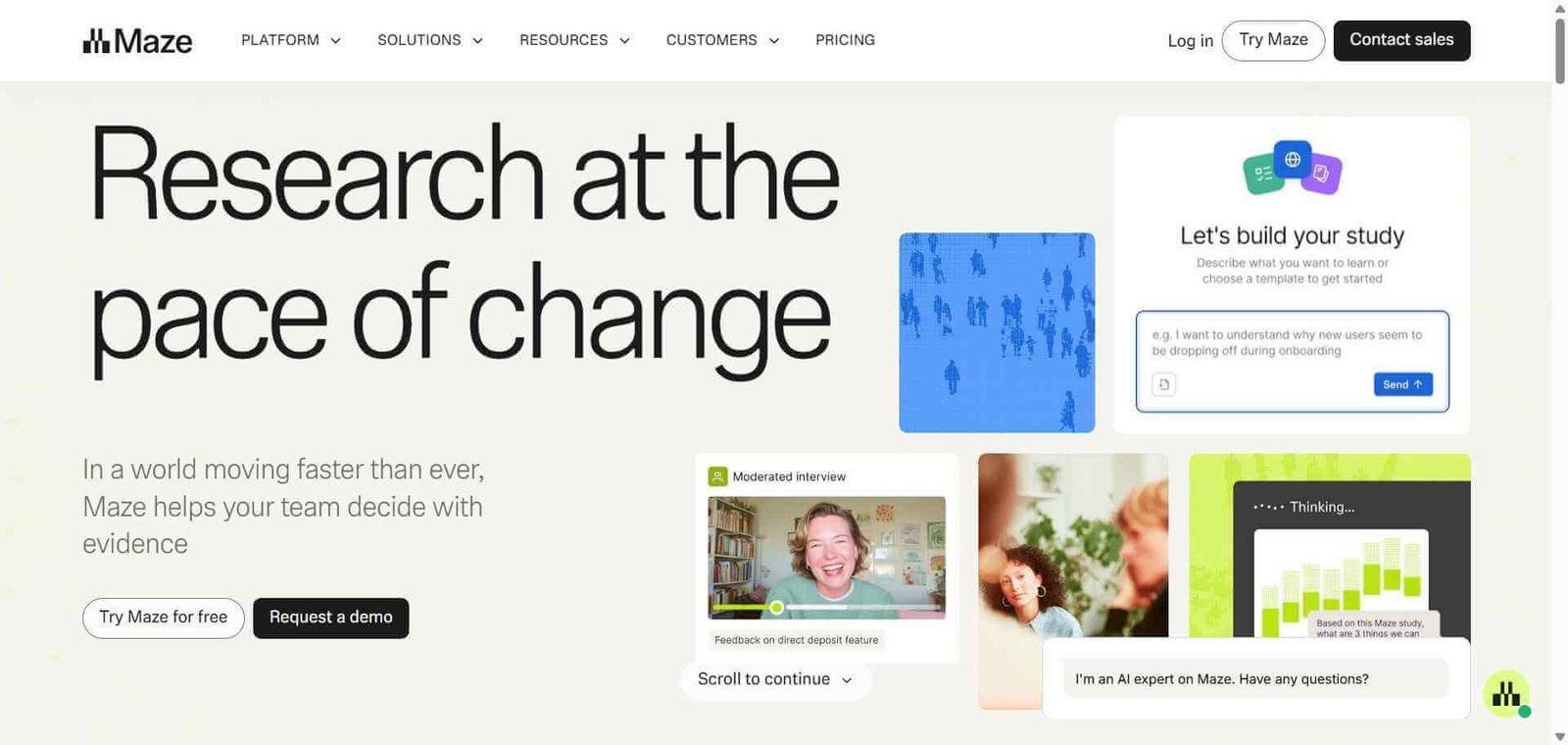
  • Maze — Better for quantitative prototype testing at lower cost, less video-based qualitative research
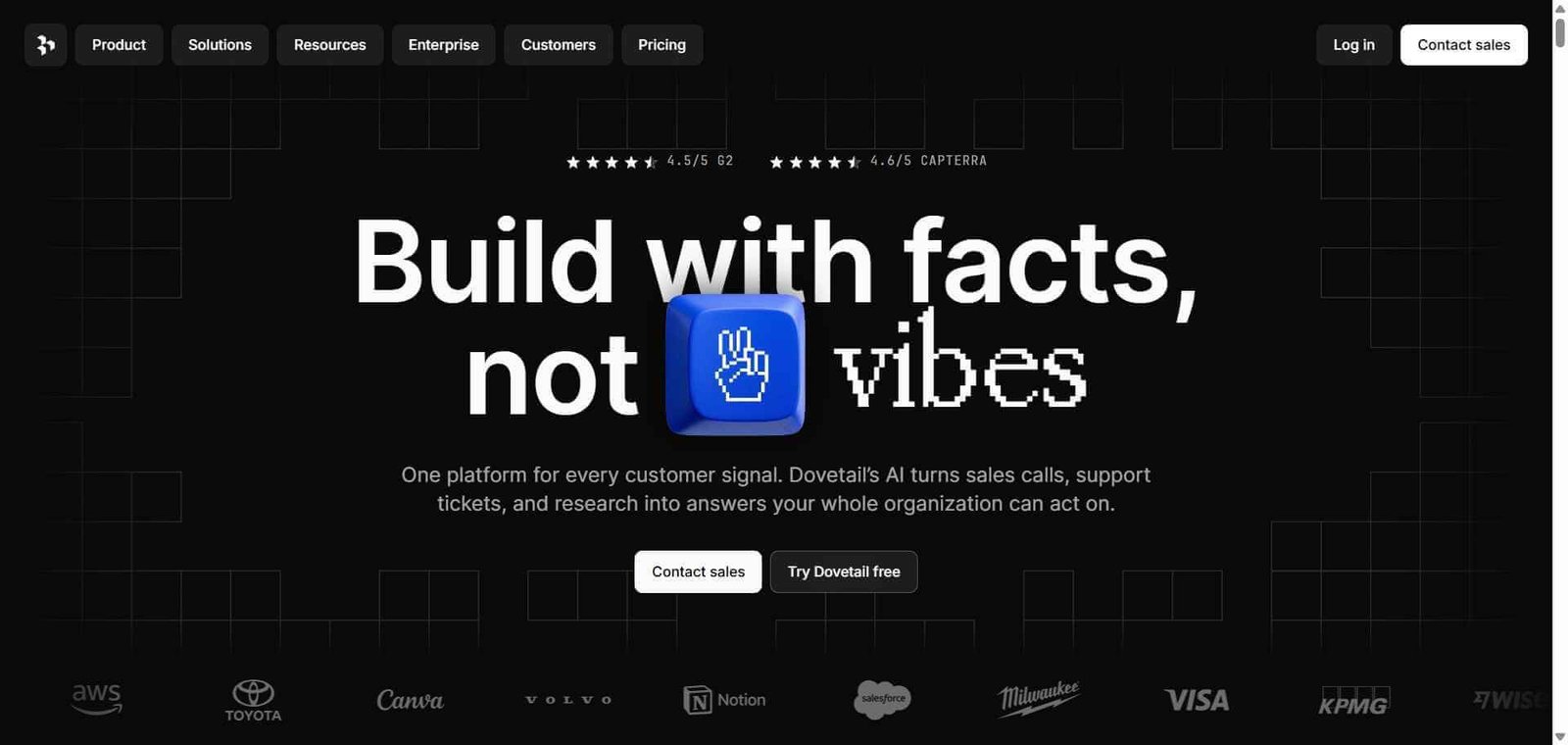
  • Dovetail — Better for organising and analysing existing research data, less panel recruitment
  • Hotjar — Better for website behaviour heatmaps and session recording without participant recruiting
  • Lookback — Similar moderated research platform at lower cost, smaller panel

Frequently Asked Questions (FAQ)

What is UserTesting?

UserTesting is an AI-powered user research and usability testing platform providing on-demand access to a panel of real users who complete tasks on camera, with AI analysis tools that surface patterns and insights from recordings.

How quickly does UserTesting deliver results?

For unmoderated tests, completed video recordings from recruited participants typically arrive within a few hours of launching the study, enabling same-day research results.

How large is the UserTesting participant panel?

UserTesting’s panel includes over 1 million vetted participants across demographics, industries, and geographies, enabling precise targeting to match specific user profiles.

What is UserTesting AI?

UserTesting AI automatically transcribes video recordings, detects emotional sentiment, flags moments of confusion or frustration, enables keyword search across all recordings, and generates highlight reels of the most significant moments across a study.

Can I test Figma prototypes in UserTesting?

Yes, UserTesting integrates with Figma, InVision, and other prototyping tools, allowing participants to interact with your prototype directly while recording their screen and voice.

How does UserTesting compare to Maze?

UserTesting provides qualitative video-based research with a large participant panel, ideal for understanding the why behind user behaviour. Maze focuses on quantitative prototype testing metrics like task completion rates and click maps at lower cost. Both serve different research questions and complement each other.

Final Recommendation

UserTesting is the most capable on-demand user research platform available for teams that want real user insights fast. The combination of panel size, AI analysis, and research format flexibility makes it the platform that serious UX teams use to de-risk product decisions at scale. For organisations where the cost of a wrong product decision exceeds the annual UserTesting subscription, the investment is consistently justified by the decisions it informs and the mistakes it prevents.

Next steps

Feature your app on AI tools for free

Subscribe to our Newsletter

Stay up-to-date with the latest AI Apps and cutting-edge AI news.

Trending Categories