itirupati.com AI Tools

Figma

Design, prototype, and collaborate on UI/UX in real time — the tool every product team uses.

Figma Review: The Collaborative Design Tool That Changed How Product Teams Work

Before Figma, design was a handoff problem. Designers worked in isolated desktop files, developers received static exports, and feedback required lengthy email threads or in-person review sessions. Figma put the entire design process in a browser where everyone — designers, developers, product managers, and stakeholders — could work, comment, and review simultaneously on the same file. The result transformed product design from a sequential handoff process into a genuinely collaborative one, and it is now the tool the vast majority of the world’s product teams use as their design standard.

Quick Summary

Figma is an AI-powered collaborative design platform for UI/UX design, prototyping, design systems, and developer handoff, used by over 4 million teams worldwide as the standard tool for product design collaboration.

Is it worth using? Yes for any product team that designs digital products and wants real-time collaboration, prototyping, and developer handoff in one browser-based platform.
Who should use it? UI/UX designers, product managers, developers, and any team involved in designing digital products who needs a shared design environment with real-time collaboration.
Who should avoid it? Teams focused exclusively on graphic design, print, or brand identity work where tools like Adobe Illustrator or Canva are more appropriate.

Verdict Summary

Best for

  • Product design teams building app and web interfaces who need real-time collaboration and developer handoff in one tool
  • Design teams maintaining component libraries and design systems across large organisations
  • Product managers and developers who need to view, comment on, and inspect design files without needing a full design tool licence

Not for

  • Graphic designers focused on print, brand identity, or illustration work
  • Teams whose design needs are limited to marketing visuals where Canva AI serves adequately
  • Individual designers who work entirely solo without collaboration requirements

Rating
⭐⭐⭐⭐⭐ 4.9 / 5

What Is Figma?

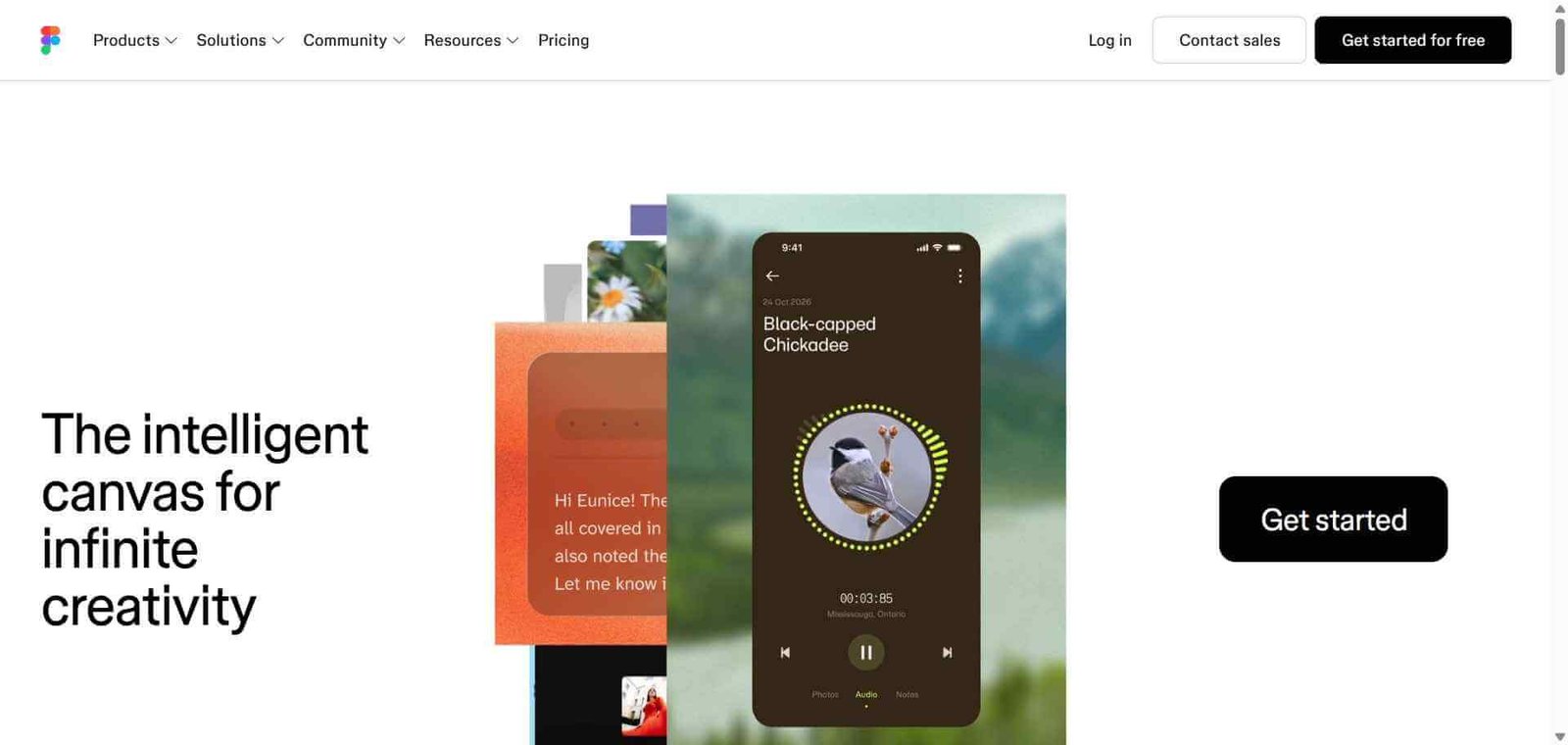
Figma is a browser-based collaborative design platform that covers the full product design workflow — wireframing, UI design, prototyping, design system management, and developer handoff — in a single shared environment. Its real-time multiplayer editing allows multiple team members to work in the same file simultaneously, with live cursors showing who is doing what. Its comment system allows stakeholders to leave feedback directly on designs without requiring a design tool subscription. Its developer mode gives engineers direct access to inspect designs and copy CSS, iOS, and Android code without designer intervention.

The platform’s AI capabilities, introduced through Figma AI, add design generation from text prompts, auto-layout suggestions, asset search across design files, and first-draft prototyping that accelerates the early stages of design exploration significantly.

How Figma Works

  • Create a new file and invite collaborators. Files live in the browser and are shared by link — anyone with access can view, comment, or edit depending on their permission level.
  • Design with components and auto layout. Build UI elements as reusable components with auto layout for responsive behaviour, creating consistent, scalable designs that update across the file when the component changes.
  • Prototype interactions. Connect frames with prototype flows, define transitions and animations, and preview interactive prototypes in the browser to test user journeys before development.
  • Maintain a design system. Build and publish shared component libraries that other files can use, ensuring consistent design language across all products and teams.
  • Use Figma AI for exploration. Generate initial design layouts from text descriptions, search for design assets using natural language, and auto-generate variants of UI components.
  • Hand off to developers. Developers inspect any element in developer mode, copying exact measurements, colours, typography, and code snippets without requiring designer assistance.

Key Features

  • Real-time multiplayer editing with live cursors and cursor chat
  • Component system with variants and auto layout for scalable UI design
  • Prototyping with interactive flows, transitions, and animations
  • Design system libraries shareable across files and teams
  • Figma AI for layout generation, asset search, and design exploration
  • Developer mode providing inspect access and code export
  • FigJam whiteboard for diagramming and collaborative ideation
  • Plugins marketplace extending Figma with third-party tools
  • Version history for tracking and reverting design changes

Real-World Use Cases

  • Product UI design: A design team builds an entire mobile app interface in Figma with a shared component library, enabling consistent design across iOS, Android, and web versions from one source of truth.
  • Design review and stakeholder feedback: Product managers and executives review designs by opening a Figma link, leaving comments directly on the relevant elements without needing a design tool account.
  • Developer handoff: Engineers open developer mode to inspect every design element — spacing, colours, typography, assets — and copy code snippets directly, reducing back-and-forth between design and development.
  • Design system management: A large organisation maintains a centralised Figma design system library used by 20 product teams, ensuring consistent components and branding across all products automatically.

Pros and Cons

ProsCons
Real-time collaboration is unmatched in the design tool categoryPricing model changed in 2022, affecting free plan significantly
Browser-based means no installation and universal accessPerformance can slow on very large files with complex components
Developer mode makes handoff genuinely self-serviceSteep learning curve for designers new to component-based design
Design system capabilities scale to enterprise complexityAdvanced prototyping less capable than specialist tools like ProtoPie
Figma AI accelerates early-stage design exploration meaningfullyOffline access limited compared to desktop-native tools

Pricing & Plans

Free — $0/month
  • Unlimited personal files
  • 3 collaborative files
  • Unlimited viewers
  • FigJam access
  • Community resources
Professional — $15/editor/month
  • Unlimited collaborative files
  • Unlimited version history
  • Shared libraries
  • Advanced prototyping
  • Custom permissions
Organisation — $45/editor/month
  • All Professional features
  • Design system analytics
  • Private plugins
  • SSO
  • Centralised admin
Enterprise — $75/editor/month
  • All Organisation features
  • Advanced security controls
  • Dedicated workspace
  • Custom contracts

Best Alternatives & Comparisons

  • Galileo AI — Better for AI-generated high-fidelity UI design exploration, less collaborative design system capability
  • Uizard — Better for non-designers who need wireframe-level prototyping, less professional design capability
  • Framer AI — Better for generating and publishing production-ready websites, less suited to app UI design systems
  • Recraft AI — Better for brand visual and vector asset generation, not a UI design platform

Frequently Asked Questions (FAQ)

What is Figma?

Figma is an AI-powered collaborative design platform for UI/UX design, prototyping, design systems, and developer handoff, used by over 4 million teams as the standard tool for product design collaboration.

Is Figma free?

Yes, Figma offers a free plan with unlimited personal files and 3 collaborative files. Professional plans start at $15/editor/month with unlimited collaborative files and shared libraries.

How does Figma enable real-time collaboration?

Figma files live in the browser and allow multiple users to edit simultaneously with live cursors, instant updates, and a comment system that lets anyone leave feedback directly on design elements without a paid account.

What is developer mode in Figma?

Developer mode gives engineers direct access to inspect any design element and view exact specifications — measurements, colours, typography, spacing — alongside automatically generated CSS, iOS, and Android code snippets, enabling self-service handoff without designer involvement.

How does Figma AI help with design?

Figma AI can generate initial layout options from text descriptions, search for design assets using natural language, suggest auto-layout settings, and generate component variants — accelerating the exploration and setup phases of design work.

How does Figma compare to Adobe XD?

Figma leads significantly on real-time collaboration, browser accessibility, and community adoption. Adobe XD had a stronger position in the Adobe ecosystem but Figma has become the industry standard, and Adobe discontinued XD’s active development in 2023.

Final Recommendation

Figma is not just a design tool — it is the shared language between design and development in modern product teams. Its collaborative architecture solves real problems that isolated desktop tools never could, and its component system, prototyping, and developer mode make it the most complete product design environment available. For any team building digital products, adopting Figma is not optional in 2026 — it is the baseline from which everything else is built.

Next steps

Feature your app on AI tools for free

Subscribe to our Newsletter

Stay up-to-date with the latest AI Apps and cutting-edge AI news.

Trending Categories