Airtable Review: The No-Code Database That Teams Actually Build Their Operations On
Spreadsheets were never designed for the way modern teams work. They lack relationships between tables, they do not support rich field types like attachments and linked records, and they become impossible to maintain as data complexity grows. Airtable solves this by providing a relational database with a spreadsheet-like interface that non-technical teams can use without training — combining the familiarity of Excel with the data structure of a proper database and the flexibility to build custom operational tools on top.
Quick Summary
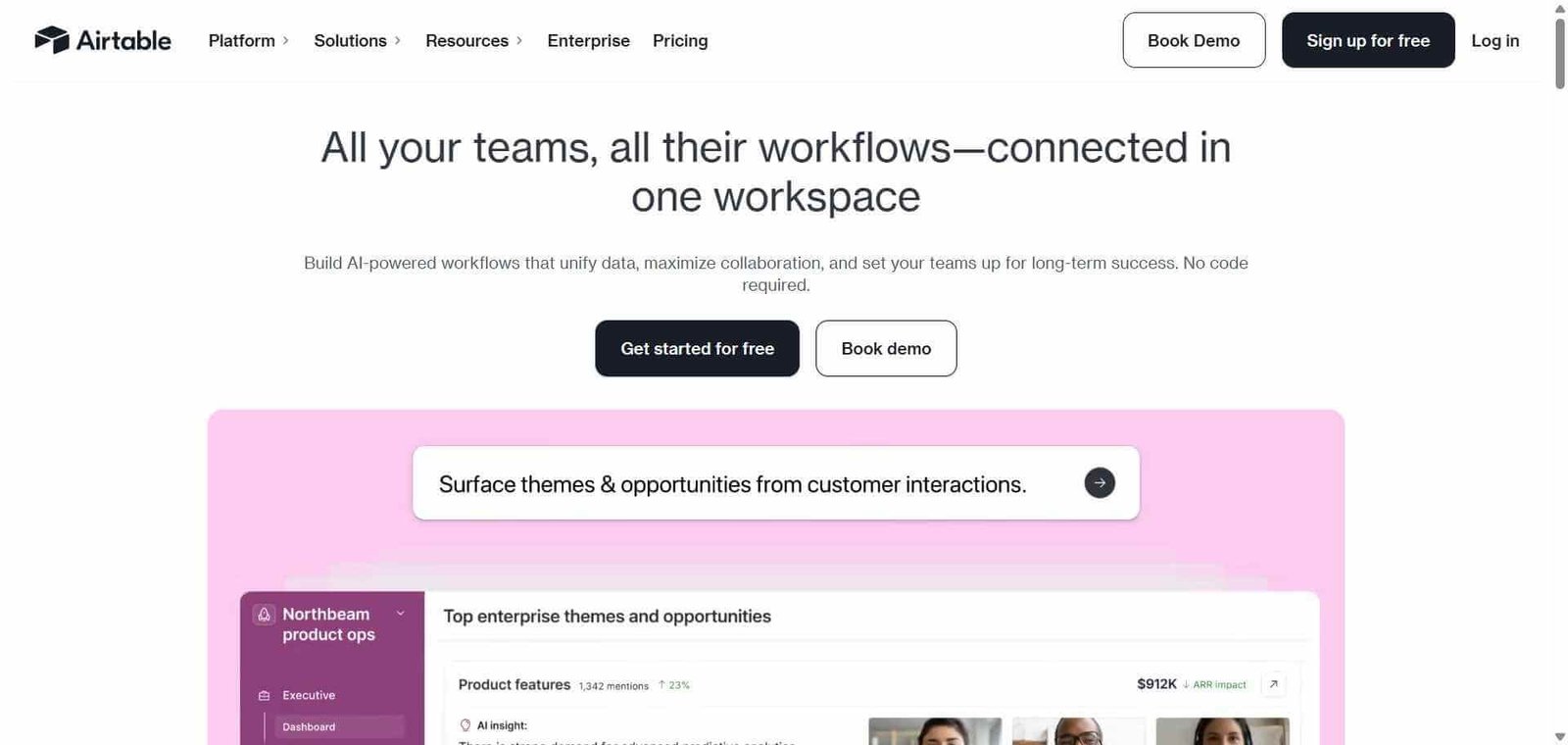
Airtable is an AI-powered no-code database and app building platform that combines relational database structure with a spreadsheet interface, enabling teams to build custom operational tools, track complex workflows, and automate processes without coding.
Is it worth using? Yes for teams who have outgrown spreadsheets for tracking complex data and want a flexible database that non-technical team members can manage and extend. Who should use it? Operations teams, project managers, marketing teams, product teams, and any business function that needs to track, organise, and automate complex data workflows without developer involvement. Who should avoid it? Teams whose needs are met by simple spreadsheets, or developers who need a fully programmatic database rather than a no-code interface.
Verdict Summary
Best for
Operations and project teams building custom internal tools — CRMs, content calendars, project trackers, asset libraries — without developer resources
Marketing teams managing campaign tracking, asset management, and editorial calendars in a connected database
Product teams tracking features, feedback, and roadmap items with relationships between tables that spreadsheets cannot handle
Not for
Teams with simple list-tracking needs that Excel or Google Sheets handles adequately
Developers who need a programmatic relational database rather than a no-code interface
Very large datasets requiring enterprise database performance
Rating ⭐⭐⭐⭐ 4.4 / 5
What Is Airtable?
Airtable is a cloud-based no-code platform that provides a relational database with a flexible, visually intuitive interface. Unlike traditional databases that require SQL knowledge, Airtable allows anyone to create tables, define relationships between them, and view data in multiple formats — grid (spreadsheet-style), calendar, gallery, kanban, form, and timeline — without any technical knowledge.
Its AI layer, Airtable AI, adds natural language data generation, automatic field population, record summarisation, and workflow automation that processes records and updates fields using AI reasoning rather than manual intervention. The combination of database structure, no-code flexibility, and AI automation makes Airtable the go-to platform for operations teams building the internal tools that off-the-shelf software does not cover.
How Airtable Works
Create a new base. A base is an Airtable database containing one or more related tables. Start from a template covering common use cases or build from scratch.
Define your tables and fields. Create tables for each data entity — contacts, projects, tasks, assets — and add fields of the appropriate type: text, number, date, attachment, linked record, select, formula, and more.
Link tables together. Use linked record fields to create relationships between tables — linking a task to a project, a project to a client, a client to a team member — creating a relational structure.
Choose your views. Each table can be viewed as a grid, gallery, kanban board, calendar, timeline, or form, switching between views based on what is most useful for the current workflow.
Automate your workflows. Set up automations triggered by record changes — send a notification when a record status changes, create a task when a new project is added, update a field when a condition is met.
Use Airtable AI. Generate field content with AI, summarise long text fields, categorise records automatically, and build AI-powered automation steps within your workflows.
Key Features
Relational database with linked record fields connecting tables
Multiple view types — grid, gallery, kanban, calendar, timeline, and form
Airtable AI for field generation, summarisation, and categorisation
Automation builder with trigger-based workflow actions
Interface Designer for building custom dashboards and app-like views
Forms for collecting data from external parties into your base
1,000 plus integrations with business tools through native connections and Zapier
API access for developer integration and custom automation
Real-World Use Cases
Content marketing calendar: A marketing team tracks every piece of content — blog posts, social media, videos — with status, owner, due dates, and linked assets in one Airtable base, with calendar and kanban views for different team members.
CRM for small businesses: A sales team builds a custom CRM in Airtable tracking contacts, companies, deals, and activities with relationships between each, replacing a costly CRM subscription.
Product feedback tracker: A product team collects user feedback through an Airtable form, automatically categorises it by feature area using AI, and tracks it through a triage and prioritisation workflow.
Agency project management: An agency tracks clients, projects, deliverables, and team assignments in linked Airtable tables with automated notifications when
Large template library and community reduce setup time
Learning relational database concepts takes time for some users
Pricing & Plans
Free — $0/month
1 workspace
5 editors
1,000 records per base
1GB attachment storage
100 automation runs per month
Team — $20/user/month
50,000 records per base
25,000 automation runs per month
20GB attachment storage
Extensions and advanced views
Business — $45/user/month
125,000 records per base
100,000 automation runs per month
100GB attachment storage
Admin tools and SSO
Advanced permissions
Enterprise — Custom pricing
Unlimited records and automations
Dedicated support
Advanced security and compliance
Best Alternatives & Comparisons
Notion AI — Better for knowledge management and documentation alongside databases, less powerful relational database features
Monday AI — Better for visual project management with a simpler interface, less flexible database structure
Rows AI — Better for AI-powered spreadsheet analysis with live data integrations, not a relational database
ClickUp — Better for comprehensive project management with task tracking, different primary use case
Frequently Asked Questions (FAQ)
What is Airtable?
Airtable is an AI-powered no-code database and app building platform combining relational database structure with a spreadsheet-like interface, enabling teams to build custom operational tools without coding.
Is Airtable free?
Yes, Airtable offers a free plan with 1,000 records per base and 5 editors. Paid plans start at $20/user/month with 50,000 records and advanced features.
How is Airtable different from Google Sheets?
Airtable supports relational data with linked records between tables, multiple view types beyond the grid, attachment fields, and an automation builder. Google Sheets is a flat spreadsheet without native relational structure. Airtable handles complex data workflows that grow beyond what Google Sheets manages comfortably.
What is Airtable AI?
Airtable AI adds natural language generation, field summarisation, and intelligent categorisation within your database, allowing records to be automatically enriched, categorised, and summarised using AI without manual input.
Can Airtable replace a CRM?
For small to medium businesses with relatively straightforward sales tracking needs, Airtable can effectively replace a dedicated CRM by building a custom relational database tracking contacts, companies, and deals. For complex enterprise CRM requirements, dedicated CRM tools are more appropriate.
Does Airtable have an API?
Yes, Airtable provides a REST API for reading and writing data programmatically, allowing developers to integrate Airtable into custom applications and external tools.
Final Recommendation
Airtable is the most versatile no-code database platform available for teams that need more structure than a spreadsheet but more flexibility than off-the-shelf project management tools. The combination of relational data, multiple views, AI-powered automation, and a large template library enables teams to build exactly the internal tools they need without a developer. The free plan provides meaningful access for small teams to evaluate Airtable’s approach before upgrading as data and team size grows.