Build production-ready websites visually with full design control — no code, no compromise.
Most no-code website builders make a trade — you get ease of use at the cost of design control. Webflow makes no such trade. It gives designers the ability to build pixel-perfect custom websites visually without writing code, producing clean production-ready HTML, CSS, and JavaScript that developers respect as genuine output rather than template-generated markup. For designers who have been frustrated by the design limitations of WordPress and Squarespace but do not want to write code, Webflow is the answer that does not compromise on either side.
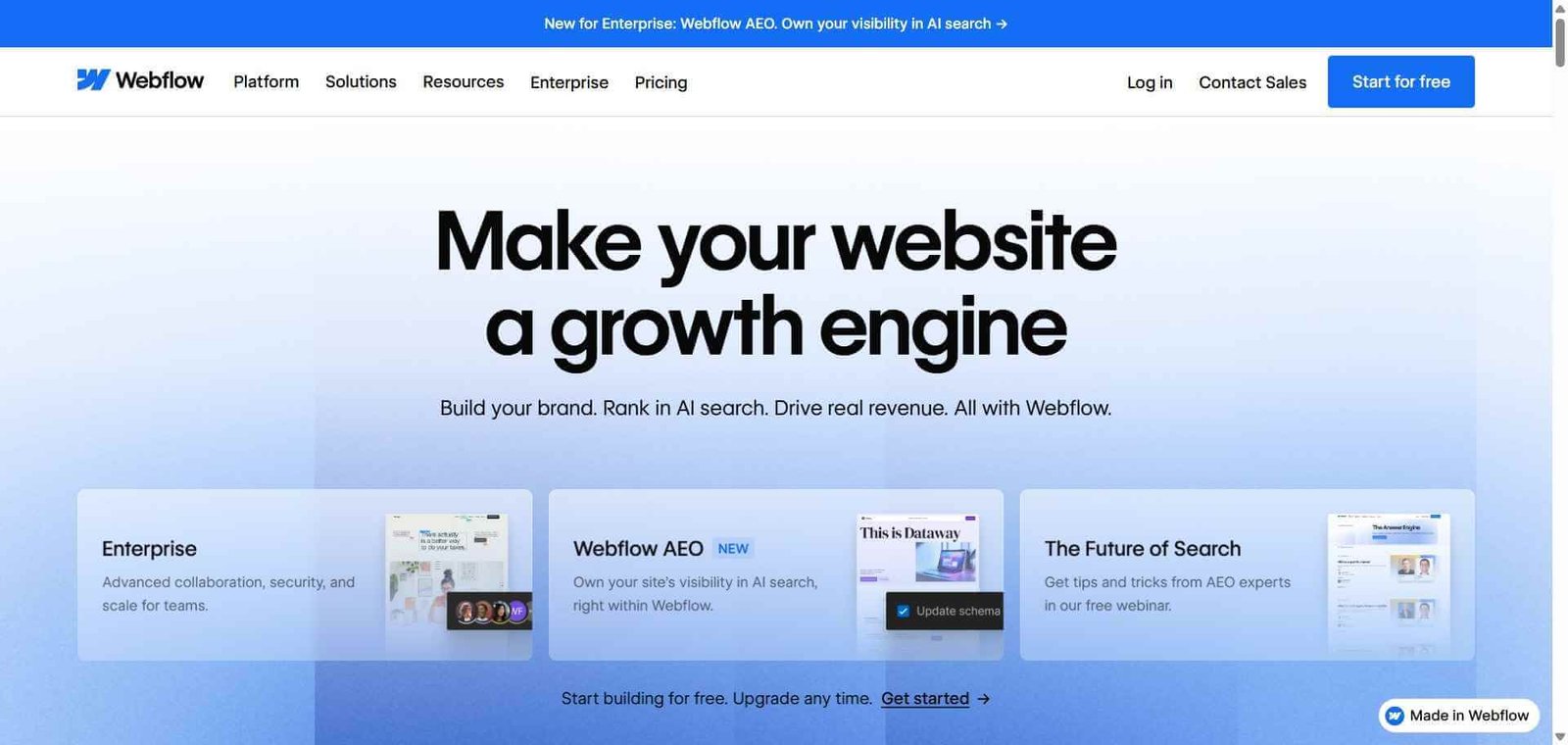
Webflow is an AI-powered visual website builder that combines designer-level visual control with a built-in CMS, hosting, and ecommerce, producing production-ready websites without code that are respected by developers and designers equally.
Is it worth using? Yes for designers, agencies, and marketing teams who want full visual design control over their websites without writing code or accepting the design limitations of template-based builders.
Who should use it? Web designers, digital agencies, marketing teams, and design-conscious businesses who want custom website design without developer dependency for every change.
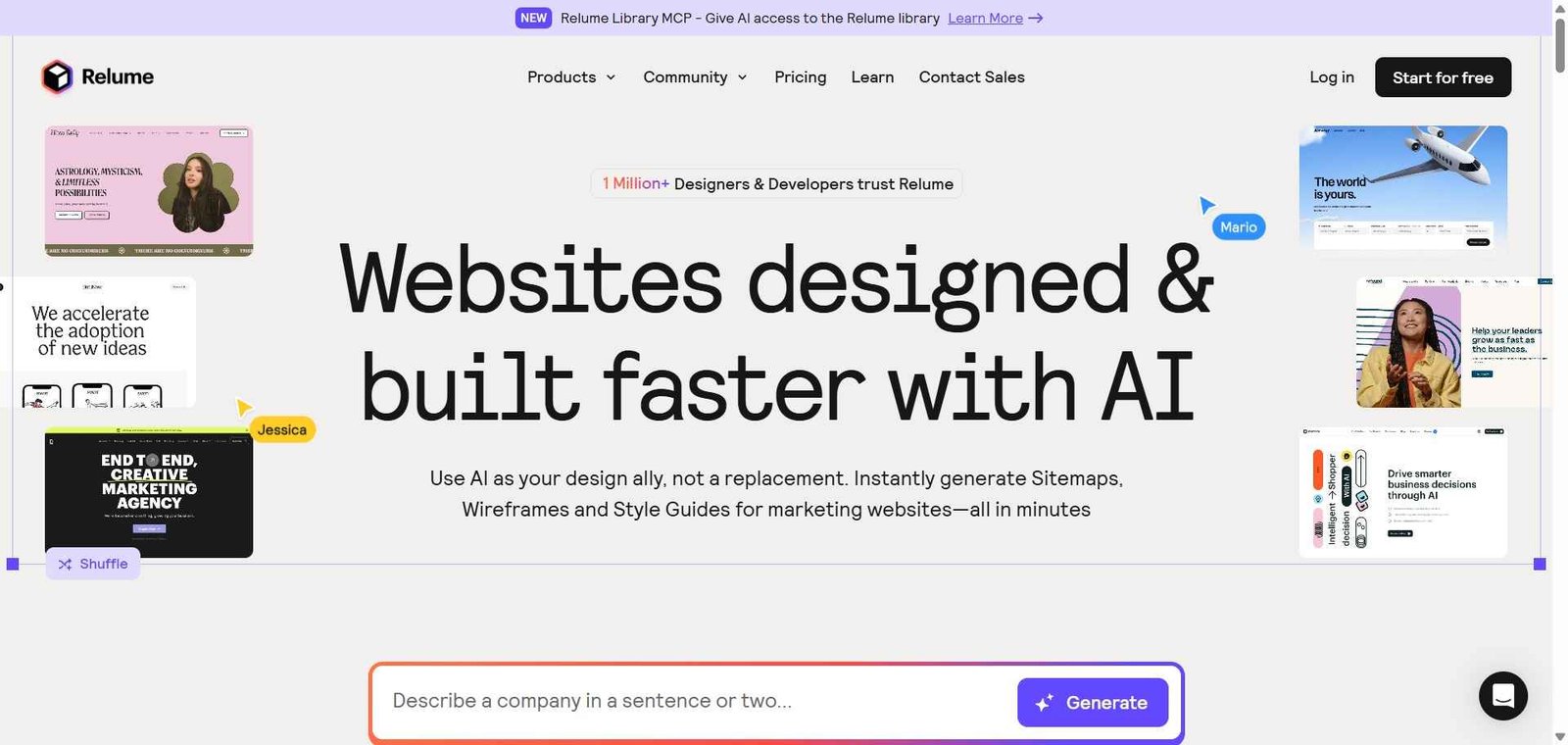
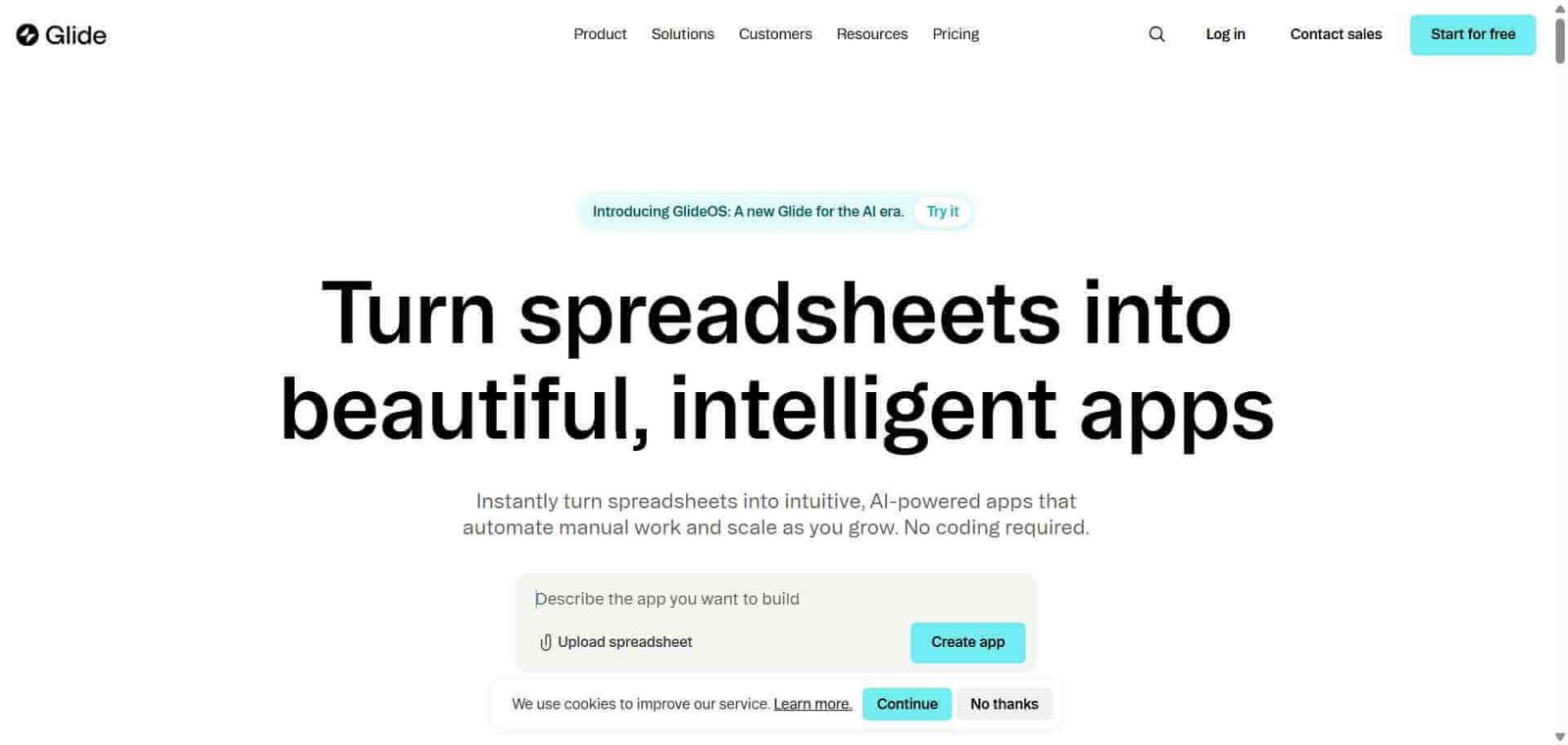
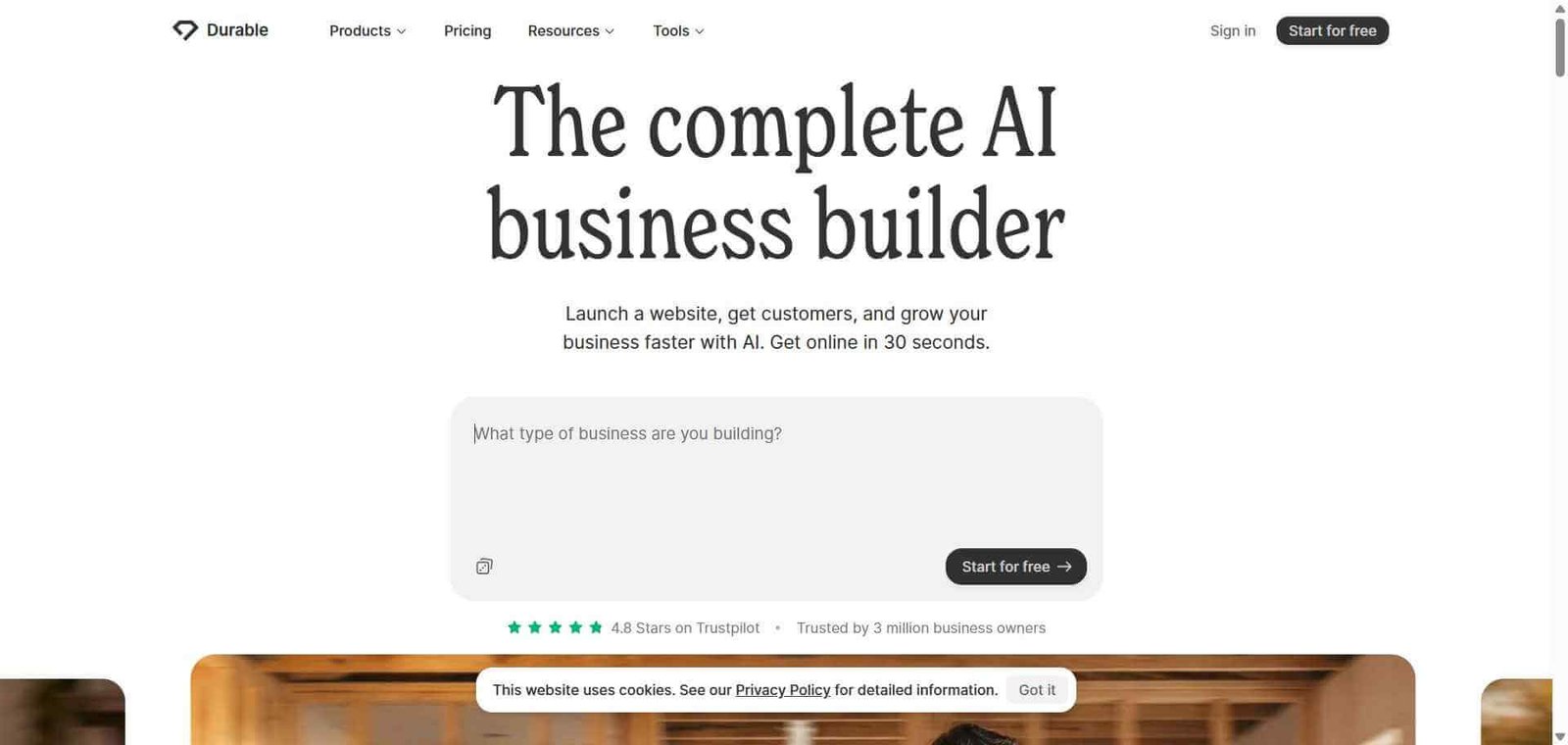
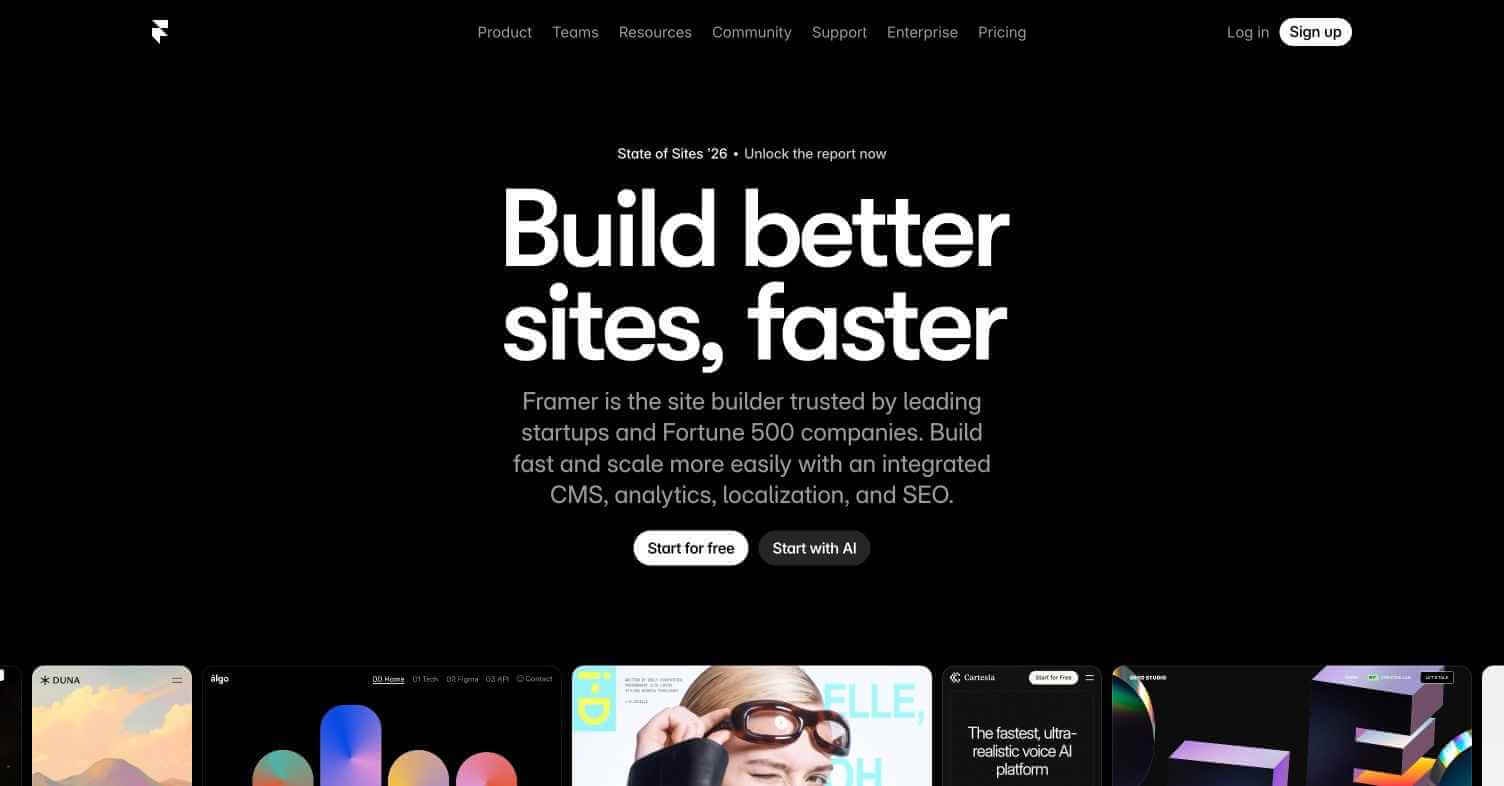
Who should avoid it? Beginners with no design background who need AI to generate their entire site from a description (Framer AI or Durable AI serve this better), or developers who prefer code-based frameworks.
Best for
Not for
Rating
⭐⭐⭐⭐½ 4.7 / 5
Webflow is a visual web design and development platform that generates clean semantic HTML, CSS, and JavaScript from a visual design interface. Unlike page builders that produce bloated code, Webflow’s output is production-quality markup that reflects the exact design specified — no unnecessary wrappers, no theme overrides, no inline style soup.
The platform includes a built-in CMS for content management, hosting through Webflow’s global CDN, an e-commerce system for online stores, and a client editor mode that allows clients to update their own content without touching the design. Webflow AI adds layout generation from text descriptions, content generation for CMS collections, and AI-powered image editing directly within the design environment.
| Pros | Cons |
|---|---|
| Most design control of any no-code website builder | Significant learning curve for designers new to CSS concepts |
| Production-quality code output respected by developers | Pricing is higher than template-based alternatives |
| Built-in CMS, hosting, and e-commerce removes tool switching | E-commerce less capable than Shopify for complex stores |
| Client editor mode enables agency workflow at scale | Not suitable for complete beginners without design knowledge |
| Webflow AI accelerates layout and content generation | Performance on very complex pages requires optimisation |
Webflow is an AI-powered visual website builder that combines designer-level CSS control with a built-in CMS, hosting, and e-commerce, producing production-ready websites without writing code.
Yes, Webflow offers a free plan for building and testing sites. Publishing to a custom domain requires paid plans starting at $14/month.
You do not write CSS, but understanding CSS concepts — flexbox, grid, padding, margin, breakpoints — significantly improves your ability to use Webflow effectively. The platform exposes these concepts visually rather than through code.
Yes, Webflow produces clean semantic HTML, provides full control over meta tags, Open Graph settings, and structured data, and generates fast-loading pages — all important for SEO performance. Many SEO professionals consider Webflow-built sites among the cleanest for search engines to index.
Webflow offers better design control, cleaner code output, and a simpler content management experience. WordPress has a much larger plugin ecosystem, more hosting options, and is more familiar to a broader audience. Webflow is better for custom design; WordPress for maximum flexibility and ecosystem.
Yes, Webflow includes a built-in e-commerce system covering product catalogues, shopping carts, checkout, and order management. For very large or complex stores, Shopify offers a more mature e-commerce ecosystem.
Webflow is the most capable no-code website builder available for designers who refuse to compromise on design quality. The combination of full visual CSS control, production-quality code output, and built-in CMS makes it the standard choice for professional web designers and agencies building custom sites at scale. The learning investment is real but pays back consistently in the form of complete design control and client independence. For any designer who has felt limited by WordPress themes or Squarespace templates, Webflow delivers what those tools cannot.
Next steps