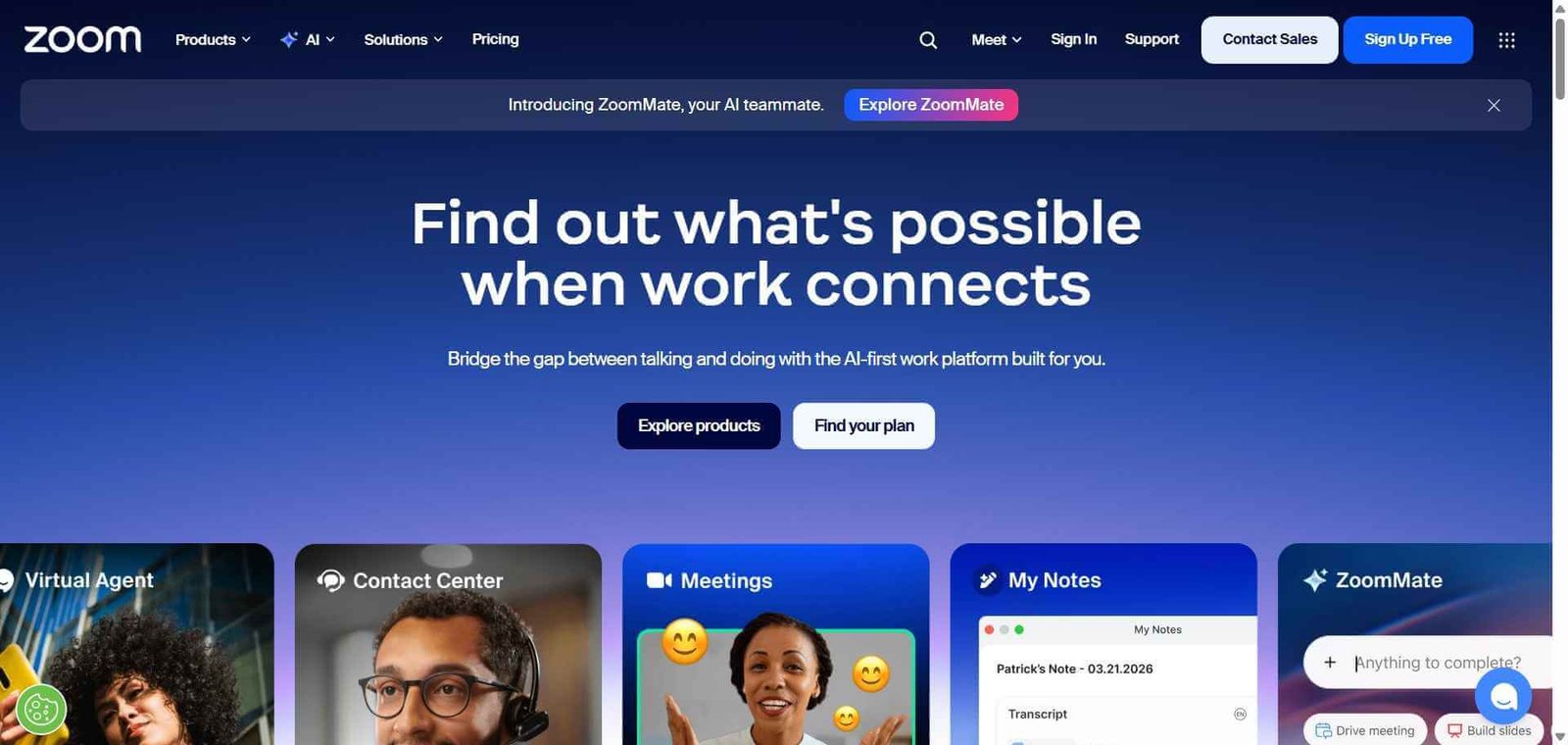
Zoom Review: The Video Conferencing Platform That Became a Verb
There are very few software products that become verbs. Zoom did. The platform’s combination of reliable video quality, simple join experience, and features built for both casual and professional use cases drove adoption so fast that video calling changed permanently during a period when the world needed it most. In 2026, Zoom has evolved well beyond a video call tool — its AI Companion summarises meetings, drafts follow-up emails, answers questions from meeting context, and helps teams get more from every conversation without adding manual overhead.
Quick Summary
Zoom is an AI-powered video conferencing and collaboration platform covering video meetings, webinars, phone calls, team chat, and AI-generated meeting summaries and follow-up drafts used by over 300 million daily meeting participants.
Is it worth using? Yes for any organisation that conducts regular video meetings and wants a reliable, broadly compatible platform with an AI layer that reduces the administrative overhead of meeting follow-up. Who should use it? Businesses of every size, remote and hybrid teams, educators, sales teams, and anyone who needs reliable video conferencing with participants who may use any device or operating system. Who should avoid it? Teams already deeply embedded in Microsoft Teams or Google Meet whose switching costs outweigh the incremental benefit of Zoom’s features.
Verdict Summary
Best for
Businesses that conduct external meetings with clients, partners, and customers who need a universally recognised and easy-to-join meeting link
Sales and customer success teams who want AI-generated meeting summaries and follow-up drafts to reduce post-meeting admin
Educators and trainers running webinars and large virtual sessions where attendance, registration, and engagement tools matter
Not for
Teams using Microsoft 365 whose communication is centred around Teams and where adding Zoom creates unnecessary tool overlap
Teams whose meeting volume is low enough that free tiers of Google Meet or Microsoft Teams adequately cover their needs
Organisations that have standardised on Google Workspace and want native Google Meet integration
Rating ⭐⭐⭐⭐ 4.4 / 5
What Is Zoom?
Zoom is a cloud-based video communications platform covering video meetings, phone calls, webinars, team chat, and whiteboard collaboration. Its core video meeting product is built on reliability and simplicity — joining a Zoom call requires only a link click with no account required for guests, and the video and audio quality has historically set the benchmark the rest of the category aims for.
Zoom AI Companion, available on paid plans, adds real-time meeting summaries, automated follow-up email drafts, questions answered from meeting context, and whiteboard generation — features that address the significant hidden cost of meeting overhead: the time spent writing notes, drafting summaries, and communicating outcomes after every call.
How Zoom Works
Schedule or start a meeting. Create a meeting from the Zoom app, website, or calendar integration. Share the meeting link with participants — they can join from any device without creating a Zoom account.
Meet with video, audio, and screen sharing. Conduct your meeting with HD video, clear audio, and screen sharing. Use breakout rooms to split larger groups into smaller discussions.
Use AI Companion during and after meetings. Enable AI Companion to generate a real-time meeting summary, capture action items, and answer questions about what was discussed without re-watching the recording.
Get AI-drafted follow-up. After the meeting, use AI Companion to draft a follow-up email summarising the meeting outcomes and next steps, ready to send with minimal editing.
Use Zoom Phone for calls. Replace your business phone system with Zoom Phone for cloud-based calling integrated with your meeting platform.
Run webinars for larger audiences. Use Zoom Webinars for larger events with registration, attendee management, Q&A, and polling for up to 50,000 participants.
Key Features
HD video and audio meetings with screen sharing and recording
Zoom AI Companion for real-time summaries, action items, and follow-up drafts
Breakout rooms for splitting large meetings into small group discussions
Zoom Phone for cloud-based business calling integrated with meetings
Webinars for large-scale virtual events with registration and engagement tools
Team Chat for persistent messaging between meetings
Whiteboard for collaborative visual brainstorming during and outside meetings
Calendar integrations with Google Calendar and Outlook
1,000 plus app integrations in the Zoom App Marketplace
Real-World Use Cases
Client meetings and sales calls: A sales team uses Zoom AI Companion to capture key discussion points from every discovery call and generate a follow-up email summarising the conversation and agreed next steps automatically.
Remote team standup: A distributed team runs daily standups on Zoom with AI Companion generating a summary shared in Slack immediately after, keeping everyone informed without manual note-taking.
Training and webinars: An education company runs live webinars for hundreds of students through Zoom Webinars, with registration, attendance tracking, and post-session recording available automatically.
Executive communications: A company runs all-hands meetings for thousands of employees through Zoom with live Q&A, polling, and a recording with AI-generated transcript shared to the company knowledge base.
Most universally recognised and trusted video meeting platform
Free plan limits meetings to 40 minutes for 3 or more participants
AI Companion meaningfully reduces post-meeting admin
Pricing adds up for large teams compared to Microsoft Teams for M365 users
Zoom Phone adds business calling without a separate provider
AI Companion requires paid plan
Webinar capabilities scale to very large events
Some organisations experienced security concerns in 2020 that affected trust
Guest join without account removes friction for external meetings
Feature breadth can feel overwhelming for simple use cases
Pricing & Plans
Free — $0/month
Unlimited 1-to-1 meetings
40-minute group meetings
100 participants
Basic team chat
Pro — $13.32/user/month
30-hour meeting duration
5GB cloud recording
AI Companion included
Social media streaming
Business — $18.32/user/month
300 participants
Managed domains
Company branding
Full AI Companion
Business Plus — $22.49/user/month
Zoom Phone included
Translated captions
Workspace reservations
Unlimited cloud recording
Best Alternatives & Comparisons
Riverside FM — Better for podcast and content recording with studio-quality local tracks, not a general meeting platform
Grain — Better for meeting intelligence and clip sharing within Zoom meetings, complements rather than replaces Zoom
Tldv — Better for recording and sharing specific meeting moments, works alongside Zoom
Slack — Better for persistent team communication, Slack Huddles complement Zoom for quick informal calls
Frequently Asked Questions (FAQ)
What is Zoom?
Zoom is an AI-powered video conferencing and collaboration platform covering video meetings, webinars, phone calls, team chat, and AI-generated meeting summaries and follow-up drafts.
Is Zoom free?
Yes, Zoom offers a free plan with unlimited 1-to-1 meetings and 40-minute group meetings for up to 100 participants. Paid plans start at $13.32/user/month.
What is Zoom AI Companion?
Zoom AI Companion is an AI assistant available on paid plans that generates real-time meeting summaries, captures action items, drafts follow-up emails, and answers questions about meeting content — reducing the manual overhead of meeting documentation.
How many people can join a free Zoom meeting?
Free Zoom meetings support up to 100 participants with a 40-minute time limit for groups of 3 or more. Paid plans extend duration to 30 hours.
Does Zoom require guests to create an account?
No, guests can join any Zoom meeting by clicking the meeting link without creating an account, which is one of Zoom’s key advantages for external meetings with clients and partners.
How does Zoom compare to Google Meet?
Zoom leads on webinar capabilities, breakout rooms, AI Companion features, and third-party app integrations. Google Meet is free with no time limits for Google Workspace users and integrates natively with Google Calendar. The best choice depends on your existing productivity suite.
Final Recommendation
Zoom remains the most reliable and universally accepted video conferencing platform available, and the AI Companion transforms it from a meeting tool into a meeting productivity tool. For any business that conducts regular external meetings or runs virtual events at scale, Zoom’s combination of reliability, familiarity, and AI-powered meeting intelligence makes the Pro plan investment straightforwardly worthwhile. The 40-minute free plan covers casual use; the Pro plan serves any professional who spends meaningful time on video calls.