Slack Review: The Team Communication Platform That Replaced Email for Millions of Teams
Email was designed for external communication. It was never meant to be the primary channel for internal team coordination, but it became that by default for two decades. Slack changed that for millions of organisations by providing a persistent, searchable, real-time communication environment organised by topic channels rather than email threads. The AI layer added through Slack AI extends this further — summarising missed conversations, answering questions from channel history, and drafting messages — reducing the cognitive overhead of staying informed in an active workspace.
Quick Summary
Slack is an AI-powered team communication and collaboration platform combining topic-based channels, direct messaging, audio and video huddles, workflow automation, and AI-powered message summaries and search for modern workplace communication.
Is it worth using? Yes for any team that wants to replace fragmented email chains with an organised, searchable, real-time communication environment that integrates with every tool they use. Who should use it? Remote teams, in-person teams, startups, and enterprises who want team communication that is faster, more organised, and more searchable than email-based coordination. Who should avoid it? Very small teams of two or three people whose communication needs are met by direct messaging tools without the need for channel organisation.
Verdict Summary
Best for
Remote and hybrid teams who need a persistent, organised communication environment accessible from any device
Technology and product companies whose workflows involve integrating communication with development tools like GitHub, Jira, and Linear
Organisations that want to reduce internal email volume and make team knowledge searchable and accessible
Not for
Very small teams whose communication needs are met by simpler messaging tools
External customer communication, where tools like Intercom are more appropriate
Teams in industries with strict compliance requirements around message retention who may need specialised communication platforms
Rating ⭐⭐⭐⭐½ 4.6 / 5
What Is Slack?
Slack is a channel-based messaging platform that organises team communication by topic, project, or team rather than by email thread. Each channel is a persistent, searchable conversation around a specific subject — a product team’s channel, a client project channel, a company announcements channel — where all relevant people, files, and tool notifications converge in one place.
Slack AI, added to paid plans, adds channel recaps that summarise what happened in a channel while you were away, thread summaries that condense long discussions into the key points, and an AI search that answers questions based on the history of your workspace rather than returning a list of message results to sift through.
How Slack Works
Create your workspace and channels. Set up channels for each team, project, or topic, and invite relevant people to each. Channels can be public (anyone can join) or private (invite only).
Communicate in channels and direct messages. Send messages, share files, and react with emojis in channels for team-wide conversations, or use direct messages for one-on-one and small group communication.
Use huddles for quick audio and video calls. Start a huddle directly in any channel or DM for an immediate audio call, with optional video and screen sharing, without scheduling a formal meeting.
Integrate your tools. Connect Slack to GitHub, Jira, Linear, Google Drive, Zoom, and hundreds of other tools so notifications, alerts, and updates from those tools flow into relevant channels automatically.
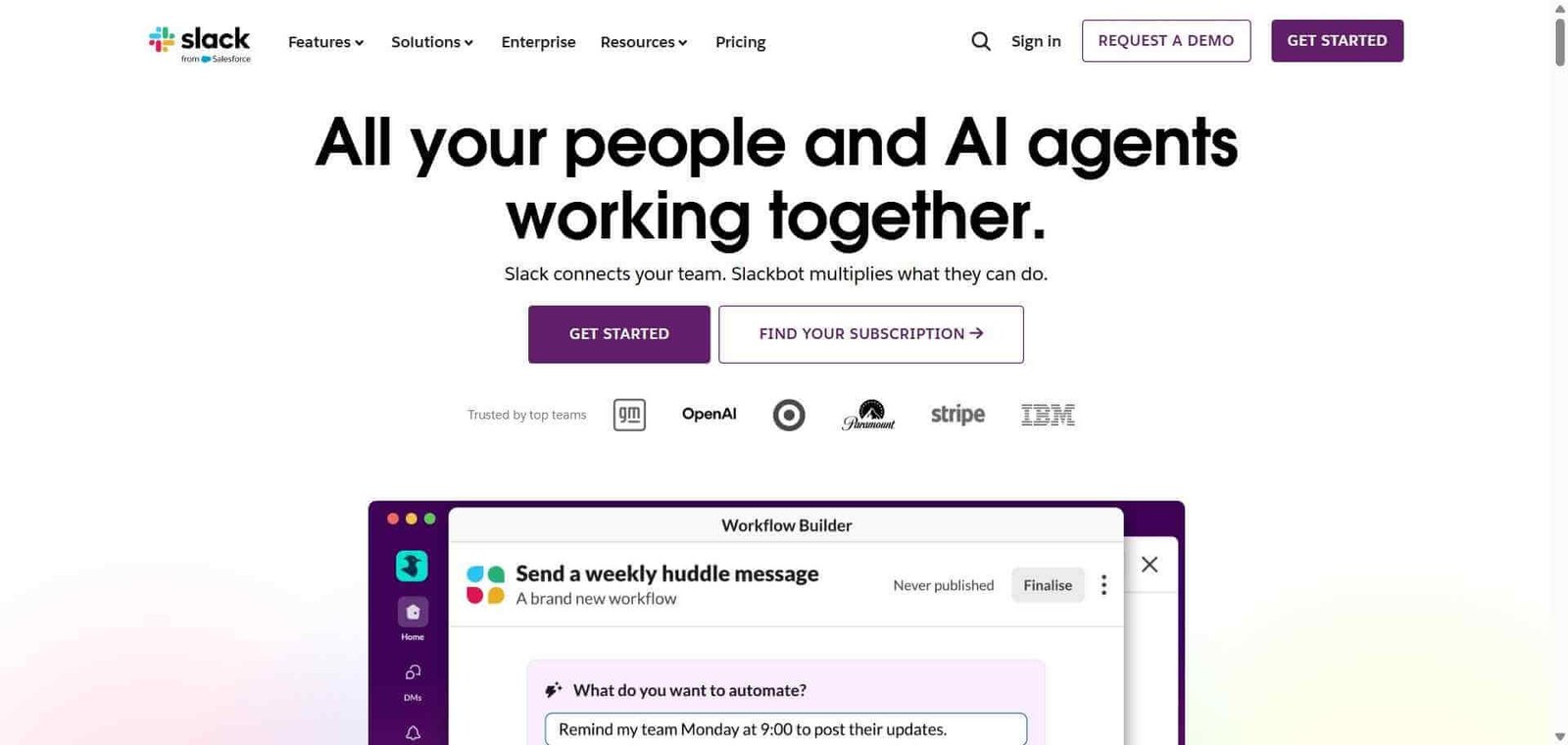
Automate with Workflow Builder. Create automated workflows — welcome new team members, collect daily standup updates, route approval requests — without coding using Workflow Builder.
Use Slack AI to stay informed. Ask Slack AI to summarise a channel’s recent activity, recap a specific thread, or answer a question based on your workspace history.
Key Features
Channel-based messaging organising communication by topic, team, and project
Direct messages and group DMs for private conversations
Huddles for instant audio and video calls within any channel or DM
Slack AI for channel recaps, thread summaries, and AI-powered workspace search
Workflow Builder for creating no-code automated processes within Slack
2,600 plus app integrations connecting Slack to every major business tool
Clips for sharing short async video and audio messages
Canvas for creating and sharing structured documents within Slack
Enterprise Grid for large organisations with multiple connected workspaces
Real-World Use Cases
Remote team daily operations: A distributed engineering team uses dedicated channels for each project, replacing email chains with searchable threaded conversations, and integrates GitHub notifications so code review requests appear automatically in the relevant channel.
Incident response: A DevOps team creates a dedicated incident channel the moment an issue occurs, pulls in all relevant people, and coordinates resolution with full conversation history preserved for post-incident review.
Async communication culture: A global team across multiple time zones uses Clips to share async video updates rather than scheduling meetings across time zones, keeping everyone informed without calendar overhead.
Workflow automation: An operations team automates weekly status collection by having Workflow Builder send a form to each team member every Friday, collecting updates and posting a compiled summary to a leadership channel automatically.
Channel organisation is genuinely superior to email threads
Free plan limits message history to 90 days
2,600 plus integrations connect Slack to any tool stack
Notification overload is a real problem in active workspaces
Slack AI summaries reduce the cost of catching up meaningfully
Pricing increases significantly at scale
Huddles provide frictionless audio calls without meeting scheduling
Can become a distraction if communication culture is not managed
Enterprise Grid scales to very large organisational structures
Some teams find it harder to maintain focus than email
Pricing & Plans
Free — $0/month
90-day message history
10 integrations
1-to-1 huddles
Basic Workflow Builder
Pro — $7.25/user/month
Unlimited message history
Unlimited integrations
Group huddles with screen sharing
Full Workflow Builder
Business+ — $12.50/user/month
All Pro features
SSO and compliance exports
Slack AI (add-on)
24/7 support
Enterprise Grid — Custom pricing
Unlimited workspaces
Advanced security and compliance
Enterprise Mobility Management
Dedicated support
Best Alternatives & Comparisons
Microsoft Teams — Better for organisations deeply embedded in Microsoft 365 who want communication integrated with Word, Excel, and SharePoint
Notion AI — Better for knowledge management alongside communication, different primary use case
Linear — Better for engineering project management, complements Slack rather than replacing it
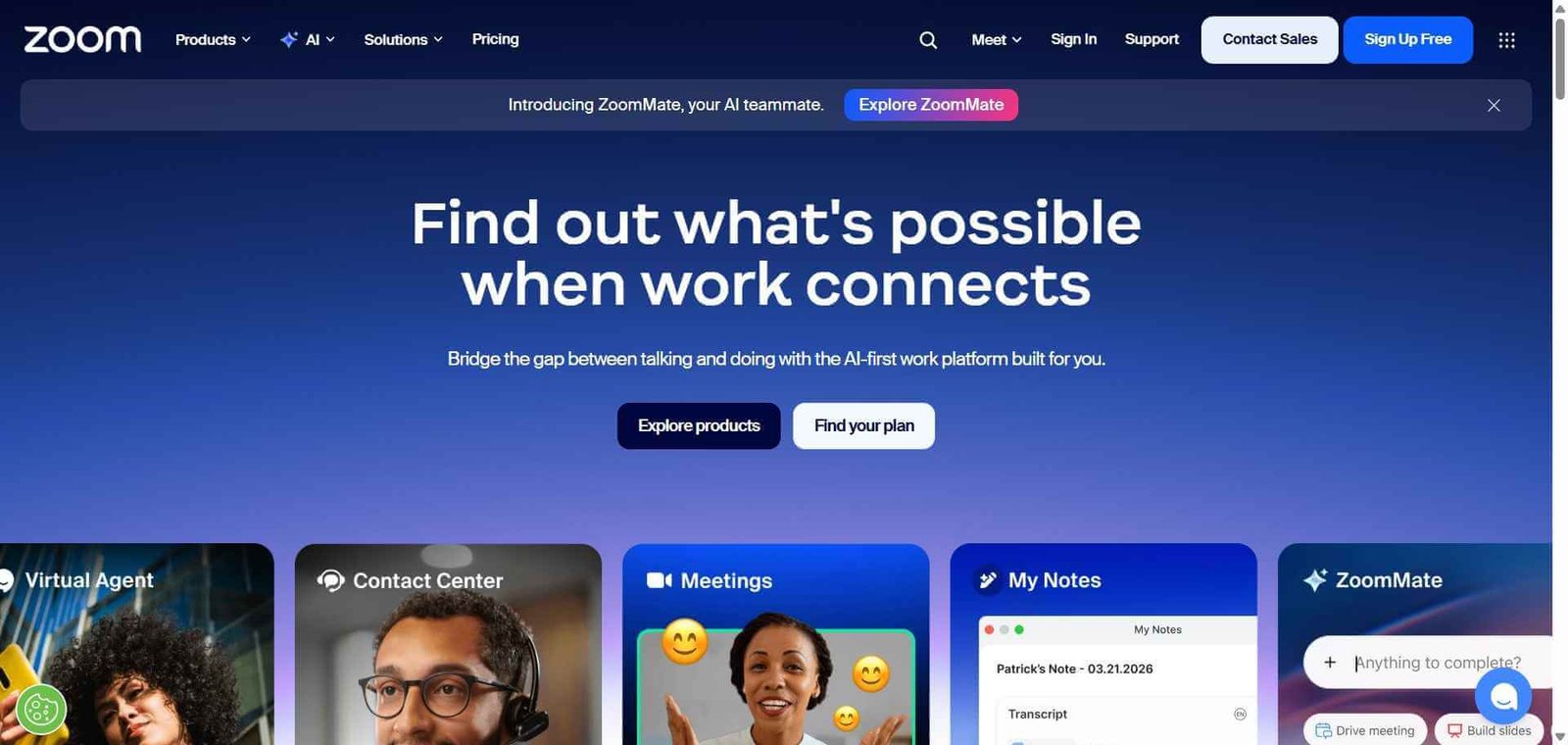
Zoom — Better for formal video meetings, Slack’s huddles handle informal audio calls
Frequently Asked Questions (FAQ)
What is Slack?
Slack is an AI-powered team communication platform combining channel-based messaging, direct messages, huddles, workflow automation, and AI-powered summaries and search for modern workplace communication.
Is Slack free?
Yes, Slack offers a free plan with 90-day message history and 10 integrations. Paid plans start at $7.25/user/month with unlimited message history and integrations.
What is Slack AI?
Slack AI is an add-on feature providing channel recaps summarising what happened while you were away, thread summaries condensing long discussions into key points, and AI search that answers questions based on your workspace’s full message history.
How many integrations does Slack support?
Slack supports over 2,600 app integrations including GitHub, Jira, Google Drive, Zoom, Salesforce, Linear, and virtually every major business tool, allowing notifications and updates from any tool to flow into relevant channels.
What are Slack huddles?
Huddles are lightweight audio calls that start instantly from any channel or direct message, with optional video and screen sharing, providing a frictionless alternative to scheduled meetings for quick discussions.
How does Slack compare to Microsoft Teams?
Slack leads on third-party integrations, user experience quality, and adoption among technology companies. Microsoft Teams leads on integration with Microsoft 365 apps and is often the better choice for organisations already using Office. Both are strong — the choice typically depends on which productivity suite your organisation uses.
Final Recommendation
Slack is the communication infrastructure that modern team collaboration is built on. The combination of organised channels, persistent searchable history, instant huddles, and deep tool integrations creates a working environment that meaningfully outperforms email-based coordination for teams that embrace it. The free plan covers small teams well, and the Pro plan’s unlimited history and integrations provides the full Slack experience at a price that almost always justifies itself in communication efficiency gains.