itirupati.com AI Tools

Typeform

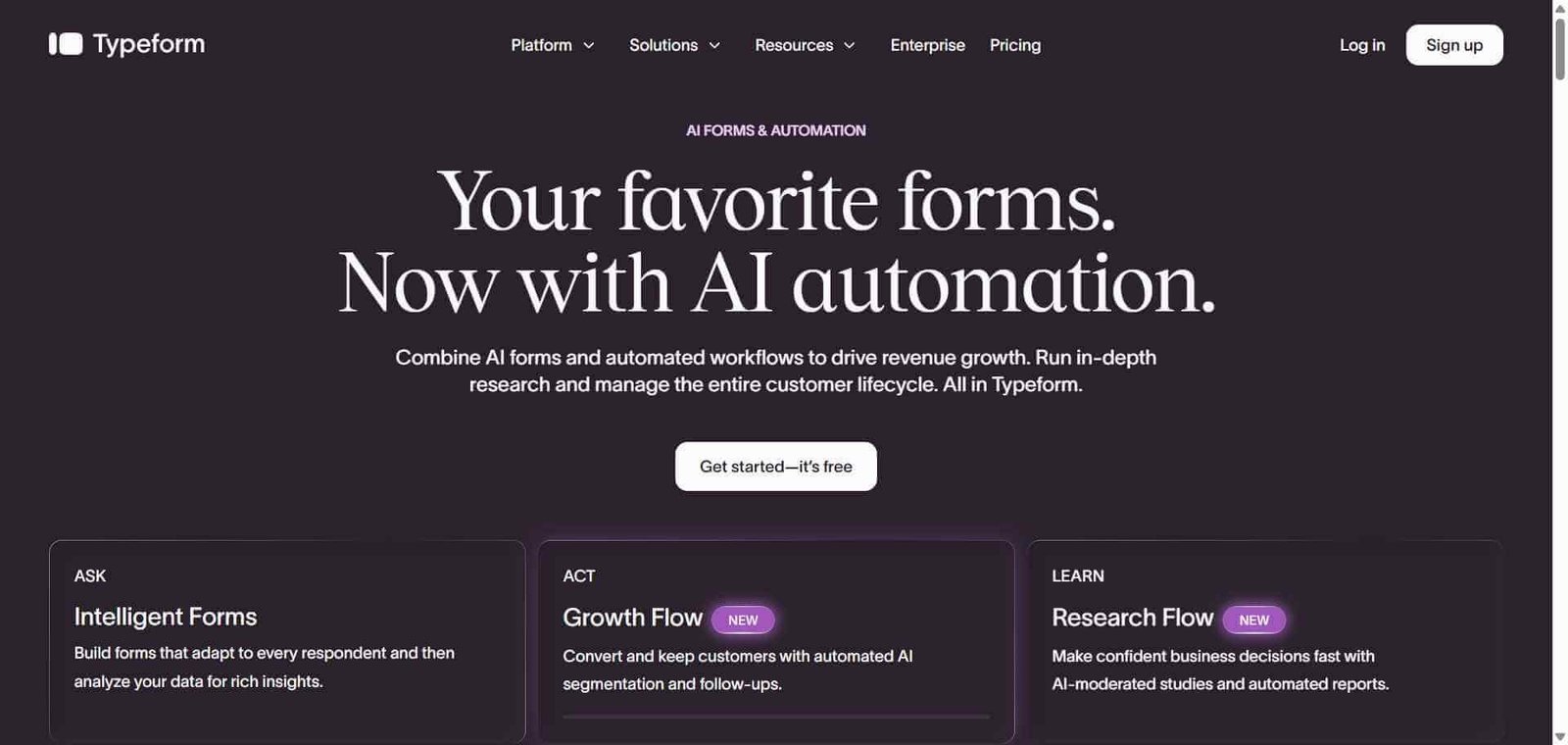
Build conversational forms and surveys that people actually complete — with AI.

Typeform Review: The Form Builder That Turned Data Collection Into a Conversation

Traditional forms present every question simultaneously on a cluttered page that signals effort before the respondent has answered anything. Typeform presents one question at a time in a clean, focused interface that feels more like a conversation than a survey. This single design difference produces measurably higher completion rates — Typeform reports average completion rates of 57 percent compared to 20 percent for traditional form formats. The AI layer adds form generation from prompts, logic branching from natural language, and AI-powered response analysis that turns form data into insights without manual spreadsheet analysis.

Quick Summary

Typeform is an AI-powered conversational form and survey builder that presents questions one at a time in an engaging format, producing significantly higher completion rates than traditional forms, with logic, integrations, and AI-powered analysis built in.

Is it worth using? Yes for any team that collects data through forms and wants higher completion rates, a better respondent experience, and AI-powered insights from the responses.
Who should use it? Marketing teams, product teams, UX researchers, HR, sales, and any function that collects data through surveys, lead forms, applications, or feedback forms.
Who should avoid it? Teams whose form needs are basic enough that Google Forms or a native form builder in their existing tools covers them adequately at no additional cost.

Verdict Summary

Best for

  • Marketing teams who want lead generation forms that feel engaging rather than transactional, improving completion rates
  • UX researchers conducting surveys and user interviews who need a conversational format that encourages more thoughtful responses
  • HR and operations teams building application forms, onboarding surveys, and employee feedback forms that people actually complete

Not for

  • Teams whose forms are purely functional data collection where completion rate optimisation is not a priority
  • Developers who need complex multi-step form logic or database-connected forms where Fillout or Jotform serve better
  • Teams whose form needs are fully covered by Google Forms at no cost

Rating
⭐⭐⭐⭐½ 4.6 / 5

What Is Typeform?

Typeform is a form and survey platform built around the principle that how you ask questions is as important as which questions you ask. Its one-question-at-a-time conversational format, combined with smooth animations, clean typography, and a focused interface, creates a form-filling experience that feels engaging rather than tedious — and respondents who are engaged complete forms at dramatically higher rates.

The platform’s AI features include VideoAsk for asynchronous video-based conversations, AI form generation from text descriptions, conditional logic built through natural language, and Insights AI that analyses open-text responses and summarises patterns in survey data without requiring manual review of individual responses.

How Typeform Works

  • Create a new typeform. Start from a template for your use case — lead generation, customer feedback, job application, event registration — or use AI to generate a form from a text description.
  • Add your questions. Choose from multiple question types — multiple choice, short text, long text, rating, ranking, email, and more — with each type designed for the conversational format.
  • Add logic and branching. Use conditional logic to show different questions based on previous answers, creating personalised paths through the form for different respondent profiles.
  • Customise your design. Apply your brand colours, fonts, and background to make the form feel on-brand. Add images and videos to specific questions for context or engagement.
  • Publish and share. Embed the form on your website, share it by link, or send it by email. Typeform works on any device without app installation.
  • Analyse with AI Insights. Review quantitative response data in the analytics dashboard and use AI Insights to summarise patterns in open-text responses, identifying key themes without reading every individual response.

Key Features

  • Conversational one-question-at-a-time format with measurably higher completion rates
  • AI form generation from text descriptions of your data collection goal
  • Conditional logic for personalised question paths based on previous answers
  • VideoAsk for asynchronous video conversation collection
  • AI Insights for automatic pattern detection in open-text responses
  • Multiple question types covering every common data collection format
  • Brand customisation with colours, fonts, images, and videos
  • 500 plus integrations including HubSpot, Salesforce, Slack, Zapier, and Mailchimp
  • Partial completion data capture saving responses even when forms are abandoned

Real-World Use Cases

  • Lead generation forms: A marketing team replaces a basic contact form with a Typeform lead capture sequence that qualifies prospects through conversational questions, increasing both completion rate and lead quality simultaneously.
  • Customer feedback survey: A SaaS company sends a post-onboarding Typeform to new users asking about their setup experience, with AI Insights automatically categorising responses to identify the most common friction points without manual analysis.
  • Job application form: An HR team builds a multi-step job application in Typeform with logic that shows different questions based on the role applied for, with a video response option for applicants to introduce themselves.
  • NPS survey: A customer success team sends a Typeform NPS survey with follow-up questions triggered based on the score given, automatically routing detractor responses to a dedicated support workflow.

Pros and Cons

ProsCons
Conversational format produces significantly higher completion ratesPricing is higher than basic form alternatives
AI Insights reduces manual analysis of open-text responsesFree plan limited to 10 responses per month
VideoAsk adds unique asynchronous video collection capabilityAdvanced logic and integrations on paid plans only
Brand customisation produces polished, on-brand form experiencesNot ideal for very long forms where one-question format adds friction
Partial completion data capture recovers value from abandoned submissionsSome teams find simpler form tools adequate for basic needs

Pricing & Plans

Free — $0/month
  • 10 responses per month
  • Unlimited typeforms
  • Basic question types
  • Core logic features
Basic — $25/month
  • 100 responses per month
  • Unlimited questions
  • Data export
  • Priority support
Plus — $50/month
  • 1,000 responses per month
  • Custom subdomain
  • Remove Typeform branding
  • Advanced integrations
Business — $83/month
  • 10,000 responses per month
  • All Plus features
  • AI Insights
  • Salesforce and HubSpot integrations
  • Priority support

Best Alternatives & Comparisons

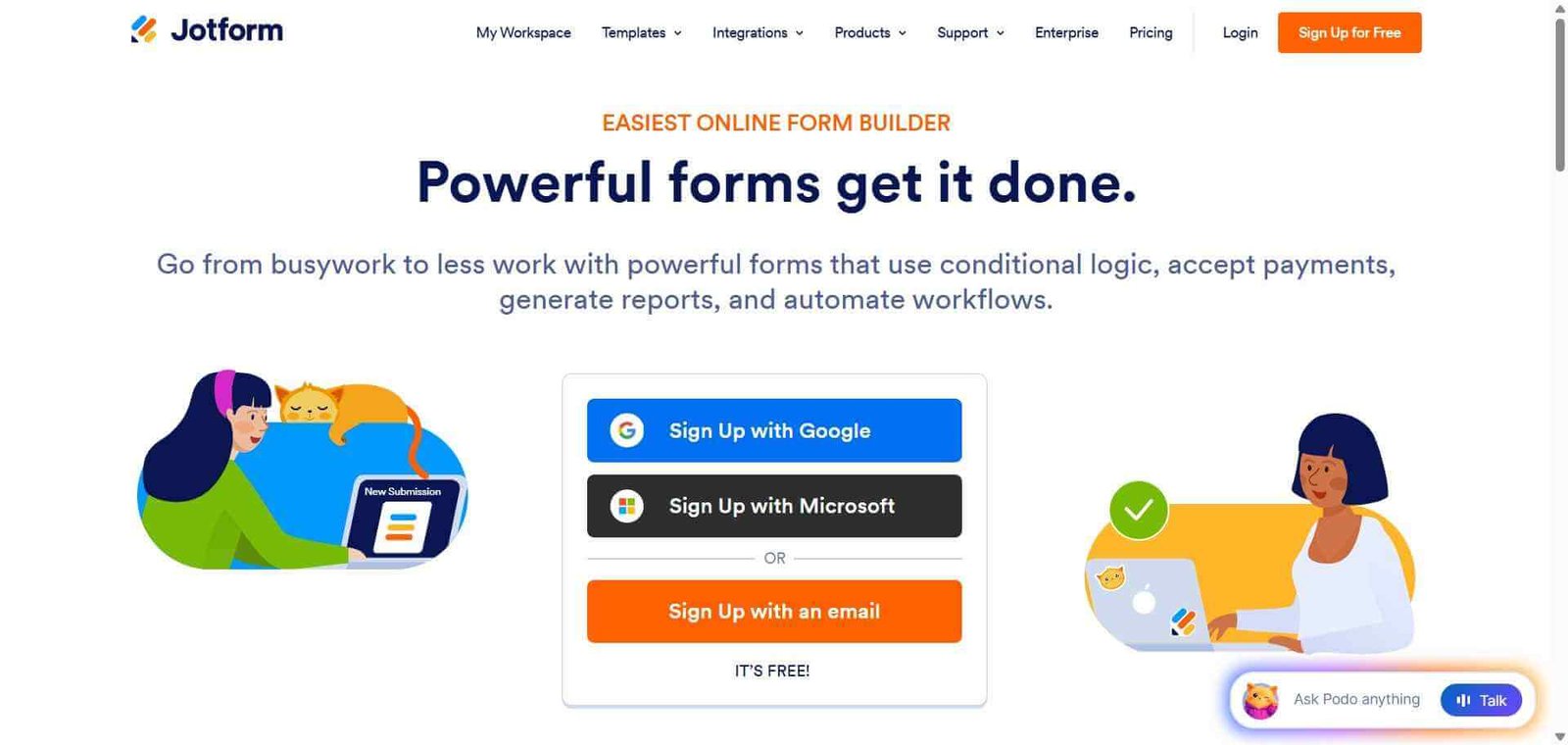
  • Jotform — Better for complex form workflows with payment processing, approval flows, and deeper integrations at lower cost
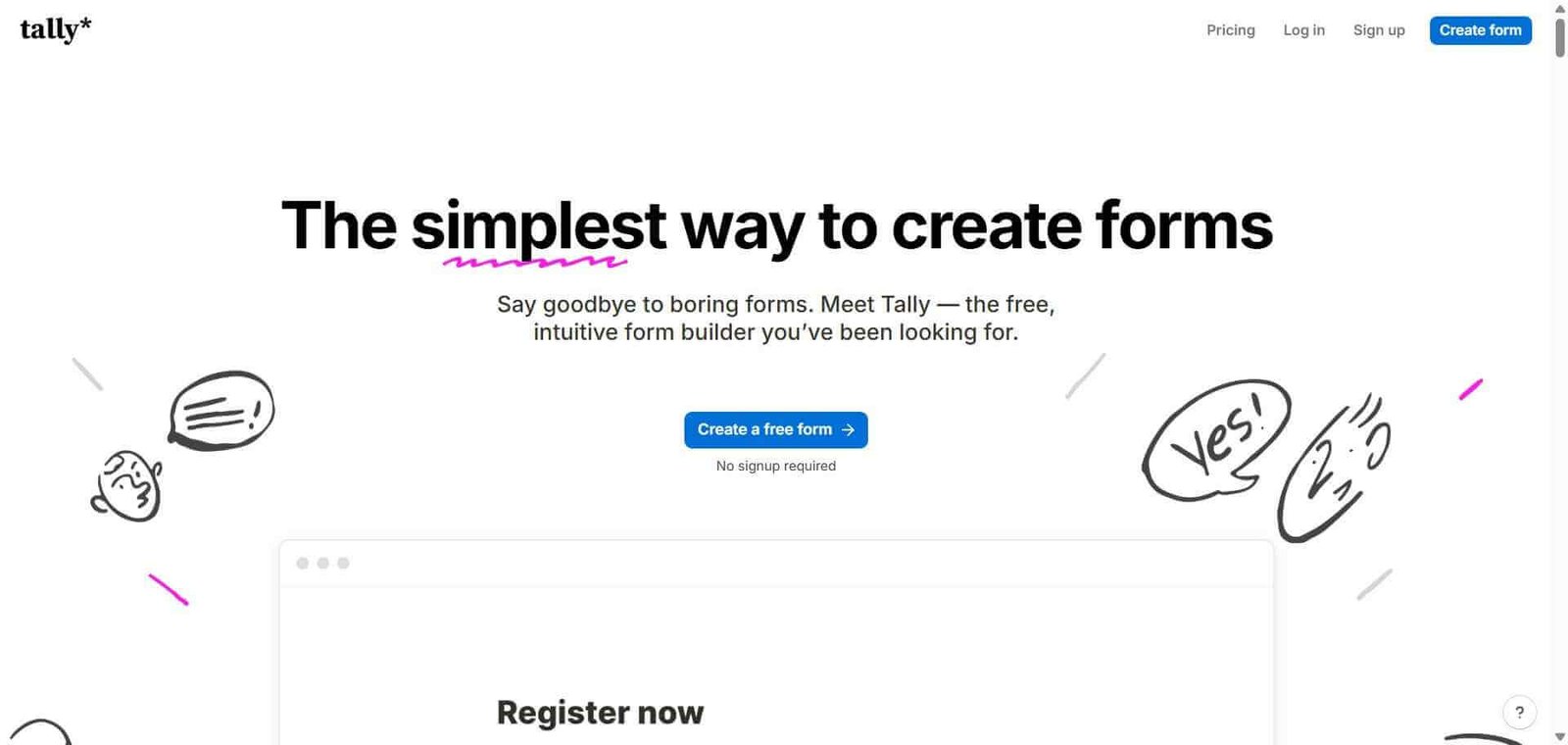
  • Tally — Better for individuals and small teams who want free unlimited forms with a simpler interface
  • Google Forms — Better for basic free form creation without completion rate concerns
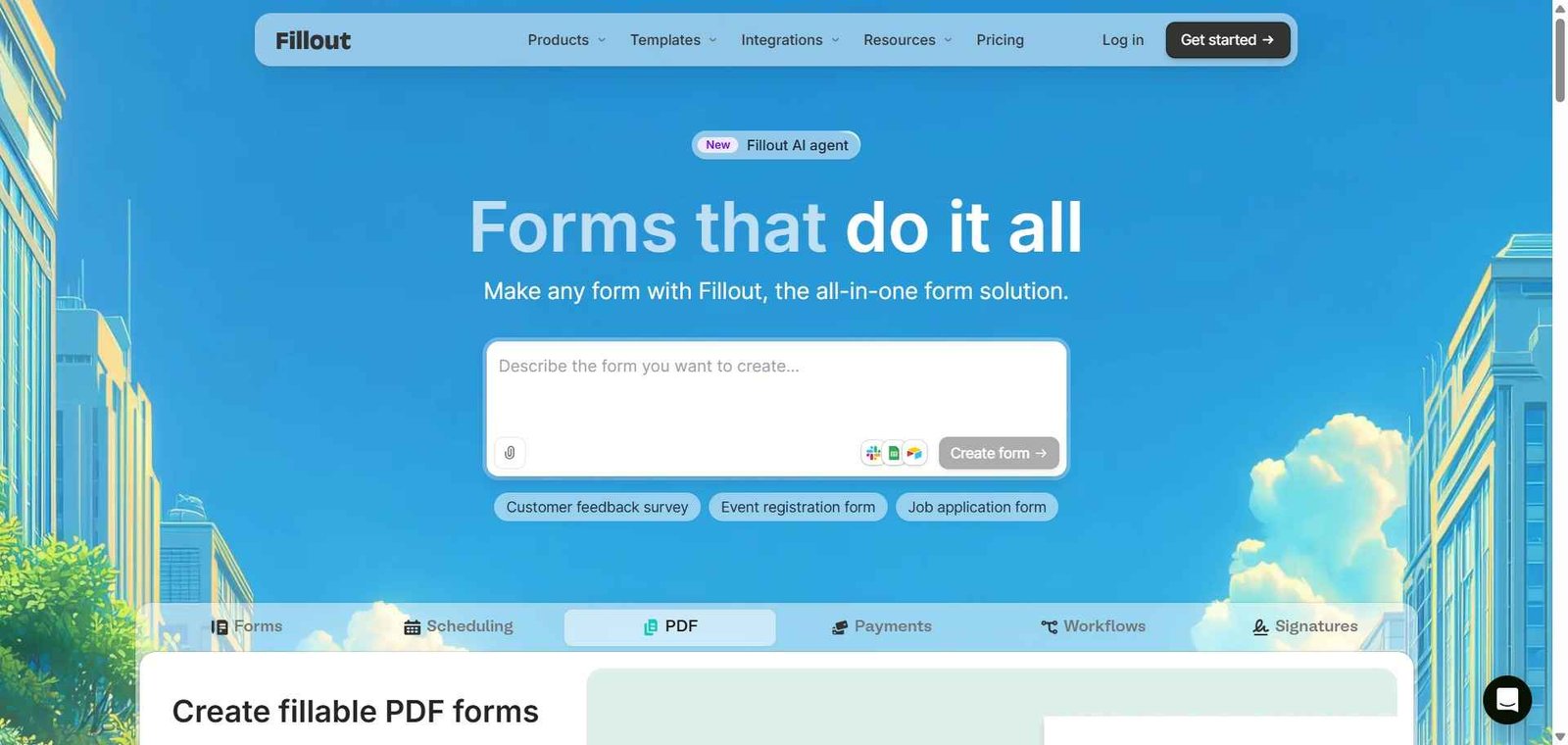
  • Fillout — Better for forms that connect directly to databases like Airtable and Notion

Frequently Asked Questions (FAQ)

What is Typeform?

Typeform is an AI-powered conversational form and survey builder that presents one question at a time in an engaging format, producing significantly higher completion rates than traditional multi-question forms.

Is Typeform free?

Yes, Typeform offers a free plan with 10 responses per month and unlimited forms. Paid plans start at $25/month with 100 responses.

Why does Typeform have higher completion rates?

Typeform’s one-question-at-a-time conversational format reduces the perceived effort of completing a form by focusing attention on a single question rather than overwhelming respondents with a full page of fields simultaneously, producing completion rates that average 57 percent versus 20 percent for traditional formats.

What is VideoAsk in Typeform?

VideoAsk is a Typeform product for collecting asynchronous video responses, allowing you to ask questions on video and receive video, audio, or text responses from respondents — useful for job applications, customer testimonials, and research interviews.

Does Typeform integrate with CRM tools?

Yes, Typeform integrates with HubSpot, Salesforce, Pipedrive, and other CRM platforms, automatically creating or updating contact records when forms are submitted.

How does Typeform AI Insights work?

AI Insights analyses open-text responses in your Typeform results, automatically identifying recurring themes, sentiments, and patterns across all responses, producing a summary of what respondents are saying without requiring manual reading of every individual answer.

Final Recommendation

Typeform is the strongest choice for any team that takes form completion rates seriously. The conversational format’s impact on completion is well-documented and consistent, and the difference between a 20 percent and 57 percent completion rate has real business consequences for lead generation, survey quality, and feedback collection. The AI Insights feature adds genuine analytical value for teams collecting qualitative data at scale. The free plan’s 10-response limit is restrictive but sufficient to evaluate whether the format works for your specific use case.

Next steps

Feature your app on AI tools for free

Subscribe to our Newsletter

Stay up-to-date with the latest AI Apps and cutting-edge AI news.

Trending Categories