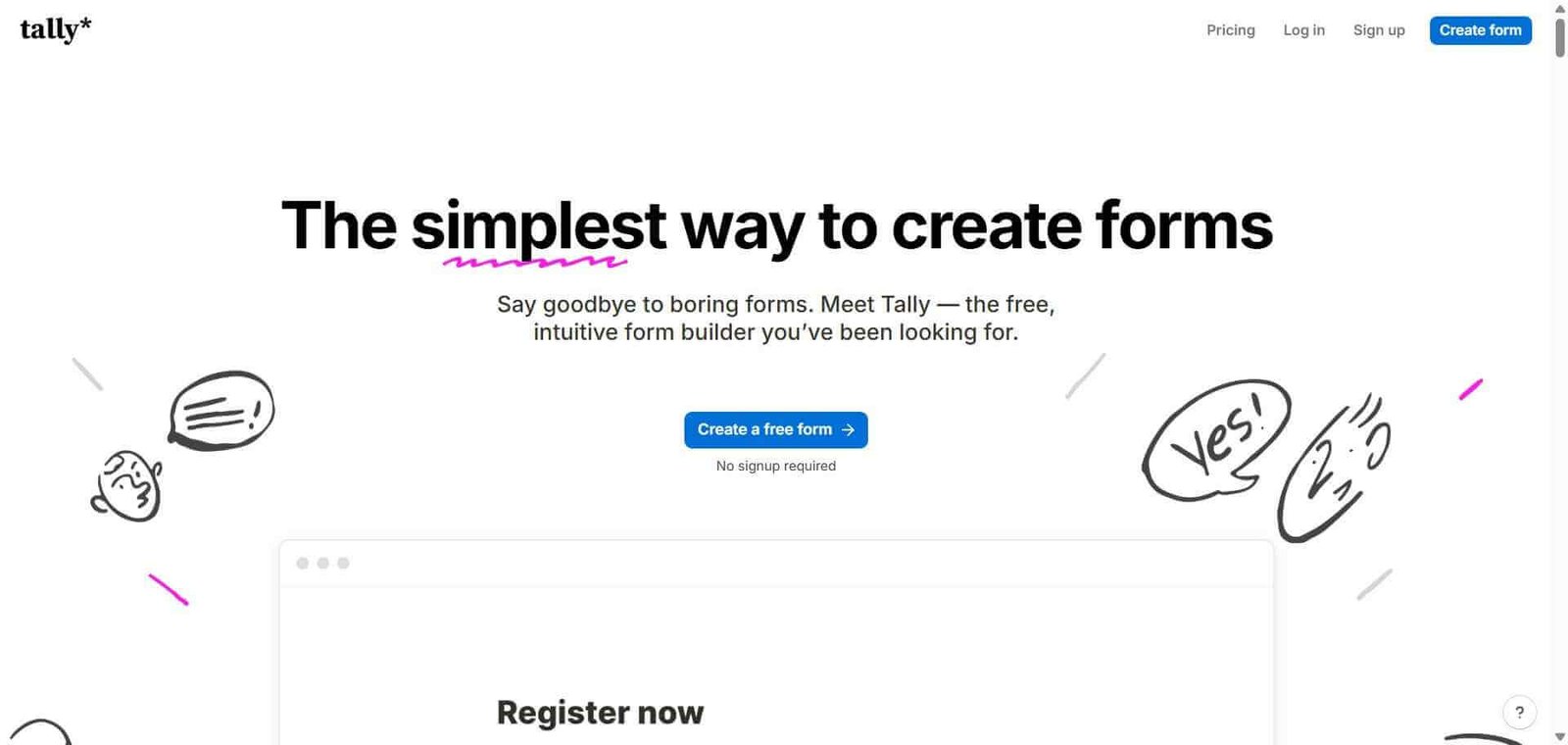
Tally Review: The Form Builder That Removes Every Reason Not to Use a Proper Form
Most form tools put their most important feature — unlimited responses — behind a paywall. Tally does not. Its free plan includes unlimited forms, unlimited responses, unlimited questions, and no branding on forms, which means the product you use when you start is the full product, not a trial. The Notion-like editor makes building forms feel like writing a document rather than configuring a tool, and for individuals, creators, and small teams who need capable forms without a budget allocation for form software, Tally is the straightforward answer.
Quick Summary
Tally is a free form builder with unlimited forms, unlimited responses, and no response limits on any plan, featuring a Notion-like document editor, conditional logic, file uploads, payments, and integrations with a clean free tier that includes no Tally branding.
Is it worth using? Yes for individuals, creators, freelancers, and small teams who want a capable form builder with unlimited forms and responses without paying for software that most form tools charge for. Who should use it? Individuals, freelancers, creators, and small teams who need forms for lead capture, surveys, applications, contact forms, and feedback collection without monthly software costs. Who should avoid it? Large teams needing advanced workflow automation, approval processes, and payment collection at scale where Jotform or Typeform offer more depth.
Verdict Summary
Best for
Individuals and freelancers who want professional forms for client intake, surveys, and lead capture without paying for a form subscription
Creators and newsletter operators who need embedded forms without Typeform’s strict response limits on the free plan
Small teams who want capable conditional logic and integrations in a form tool without managing another SaaS subscription
Not for
Large teams needing multi-step approval workflows and advanced automation beyond basic form collection
E-commerce businesses needing sophisticated payment form workflows
Teams who need the highest possible completion rates from Typeform’s conversational format
Rating ⭐⭐⭐⭐ 4.3 / 5
What Is Tally?
Tally is a form builder created by Marie Martens and Filip Minev as a deliberately simple, generous alternative to form tools that restrict their most useful features behind paywalls. Its editor works exactly like Notion — type forward slash to add any block type, drag to reorder, and write questions the same way you write in a document. This familiar interaction model makes building forms faster and more natural than configuring traditional form builders with their separate field palettes and settings panels.
The free tier’s unlimited everything is the central product decision — Tally’s business model relies on teams who grow into needing advanced features upgrading to Pro, rather than restricting basic utility to force upgrades.
How Tally Works
Create a new form. Open tally.so and create a new form. The editor opens as a blank document where you build your form by typing questions directly.
Add questions with slash commands. Type a forward slash to open the block menu and choose your question type — short answer, multiple choice, checkboxes, file upload, rating, date, and more.
Add conditional logic. Set conditions that show or hide questions based on previous answers, creating personalised paths through longer forms without paying for a premium tier.
Customise the design. Apply a background colour, set your brand font, and adjust the button colour to match your brand. Remove the Tally badge on the Pro plan.
Connect integrations. Link your form to Google Sheets, Notion, Airtable, Zapier, or other tools to automatically send responses to your existing workflow.
Share and embed. Publish your form to a Tally link, embed it on your website, or share it as a popup overlay on any page.
Key Features
Unlimited forms and unlimited responses on all plans including free
Notion-like document editor for building forms naturally
Conditional logic for personalised question paths
File uploads for collecting attachments from respondents
Payment collection through Stripe for paid form submissions
Partial response capture saving progress before submission
Integrations with Google Sheets, Notion, Airtable, Zapier, and others
Embed options including inline, popup, and side drawer formats
Form analytics showing completion rates and drop-off points
Real-World Use Cases
Freelancer client intake: A freelancer uses a Tally form for client project enquiries, collecting project type, budget, timeline, and contact details — with conditional questions showing different fields based on the project type selected.
Creator survey: A newsletter creator sends a reader survey via Tally to collect feedback on content quality and topic preferences, with no response limit and no cost.
Event registration: A community organiser collects event registrations through a Tally form embedded in their website, with conditional fields for dietary requirements and session preferences.
Job application collection: A small business collects job applications through Tally with file upload for CVs and cover letters, conditional questions for different roles, and automatic forwarding to Notion for review.
Unlimited forms and responses on the free plan — no restrictions
Less advanced workflow automation than Jotform
No Tally branding on free forms — genuinely unbranded
Payment collection setup less sophisticated than dedicated tools
Notion-like editor makes form building fast and natural
Advanced team features and custom domain on Pro plan only
Conditional logic available on free plan
Smaller integration ecosystem than established form tools
Partial response capture saves abandoned form data
AI form generation less developed than some competitors
Pricing & Plans
Free — $0/month
Unlimited forms
Unlimited responses
All question types
Conditional logic
File uploads
Standard integrations
No Tally branding
Pro — $29/month
All Free features
Custom domains
Remove Tally badge on forms (already removed on free)
Priority support
Advanced customisation options
Zapier and Make integration
Best Alternatives & Comparisons
Typeform — Better for highest completion rates through conversational format, response limits on free plan
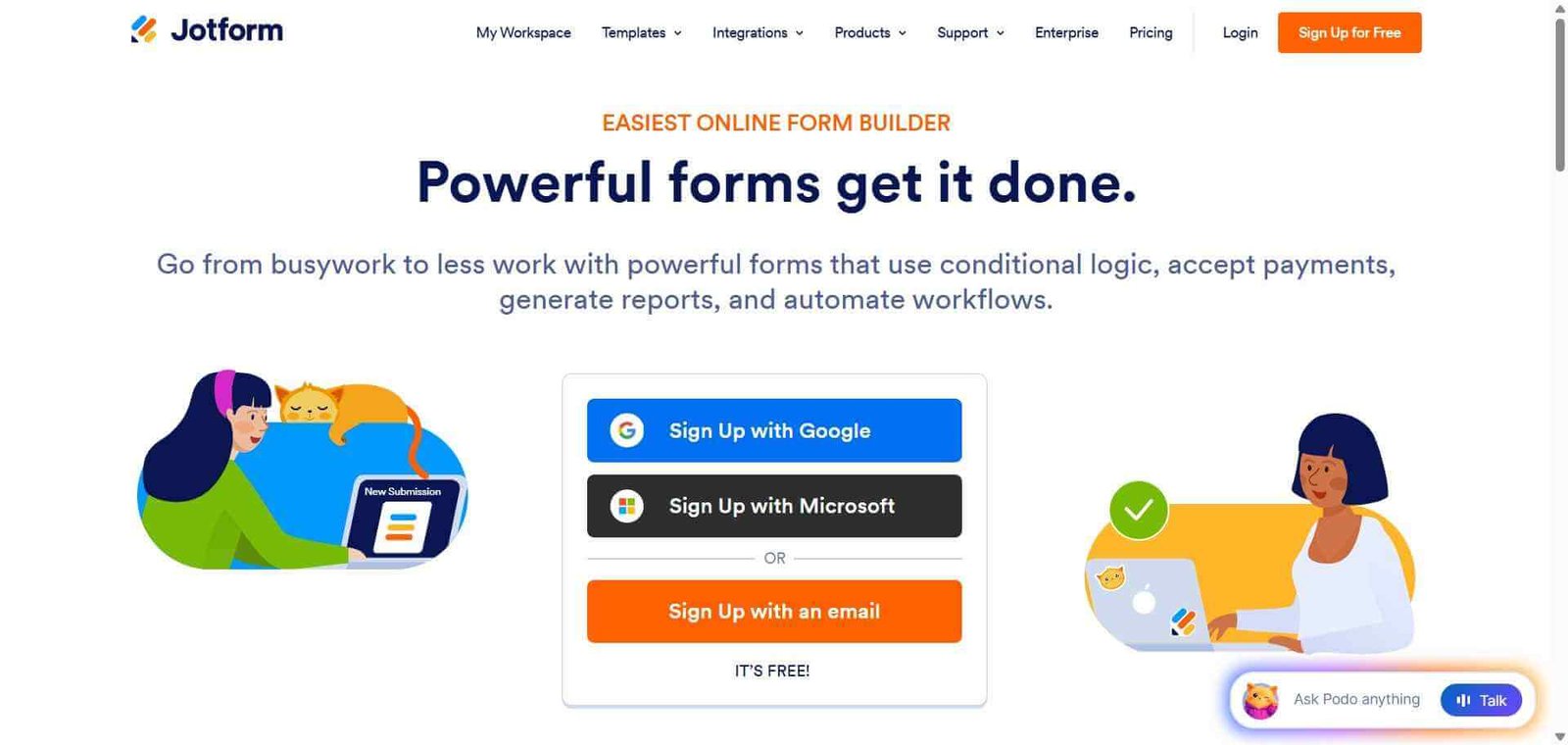
Jotform — Better for payment processing, approval workflows, and large-scale form operations
Google Forms — Better for simple forms already in the Google Workspace ecosystem, less design control
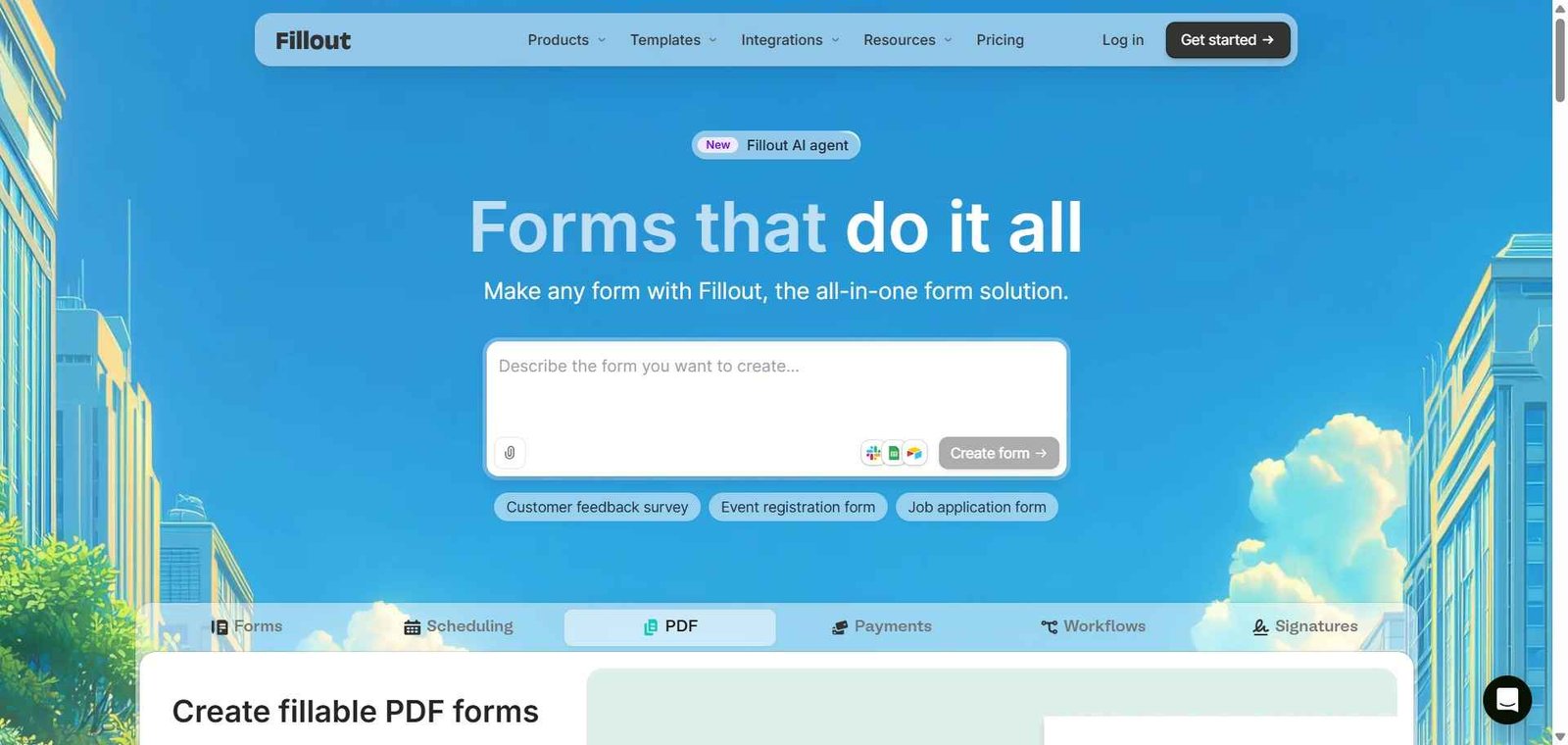
Fillout — Better for forms that connect directly to databases like Airtable and Notion
Frequently Asked Questions (FAQ)
What is Tally?
Tally is a free form builder with unlimited forms, unlimited responses, conditional logic, and integrations, featuring a Notion-like document editor that makes building forms feel like writing rather than configuring.
Is Tally really free with unlimited responses?
Yes, Tally’s free plan genuinely includes unlimited forms, unlimited responses, all question types, conditional logic, and no Tally branding — there are no hidden restrictions that push basic users to a paid plan.
How does Tally's editor work?
Tally uses a Notion-inspired block-based editor where you build forms by typing forward slash commands to insert question types, writing questions directly as you would in a document, and dragging blocks to reorder them.
Does Tally support conditional logic?
Yes, Tally supports conditional logic on the free plan — showing or hiding questions based on previous answers — which enables personalised form paths without requiring a paid subscription.
How does Tally compare to Typeform?
Tally offers unlimited responses and no branding for free, where Typeform limits the free plan to 10 responses per month. Typeform’s conversational one-question format produces higher completion rates. Tally is better for cost-free unlimited collection; Typeform for maximising completion rates.
Can Tally collect payments?
Yes, Tally supports payment collection through Stripe integration, allowing you to charge for form submissions, event registrations, and service bookings.
Final Recommendation
Tally is the most generous form builder available and the obvious choice for any individual, freelancer, or small team who needs capable forms without a recurring software cost. The unlimited responses, conditional logic, and clean design on a permanently free plan remove every reason to continue using Google Forms or paying for Typeform’s limited free tier. Start with Tally’s free plan — the vast majority of users will find it covers everything they need without ever upgrading.