Voiceflow Review: The AI Agent Builder That Product Teams Use to Ship Conversational Experiences
Building a chatbot or AI agent for a product used to require choosing between writing code from scratch or accepting a rigid off-the-shelf widget that does not match the product’s specific requirements. Voiceflow offers a third path — a visual conversation design platform where product managers and developers collaborate to design, prototype, and deploy AI agents that handle customer support, onboarding, sales assistance, and any other conversational use case, with enough technical depth to build genuinely sophisticated experiences and enough accessibility that non-developers can meaningfully contribute.
Quick summary
Voiceflow is an AI agent and chatbot building platform for designing, prototyping, and deploying conversational AI experiences — with a visual conversation flow builder, knowledge base integration, multi-channel deployment, and collaborative tools for product teams.
Is it worth using? Yes for product teams, customer experience teams, and developers who want to build sophisticated AI agent and chatbot experiences that go beyond what off-the-shelf chat widgets provide. Who should use it? Product managers, conversation designers, and developers building AI-powered customer support agents, virtual assistants, and conversational onboarding experiences for their products or clients. Who should avoid it? Teams whose chatbot needs are simple enough for Tidio or Crisp’s built-in chatbot builders, or those who prefer fully code-based agent frameworks without a visual design layer.
Verdict Summary
Best for
Product teams building sophisticated customer support AI agents that handle complex multi-turn conversations with knowledge base retrieval
Agencies and developers who build conversational AI experiences for clients and want a platform that supports the full design-to-deployment workflow
Customer experience teams who want to design AI agent conversation flows visually before handing off to development
Not for
Teams needing simple chatbot FAQ automation where Tidio or Crisp’s built-in builders are sufficient
Developers who prefer fully code-based agent frameworks without visual tooling
Very small teams whose conversational AI needs are covered by a basic widget without custom design
Rating ⭐⭐⭐⭐ 4.4 / 5
What Is Voiceflow?
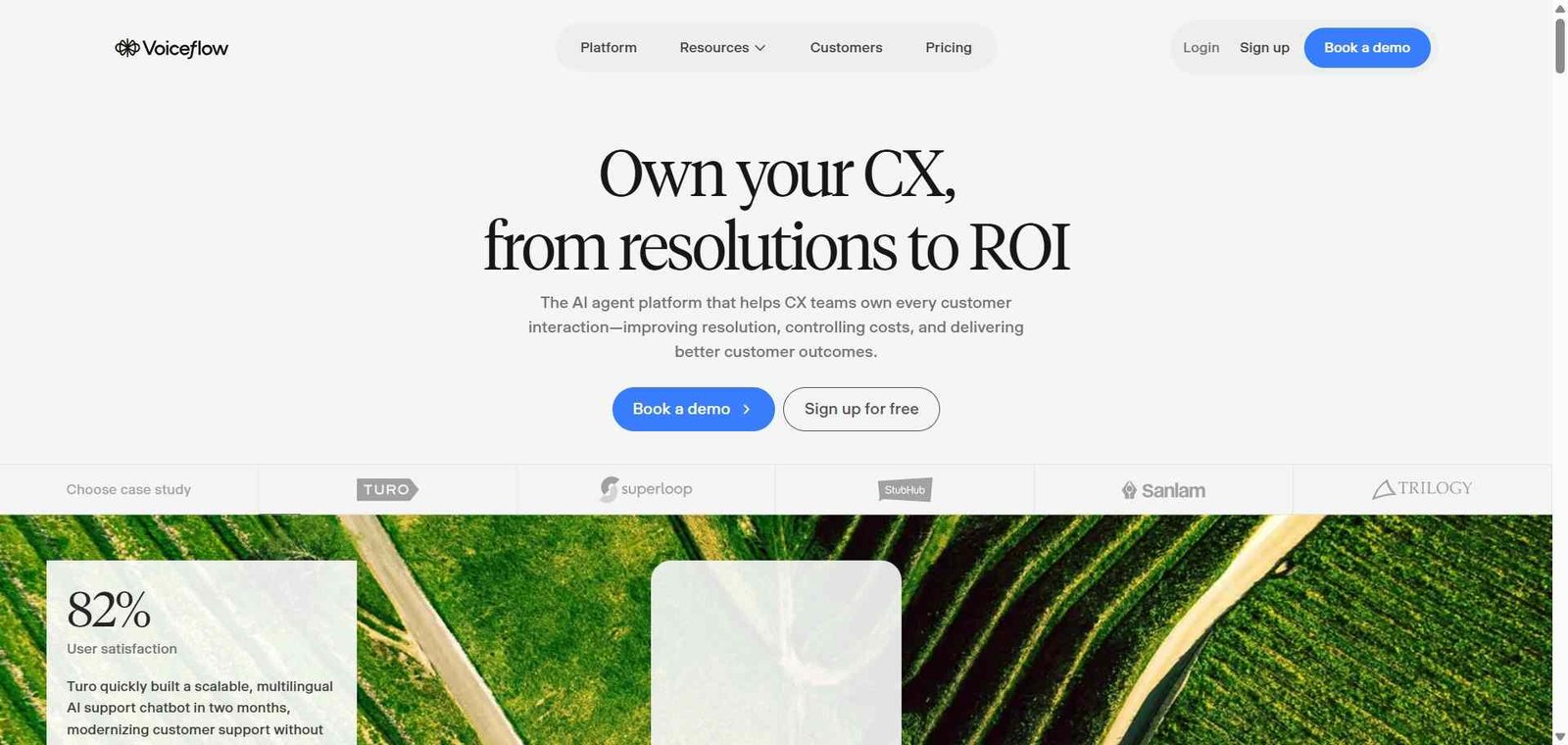
Voiceflow is a collaborative AI agent design and development platform that provides a visual canvas for building conversation flows, a knowledge base system for RAG-powered agent responses, multi-channel deployment for web, mobile, and messaging platforms, and integration tools for connecting agents to external APIs and business systems. Its canvas-based design environment allows product managers and conversation designers to map out agent conversation logic visually — with developers adding technical integrations and logic alongside the design.
The platform supports both structured conversation flow design — where the agent follows defined paths based on user input — and LLM-powered natural language understanding where the agent responds to open-ended user messages using knowledge base retrieval and language model reasoning.
How Voiceflow Works
Design your conversation flow. Use Voiceflow’s visual canvas to map out the conversations your agent should handle — creating blocks for messages, conditions, user inputs, API calls, and knowledge base responses.
Build your knowledge base. Upload documentation, product information, FAQs, and any content your agent should know — Voiceflow’s RAG system retrieves relevant information to answer user questions accurately.
Connect to external systems. Add API integrations that allow your agent to look up order status, check account information, create tickets, or interact with any system that has an API.
Test in the prototype. Use Voiceflow’s built-in prototype to test conversations before deployment — simulating user interactions and verifying agent responses across different scenarios.
Deploy to your channels. Publish your agent as a web widget, API endpoint, or Voiceflow-hosted agent — with deployment to WhatsApp, Slack, and other messaging channels available.
Analyse and improve. Review conversation transcripts, identify where users drop off or get confused, and iterate on the agent design to improve completion rates and response quality.
Key Features
Visual conversation flow canvas for designing multi-step agent logic
Knowledge base with RAG for natural language question answering
LLM integration supporting GPT-4, Claude, Gemini, and other models
Multi-channel deployment — web widget, API, WhatsApp, Slack
API integration for connecting agents to external business systems
Collaborative workspace for product, design, and development teams
Prototype testing environment for validating flows before launch
Analytics for conversation performance and user journey analysis
Component library for reusing conversation blocks across agents
Real-World Use Cases
Customer support agent: A SaaS company builds a Voiceflow AI agent that handles common support questions using a knowledge base of their documentation — resolving 60% of enquiries without human agent involvement and routing complex cases to the support team.
E-commerce assistant: A retailer deploys a Voiceflow agent on their website that helps customers find products, check availability, track orders, and initiate returns — integrating with their Shopify store API for live data.
Onboarding assistant: A software company builds a Voiceflow onboarding agent that guides new users through setup steps, answers configuration questions, and escalates to a success manager when users encounter complex issues.
Lead qualification: A B2B company deploys a Voiceflow agent on their website that qualifies inbound visitors through a conversation — collecting company size, use case, and timeline information before routing qualified leads to sales.
Visual canvas makes conversation design accessible to non-developers
More setup investment than off-the-shelf chatbot widgets
Knowledge base RAG enables accurate natural language question answering
Free plan limited in agent complexity and knowledge base size
Collaborative workspace bridges product and engineering on agent design
Some advanced integrations require developer involvement
Multi-channel deployment from one design covers most use cases
Analytics less comprehensive than dedicated conversation analytics platforms
Prototype testing catches issues before production deployment
Learning curve for complex multi-step conversation design
Pricing & Plans
Free — $0/month
2 agents
5 MB knowledge base
1,000 monthly tokens
Community support
Pro — $50/month
Unlimited agents
200 MB knowledge base
15M monthly tokens
All channels
Priority support
Teams — $625/month
All Pro features
Team collaboration
Advanced analytics
Custom integrations
Dedicated support
Enterprise — Custom pricing
All Teams features
SSO
Custom contracts
Dedicated support
Best Alternatives & Comparisons
Botpress — Similar open-source AI chatbot builder with different visual design approach, strong community
Relevance AI — Better for business workflow automation agents, less conversational UX design focus
Landbot AI — Better for visual no-code chatbot building with marketing focus, less AI agent sophistication
Tidio — Better for simple e-commerce live chat with built-in AI, less custom agent design capability
Frequently Asked Questions (FAQ)
What is Voiceflow?
Voiceflow is an AI agent and chatbot building platform for designing, prototyping, and deploying conversational AI experiences — with a visual canvas, knowledge base RAG, multi-channel deployment, and collaborative tools for product teams.
Is Voiceflow free?
Yes, Voiceflow offers a free plan with 2 agents and basic features. The Pro plan at $50/month provides unlimited agents with full knowledge base and channel access.
What AI models does Voiceflow support?
Voiceflow supports GPT-4, Claude, Gemini, and other LLMs — allowing teams to choose the model that best fits their agent’s specific requirements and cost constraints.
What is RAG in Voiceflow?
RAG (Retrieval-Augmented Generation) in Voiceflow means the agent retrieves relevant information from the knowledge base before generating a response — producing answers grounded in your specific documentation rather than the LLM’s training data alone.
Does Voiceflow require coding?
Voiceflow’s visual canvas is accessible to non-developers for designing conversation flows and knowledge base responses. Connecting to external APIs and building complex logic benefits from developer involvement, but many use cases are achievable without writing code.
How does Voiceflow compare to Botpress?
Both are AI agent and chatbot building platforms with visual design tools. Botpress is open-source with a large community and strong developer focus. Voiceflow has a more polished design interface and stronger collaboration tools for product teams. Voiceflow is better for product-design-led teams; Botpress for developer-led implementations.
Final Recommendation
Voiceflow is the most complete platform for product teams who want to take conversational AI seriously — designing agents with the precision of a product workflow rather than configuring a widget. The visual canvas, knowledge base RAG, collaborative workspace, and prototype testing create a design-to-deployment pipeline that produces AI agents meaningfully more sophisticated than off-the-shelf solutions. For any team building a customer support agent, sales assistant, or product onboarding experience that needs to handle real user conversations reliably, Voiceflow provides the design and deployment infrastructure to do it properly.