Trevor AI Review: The AI Daily Planner That Bridges the Gap Between Your Task List and Your Calendar
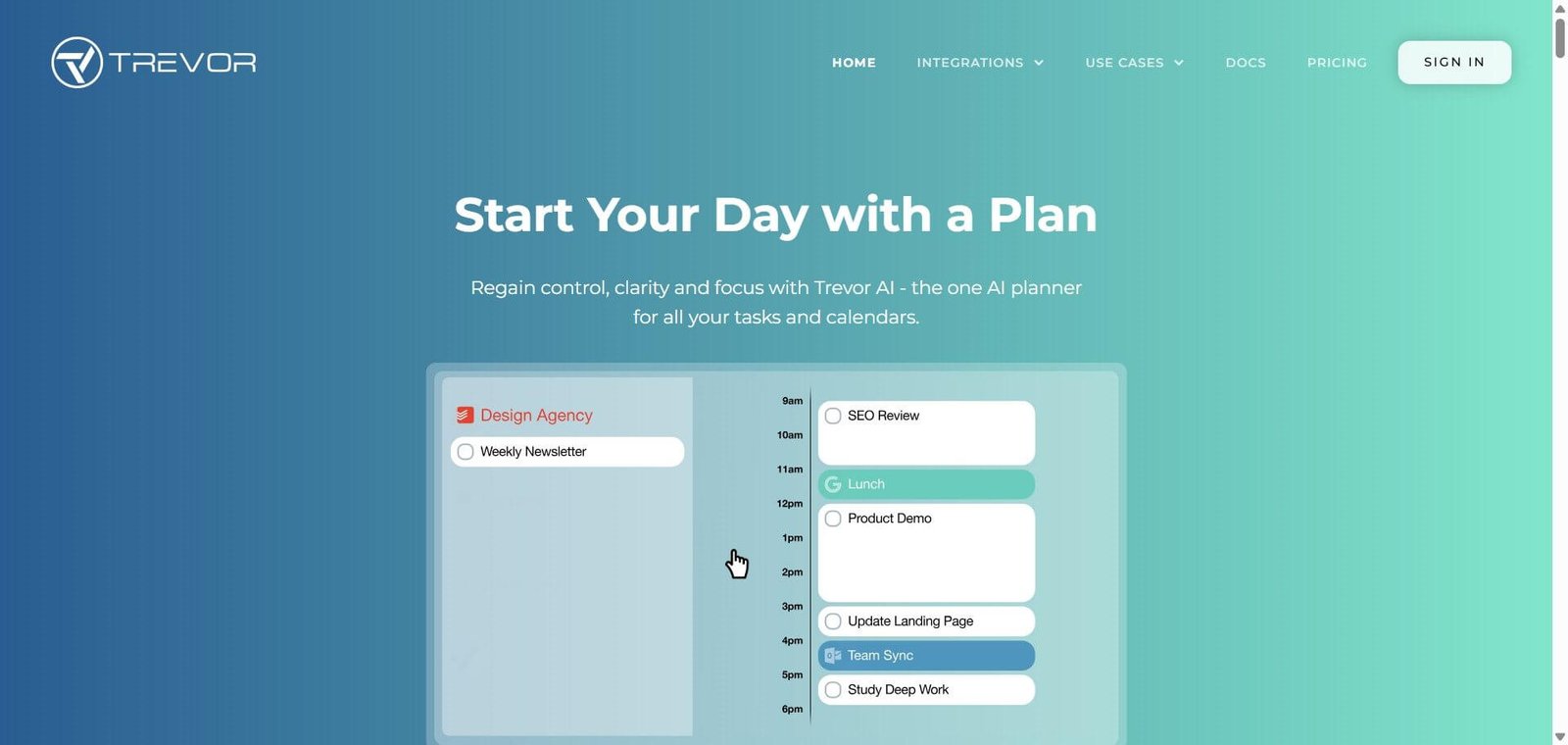
Most people maintain two parallel systems that never talk to each other — a task list full of things to do, and a calendar full of meetings. The tasks accumulate without ever getting scheduled, meetings fill the day, and the gap between what needs to happen and what actually gets done widens. Trevor AI exists specifically to close this gap — connecting task managers and calendars into one unified planning view, using AI to suggest optimal time blocks for each task, and letting users drag tasks directly onto the calendar to make intentions concrete with scheduled time.
Quick Summary
Trevor AI is an AI-powered daily planning app that unifies tasks and calendars — syncing with Google Calendar, Microsoft 365, and Todoist, using AI to suggest optimal time blocks and predict task durations, offering focus mode for deep work sessions, and available on web for both desktop and mobile — with a free plan and Pro upgrade for unlimited features.
Is it worth using? Yes for professionals, students, and freelancers who maintain both a task list and a calendar and want AI to help them actually schedule when they will do each task — making daily planning faster and more realistic. Who should use it? Busy professionals, freelancers, students, and anyone who finds their task list growing while their calendar stays full of meetings — who wants a simple visual tool that shows tasks and calendar together with AI scheduling assistance. Who should avoid it? Enterprise teams who need collaborative project management, complex workflow automation, or team-wide calendar optimisation — Clockwise or Motion serve these needs better.
Verdict Summary
Best for
Professionals who maintain Todoist or other task managers alongside Google Calendar and want AI to help them plan when to do each task rather than just listing what to do
Freelancers and students whose days are semi-structured — meetings plus independent work — who want a clear visual plan for when each task will happen rather than a growing to-do list
Anyone who has used time-blocking as a productivity practice and wants AI to automate the scheduling step rather than manually slotting tasks into calendar gaps
Not for
Teams who need collaborative task management with assignments, dependencies, and shared project views
Users whose primary need is automatic meeting scheduling for external contacts — Calendly serves that use case
Power users who want the most automated AI scheduling that builds the full daily plan without any user input — Motion’s fully automated approach requires less manual interaction
Rating ⭐⭐⭐⭐ 4.1 / 5
What Is Trevor AI?
Trevor AI is an AI daily planning assistant developed by Trevor Labs — built around the insight that productivity tools fail most people not because they cannot capture tasks, but because tasks never get scheduled into actual time. Its visual interface shows tasks and calendar side-by-side, making the connection between the to-do list and the available time explicit and actionable. The AI layer suggests when to do each task based on available calendar gaps, task priority, estimated duration, and user preferences.
The platform prioritises simplicity and privacy — accessible on web for desktop and mobile, syncing with the calendar and task tools users already have, and not requiring the complex setup that more powerful productivity platforms demand before delivering value.
How Trevor AI Works
Connect your calendars and task managers. Link Google Calendar or Microsoft 365 for calendar events and Todoist or other task sources for the task list. Trevor syncs both in real time — calendar events and tasks appear in one unified view.
See your day in one view. Trevor displays the unified timeline — existing calendar events alongside unscheduled tasks — showing available time gaps alongside what is already committed.
AI suggests optimal time blocks. For each unscheduled task, Trevor suggests the best available time slot based on task priority, estimated duration, and calendar availability. Scheduling Queue surfaces tasks in the order they should be scheduled.
AI predicts task duration. Trevor estimates how long each task will take based on task type, historical patterns, and context — helping users plan realistic days rather than optimistic ones that never complete.
Drag to schedule. Drag a task from the task list onto the calendar timeline — or accept AI scheduling suggestions — to convert a task into a committed time block.
Use focus mode. Enable focus mode during scheduled task blocks — eliminating distractions and providing a timer to maintain deep work sessions without interruption.
Track and adapt. Review completion rates and scheduling patterns through Trevor’s analytics — understanding where daily plans consistently fall short and adjusting future scheduling accordingly.
Key Features
Unified view combining calendar events and task list in one timeline interface
AI optimal time slot suggestions based on availability, priority, and task type
AI task duration prediction based on task characteristics and historical patterns
Scheduling Queue surfacing tasks in recommended scheduling order
Drag-and-drop task scheduling onto the calendar timeline
Focus mode for distraction-free deep work sessions with timer
Google Calendar and Microsoft 365 calendar sync
Todoist integration for task import alongside manual task creation
Recurring task scheduling for repeating commitments
Productivity analytics covering completion rates and planning patterns
Web-based for both desktop and mobile — no download required
Privacy-first design — secure calendar and task data handling
Real-World Use Cases
Freelancer daily planning: A freelance designer connects Todoist and Google Calendar to Trevor — client deadlines and project tasks appear alongside booked client calls. AI scheduling suggestions fill the available calendar gaps with appropriate tasks, producing a realistic daily plan in under five minutes rather than the 20-minute manual planning session the designer was previously doing each morning.
Student exam preparation: A university student adds all revision tasks to Trevor with their lecture schedule already in Google Calendar — AI suggests time blocks for each subject’s revision in the available gaps between lectures and personal commitments, distributing study time realistically across the week.
Preventing task list overflow: A marketing manager has 35 tasks on their list and consistently ends the week with 20 incomplete. They use Trevor to schedule each task explicitly — the AI duration predictions show that 35 tasks require more time than the week contains, forcing a realistic prioritisation conversation with their manager rather than optimistic failure.
Deep work protection: A product manager uses Trevor’s focus mode during scheduled writing blocks — the timer and distraction-free mode create the protected deep work time that calendar blocking alone cannot enforce when notifications are still active.
Free plan covers core features meaningfully — genuine value without payment
No team collaboration features — designed exclusively for individual use
Privacy-first design — appropriate for users handling sensitive personal and professional information
Mobile experience through web browser only — no dedicated native iOS or Android app
Drag-and-drop scheduling makes time-blocking genuinely quick compared to manual calendar editing
Analytics depth more limited than dedicated productivity tracking tools
Pricing & Plans
Free — $0
Unified task and calendar view
Basic AI scheduling suggestions
Google Calendar and Microsoft 365 sync
Todoist integration
Core focus mode features
Pro — Approximately $3.99 to $4.99/month
Unlimited tasks and projects
Full AI scheduling and duration prediction
Advanced analytics
Priority support
All integrations
Verify current pricing at trevorai.com — rates may have updated since this review.
Best Alternatives & Comparisons
Motion — Better for fully automated AI task scheduling without user input — builds the entire daily schedule automatically
Reclaim AI — Better for focus time defence with habit scheduling and Slack integration alongside task scheduling
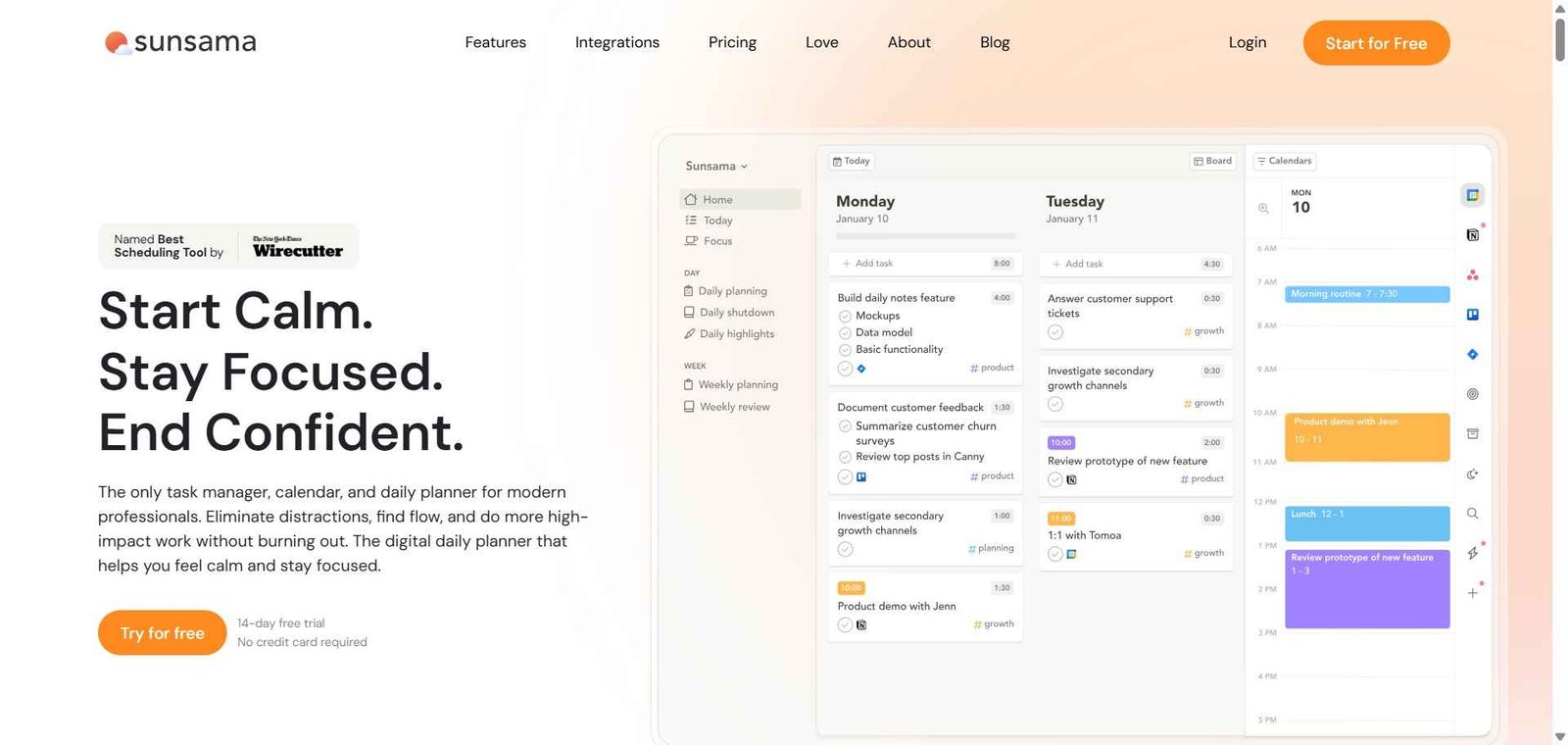
Sunsama — Better for guided daily planning rituals with intentional shutdown reviews for deliberate workday closure
Clockwise — Better for team-wide calendar optimisation and focus time protection across an organisation
Frequently Asked Questions (FAQ)
What is Trevor AI?
Trevor AI is an AI-powered daily planning app that connects task lists and calendars — using AI to suggest optimal time blocks for tasks, predict task durations, and help users build realistic daily schedules through a unified visual planning interface.
Is Trevor AI free?
Yes — Trevor AI offers a free plan covering core task and calendar sync, basic AI scheduling, and focus mode. The Pro plan adds unlimited tasks, advanced AI features, and analytics at approximately $3.99 to $4.99/month.
What calendar apps does Trevor AI support?
Trevor AI syncs with Google Calendar and Microsoft 365 — covering the two most common calendar platforms for professionals and students.
How does Trevor AI predict task duration?
Trevor’s AI estimates how long each task will take based on task type, title, assigned project, and historical completion patterns — surfacing a duration suggestion that helps users schedule more realistic daily plans than pure intuition produces.
Does Trevor AI work on mobile?
Trevor AI is web-based and accessible on mobile browsers for both iOS and Android — without a dedicated native app download required.
How does Trevor AI compare to Motion?
Motion fully automates task scheduling — building the entire daily plan automatically without user input. Trevor AI provides AI suggestions and predictions but requires the user to confirm scheduling decisions through drag-and-drop. Trevor for users who want AI assistance alongside personal control over each scheduling decision. Motion for users who want the AI to build the schedule autonomously.
Final Recommendation
Trevor AI is the most accessible AI daily planning tool for professionals and students who want to bridge the gap between their task list and their calendar without the complexity of fully automated scheduling platforms. The unified visual view, AI time block suggestions, and task duration predictions deliver practical daily planning improvement at a free-to-try price point that removes every barrier to starting. For any professional whose task list consistently outlasts their completed items at the end of the day, Trevor AI makes the planning step faster, more realistic, and more likely to result in tasks that actually get done.