Beautiful AI Review: AI Presentation Maker That Designs Slides Automatically
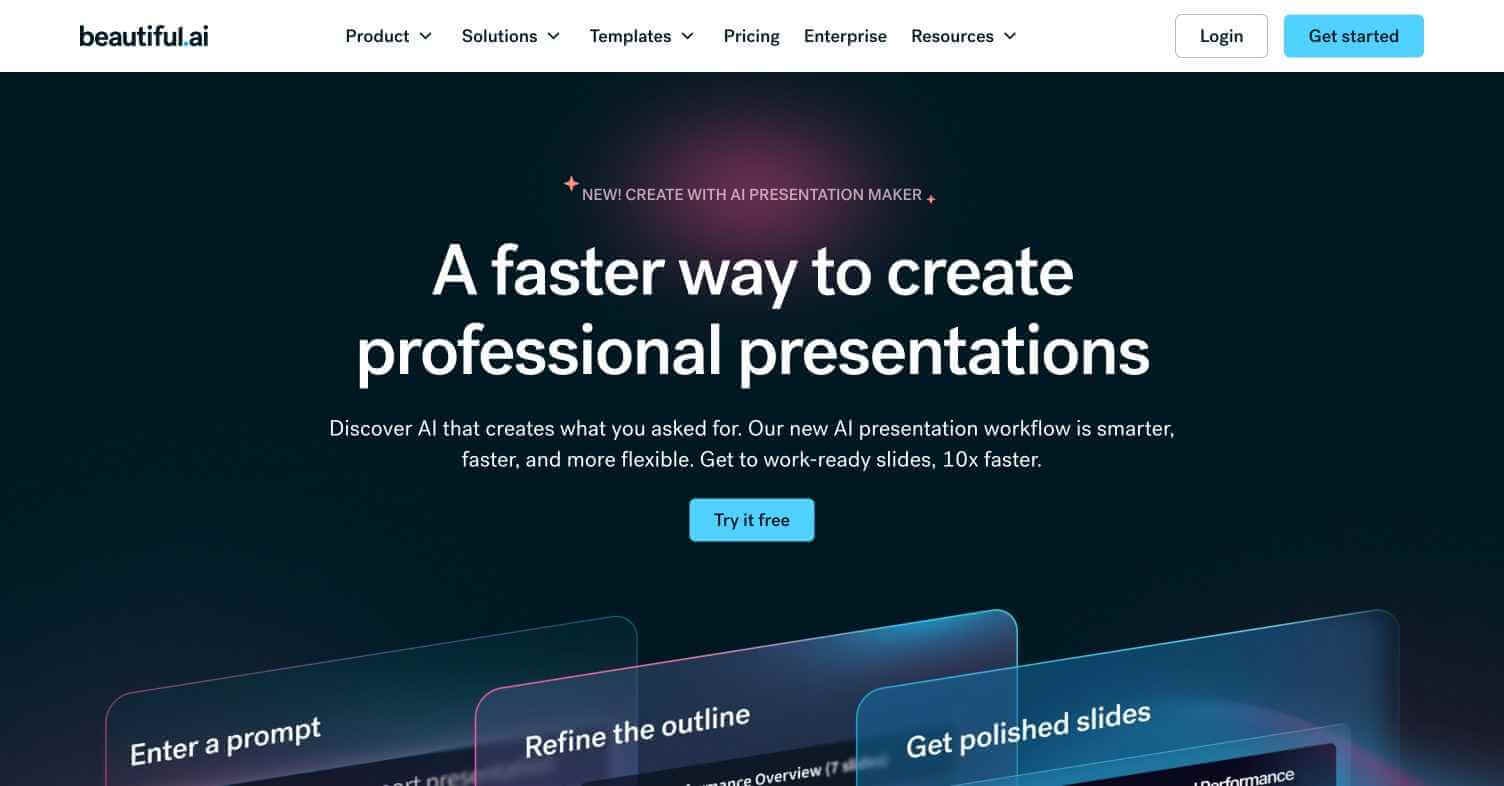
The problem with most presentation tools is that the blank slide is a design problem, not a content problem. Most people know what they want to say — they just don’t know how to make it look professional. Beautiful AI solves that by designing the slide for you as you add content. It is not generating presentations from prompts like Gamma — it is making every design decision automatically as you type, so the output always looks polished without any manual formatting work.
Quick Summary
Beautiful AI is an AI-powered presentation platform that automatically designs and formats slides in real time as you add content, using smart slide templates that adapt to your text, images, and data.
Is it worth using? Yes — the best tool for producing consistently polished presentations without any design knowledge or manual formatting. Who should use it? Business professionals, consultants, sales teams, and anyone who needs professional-looking presentations regularly without a design background. Who should avoid it? Teams needing full AI generation from a text prompt (use Gamma) or pixel-precise design control (use PowerPoint or Keynote).
Verdict Summary
Best for
Business professionals who present regularly and want consistent visual quality
Sales teams needing professional pitch decks produced quickly
Consultants and agencies delivering client-facing presentations at scale
Not for
Users wanting AI to generate the entire presentation from a prompt automatically
Designers needing pixel-level control over every element
Teams needing offline presentation editing
Rating ⭐⭐⭐⭐ 4.3 / 5
What Is Beautiful AI?
Beautiful AI is an AI presentation platform founded in 2016 that pioneered the concept of smart slide design — templates that automatically reformat and rebalance their layout as you add, remove, or edit content. Unlike PowerPoint where you manually drag and resize every element, Beautiful AI’s smart templates maintain professional proportions, spacing, and alignment automatically regardless of how much content you add.
The platform’s AI layer adds presentation generation from prompts, suggesting relevant slide structures and layouts based on your topic, and automatically selecting appropriate data visualisations for numeric content.
How Beautiful AI Works
Start with a new presentation — Create a new deck and choose between AI generation from a prompt or starting from a template category.
Use AI to generate structure — Input your topic and Beautiful AI suggests a presentation structure with relevant slide types pre-populated with placeholder content.
Add your content — Type directly into smart slide templates. The layout automatically rebalances as you add or remove text, images, and data.
Customise your theme — Choose a colour palette, font combination, and brand assets. Beautiful AI applies them consistently across all slides automatically.
Add data and charts — Input data and Beautiful AI automatically selects and formats the most appropriate chart type.
Share and present — Publish online, share a live link, or export as PDF or PowerPoint.
Key Features
Smart slide templates that auto-rebalance layout as you edit
AI presentation generation from text prompt
60+ smart slide types covering every common business use case
Automatic chart and data visualisation selection
Brand kit — consistent fonts, colours, and logos across all presentations
Real-time collaboration for team presentations
Analytics — see who viewed your presentation and for how long
PowerPoint and PDF export
Real-World Use Cases
Sales pitch decks: Build consistently professional investor and client pitch decks faster than manual formatting allows.
Business reporting: Create monthly reports with data visualisations that format automatically from your numbers.
Consulting deliverables: Produce client-facing strategy presentations with consistent professional quality across every engagement.
Team presentations: Collaborate on internal presentations with shared brand consistency across the whole team.
Gamma — Better for AI generation from a prompt, less smart-template auto-formatting
Prezi AI — Non-linear presentation format for storytelling-style presentations
WorkPPT — Similar AI presentation tool with different template library
Canva AI — More design flexibility and broader creative use cases
Frequently Asked Questions (FAQ)
What is Beautiful AI?
Beautiful AI is an AI presentation platform with smart slide templates that automatically design and reformat slides as you add content, producing consistently professional results without manual formatting.
Is Beautiful AI free?
A limited free plan is available. The Pro plan at $12/month provides full access to all smart slide types, unlimited slides, and brand kit.
How does Beautiful AI differ from PowerPoint?
Beautiful AI’s smart templates automatically maintain professional layout and proportions as you edit — eliminating the manual formatting work that PowerPoint requires for every change.
Can Beautiful AI generate a full presentation from a prompt?
Yes — Beautiful AI includes AI generation that creates a structured deck with relevant slide types from a text description of your topic.
Does Beautiful AI support real-time collaboration?
Yes — real-time collaboration is available on the Team plan, allowing multiple users to edit simultaneously.
Can I export Beautiful AI presentations to PowerPoint?
Yes — PowerPoint export is available on the Pro plan and above, though some smart formatting may simplify in the exported file.
Final Recommendation
Beautiful AI is the right tool for any business professional who creates presentations regularly and spends too much time on manual formatting. The smart template system produces results that look designed without requiring any design skill. The Pro plan at $12/month pays for itself the first time you deliver a polished presentation in half the time it would have taken in PowerPoint.