Linear Review: AI Project Management Tool That Respects How Software Teams Actually Work
Most project management tools were built for project managers. Linear was built for the engineers, designers, and product people who actually do the work. Everything in Linear is designed around speed — keyboard-first navigation, instant search, sub-second performance, and an interface that never makes you click through five screens to do something simple. The AI layer added through Linear Asks and automated project insights makes it the most capable tool available for software teams who want intelligent project management without sacrificing the performance they rely on daily.
Quick Summary
Linear is an AI-powered project management platform built specifically for software development teams, combining fast keyboard-driven issue tracking with roadmap planning, cycle management, and AI-powered insights in a tool that consistently outperforms Jira and Asana on speed and usability.
Is it worth using? Yes for any software team that has experienced frustration with Jira’s sluggishness or Asana’s project-management-first approach and wants a tool purpose-built for how engineering teams work. Who should use it? Software engineers, product managers, designers, and engineering leads at startups and scaling technology companies who need fast, focused project and issue management. Who should avoid it? Non-technical teams managing marketing campaigns, HR workflows, or general business projects where Asana or Notion are better suited.
Verdict Summary
Best for
Software engineering teams who need fast, keyboard-driven issue tracking that does not slow down their workflow
Product managers planning and communicating roadmaps with engineering teams in a shared tool
Startups and scale-ups that have outgrown GitHub Issues but find Jira too slow and complex
Not for
Non-technical teams managing general business projects without a software development context
Organisations that need time tracking, resource management, and financial project reporting
Teams with complex approval workflows and non-developer stakeholders as primary users
Rating ⭐⭐⭐⭐⭐ 4.8 / 5
What Is Linear?
Linear is a software project management platform designed around the principle that project management tools should be fast enough that they never interrupt the thinking of the people using them. Sub-second performance, keyboard shortcuts for every action, and a clean interface that surfaces what matters without visual noise have made it the tool that engineering teams at companies like Vercel, Loom, and Raycast choose when they want to move fast.
Its AI capabilities include Linear Asks, which lets non-engineering stakeholders submit requests that the AI triages and routes to the appropriate team, and automated project health summaries that surface risks and status updates without requiring manual reporting. The result is a project management experience that teams describe as the first tool that genuinely gets out of their way.
How Linear Works
Create your workspace and invite your team. Linear organises around teams, each with their own issue tracker, cycles, and projects. Set up your team structure to match how your engineering organisation is divided.
Create and manage issues. Create issues with a keyboard shortcut from anywhere in the app. Add title, description, assignee, priority, status, and labels in seconds. Issues move through your defined workflow states as work progresses.
Organise work into cycles. Cycles are Linear’s equivalent of sprints — time-boxed periods of focused work. Add issues to a cycle, track progress, and review completed versus unfinished work at the end of each cycle.
Plan your roadmap. Use Projects to group related issues into initiatives with milestones and target dates, giving the product and leadership team a clear view of what is being built and when.
Use Linear Asks for stakeholder requests. Connect Slack to Linear Asks so anyone in the company can submit requests that the AI routes to the right team without creating noise in engineering channels.
Review AI project insights. Linear surfaces automated health summaries for projects, flagging issues with no owner, overdue milestones, and blocked work without requiring manual status updates.
Key Features
Sub-second performance with keyboard-first navigation throughout the interface
Cycle management for sprint-style focused work periods with progress tracking
Roadmap planning with projects, milestones, and initiative tracking
Linear Asks for AI-routed stakeholder request management via Slack
Automated project health summaries identifying risks and blockers
GitHub, GitLab, and Figma integrations connecting code and design to issues
Custom workflow states and labels for team-specific process management
API and webhooks for custom integrations and automation workflows
Real-World Use Cases
Engineering sprint management: Run focused two-week cycles with clear priorities, track daily progress, and review what was completed versus deferred at the end without manual reporting overhead.
Product roadmap communication: Build a shared roadmap that engineering and product teams maintain together, giving leadership and stakeholders a clear view of what is planned and in progress.
Stakeholder request management: Use Linear Asks to give non-engineering colleagues a structured way to submit requests that reach engineering without flooding Slack channels or creating Jira tickets manually.
Cross-team initiative tracking: Group related work across multiple engineering teams into a single project with shared milestones, tracking progress toward a product launch or major feature release.
Sub-second performance makes it genuinely faster than every alternative
Not suited for non-technical team project management workflows
Keyboard-first design reduces friction significantly for power users
No native time tracking or resource management features
AI project health summaries reduce manual status reporting
Limited customisation compared to Jira for complex enterprise workflows
Linear Asks elegantly solves the stakeholder request problem
File storage and document management less developed than Notion
Clean interface that engineering teams consistently prefer
Enterprise features require higher plan tiers
Pricing & Plans
Free — $0/month
Up to 250 issues
Unlimited members
Core issue tracking
3 active projects
Basic — $8/user/month
Unlimited issues and projects
Cycles and milestones
GitHub and GitLab integration
Priority support
Business — $16/user/month
All Basic features
Advanced roadmaps
Linear Asks
Admin tools and SSO
Advanced analytics
Enterprise — Custom pricing
All Business features
Dedicated support
Custom security and compliance
SLA guarantees
Best Alternatives & Comparisons
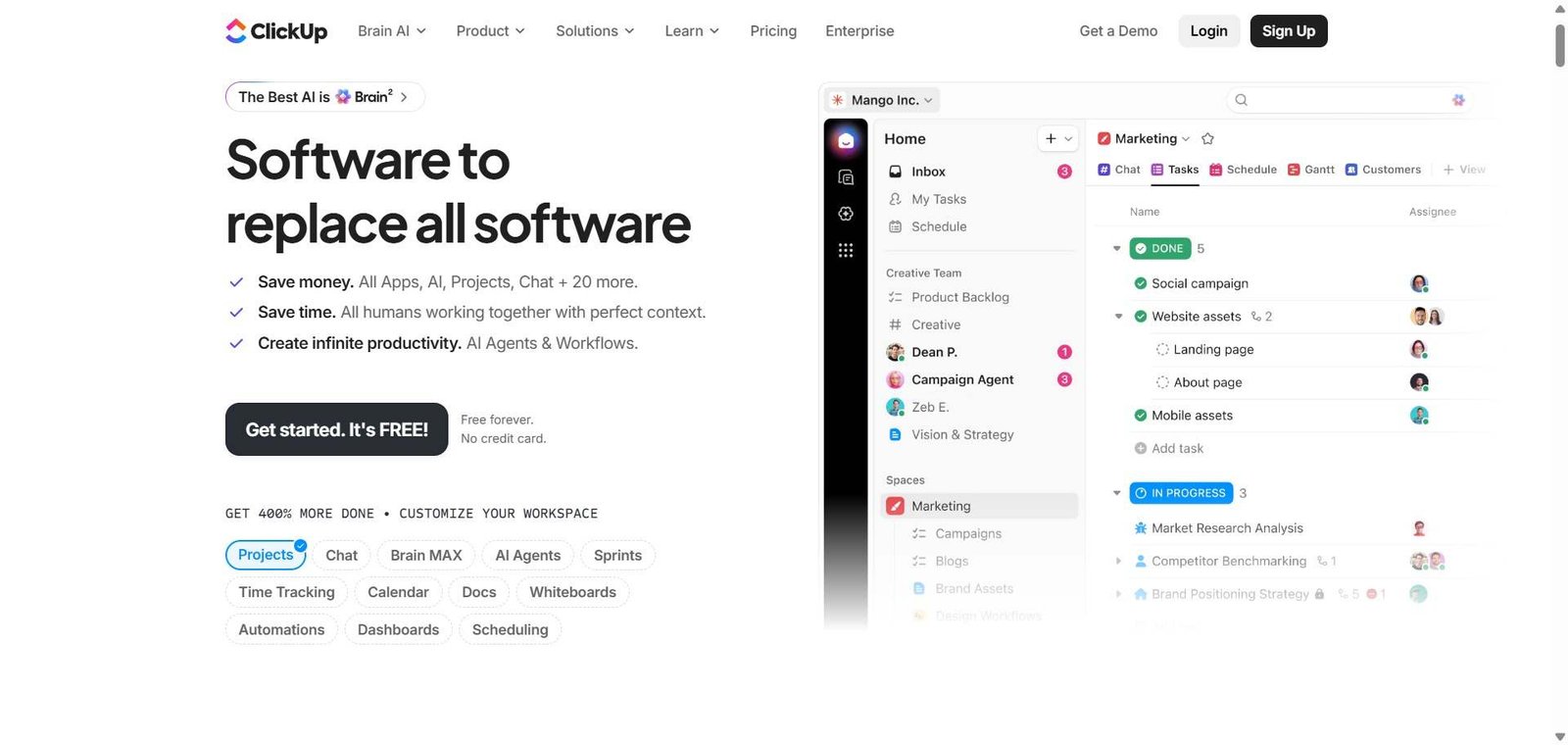
ClickUp — Better for cross-functional teams needing time tracking, docs, and general project management beyond engineering
Notion AI — Better for knowledge management and flexible databases alongside project tracking, less performant for engineering workflows
Miro AI — Better for visual collaboration and diagramming, not a project management replacement
Reclaim AI — Better for individual productivity and calendar management, complements Linear rather than competing with it
Frequently Asked Questions (FAQ)
What is Linear?
Linear is an AI-powered project management platform built for software teams, combining fast keyboard-driven issue tracking with cycle management, roadmap planning, and AI-powered project health insights.
Is Linear free?
Yes, Linear offers a free plan for up to 250 issues with unlimited team members. The Basic plan at $8/user/month removes limits and adds integrations.
How does Linear compare to Jira?
Linear is significantly faster, has a cleaner interface, and is much easier to set up and use. Jira has more customisation options and deeper enterprise workflow capabilities. Most engineering teams who switch from Jira to Linear report meaningful productivity improvements.
What is Linear Asks?
Linear Asks is a feature that connects to Slack, allowing anyone in the company to submit requests that Linear’s AI routes to the appropriate engineering team, reducing unstructured Slack messages and improving request visibility.
Does Linear integrate with GitHub?
Yes, Linear integrates natively with GitHub and GitLab, linking branches, commits, and pull requests to issues automatically, keeping code and project tracking in sync.
Is Linear suitable for non-technical teams?
Linear is purpose-built for software development teams. Non-technical teams managing general business projects are better served by tools like Asana, Notion, or ClickUp.
Final Recommendation
Linear is the most consistently praised project management tool among software teams who have tried everything else. The performance and keyboard-first design are not marketing claims — they produce a genuinely different daily experience compared to Jira or Asana. For any engineering team that spends meaningful time fighting their project management tool, Linear is worth switching to immediately. The free plan supports enough work to evaluate it thoroughly before committing to a paid plan.