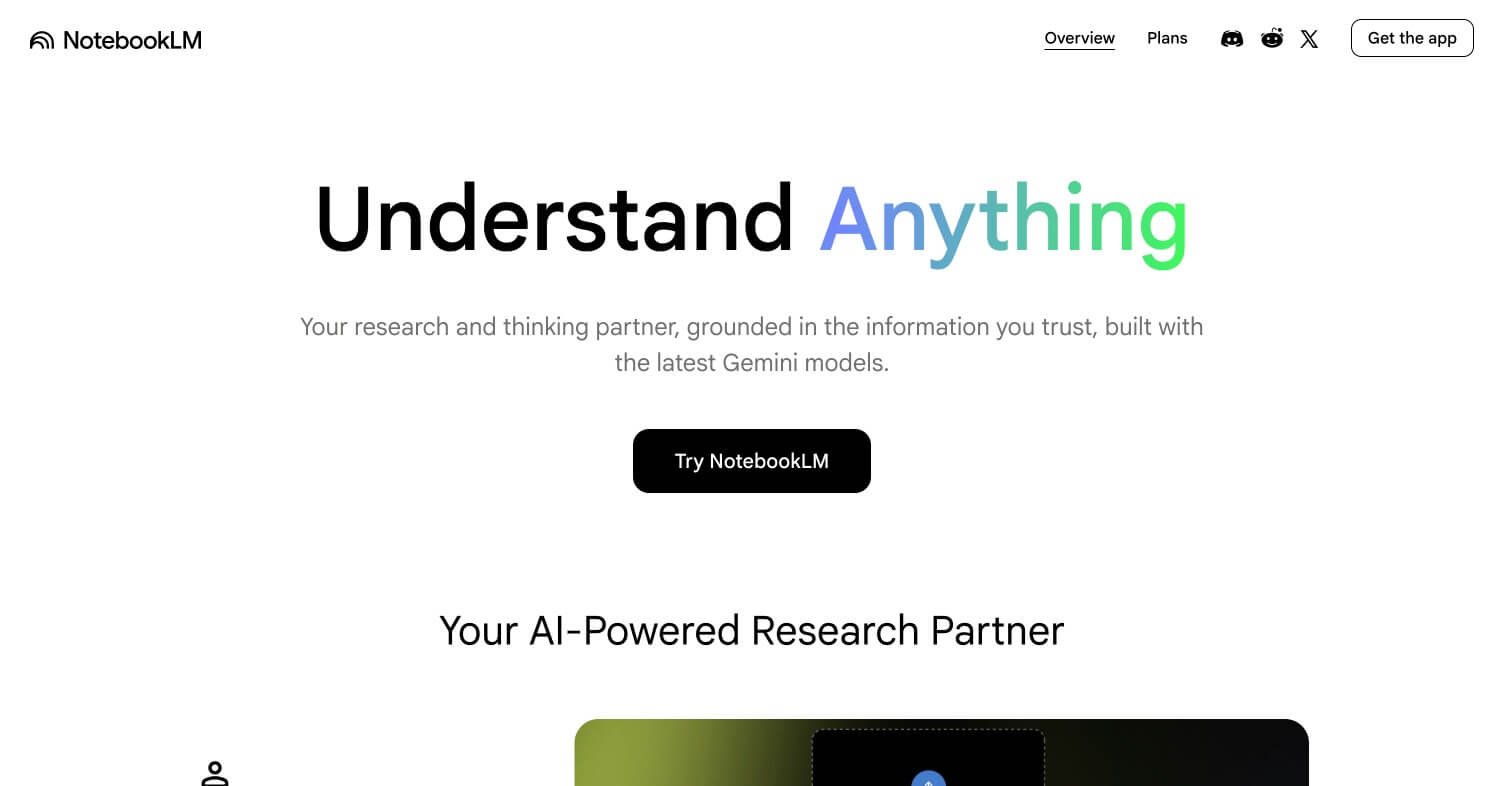
NotebookLM Review: Google's AI Tool That Turns Your Documents Into a Research Assistant
Most AI tools answer questions from their training data. NotebookLM answers questions exclusively from documents you upload — your PDFs, Google Docs, YouTube links, web pages, and notes. The result is a research assistant that only knows what you tell it, making every answer grounded, citable, and directly relevant to your actual work. It is one of the most practically useful free AI tools Google has ever released.
Quick Summary
NotebookLM is a free AI research assistant from Google that reads your uploaded documents and answers questions, generates summaries, and creates audio overviews based only on your source material.
Is it worth using? Yes — one of the most genuinely useful free AI tools available in 2026.
Who should use it? Students, researchers, writers, analysts, and professionals working with large volumes of documents.
Who should avoid it? Users needing general-purpose AI chat or creative content generation unrelated to specific documents.
Verdict Summary
Best for
Researchers and students needing to extract insights from large document sets
Professionals analysing reports, contracts, and research papers quickly
Podcast-style audio summaries of long-form content using the Audio Overview feature
Not for
General-purpose AI conversation or creative writing tasks
Real-time web search and current events research (use Perplexity AI instead)
Teams needing collaborative document workflows at enterprise scale
Rating ⭐⭐⭐⭐⭐ 4.8 / 5
What Is NotebookLM?
NotebookLM is an AI-powered research and note-taking tool developed by Google Labs, first launched in 2023 and significantly upgraded through 2025 and 2026. Unlike general AI assistants that draw from broad training data, NotebookLM operates exclusively within a closed knowledge base you build yourself — called a Notebook — by uploading your own source materials.
You can upload PDFs, paste in Google Docs links, add YouTube video URLs, include web pages, and write your own notes. NotebookLM then reads all of those sources and becomes an expert specifically in your content. Every answer it gives cites the exact source and passage it drew from, eliminating hallucination on topics covered by your documents.
The Audio Overview feature — which generates a natural-sounding two-host podcast-style discussion of your uploaded material — became one of the most talked-about AI features of 2024 and remains unique in the market.
How NotebookLM Works
Create a Notebook — Sign in at notebooklm.google.com with a Google account and create a new Notebook for your research project, subject, or document set.
Upload your sources — Add PDFs, Google Docs, YouTube links, website URLs, copied text, or written notes. NotebookLM supports up to 50 sources per Notebook with up to 500,000 words per source.
Ask questions in the chat panel — Type any question about your uploaded material and NotebookLM answers using only your sources, citing the exact passage and document for every claim.
Generate study guides and summaries — Use the built-in tools to generate FAQs, briefing documents, timelines, and summaries from your source material automatically.
Create an Audio Overview — Generate a two-host podcast-style audio discussion of your uploaded material that you can listen to on the go.
Save notes and highlights — Pin important answers, save key quotes, and build a structured set of notes that link back to your original sources.
Key Features
Closed-source AI — answers only from your uploaded documents, no hallucination on covered topics
Inline citations linking every answer to the exact source passage
Audio Overview — AI-generated podcast-style discussion of your uploaded material
Support for PDFs, Google Docs, YouTube, web pages, and plain text
Study guide and FAQ generation from source material
Briefing documents and timeline generation
Up to 50 sources and 500,000 words per source per Notebook
Real-World Use Cases
Academic research: Upload 20 research papers and ask specific cross-document questions in seconds rather than hours of manual reading.
Contract and legal review: Drop in long agreements and ask plain-language questions about specific clauses, obligations, and terms.
Podcast and content preparation: Upload source material and generate an Audio Overview to brief yourself before recording or writing.
Exam revision: Upload lecture notes, textbooks, and past papers and use the FAQ generator to create a personalised study guide.
NotebookLM Plus — Available via Google One AI Premium ($19.99/month)
5x more Audio Overviews per day
5x more Notebooks and sources
Customisable Audio Overview style
Notebook sharing and collaboration
Best Alternatives & Comparisons
Perplexity AI – Better for real-time web research with citations, not document-specific analysis
ChatPDF – Similar document Q&A but limited to single PDFs rather than multi-source Notebooks
Claude AI – Stronger for long document analysis and creative tasks, but not grounded exclusively in your uploads
Coral AI – Similar document analysis tool with a simpler interface for single-document use cases
Frequently Asked Questions (FAQ)
What is NotebookLM?
NotebookLM is a free AI research tool from Google that answers questions exclusively from documents you upload, with inline citations for every response.
Is NotebookLM free?
Yes — NotebookLM is completely free to use. A Plus tier with higher limits is available through the Google One AI Premium subscription at $19.99/month.
What file types does NotebookLM support?
NotebookLM supports PDFs, Google Docs, Google Slides, web page URLs, YouTube video links, and plain text notes.
How many documents can I upload to NotebookLM?
Up to 50 sources per Notebook on the free plan, with up to 500,000 words per source.
Does NotebookLM search the web?
No — NotebookLM only answers from the sources you upload. It does not search the live web. Use Perplexity AI for real-time web research.
Final Recommendation
NotebookLM is one of the most genuinely useful free AI tools released in the past two years. For anyone who regularly works with large volumes of documents — research papers, contracts, reports, study materials — it eliminates hours of manual reading and replaces it with precise, cited answers from your own source material. The fact that it is entirely free makes it an immediate addition to any knowledge worker’s toolkit.